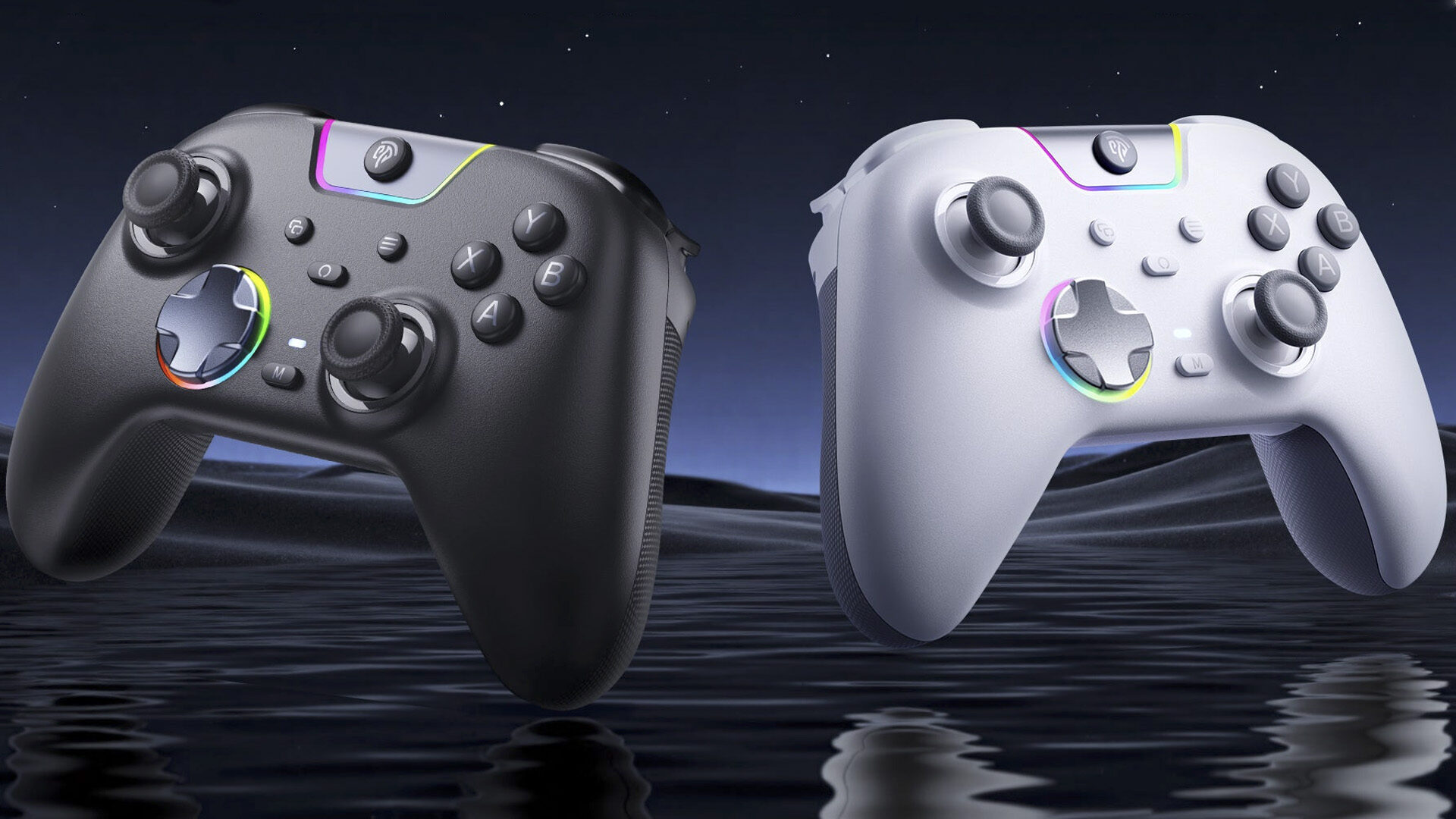


I was excited to take a look at the EasySMX X05 Pro Gaming Controller for multiple reasons. It’s been a while since I received a cool piece of tech to review, and new controllers are always coming out, so I’m always interested to see what new things are being brought to the table.
Not only that, the last controller I reviewed certainly left a lot to be desired, so I was excited to see how this new one would fare.And it is genuinely impressive. The EasySMX X05 Pro Gaming Controller offers a sleek, stylish, and well-constructed controller that is easy on the eyes and even easier on the wallet. It’s a fairly low-frills controller that prioritizes function without sacrificing comfort and ease of use.
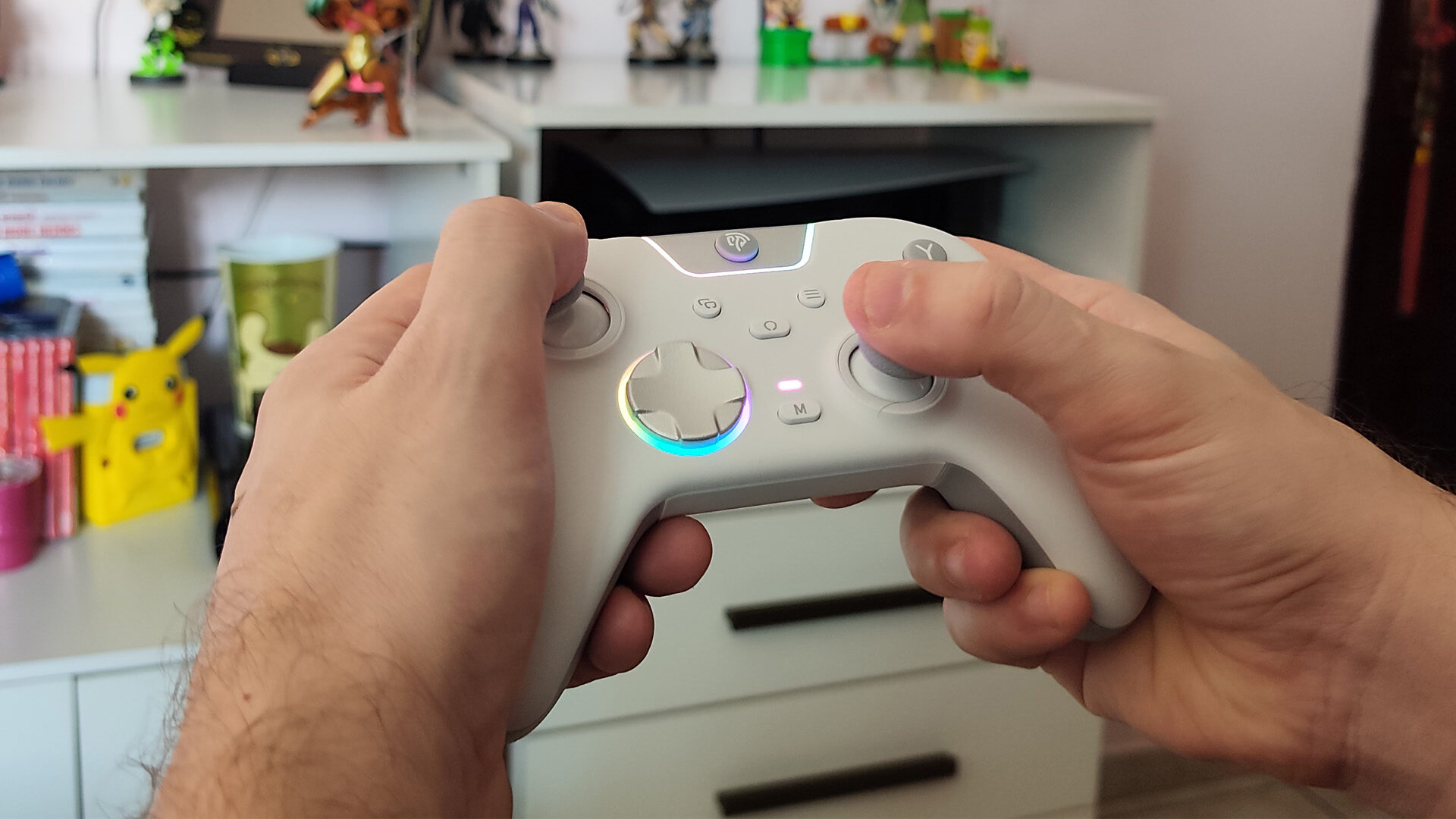
Beginning with its form factor, the EasySMX X05 Pro feels great in the hands, weighing in at 6.18” x 3.74” x 2.55” inches—just slightly smaller than the Snakebyte Gamepad Pro S2, but similar to the Nintendo Switch 2 Pro Controller. It has a smooth, ergonomic design that feels comfortable in the palms of your hands. While the controller is functional with both the PC and Nintendo Switch, it is modeled more closely to the XBOX Series X|S controllers, with a similar Menu and View buttons and a similar A, B, X, Y button layout.
“The EasySMX X05 Pro Gaming Controller offers a sleek, stylish, and well-constructed controller that is easy on the eyes and even easier on the wallet.”
But the devil’s in the details, and the EasySMX X05 Pro absolutely nails the fundamental design of the controller. Designed with quiet play in mind, the face buttons feature more than 10 noise-reduction points and silicone dampeners to reduce the harsh clickiness you get from standard Joy‑Cons or more basic controllers. It gives each button press a soft yet tactile feel that is light and responsive.
This extends to the dual-stage Hall Triggers, which have a firm yet cushioned resistance that can swap between a full and half press thanks to the locking switch on the backside of the controller. I always love the feeling of a fully articulated trigger; however, since the Nintendo Switch doesn’t make use of it due the core design of the Joy-Cons and Pro Controller, being able to switch—wink—to a firmer and responsive LT/RT adds a lot of versatility when playing across platforms.
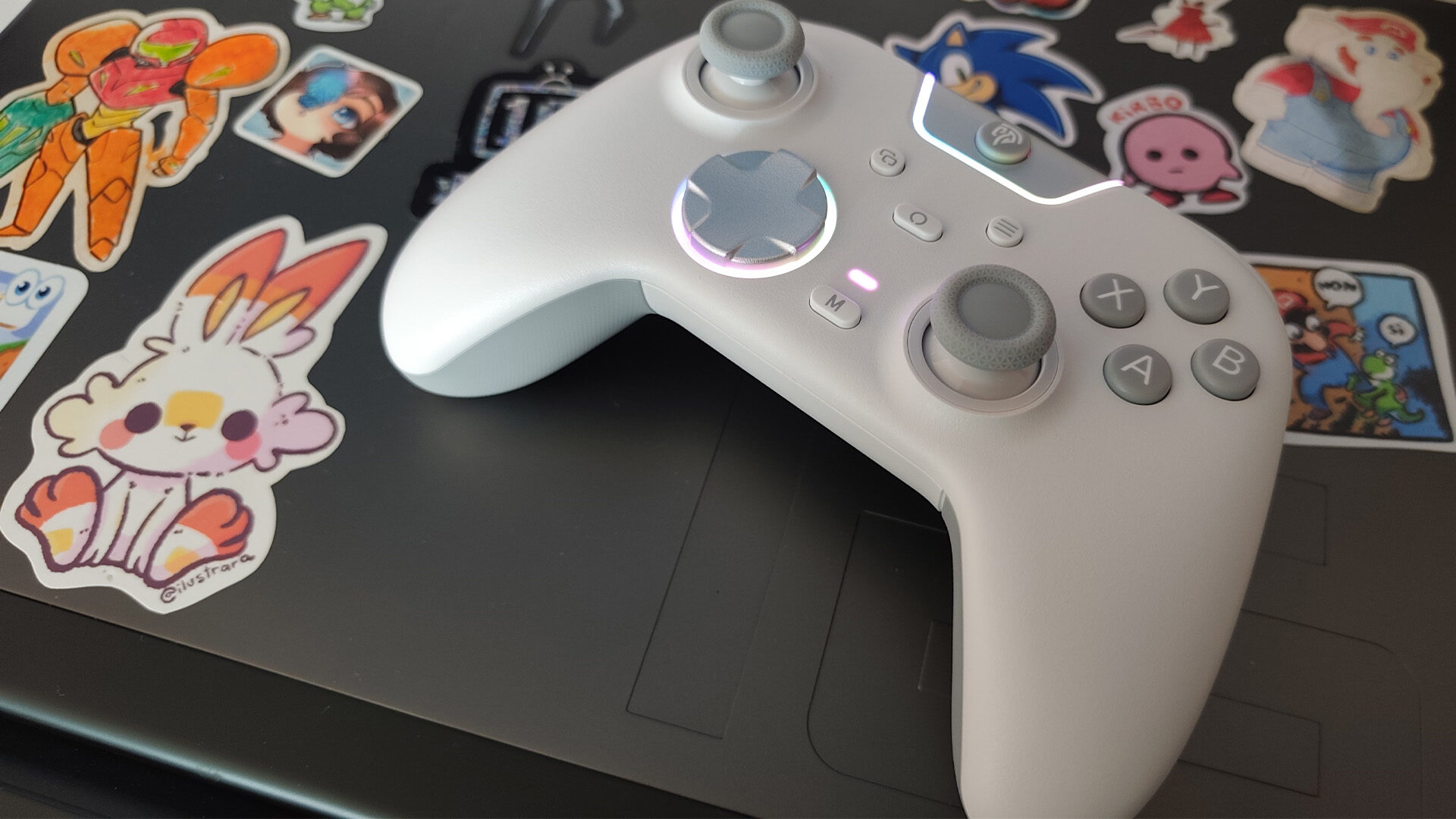
In addition to this, the EasySMX X05 Pro adds two additional shoulder buttons—labelled M1/M2—that are nestled in the top corner of the controller at the edge of the right and left bumpers, and while its theoretically good placement, I felt myself fumbling with them a little and wished they’d be placed on the bottom of the controller, similar to the Switch 2 Pro Controller or even the Snakebyte Gamepad Pro S2.
And despite its similarities to modern XBOX controllers, the EasySMX X05 Pro has a surprisingly solid D-Pad. I tend to like more defined D-Pads, but the recessed pivot structure has a really responsive and solid feel that offers a lot of precise inputs. This is backed by the Hall-effect sticks that offer precise maneuvers and minimal resistance and go some way to cover a lack of motion controls, particularly for Switch play.
“The EasySMX X05 Pro absolutely nails the fundamental design of the controller.”
During my testing, I booted up the Capcom Fighting Collection Vol. 1 for a little Vampire Savior—which is a game that has some genuinely precise inputs for moves—and feedback was immediate and exact. Switching over to something a little more taxing, I booted up DOOM (2016) on my PC, and running and gunning was smooth and satisfying, with every crunch and boom being impactful thanks to the controller’s haptic feedback.
And unlike the last controller I tested, the EasySMX X05 Pro Gaming Controller actually works at a distance greater than two feet—which feels like a low bar to have to clear, but here we are. Not only that, pairing with the Switch was seamless and didn’t require multiple reconnections to the Switch, thanks in large part to a solid Bluetooth connection, made even better by a 2.4 GHz wireless dongle. Pairing to the PC was as simple as plugging in the controller or connecting the dongle, without any need to add new devices.
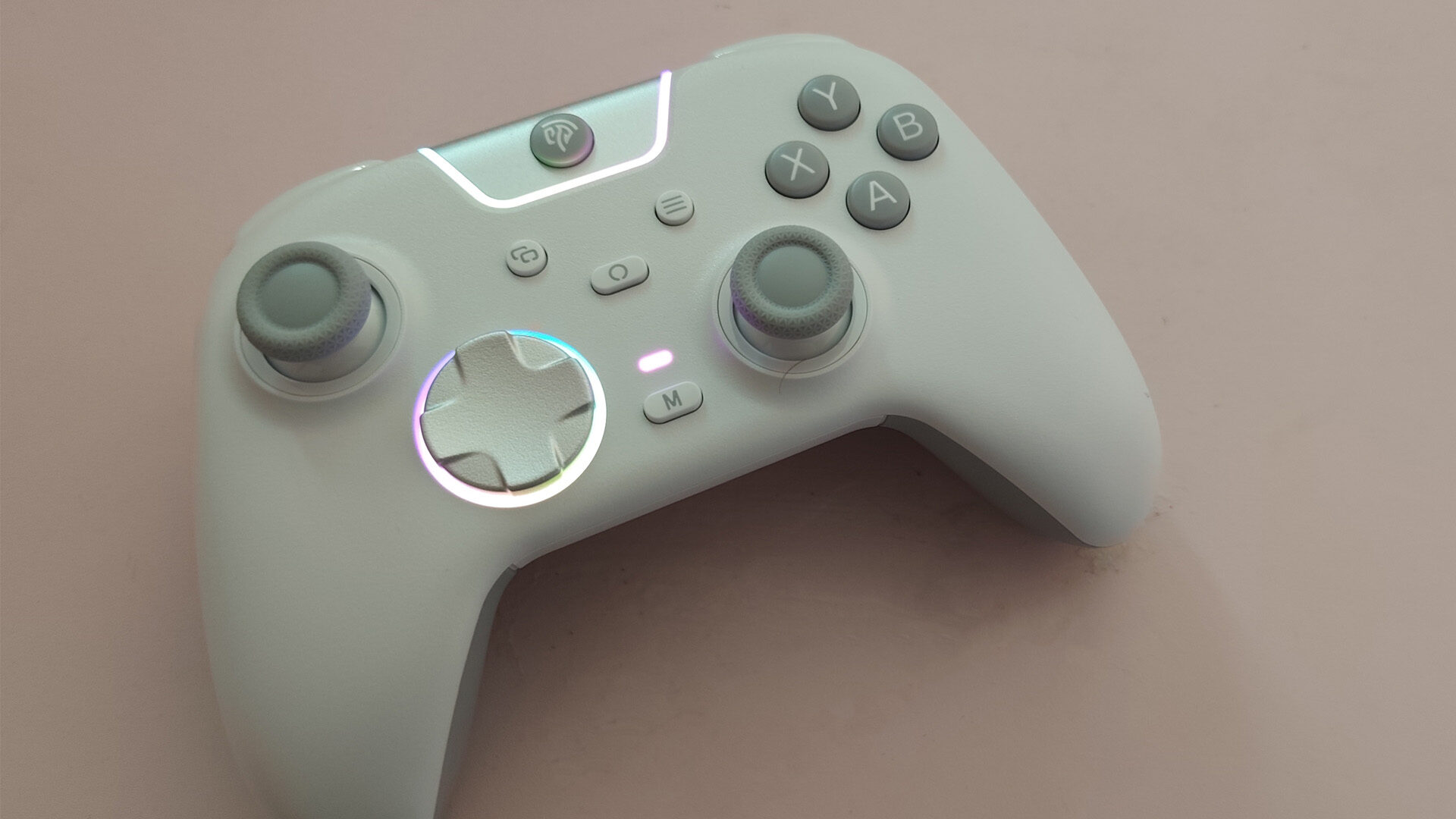
And while I wish the EasySMX X05 Pro had a little more going on with its RGB lighting, it does offer a kind of minimalist style that highlights the D-Pad and the frame around the Home button. The whole unit has a clean matte finish and looks remarkably sleek with accented grey buttons—if you opted for the white version like I did. And the controller’s palm grips have a firm gripped texture that both stands out against the white and adds a bit more control to handling.
The EasySMX X05 Pro Gaming Controller is a pretty impressive unit, especially for one with a $35.99(USD) price tag. It easily entered my side-table controller collection and will definitely be a star player in future multiplayer sessions. For a genuinely solid controller that won’t break the bank, this is certainly worth a look.