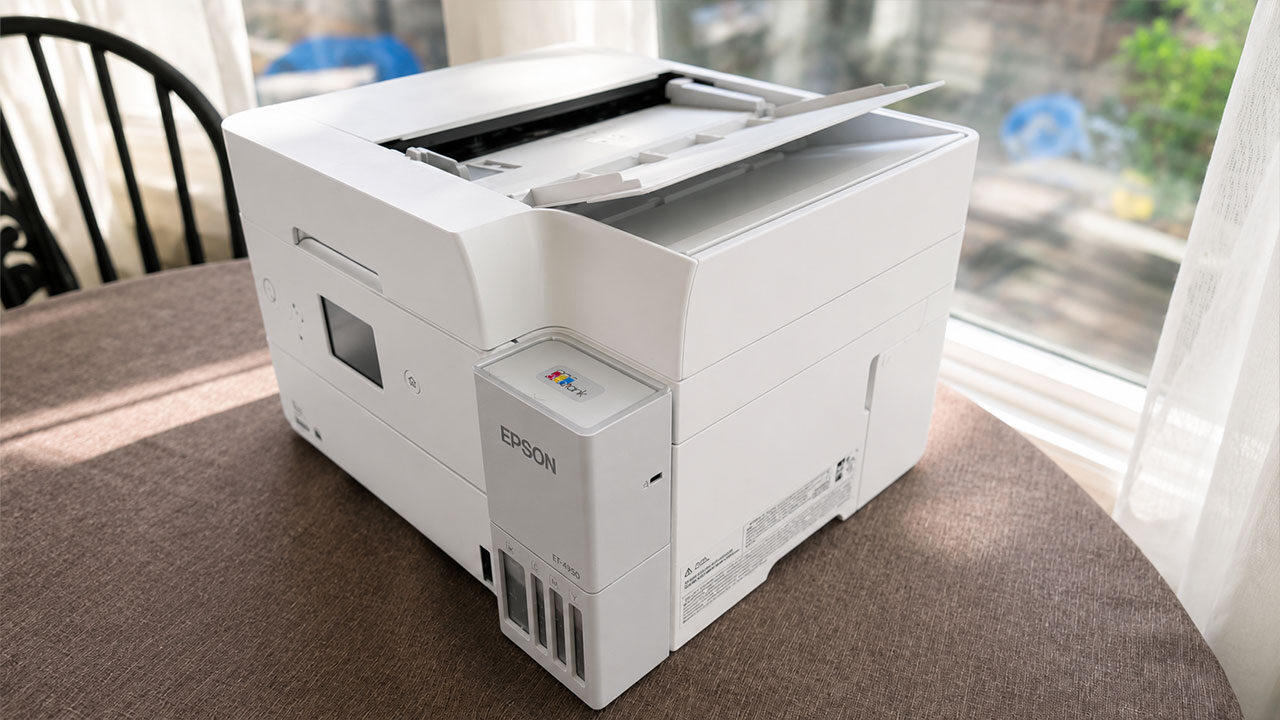


Before taking the Epson EcoTank ET-4950 Wireless All-In-One Colour Supertank Printer for a spin, I had almost written off the necessity of having a printer at home.
Even as a freelance creative, my frustration with household printers has been mounting for the better part of a decade. With prices rising and pages per cartridge dropping, and companies trying to force cartridge subscription services, a printer no longer seemed worthwhile or feasible. Freeing up the home office space and releasing my wallet of its obligation to Canon and HP seemed appealing.
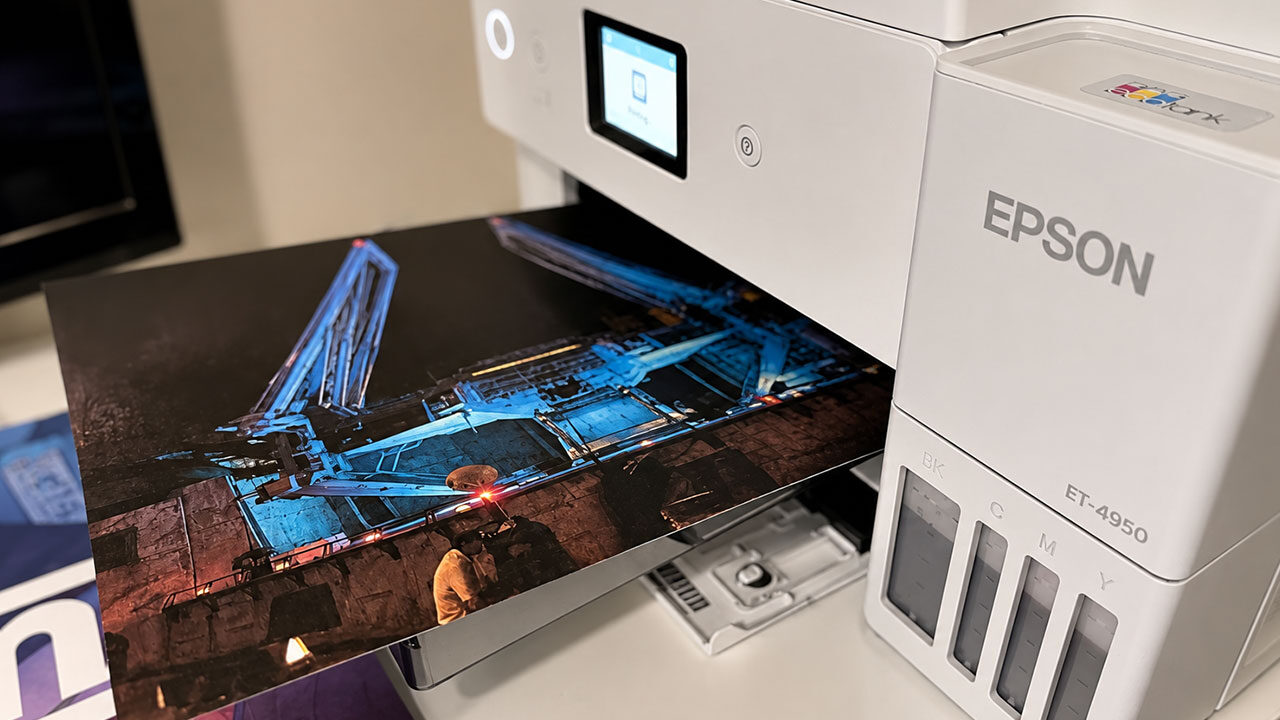
However, Epson’s EcoTank ET-4950 has shown me that it’s ink cartridges that are a thing of the past—and that printing at home is still viable and worthwhile.
Epson’s desktop wonder is an all-in-one powerhouse, equipped to print, scan, photocopy, and even fax. That last function may seem irrelevant in 2026, and raises the ET-4950’s MSRP $70 CAD higher than its closest relative, the ET-3950, but it does help elevate the machine’s overall versatility for home offices or customers who work from home.
“Epson’s EcoTank ET-4950 has shown me that it’s ink cartridges that are a thing of the past—and that printing at home is still viable and worthwhile.”
This printer’s defining feature is its ink tank, which does away with expensive cartridges. Instead of swapping out a little plastic component, the EcoTank is filled by pouring ink bottles directly into the reservoir. Four distinct taps inside the tank hold the component black, cyan, magenta, and yellow inks, which are added (and eventually refilled) individually.
I admit, I hesitated at the prospect of dumping ink bottles in my den office, but the process of filling the ET-4950’s reservoirs was surprisingly easy. Once tilted upside down and slotted into nozzles on their respective tanks, the sample bottles provided with the unit discharged automatically without spewing ink on my workspaces or carpets. This gave each component about 80% of its potential capacity.
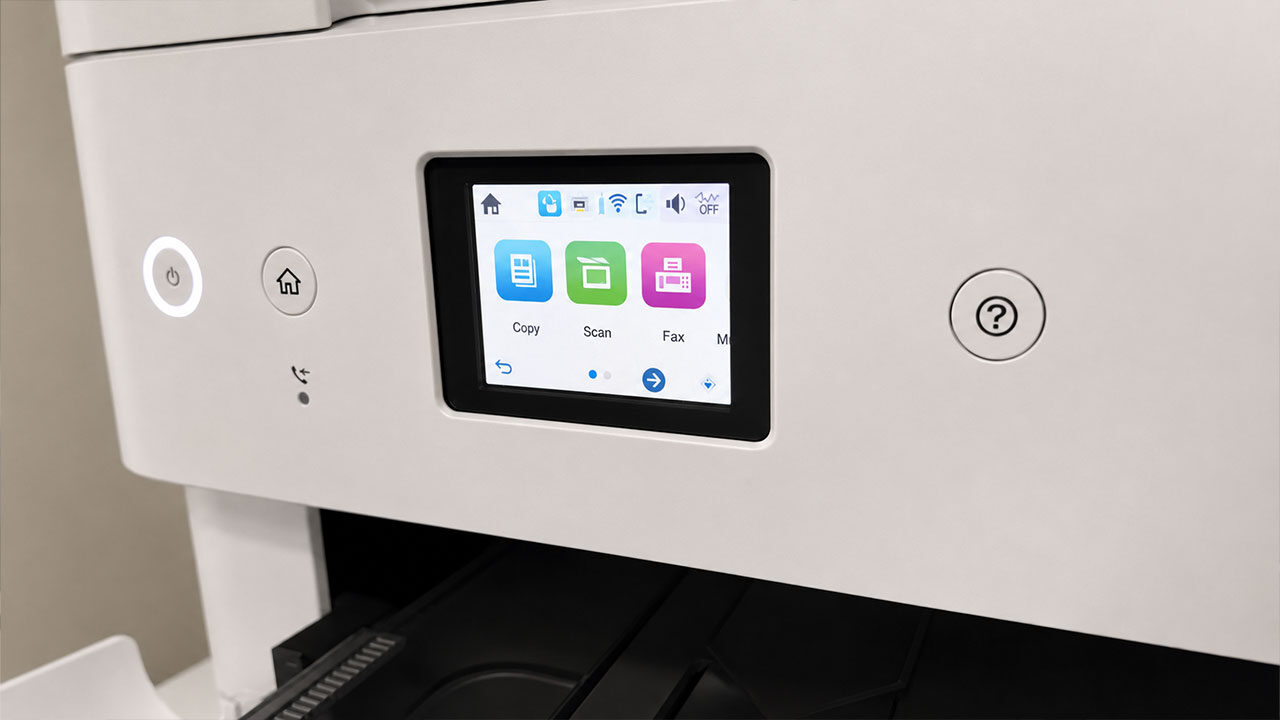
By Epson’s estimates, each EcoTank printer comes with enough ink to print up to 5000 pages—equivalent to a box worth of paper. That’s certainly an impressive figure, and the actual replacement ink bottles on sale at retailers have an even larger capacity. Naturally, these estimates will vary depending on what’s being printed, but after some extensive testing, I was amazed at how little the ink levels had changed (according to both the app and the device’s screen).
From my first personal printers decades ago, I was quickly disillusioned with the prospect of printing in colour at home. Ink was too expensive, the pages would come out too wet, and going to a printing kiosk at a department store was ultimately more convenient and cost-effective for my needs. But the Epson ET-4950 turned that long-held belief on its head.
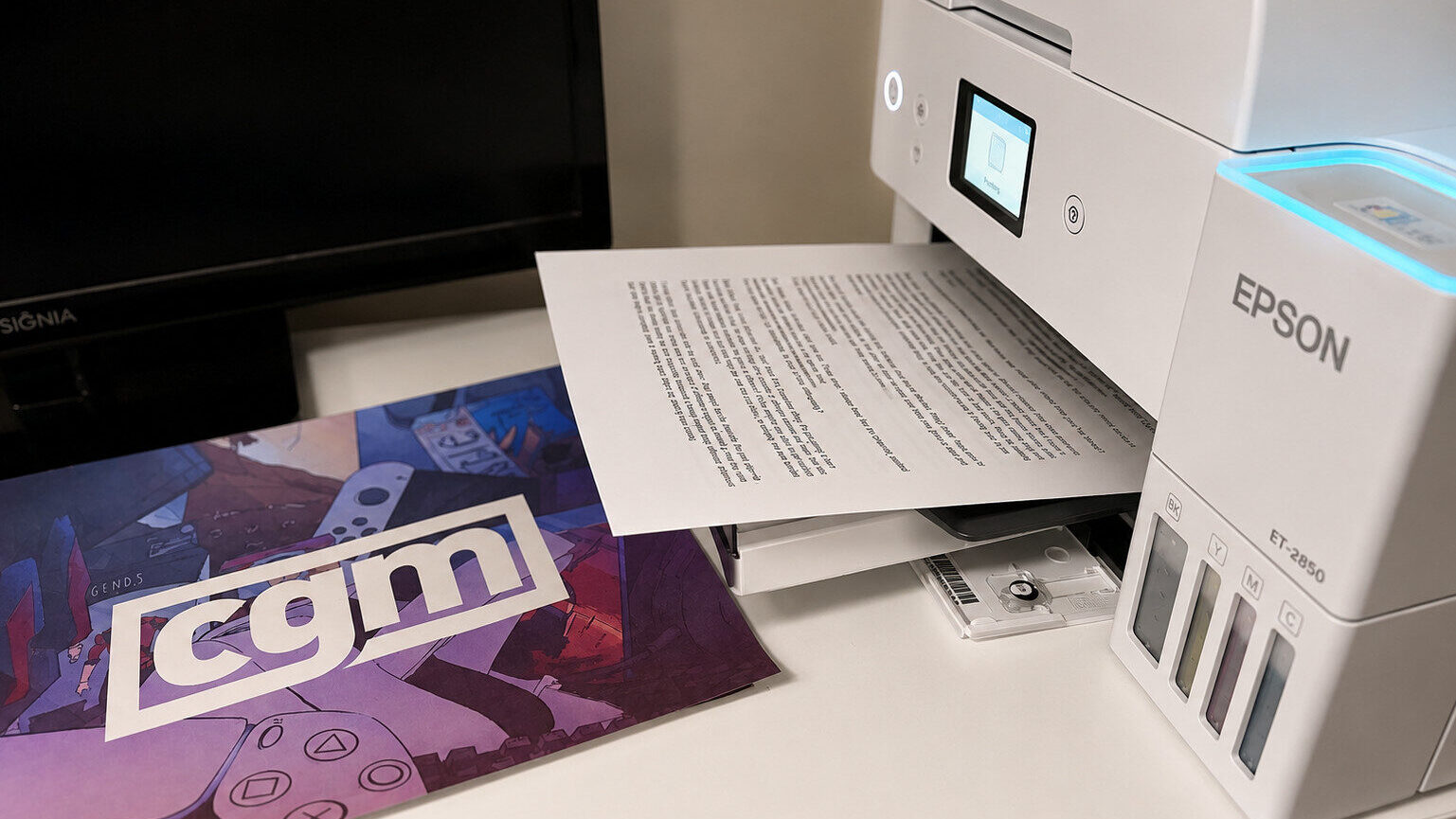
From personal photos to PDFs, and even to complex and highly colourful artwork, the prints emerged not only clear and remarkably dry, but in record time. For the very first colour job, I clicked the “print” button and settled in to wait for a minute… only for the finished task, a photo covering about two-thirds of the page, to pop out in about twenty seconds. The most inconvenient part was trying to get some pictures to print at the right size and scale, but that’s more of a Windows 11 problem (and Epson’s software is much more useful than the built-in printing dialogues in the OS).
Epson has cast aside almost every pet peeve I’ve had with the printing process, especially in the colour department. I printed some custom sleeves for game cases, both sized for a Switch jewel case and for NES game cases I 3D printed, and the resolutions were passably crisp—not exactly professional, retail grade, but close enough to properly display some games I own without proper packaging. Likewise, references and handouts for my Dungeons & Dragons campaigns printed wonderfully. These are things I would have hesitated to print at all before, or at least would have paid to do at a print center, and the ET-4950 has allowed me to take those matters into my own hands.
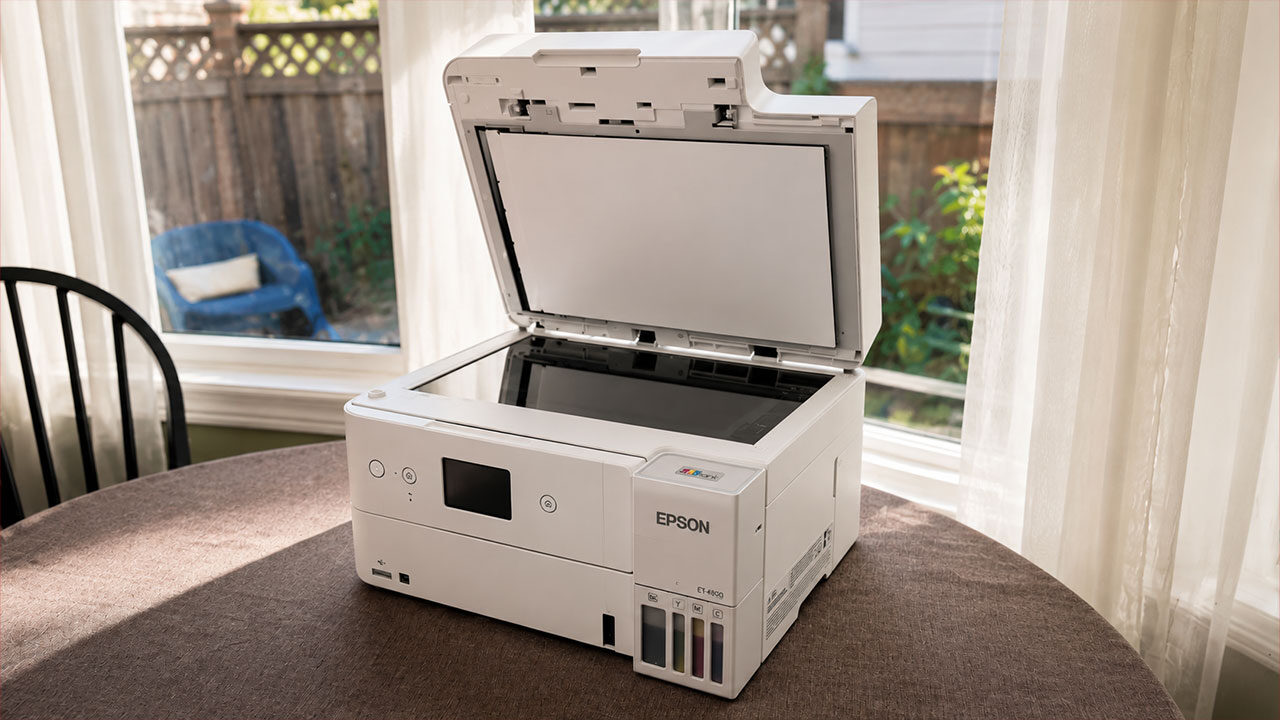
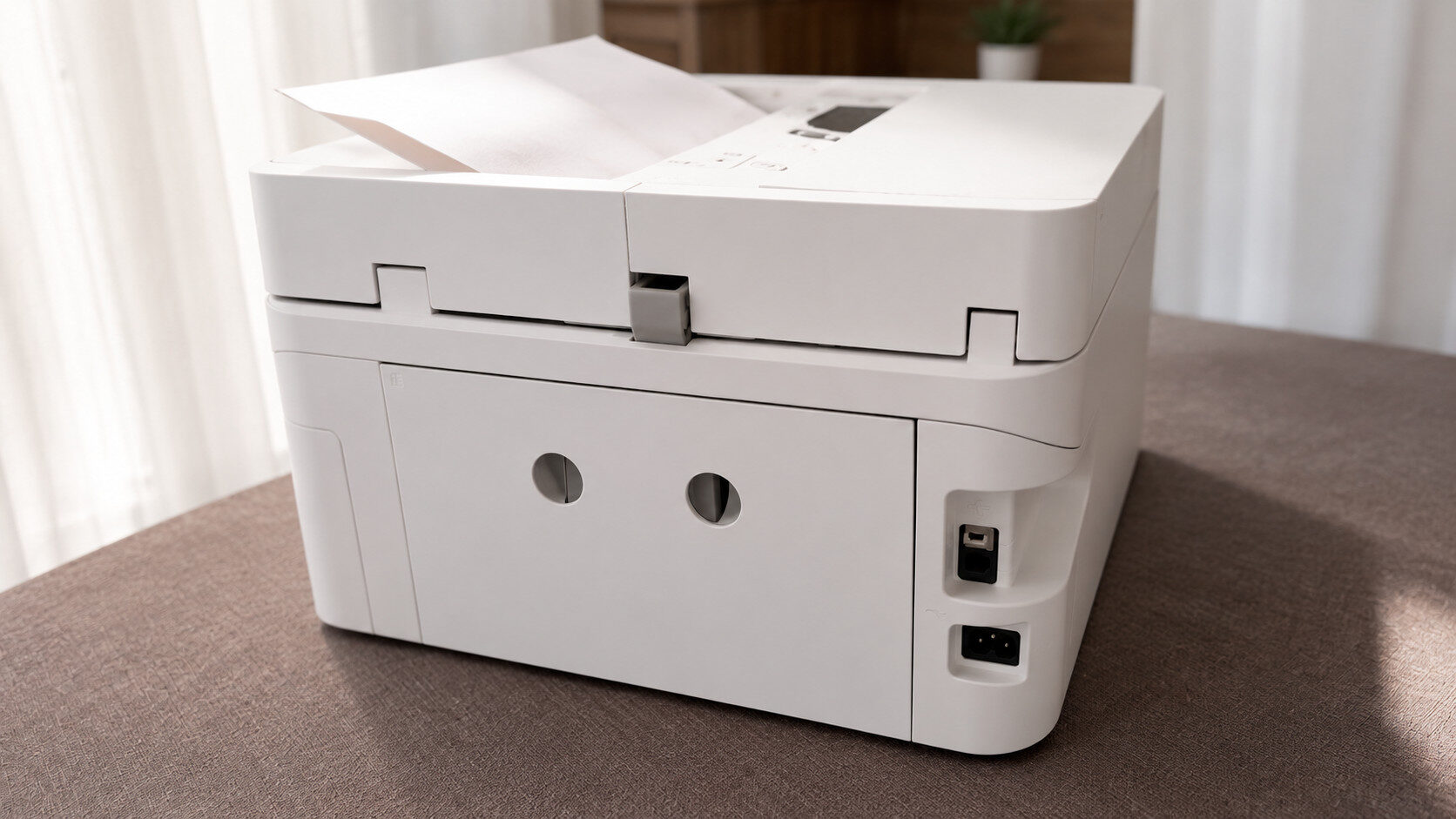
In the event of a paper jam, resolving the problem is relatively simple, thanks to a handy removable panel on the back. The ET-4950 deftly hides its various compartments, from the paper feeding tray on top to the entire scanner assembly (and if the need arises to open this part up, a simple kickstand can be deployed to prevent the heavy top from slamming shut on your hands). It almost seems like a Swiss Army knife, both in its purposes and in its design.
“Epson has cast aside almost every pet peeve I’ve had with the printing process, especially in the colour department.”
Perhaps the nicest of these panels is the front paper section, which offers a curiously designed solution for keeping your home office clutter down. Behind the panel is both the paper cassette, where paper is loaded, and the output tray, a transparent grey shelf that catches the finished product. If the panel is closed when a printing task begins, the output tray smoothly pushes the panel open and extends itself, so you can keep the printer closed up and still print remotely with its advanced wireless features.
The ET-4950’s paper tray is rated to fit 250 sheets at a time, but to help alleviate the chance of paper jams, I never felt quite comfortable jamming that many in. Meanwhile, the output tray can collect about 30-50 pages before overflowing becomes an issue—which is a welcome feature, given the printer can output about 18 pages per minute (when printing single-sided and black text only, though the speed remains impressive with more advanced jobs too).

- Epson EcoTank Wireless All-in-One Ink Tank Printer – Cartridge-Free System, High-Capacity Ink Bottles, Mobile Printing, Auto Duplex
- WORRY-FREE PRINTING — Epson EcoTank comes with enough ink to print up to 6,600 pages black/5,500 color⁹ for fewer out-of-ink frustrations. Each replacement ink bottle set is equivalent to about 80 cartridges¹⁰

Printing is its primary function, but the Epson ET-4950 performs admirably in its other modes as well. The scanner fits A4 (8.5″ x 11″) sheets at best, which should suit most purposes for the average home printer user. Using the company’s own software, I found the results varied depending on what was being scanned; a child’s pencil doodle was washed out nearly beyond recognition, while an adult’s pen sketches and handwriting came out with surprising precision.
The ET-4950 can also perform double-sided scanning, albeit through the auto-document feeder (ADF) instead of the scanner glass. Depending on the type of document you’re scanning, you may be better off sticking to the tried-and-true method of scanning one side and flipping manually. Scanning performs sufficiently here all in all, though I had hoped for a little more advancement compared to the competitors’ scanners I’ve used previously.
Copying pages was another feature I had ignored in older inkjet printers, another casualty of poor ink consumption. Once again, the ET-4950 was up to the task, cloning my kids’ artwork with pretty impressive results—some colours weren’t matched perfectly, and some nuances of penwork were glossed over, but the replication was overall comparable to (if not better than) the scanner function. As with the duplex scanning, documents feed through the ADF, so be mindful of the types of sensitive paper you feed through.
Now, while my need to photocopy in my daily life is remarkably low, Epson has opened a door of possibility anyway. Breaking free of the cartridge chokehold and making printing this much easier changes everything. (I still don’t see myself sending faxes, but at least I’m convinced this machine would have users covered if the urgent need ever arose.)
All of these functions can be controlled or overseen through a 2.4″ colour screen on the front of the ET-4950, or through Epson’s software on PCs and smartphones. Connecting to the printer from various devices throughout the home was as simple as we should expect of our smart tech in 2026; this reliability dips, understandably, when trying to print remotely away from home, but it’s still novel that we’re able to do such a thing at all.
At the end of the day, I know that the impressive ink capacity of the humble bottles accompanying the printer will eventually deplete, and paying for the refills could cause consumers metaphorical pain when the time comes to refill. As of this writing, Staples Canada sells individual bottles from $29.49 for black and $25.49 for each colour, making a complete refill of all four inks over $105. That number makes my frugal side want to never touch a printer again, but at the same time, cartridges aren’t getting cheaper and are offering far less output, so the choice between them is becoming pretty clear.
For my purposes, the Epson ET-4950 has reclaimed the printer’s place in my home office. It’s a wonderful jack-of-all-trades machine, well suited to both my freelance work and the unique uses that can come from having a young, creative family—and it’s all thanks to the EcoTank.