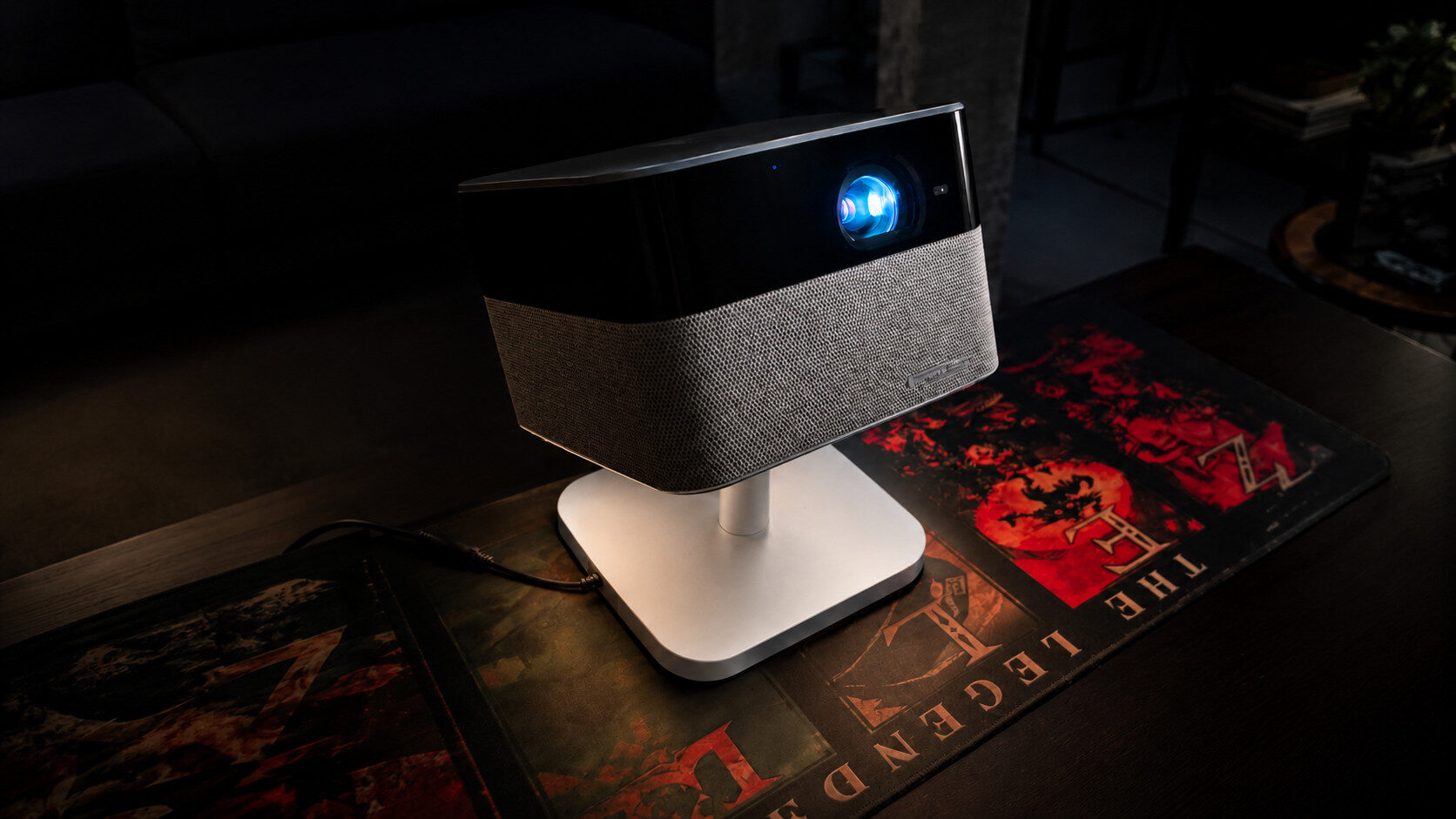


Projectors have been finding their way into more homes in recent years. They are a quick and easy way to bring a big, beautiful screen to any room without heavy hardware, while also giving you the ability to move it to another room with virtually no effort. The Epson Lifestudio Flex Plus Projector is a small, stylish projector that promises a large, bright picture for any scenario.
In the box, you get the Epson Lifestudio Flex Plus Projector, a power supply and a remote control with included AAA batteries. The projector has ambient lighting, with brightness that can be controlled by simple taps on the projector itself. You can connect media through a single HDMI input or USB-A port at the back of the projector, and listen with headphones using its 3.5 mm headphone jack. There is also a USB-C port on the Flex Plus that can connect to a power bank for those times when you do not want to run a power cord.
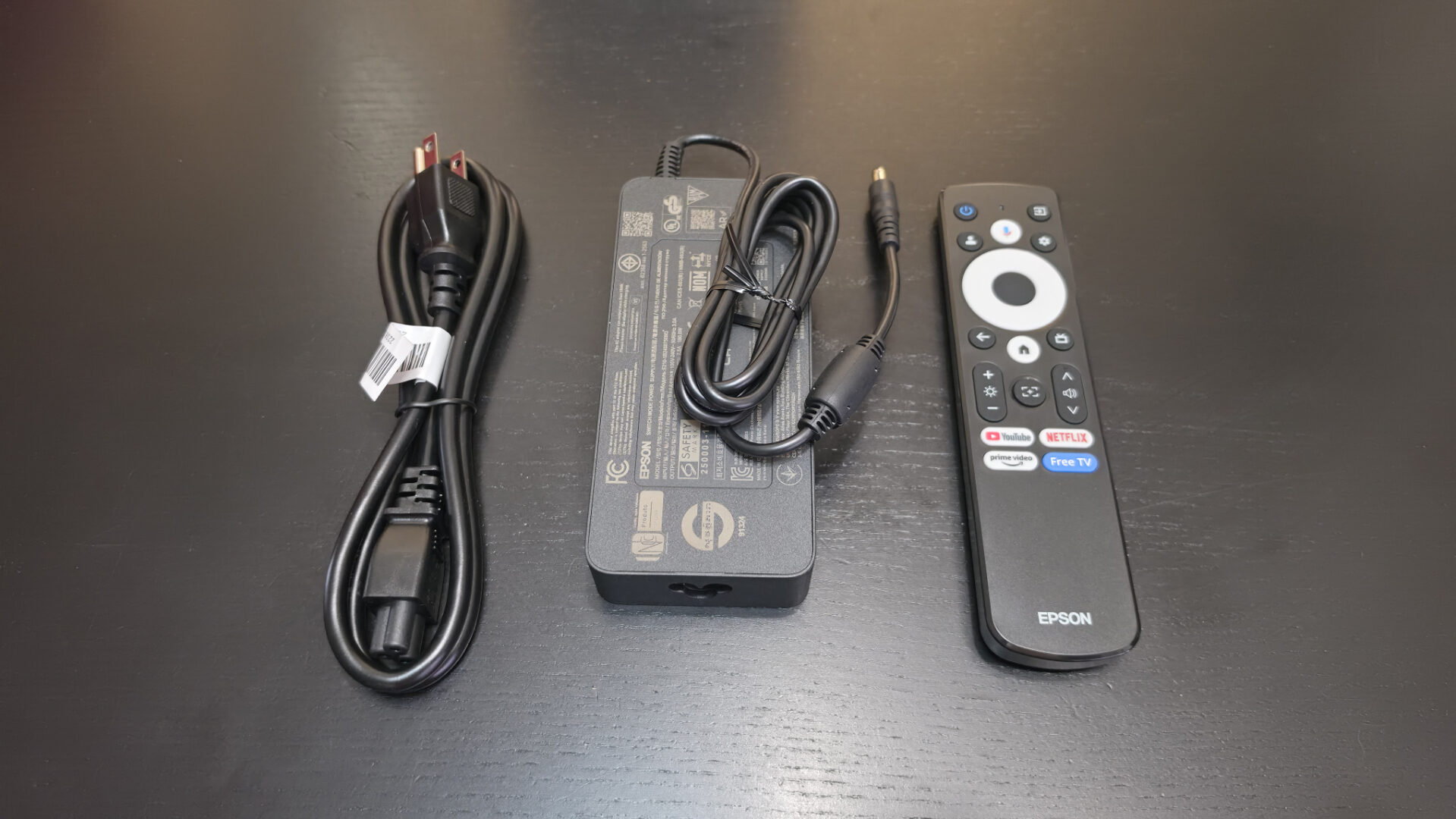
You can also connect to the Epson Lifestudio Flex Plus Projector wirelessly, with Wi-Fi connectivity that allows you to access the built-in Google TV interface. You can connect your phone to the speakers of the Lifestudio Flex Plus, and you can connect through the Epson Projection Studio app, which lets you organize and present photo and video slideshows, and even collaborate with friends by letting them contribute files, comments and emojis. It also acts as a virtual remote control for the projector.
“The Epson Lifestudio Flex Plus Projector is a small, stylish projector that promises a large, bright picture for any scenario.”
The Epson Lifestudio Flex Plus Projector sets up quickly, optimizing video quality with auto keystone correction and autofocus. From there, it is just a quick setup of Google TV and plugging in whatever media devices you want, and you are good to go. As a projector marketed as portable, this is key, because who wants to move a projector around the house if it needs a lot of complex fine-tuning before it is ready to play?
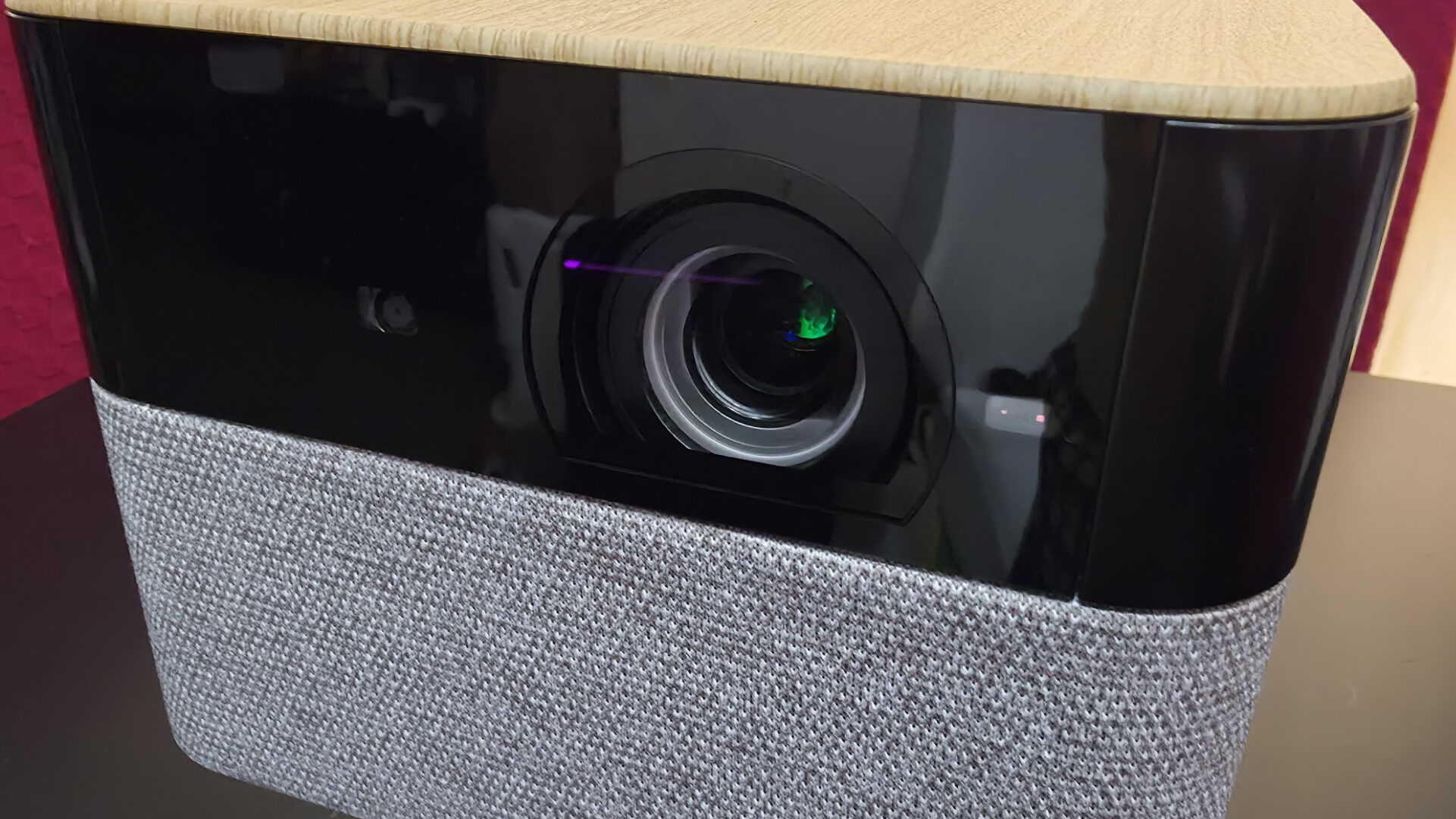
At 1,000 lumens, the Epson Lifestudio Flex Plus Projector is the brightest in the Lifestudio family of projectors, playing media at 4K PRO-UHD, an Epson-proprietary term for how the company enhances its image by overlapping the same image twice. The actual pixel resolution, as the company lists in its specs, is 1,920 by 1,080 by 2. The image was bright and brilliant in the right lighting. In a room that does not have wall-to-wall, floor-to-ceiling windows, you should be able to watch video on it at any point in the day without losing quality to the sun.
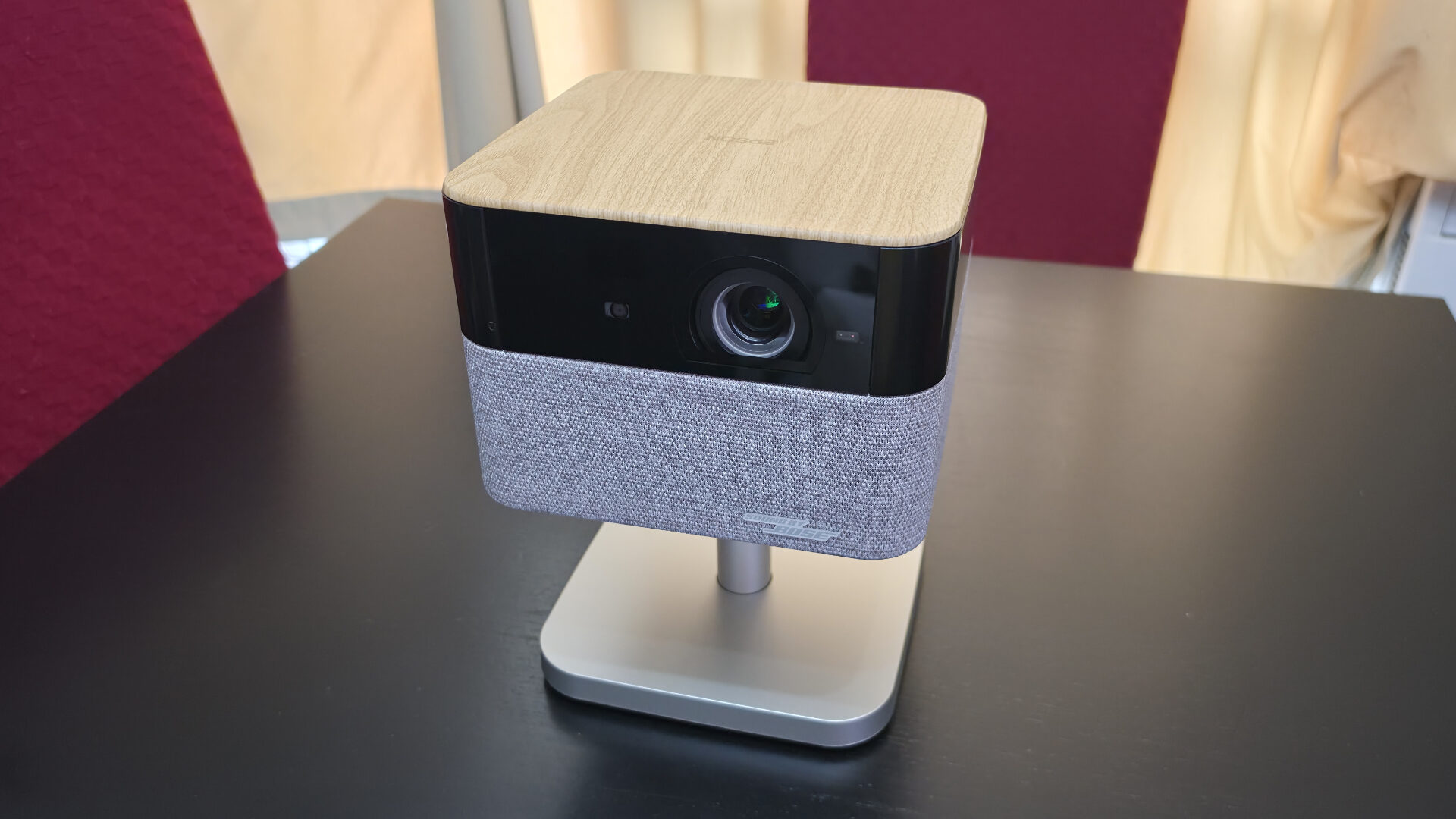
The Epson Lifestudio Flex Plus Projector has a 90-degree swivel to the left, right and straight up for a ceiling mode. There is no way to mount this projector to the ceiling for a better, unobstructed throw to the screen, which can be problematic for some people whose room layouts do not allow for good projector placement. The good news is that it has quite good auto keystone correction, which will let you be as adaptable as possible when it comes to placing the Lifestudio Flex Plus.
“I would say do not go for it if you do not have the ideal conditions to use it, but if you do, you are in for a great viewing experience.”
Let me lay out my setup for you. From the back of my living room to my 100-inch projection screen is approximately 10 feet, or 120 inches. The Epson Lifestudio Flex Plus Projector offers a maximum screen size of 150 inches and a throw ratio of 1.2, so if I could mount the projector to the ceiling where my current projector is, I would have a beautiful full-screen projection. Because I cannot do that, I have two options: place it on the table in the middle of the room, about four feet away, giving me a 40-inch projection that is smaller than my TV.
The second option, which I chose to get the biggest screen I could, was to place it to the left of my couch, approximately eight feet, or 96 inches, from the projection screen, giving me an 80-inch image, which I could live with. But the placement was not without issues. First, there is a warning that pops up when the picture is obscured, so walking from the living room to the kitchen stopped the video from playing, rather than the screen getting a half-second flash of my silhouette.
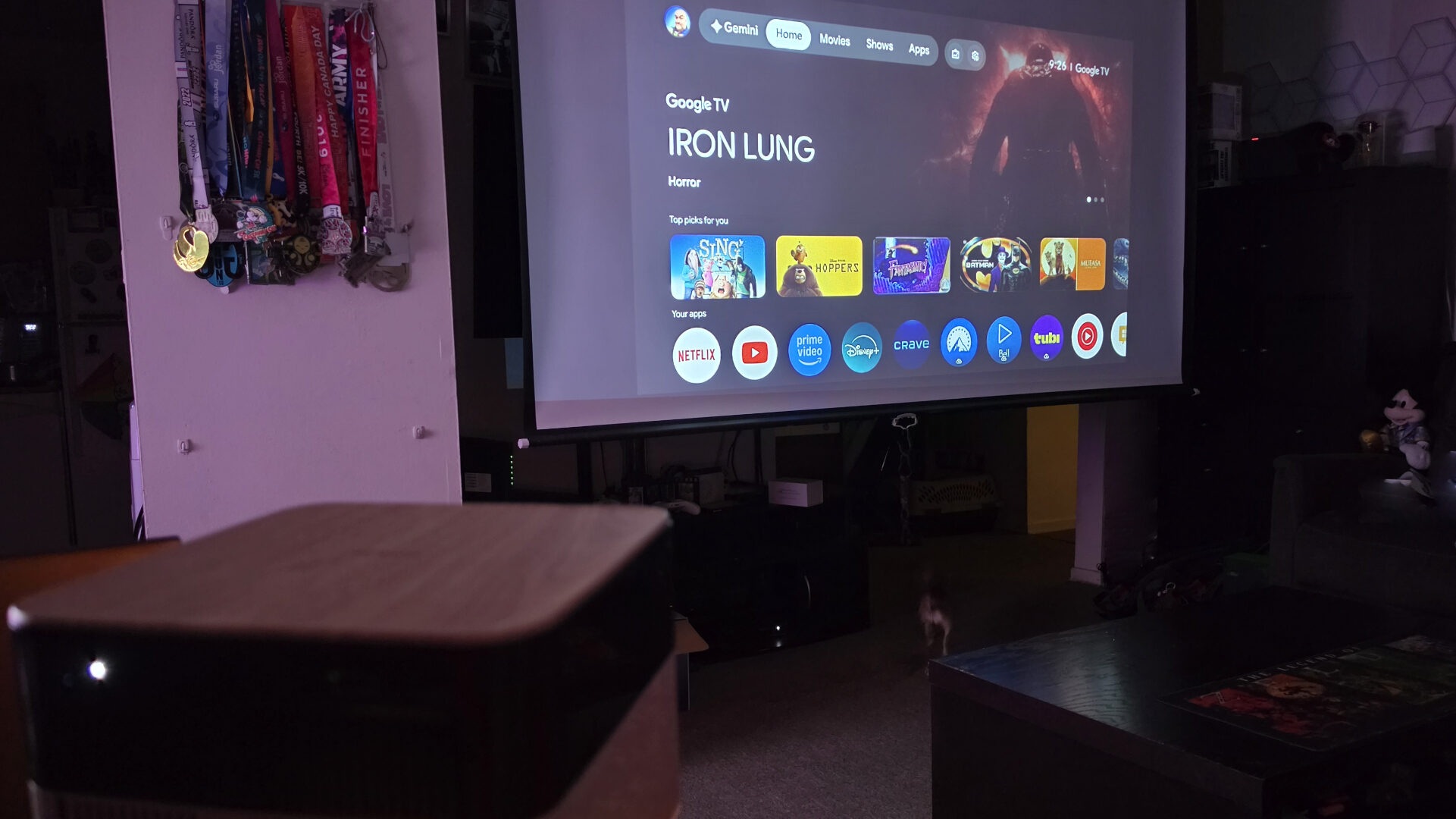
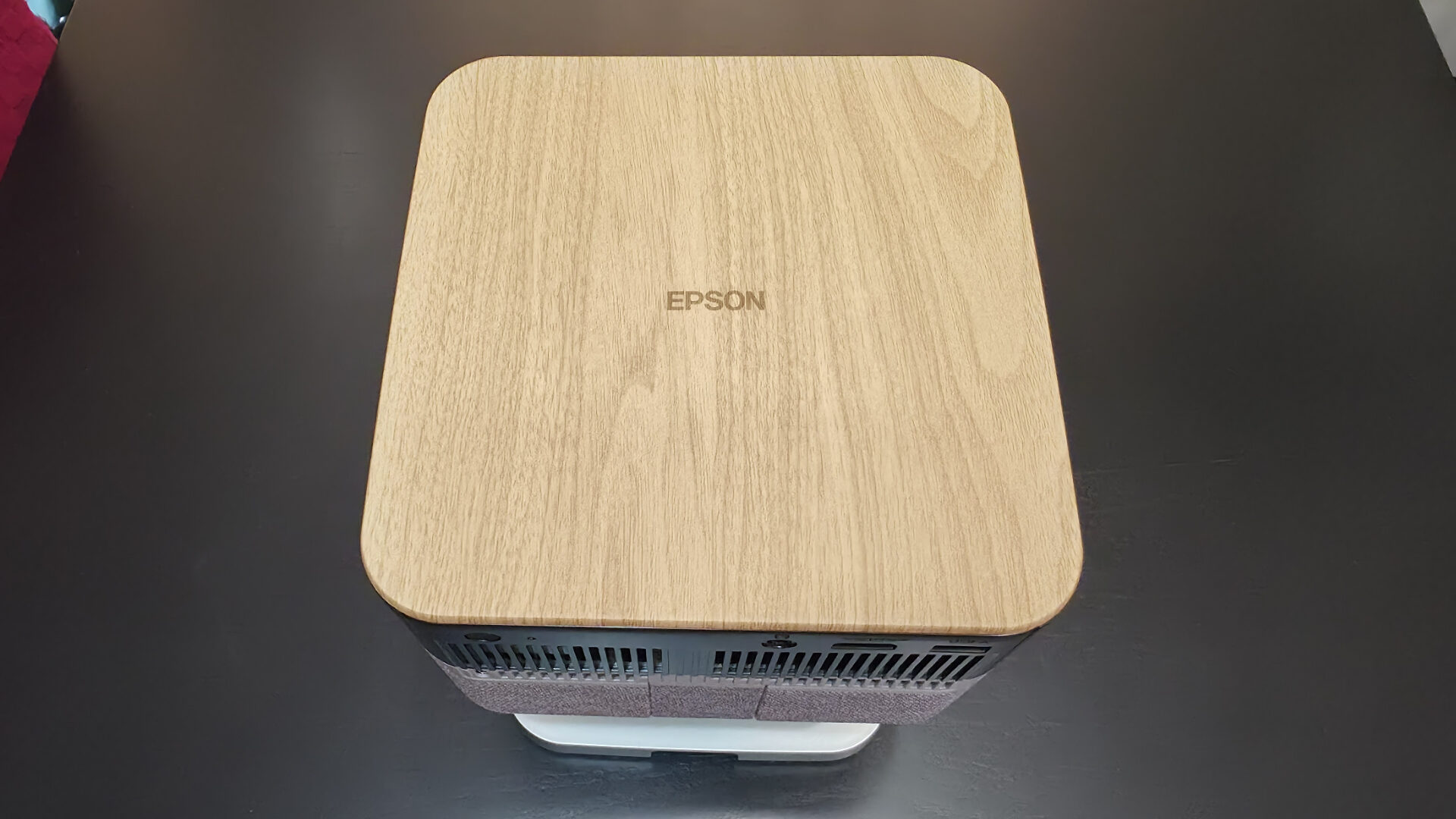
The second issue is with sound. The quality is not the issue, however. For the size of the Epson Lifestudio Flex Plus Projector, it delivers huge, room-filling sound with the help of Bose, with two 40 mm drivers and passive radiators boosted further by four EQ presets and spatial processing. But even sound this big does not give you that surround-sound feel when the device is way off to the left. So, to get the best experience out of the Lifestudio Flex Plus, you really need the right-sized space, whether indoors or outdoors, for ideal placement.
At US$999.99 for the Epson Lifestudio Flex Plus Projector, it is the priciest in the Lifestudio family by quite a bit, but definitely nowhere near the top end of Epson projectors. For what it is, I struggle to say that I would recommend purchasing it at that price point. Even with its ease of setup and video quality, you can get, in my opinion, a comparable experience for half the price, though I would concede that you will not get better speakers.
The Epson Lifestudio Flex Plus Projector is a quality device with a good picture and great sound. Its challenges really just boil down to your ability to place it ideally in your space and the price for what is a portable projector. I would say do not go for it if you do not have the ideal conditions to use it, but if you do, you are in for a great viewing experience.