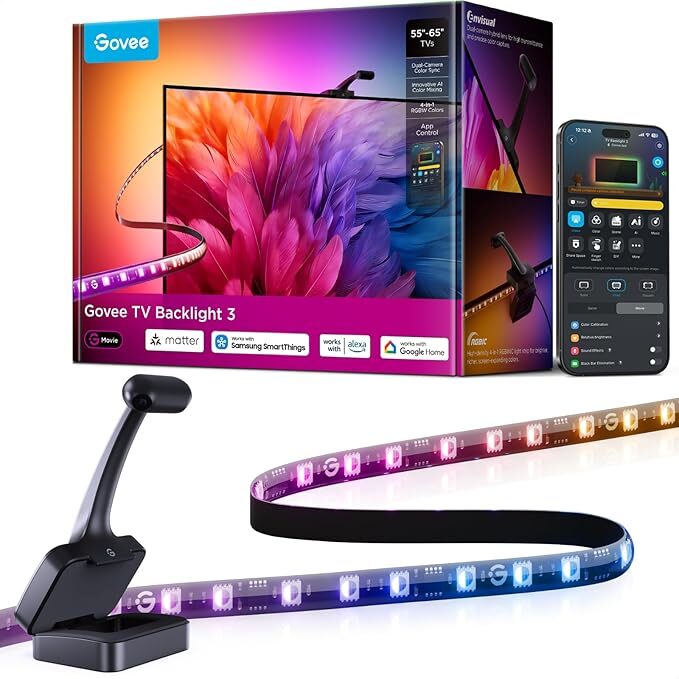

The Govee TV Backlights 3 caught my attention due to its reliance on a camera system over a dedicated HDMI sync unit or box, on top of the reasonable asking price of around $150 for the kit.
As much as I like the idea of a lighting system for my entertainment setup, the idea of a dedicated box or HDMI signal interpreter made me averse to the idea due to simply having too many devices plugged into my main TV. Enter the Govee TV Backlights 3.
Although not the first system to introduce a camera to capture colour information from your TV, they are still my first experience with the concept. One of my biggest concerns with the Govee TV Backlights 3’s implementation stemmed from a concern about how fast a camera system could translate what it saw on the screen and accurately reproduce the colour for the LED strips. But before I get ahead of myself, let’s take a moment to talk about what’s included in the box for prospective buyers.
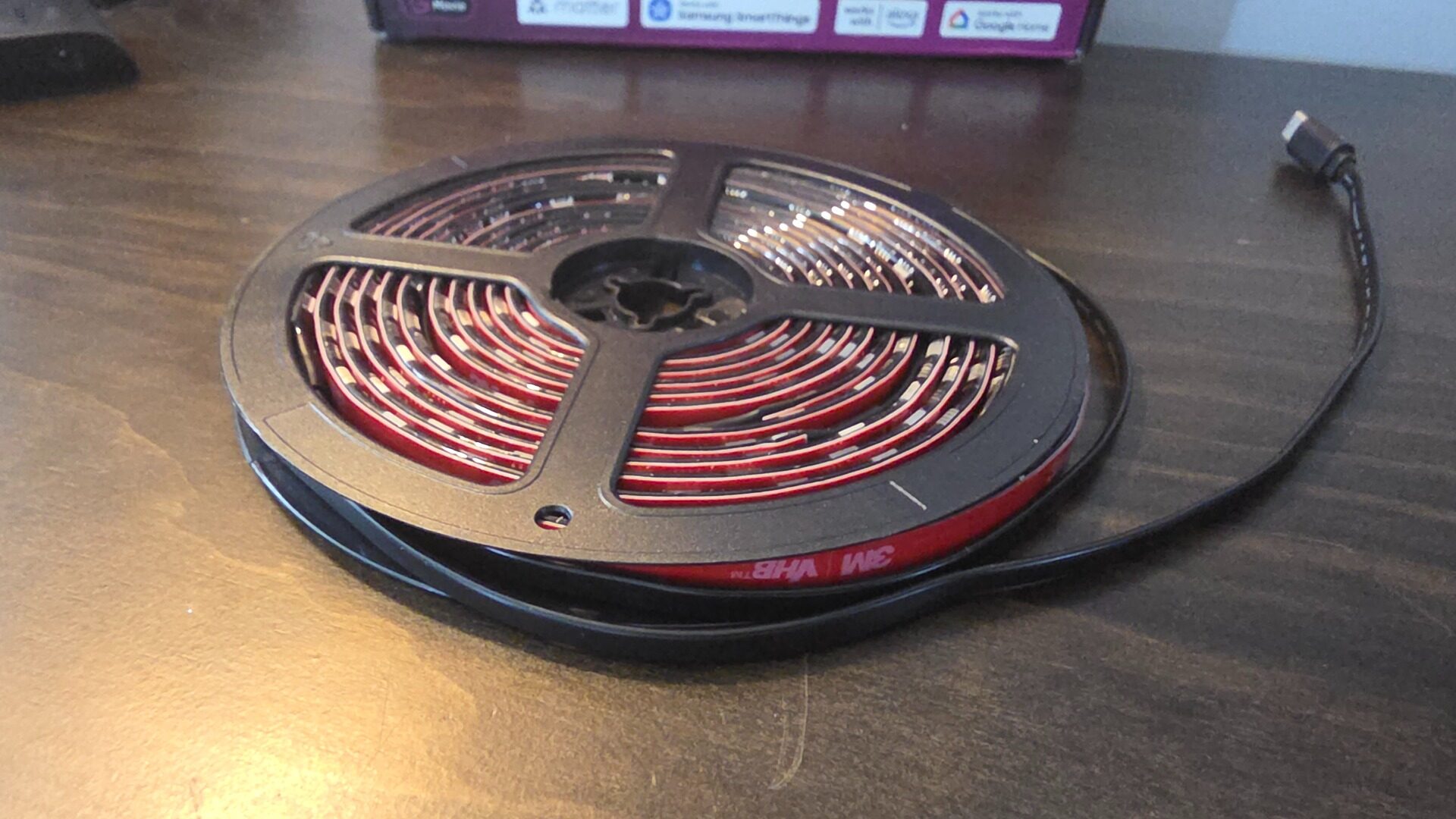
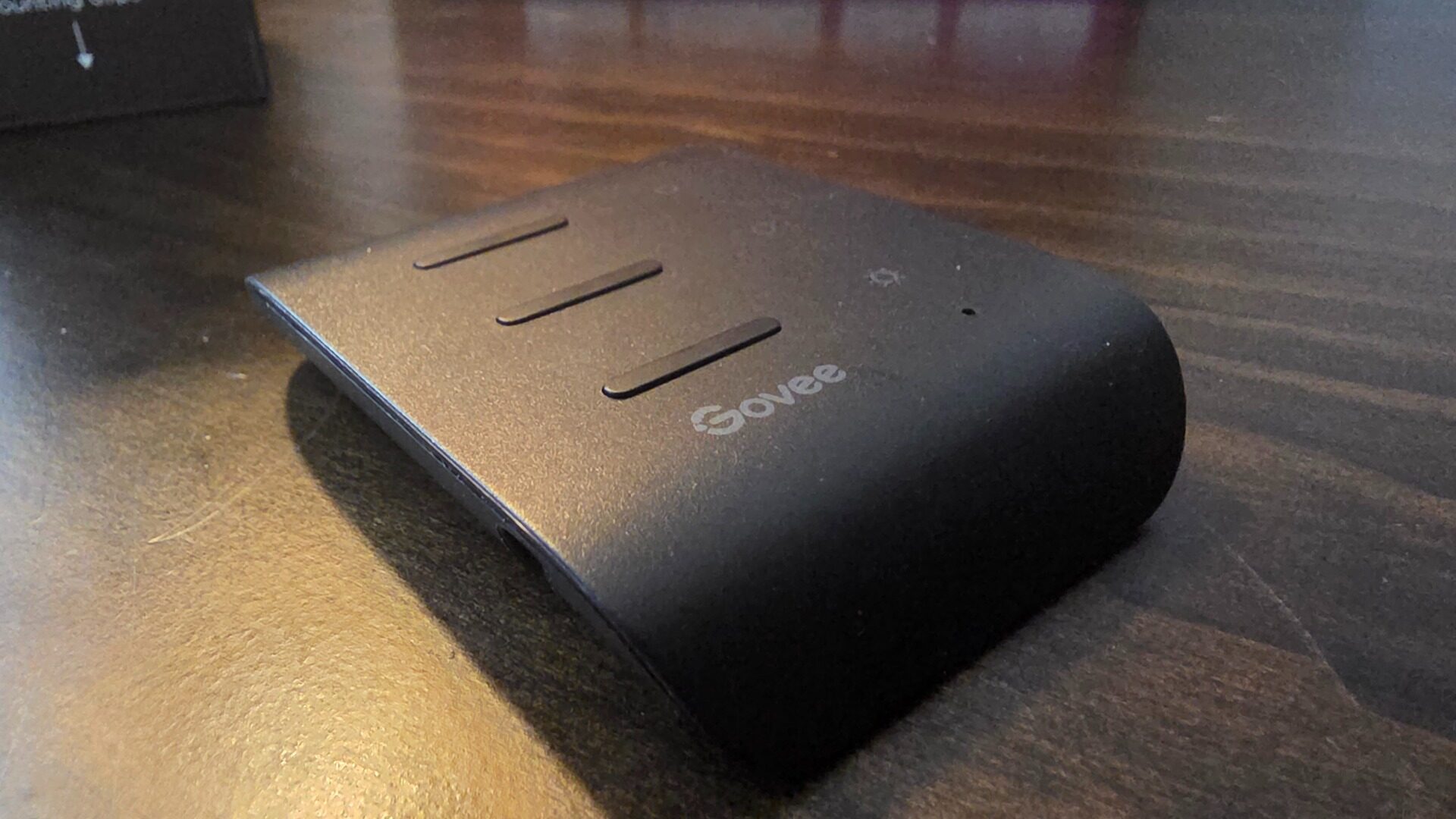
The Govee TV Backlights 3 comes in two variants, one for TV sets that are 55-66” and another for larger screens coming in at 75 to 85” respectively. For my unit, I was sent the smaller of the two, as my TV is a 55” LG OLED. Inside the box, the Govee TV Backlights 3 includes a spool of LED lights, the camera, a set of mounting clips, foam markers for calibration and the control unit that connects everything together via its USB-C connection.
The box also includes a quick start guide, but it’s easier to follow the website link to their quick setup guide video, which makes the process as easy as possible. Setting up the Govee TV BackLights 3 starts with wiping down the back of your TV, which, in my case, is mounted on the wall. Simply extending the television outward and turning it to the side gave me ample access to the back. From here, you need to pick a corner and slowly work your way around the frame of the TV, making sure to loop around corners and securing them into place with the included clips, ensuring they don’t fray and damage the delicate wiring.
“The beauty of the camera system on the Govee TV Backlights 3 is being able to match the colour of the ambient light of what is being displayed, regardless of how it is being displayed.”
Once adhered to the back of the television, the LED strip then feeds into the control box, which acts as the brains of the unit, while the camera sits on top of the TV itself, around the centre of the screen. After powering on the control box, it’s time for calibration. This is where I ran into some issues with the setup, with the app refusing to load the calibration suite from within the Govee Home app. Thankfully, by switching to another phone, I resolved the issue, which then prompted me to proceed with loading up the calibration video onto my LG OLED.
As I use my TV as my main monitor, this was as easy as opening up Chrome and going on YouTube to load the calibration video. From here, the video and app will direct users to stick the included foam pieces around the corresponding markers on the video that match different zones of your TV. Outside of the hangup with the app, the calibration process is fairly straightforward and intuitive, with most of the install time going toward making sure the LED strip itself is positioned securely on the back of the TV and is not frayed or crimped.
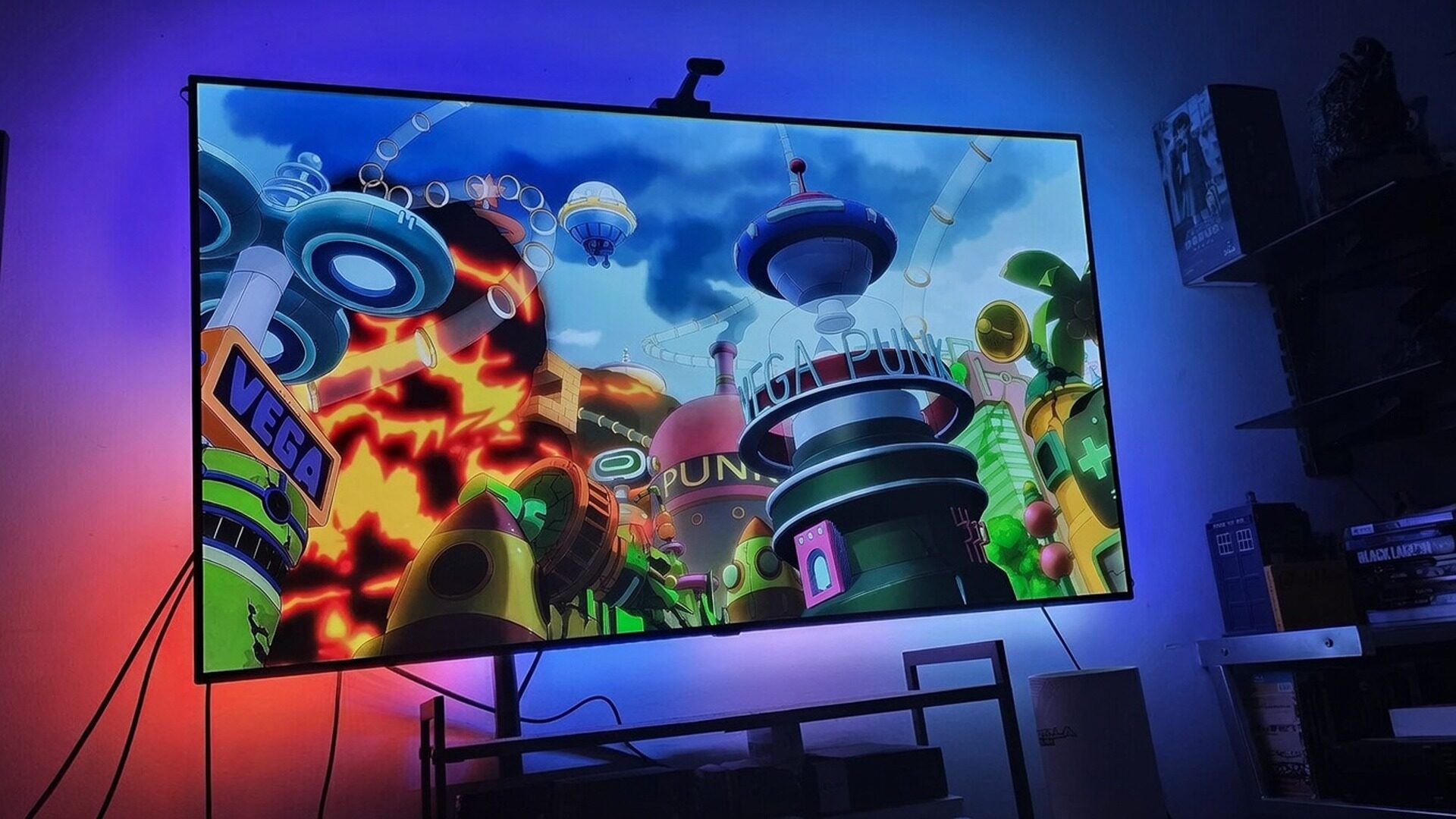
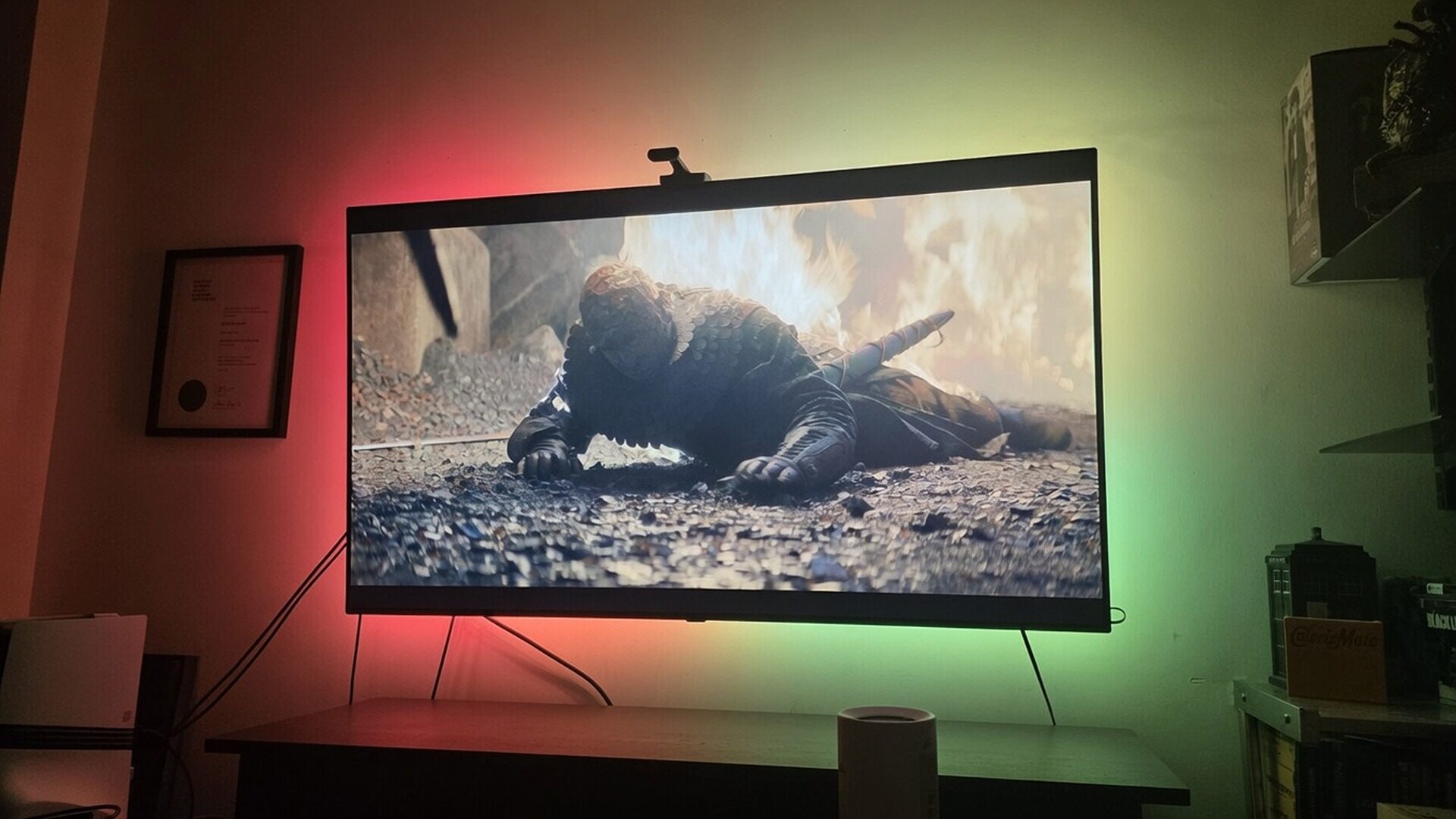
Now, for the moment of truth: can the camera on the Govee Backlights 3 deliver a responsive light show that matches up with the content being displayed? The short answer is yes, yes it can. At a glance, the camera that sits on the TV is fast, with scene transitions corresponding with the LEDs within a second, making for a fun and cool effect that elevates the viewing experience for most content. The beauty of the camera system on the Govee TV Backlights 3 is being able to match the colour of the ambient light of what is being displayed, regardless of how it is being displayed on the TV.
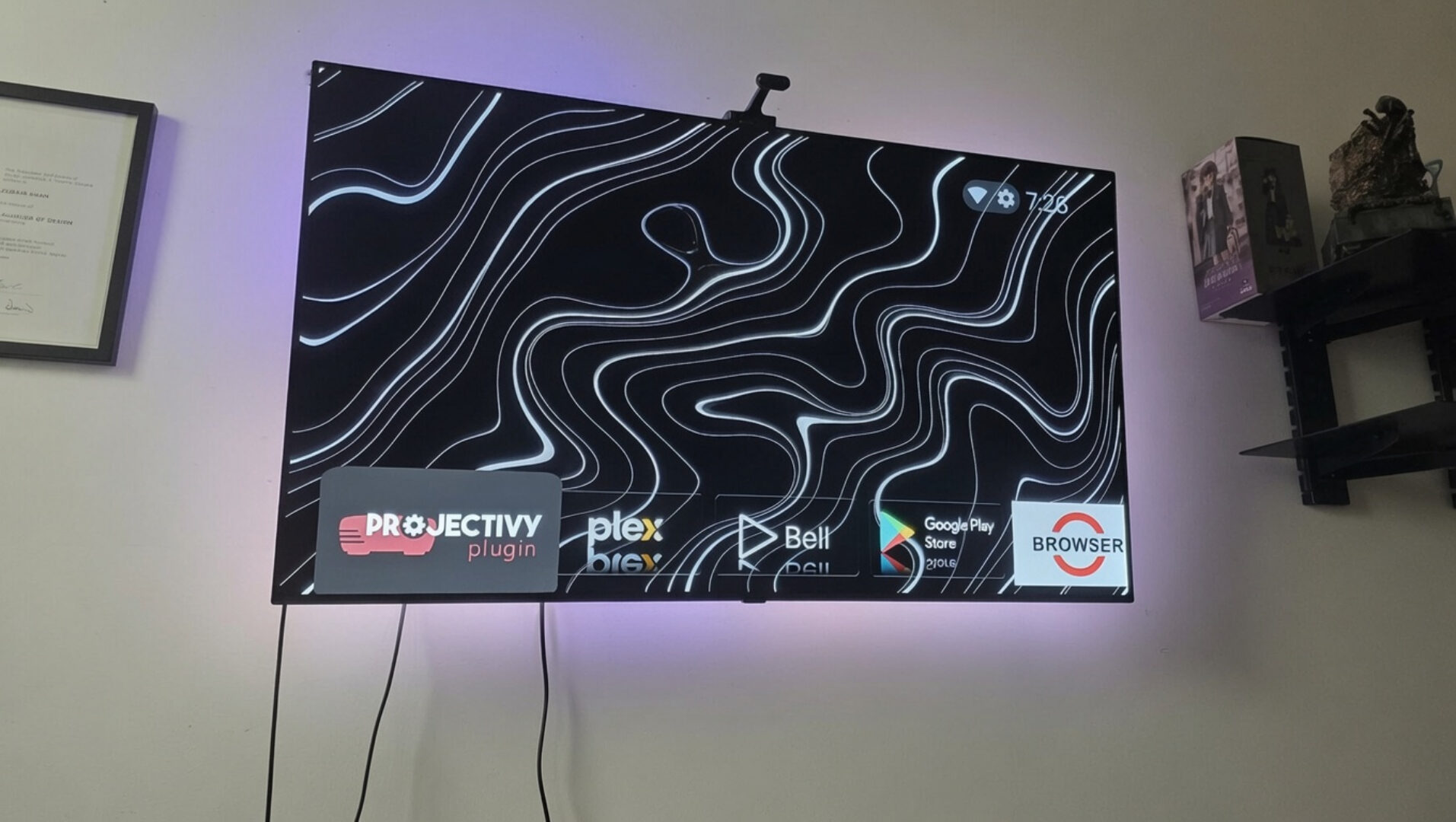
In other words, as Govee uses a camera system, the lens picks up on the dominant colours of the TV via the lens, rather than relying on a digital signal, making it virtually universally compatible with anything on screen. The one caveat with this solution is that ambient light can sometimes be interpreted by the camera, triggering the LED strips to come on, making the light system best reserved for dark environments with little to no light pollution.
In terms of the actual viewing experience with the Govee TV Backlights 3, I found the lights best used for vibrant and colourful content, particularly animation and gaming, where bright, bolder colours felt natural as they spilt out from the sides of the frame of the TV, making the experience that much more dynamic. Outdoor, live action and night scenes were more of a mixed bag, particularly with some darker scenes, where I found the LED lights tended to resolve more into a blue gradient as its default, something that didn’t always match the scene. Outdoor daytime scenes also sometimes felt too eclectic with their range of colours, making for more of a kaleidoscope of RGBs rather than tasteful transitions.
The Govee Home mobile app provides additional modes to use for the LED strips, including some fun themed ones made available coinciding with the return of House of the Dragon, something that is a fun novelty on top of the default colour matching schema of the Backlights.
Ultimately, the Govee TV Backlights 3 are a solid and straightforward LED kit to set up for your home entertainment system, making for a fun addition to any setup, particularly if you’re a gamer or are into animated content.

- Ultra-High Resolution Lens: Industry-leading dual hybrid lens with 4MP high-resolution optical performance. Hybrid lens structure minimizes color dispersion for sharper edges. Every frame precisely captured, light flows naturally from your display
- Smart AI Color-Mapping: Govee TV Backlight 3 innovative algorithm divides the screen into 24 zones for independent color capture. AI filter detects film style and adjusts lighting theme to enhance mood without distraction for eye-friendly viewing