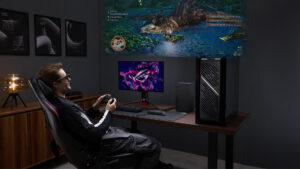


The ROG XREAL R1 sit at the intersection of high-fidelity gaming and portable convenience, delivering the best display solution for those who want performance over everything else.
More than actually playing games, I often find myself obsessing over dialling in settings, making sure the display I use to play is the best it can be. From fully immersive VR titles to the luxury of virtual floating displays via powerful applications like Virtual Desktop to wearable XR solutions that bring the screen even closer, I am always on the lookout for new ways to engage with my favourite hobby. The ROG XREAL R1 is a pair of XR glasses that promises a premium viewing experience, delivering 240Hz gaming at 1080p per eye, powered by the latest in Sony’s Micro OLED technology.
Coming in at US$849.99, the ROG XREAL R1 glasses carry a premium price for what they offer, which thankfully includes some powerful tech that justifies the otherwise eye-watering cost of entry. Unlike other XR glasses on the market, the ROG XREAL R1 glasses are designed first and foremost as a stationary addition to your setup. Although the pair of XR glasses can be taken out and about, they are truly at their best when paired with the included dock, which allows them to deliver their promised 240 Hz output for PC gamers.
“The ROG XREAL R1 sit at the intersection of high-fidelity gaming and portable convenience, delivering the best display solution for those who want performance over everything else.”
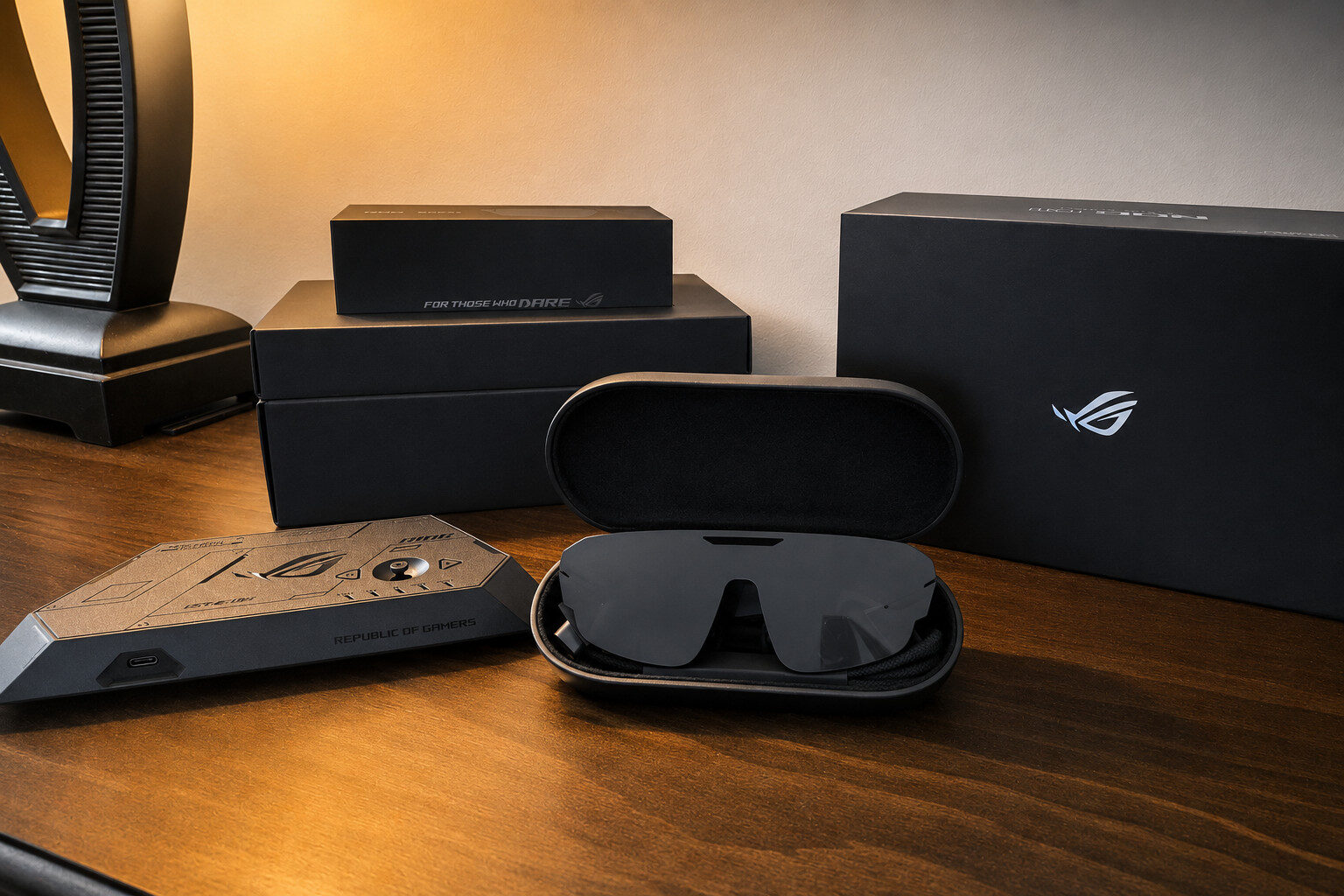
But before jumping into the specs of these powerful specs, prospective buyers should be made aware of exactly what is included in the box. The ROG XREAL R1’s packaging features a similar minimalist and sleek approach, sharing the design language and feeling like an extension of the ROG Ally. Of course, this makes perfect sense, as the ROG XREAL R1 XR glasses are compatible with their powerful handheld, making it the perfect pairing for those who want it all.
Inside the box, users will receive the glasses themselves, which come in a nice pill-style carrying case, a microfibre cleaning cloth and a dummy lens that can be given to your optometrist for a prescription. Other goodies include three additional nose cushions, the ROG Control Dock, and the appropriate USB-C cables to power and tether the glasses to your devices, along with documentation, including a quick-start guide.
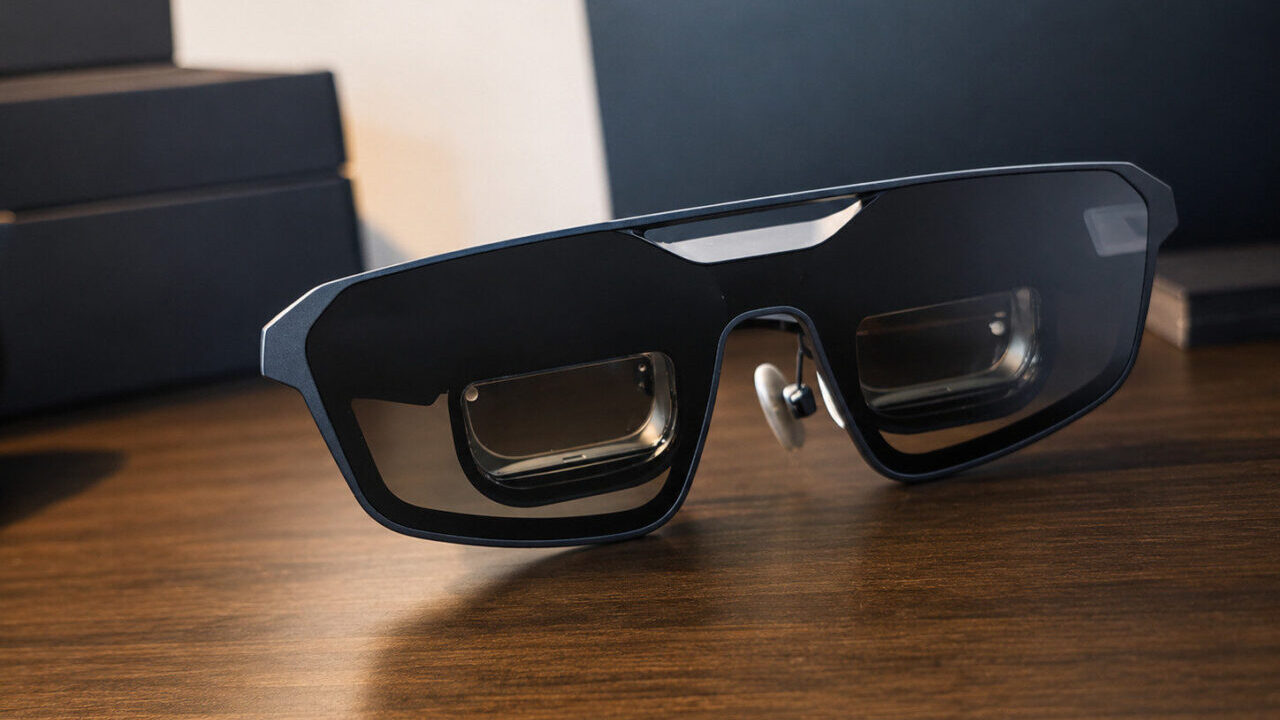
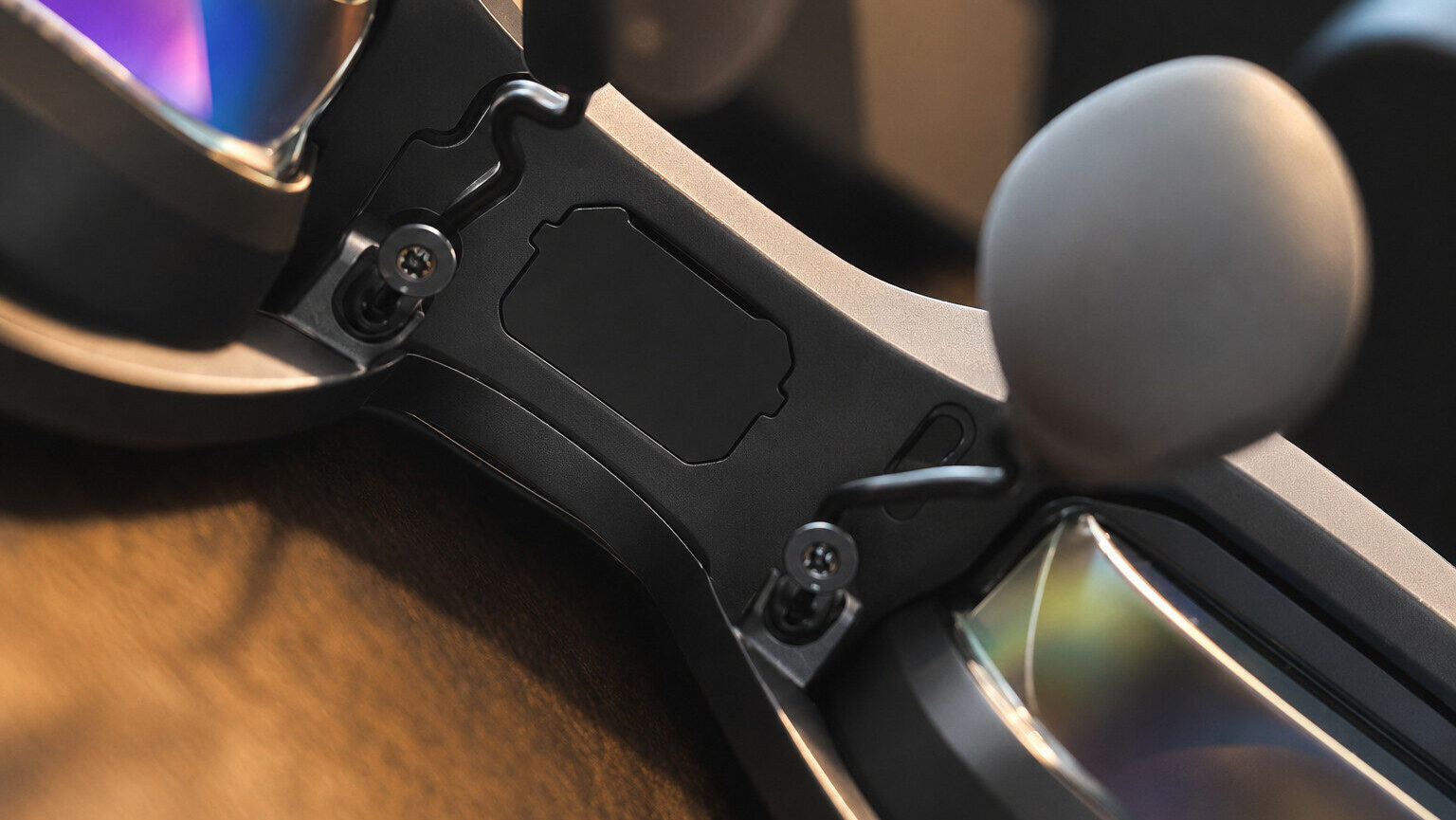
I recommend skipping the quick-start guide and focusing instead on the included QR code to download the PDF version of the full instruction manual. I found the instructions invaluable, particularly for those who require a prescription and want to learn how to install the lenses on the ROG XREAL R1 frame. For a quick rundown, instead of a pressure fit, the lenses require the user to first remove tiny rubberized inserts from the glasses before slotting the prescription lenses into place, something the full guide better illustrates.
“Unlike other XR glasses on the market, the ROG XREAL R1 glasses are designed first and foremost as a stationary addition to your setup.”
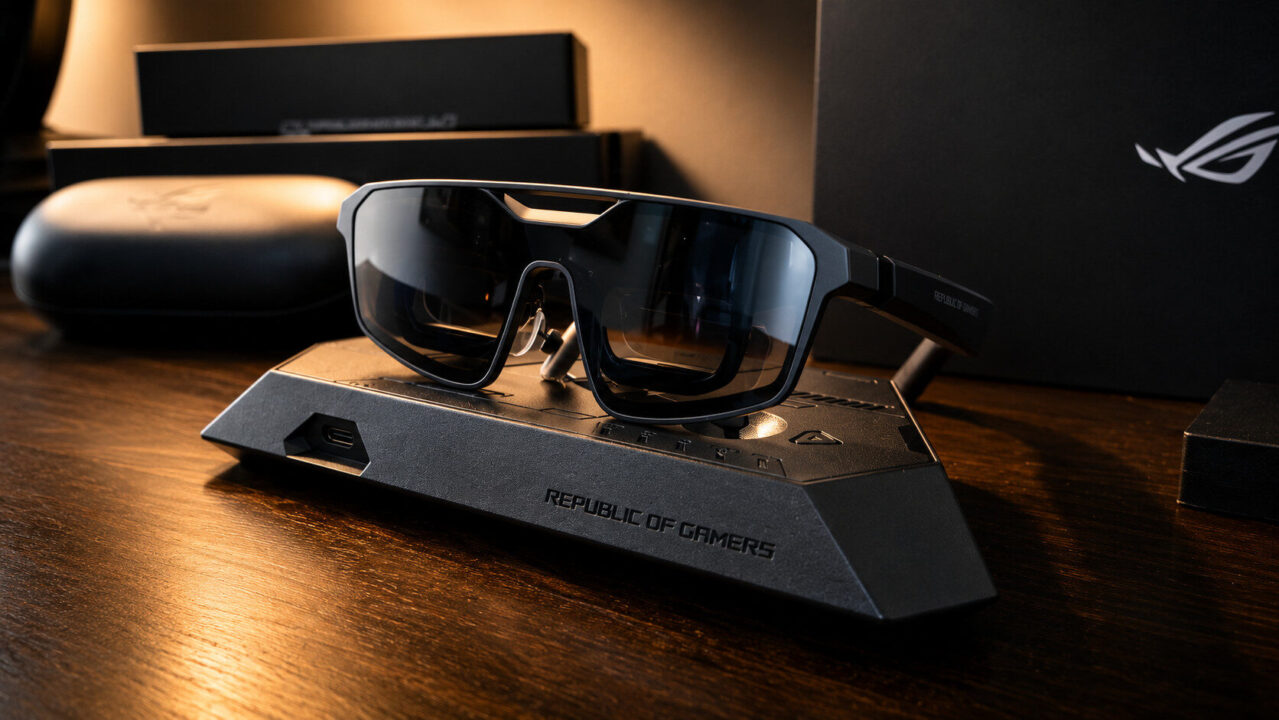
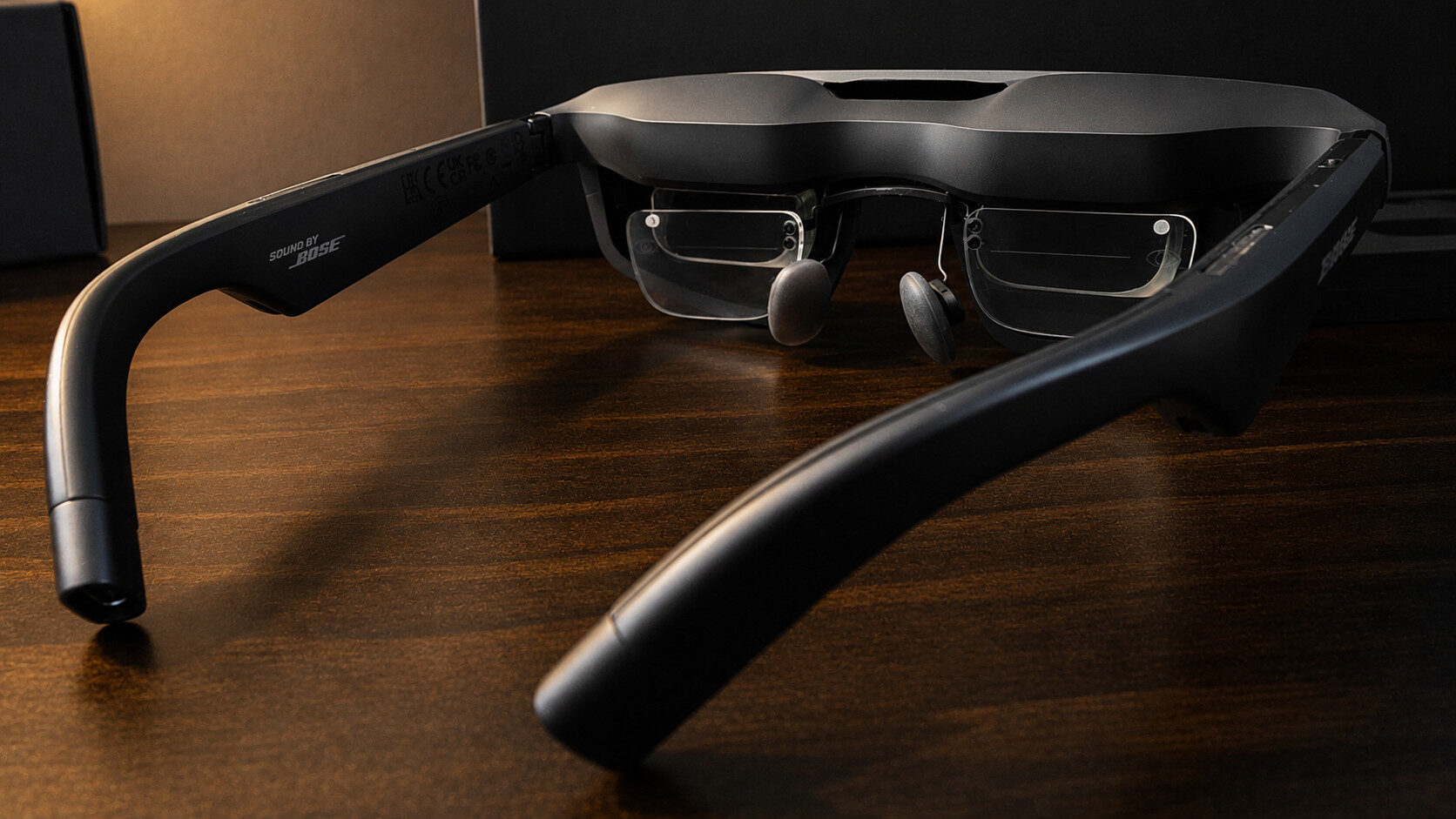
In terms of design, the ROG XREAL R1 XR glasses feature a large, angular frame with a premium-feeling metal finish that does not feel heavy on the face, even after prolonged use. As is tradition with anything ROG-related, the ROG XREAL R1 glasses also feature a row of LEDs on both temples of the device that can be fully customized through the app, but more on that later.
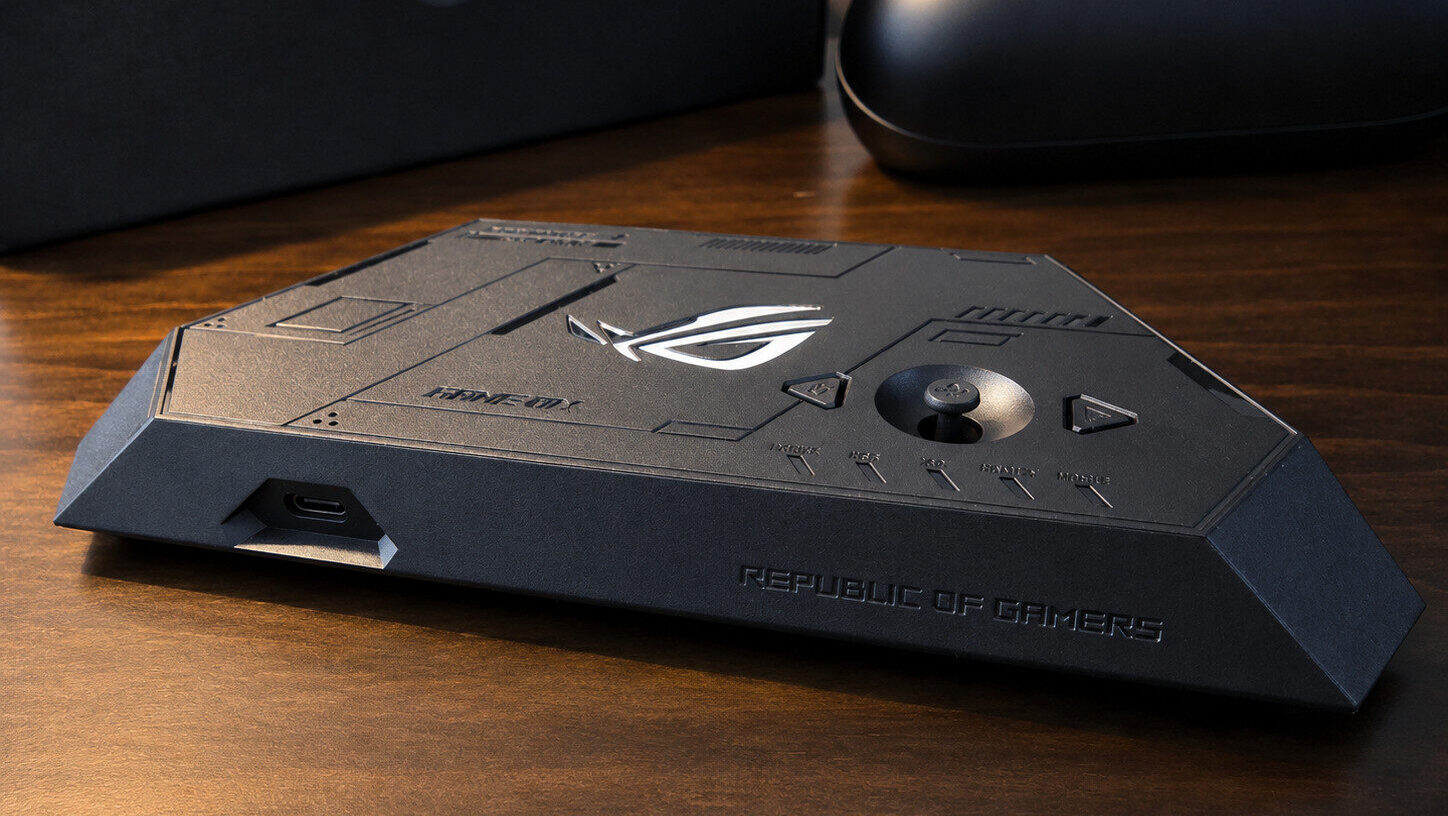
Connecting the ROG XREAL R1 glasses can be done in one of two ways: directly to your device of choice through the USB-C connection, as long as the device you are connecting to supports DP Alt Mode, something most higher-end smartphones support, including most PC portables, such as the Steam Deck and the aforementioned ROG Ally. Using the ROG XREAL R1 glasses in this way is perfectly fine for some casual viewing or even game streaming. However, to really take advantage of the hardware or use them with home consoles, such as the Nintendo Switch 2, the ROG XREAL R1 glasses must be paired with the included ROG Control Deck.
Now, it might seem a little disappointing that using the ROG Control Deck is required to tap into that 240Hz mode or use it for your console gaming needs, but in truth, to reach that level of bandwidth, it’s simply not possible with just the glasses’ framework. Additionally, unlike other leading competitors that also rely on a docking device for non-DP-alt devices, the ROG XREAL R1 XR glasses are among the first to reach a 240Hz refresh rate. The higher native refresh rate of 120Hz also enables consoles such as the PlayStation 5 and Switch 2 to support higher frame-rate options out of the box when paired with the ROG Control Deck.
On that note, the advertised 240 Hz for the ROG XREAL R1 XR glasses is based on an interpolated and scaled signal via the dock. This means it cuts the native resolution in half before upscaling it back to the glasses’ display, which, in practice, means you are getting a 120 Hz signal that is doubled. In use, this results in an extremely fast response time and true 240 FPS, but at the cost of some aliased text. Thankfully, the onboard controls on the ROG Control Deck are excellent and offer a few options to better tune the sometimes-crunchy text.
Like the Viture Beast XR glasses, the ROG XREAL R1 uses Sony micro-OLED technology, meaning that despite a maximum resolution of 1080p, or even an upscaled 540p at 240 Hz, the pixel density of the lenses ensures a pristine image that looks incredibly sharp and akin to 4K. One area where the ROG XREAL R1 left me less than impressed was its peak brightness, which caps at 700 nits.
Not to say the ROG XREAL R1 XR glasses looked bad- far from it- but compared to the 1250 nits of something like the Viture Beasts, I found myself sticking primarily to gaming on ROG’s offerings versus general media consumption or HDR movie content. Speaking of HDR content, some of the marketing for the ROG XREAL R1S can be a little confusing: the glasses technically support HDR10, but only in that they can tonemap content to SDR, meaning you don’t have to turn off HDR when connected to your PC or game console.
“The ROG XREAL R1 XR glasses are among the best out there for gamers seeking an uncompromising, liberating experience.”
The bulk of the processing is handled by the ROG companion dock, which features a DisplayPort and two HDMI 2.1 inputs, giving you plenty of options for connecting both your PC and game consoles to the glasses. The dock itself also features a small control stick and a face button, allowing users to more easily toggle between settings without relying on the glasses’ built-in controls (which are disabled anyway when connected to the dock). ROG has done an excellent job creating the UI for the ROG XREAL R1, which is reminiscent of the bios screen found in some ROG products and other ROG-branded monitors, making it simple and intuitive to change settings on the glasses without taking them off or fumbling with one-handed controls.
In terms of features outside of the 240Hz mode, the ROG XREAL R1 XR glasses allow users to enable 3D, either with SBS content made for 3D or via an instant 3D feature that converts regular content on the fly. Similar to my experience with the Viture Beasts, I found 3D content best reserved for SBS-formatted media, as the on-the-fly conversion wasn’t particularly convincing. One final note about 3D content: enabling 3D will limit it to 120Hz.
Ultimately, the ROG XREAL R1 XR glasses are among the best out there for gamers seeking an uncompromising, liberating experience that delivers the best of a high-performance monitor and the clarity of a high-end OLED display. For a more general audience, the lack of real HDR support and an overall lower maximum peak brightness might not make them the best solution for movie watching or general media consumption.