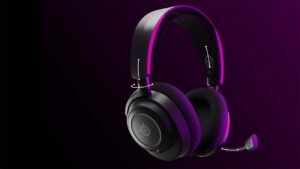
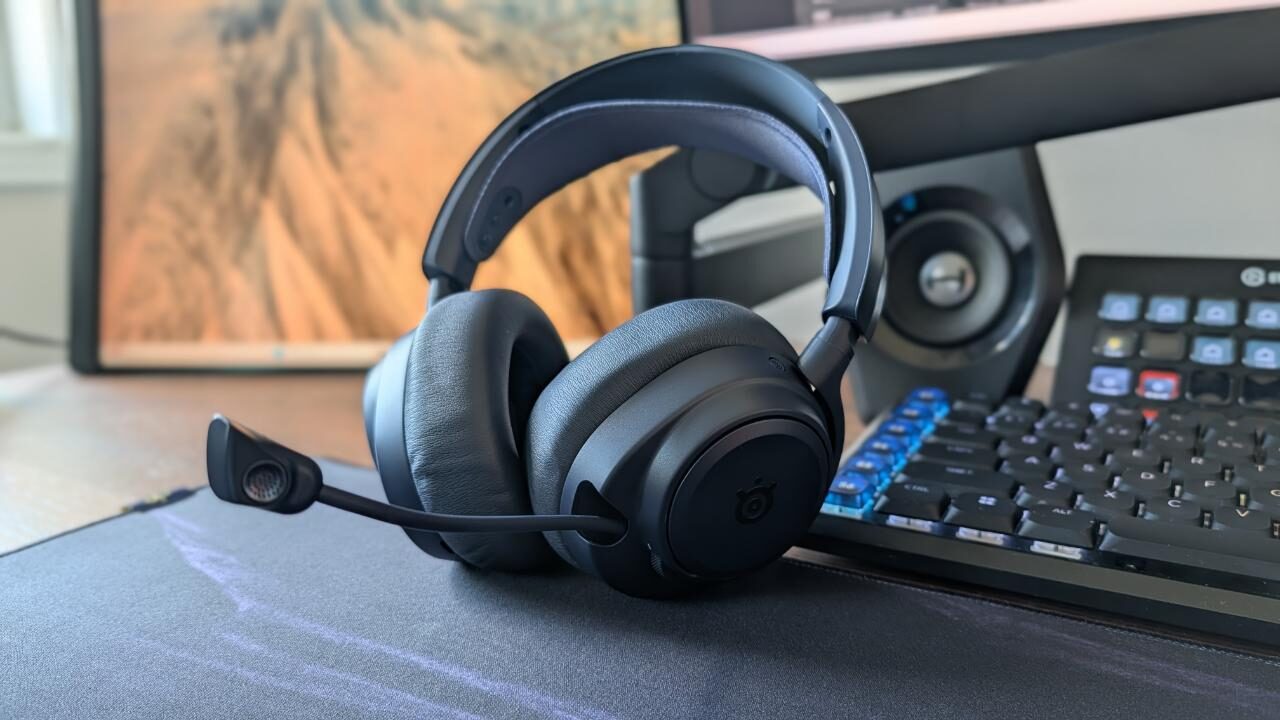


As an elder millennial, I’ve been gaming for a very good portion of my life. With this comes my exposure to a smorgasbord of gaming accessories, especially headsets. SteelSeries has always made my favourite headphones, and without a shadow of a doubt, I can say that the SteelSeries Arctis Nova Pro OMNI has to be one of their best headsets yet.
Keeping in mind that this is a high-end luxury gaming headset, it is worth every penny. They know how to move the needle when it comes to adapting to new technology as well as ensuring that nothing is sacrificed in the process. My experience with this new product has been great, and I don’t think I’ll be moving away from the brand anytime soon.
I’ve been using SteelSeries products for more than a decade now, and ever since that move was made, I’ve been very happy with their products. The Arctis Nova Pro OMNI delivered an experience I expected to get, but I was still surprised along the way. The packaging with most SteelSeries products is usually clean and concise; with that said, the Arctis Nova Pro OMNI packaging was very minimal and allowed for not too much waste.
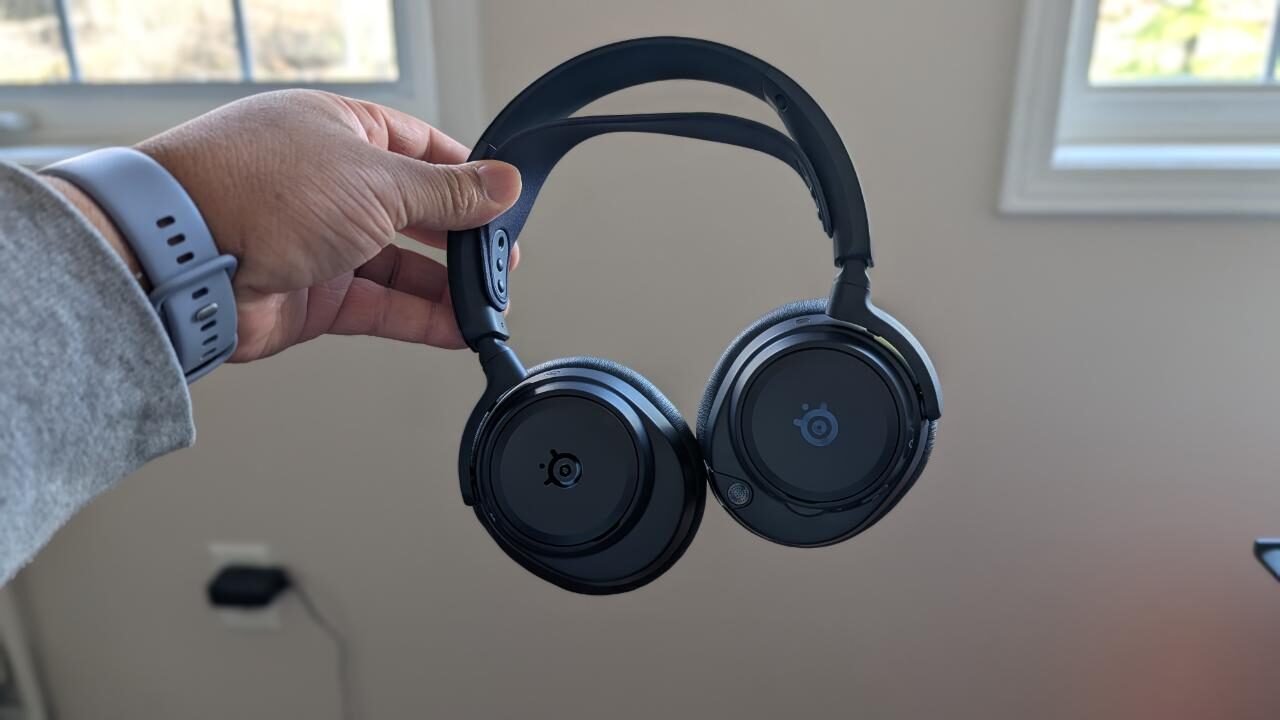
You’re met with the headphones front and center, with a box below with all the extra cables and accessories you’ll need. I love sustainable packaging. It shows me that companies care about the environment and don’t need to be doing the most and throwing in a bunch of unnecessary items you don’t need.
For the last three years, I’ve been using the SteelSeries Arctis Nova 7 wireless gaming headset, and it has been my absolute favourite headset of all time. The standouts for me were how breathable the earcups were, the battery life and the obvious one, the incredibly stellar sound quality. The mic on the Arctis Nova Pro OMNI almost rivals that of a standard USB mic. Your voice comes out smooth and clear. This is because SteelSeries has upgraded their previous mic to the new and improved New Clearcast Pro OMNIdirectional microphone.
The SteelSeries Arctis Nova Pro OMNI blows its predecessor out of the water in a way that is almost unfair. The certified HI-RES wireless audio is an unrivalled experience for a gaming headset. You are getting the ultimate audio fidelity; this is all thanks to the Hi-Res 96KHz/24-bit transmission. Add in the high-speed 2.4GHz gaming wireless and Bluetooth LE Audio with LC3+ for mobile, you are literally getting possibly the perfect headphones for almost every scenario in your life.
The feature that I was the most excited about was the OMNIplay. I play a lot of games on different consoles, and one thing that’s always bothered me is having to switch headsets when I’m playing at night, when my wife is sleeping. Gamers in relationships know that waking up your partner while they’re sleeping is a fate worse than death. For this reason, I’ve always invested in a top-quality headset.
OMNIplay allows you to seamlessly connect and control all devices that are connected to the dongle. In my living room, I have my Xbox Series X, Switch 2, as well as my PlayStation 5, so this was the perfect scenario to test out this feature. On top of this, you also have access to connect via Bluetooth, which means that you can connect your phone to the headset and take a call while still hearing the in-game audio, and the person on the other end would not even know.
“…without a shadow of a doubt, I can say that the SteelSeries Arctis Nova Pro OMNI has to be one of their best headsets yet.”
OMNIplay is something really special. Designed for simultaneous audio, the dongle for the Arctis Nova Pro OMNI comes with 3 USB-C ports, one optional line-in port, as well as Bluetooth connectivity, as I had previously mentioned. To maximize your listening experience, it’s highly recommended to use the SteelSeries Arctis app to streamline your audio preferences.
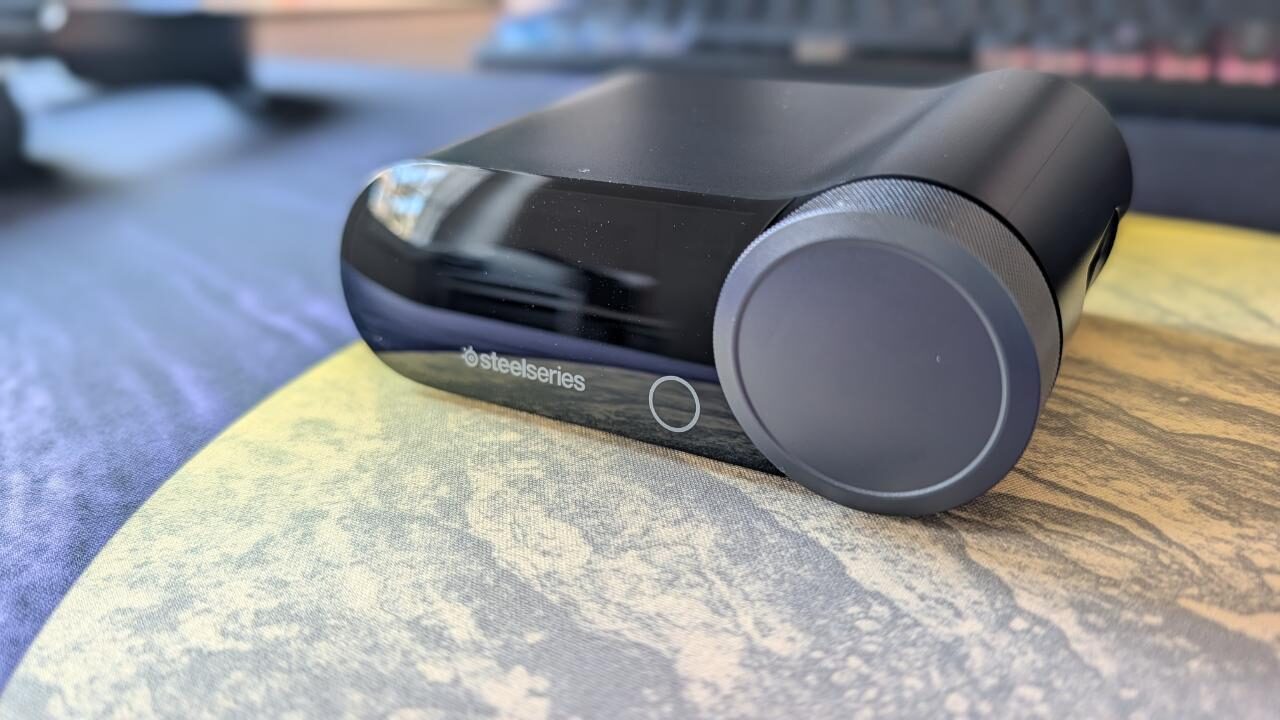
The app has a bunch of customizable options, from adjusting your mic volume, adjusting for noise cancellation, being able to select over 200 audio presets that align with the game that you’re playing, and lastly, the capability to play with the LED brightness. One standout feature with this dongle for me was the extra battery charger. On the ear cap, you can remove the side panel and fully take out the battery.
With this, you can take that battery and place it within the dongle and charge it. In the past, I’ve been plagued with finding a super long USB to charge my headsets once the battery was depleted, but with the option to hot swap batteries, I’m going to find it very difficult to ever go back to a standard USB-C charge.
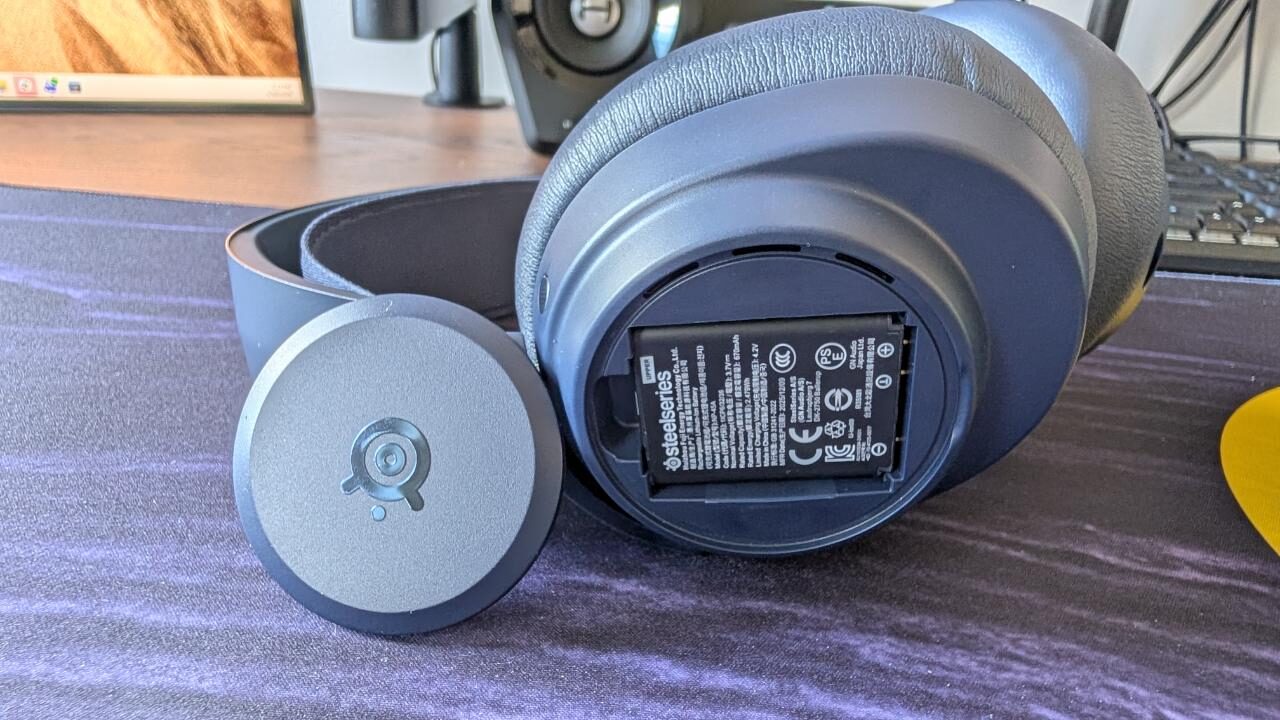
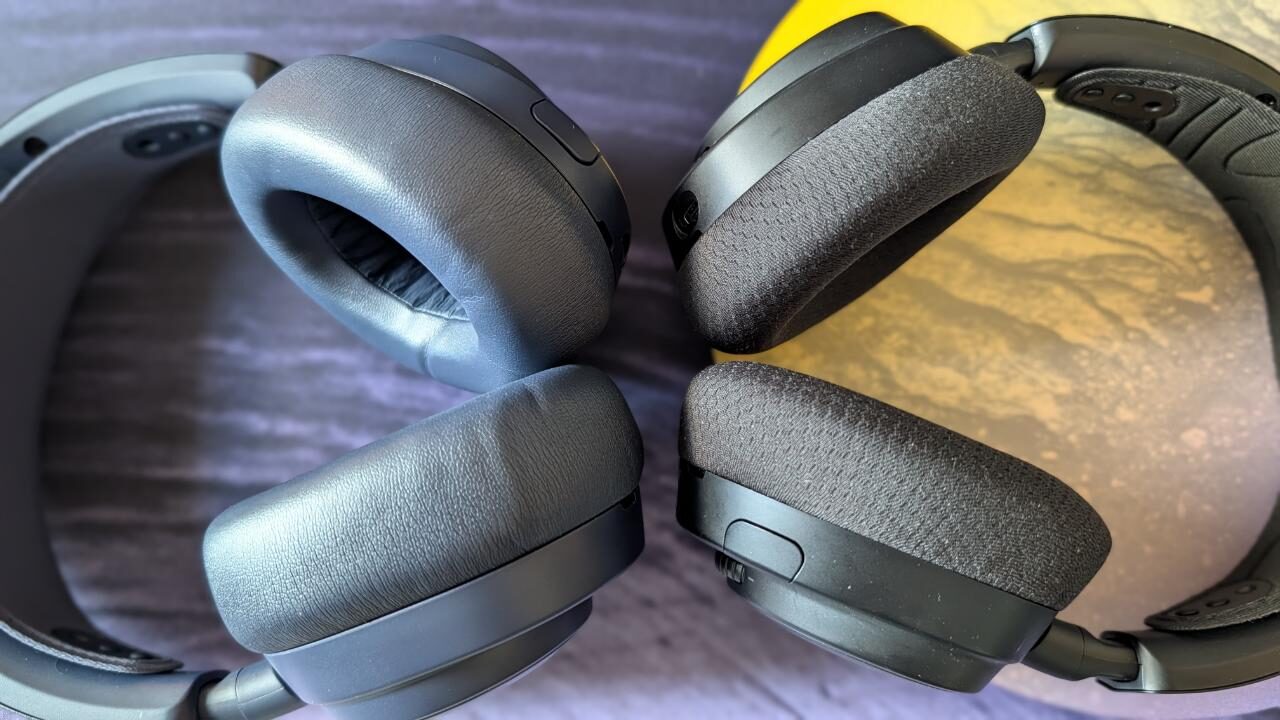
The Arctis Nova Pro OMNI wireless gaming headset is hands down one of the best gaming headsets I’ve ever used. The sound quality and active noise cancelling are top-notch, the ability to hot swap batteries removes the stress of having to find a cable to charge the headset while gaming, and overall, it’s extremely comfortable on the ears, and you’ll barely experience ear fatigue during long gaming sessions.
The price point is the only real deterrent in this scenario. The SteelSeries Arctis Nova Pro OMNI headset retails for $399 USD, and that is a lot of money to be spending on a headset. With that being said, the OMNIplay technology sold me on the headset as it allows for simultaneous audio through multiple devices and as someone is usually multitasking while either working or gaming, this was perfect for me.

- HI-RES WIRELESS CERTIFIED 96KHZ/24BIT AUDIO – Officially certified to meet the highest standards for wireless audio. Get high-fidelity with less compression and more detail over low latency 2.4GHz or Bluetooth.
- OMNIPLAY: ALL YOUR SYSTEMS, ALL AT ONCE – Connect up to five devices and switch between them with support for PC, PlayStation, Xbox, Switch, and more with 3xUSB, line-in, and Bluetooth. Mix up to four audio sources including PC, Console, and Mobile.