
The TerraMaster D8 Hybrid 2 is a simple but elegant solution for your mass storage needs, for those who need one centralized location for all their data.
At this point, I’ve looked at my fair share of NAS systems, but the TerraMaster D8 Hybrid 2 is the first DAS option that has come into my rotation of random tech. For those unfamiliar with the term, the TerraMaster D8 Hybrid 2 is a DAS, or Direct Attached Storage solution. In other words, unlike a NAS (Network Attached Storage), a DAS doesn’t have any brains inside the chassis, outside of a controller that allows the D8 Hybrid 2 to interface with a host device (such as a computer or an actual NAS).
So if you’re expecting something like DSM, or in TerraMaster’s case, TOS, the ability to run Docker containers, virtualization, and other OS-level software, you’re not going to get that out of the box. Instead, the TerraMaster D8 Hybrid 2 is more of an expansion bay that can bring massive storage upgrades to your existing setup or network.
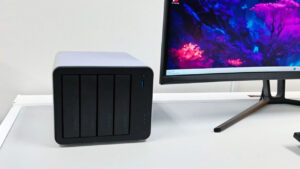
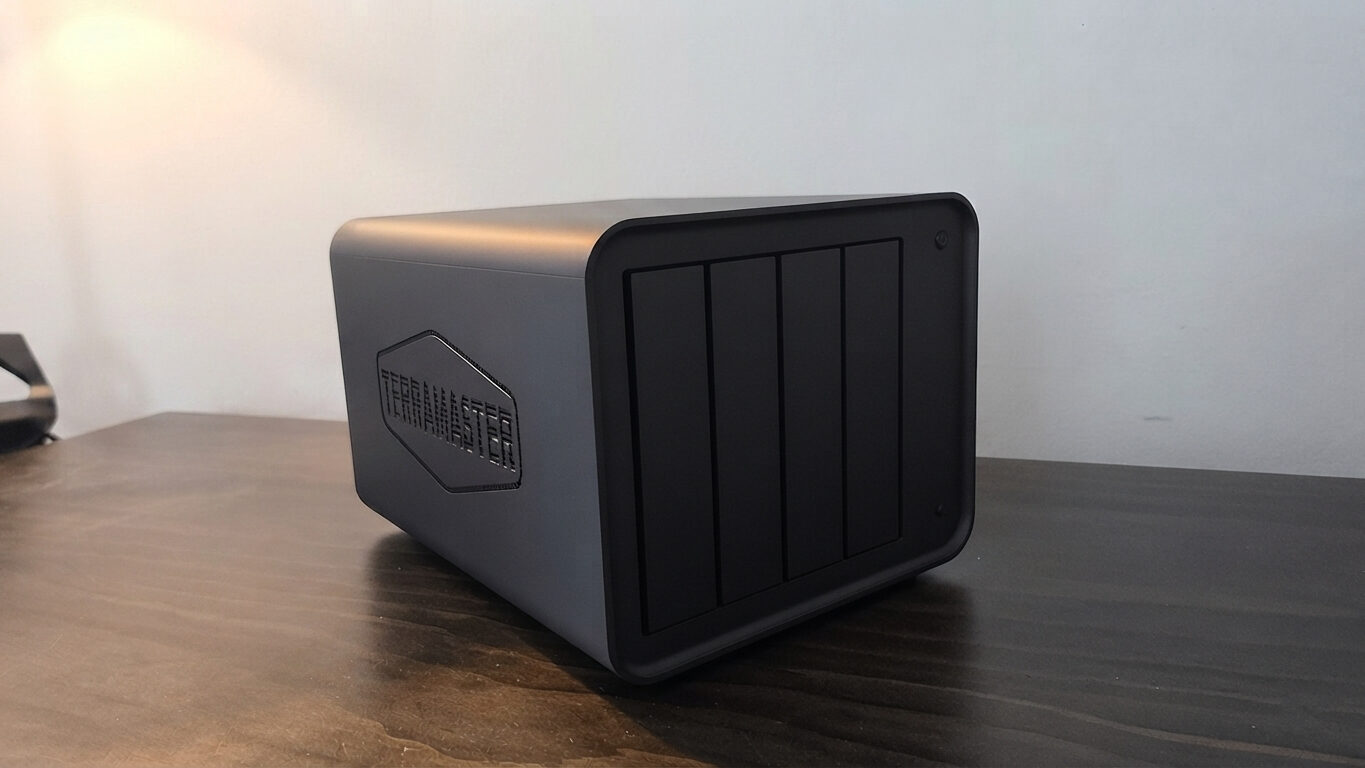
Included in the box, the TerraMaster D8 Hybrid 2 ships with the unit itself, handy labels for your HDDs, a brick-style external power supply, a USB type-C cable, and, finally, your standard fair of documentation, including a quick-start guide to get a head start. Like many modern NAS and DAS solutions, the TerraMaster D8 Hybrid 2 features a fairly nondescript matte black finish, making for a system that can fit into both a home office and a more professional setting with ease.
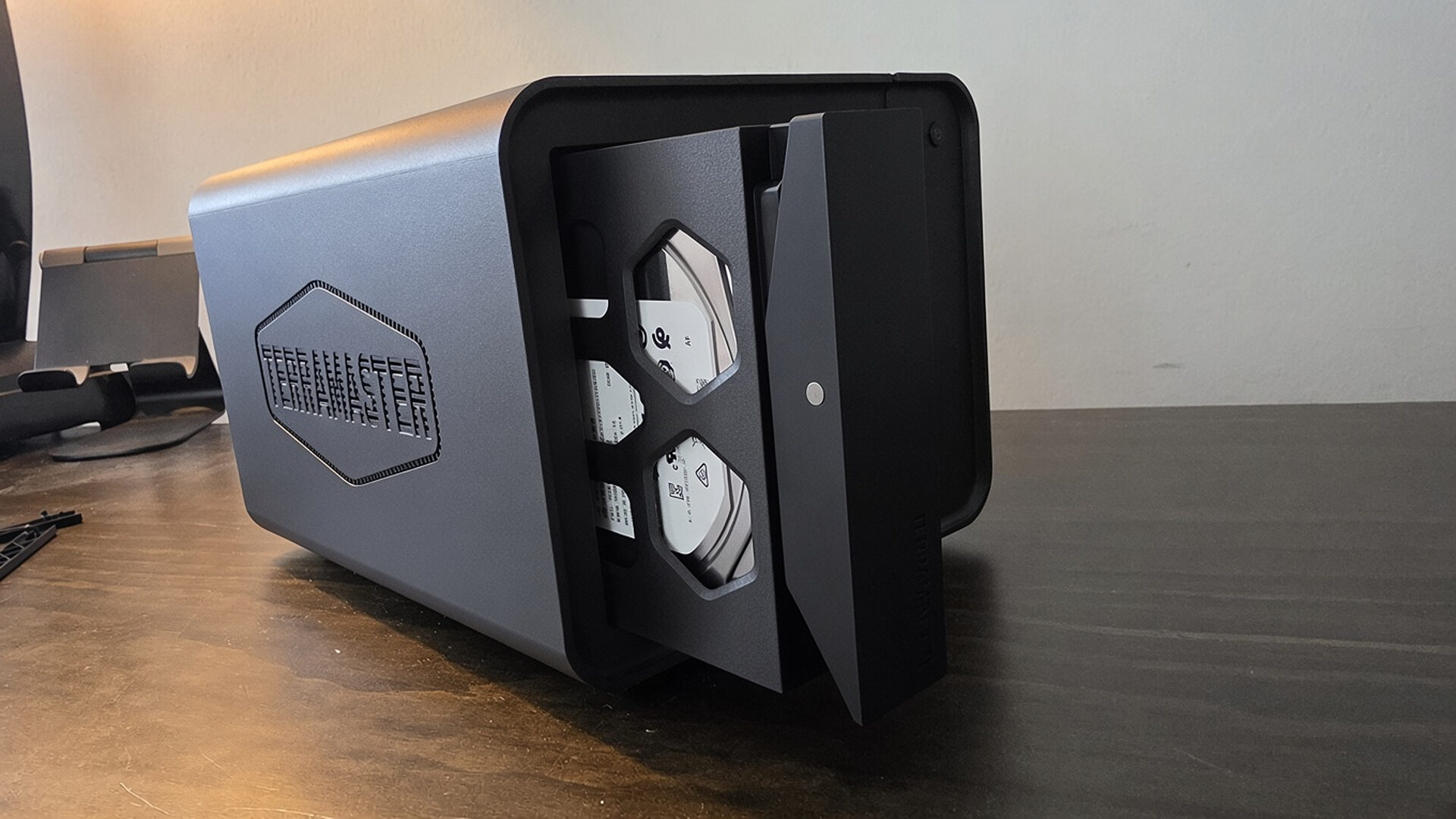
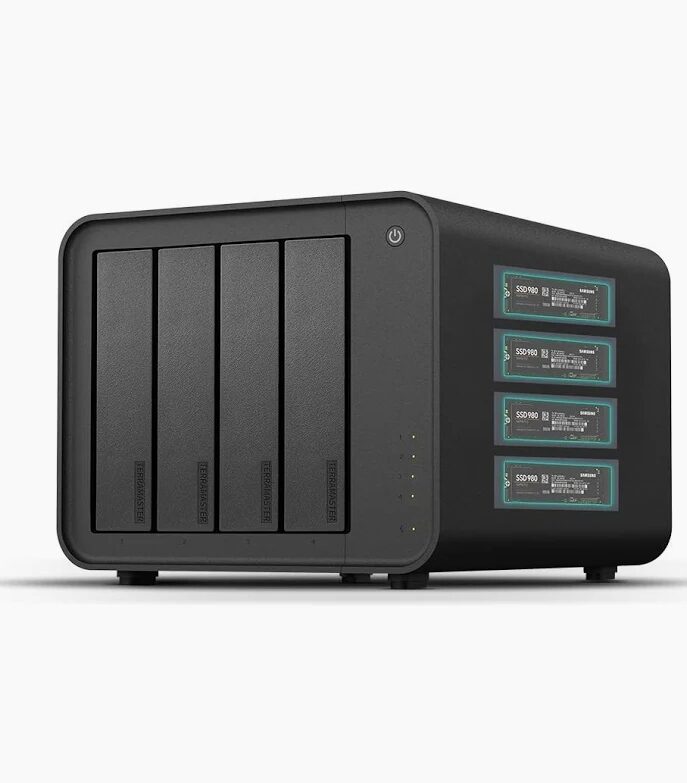
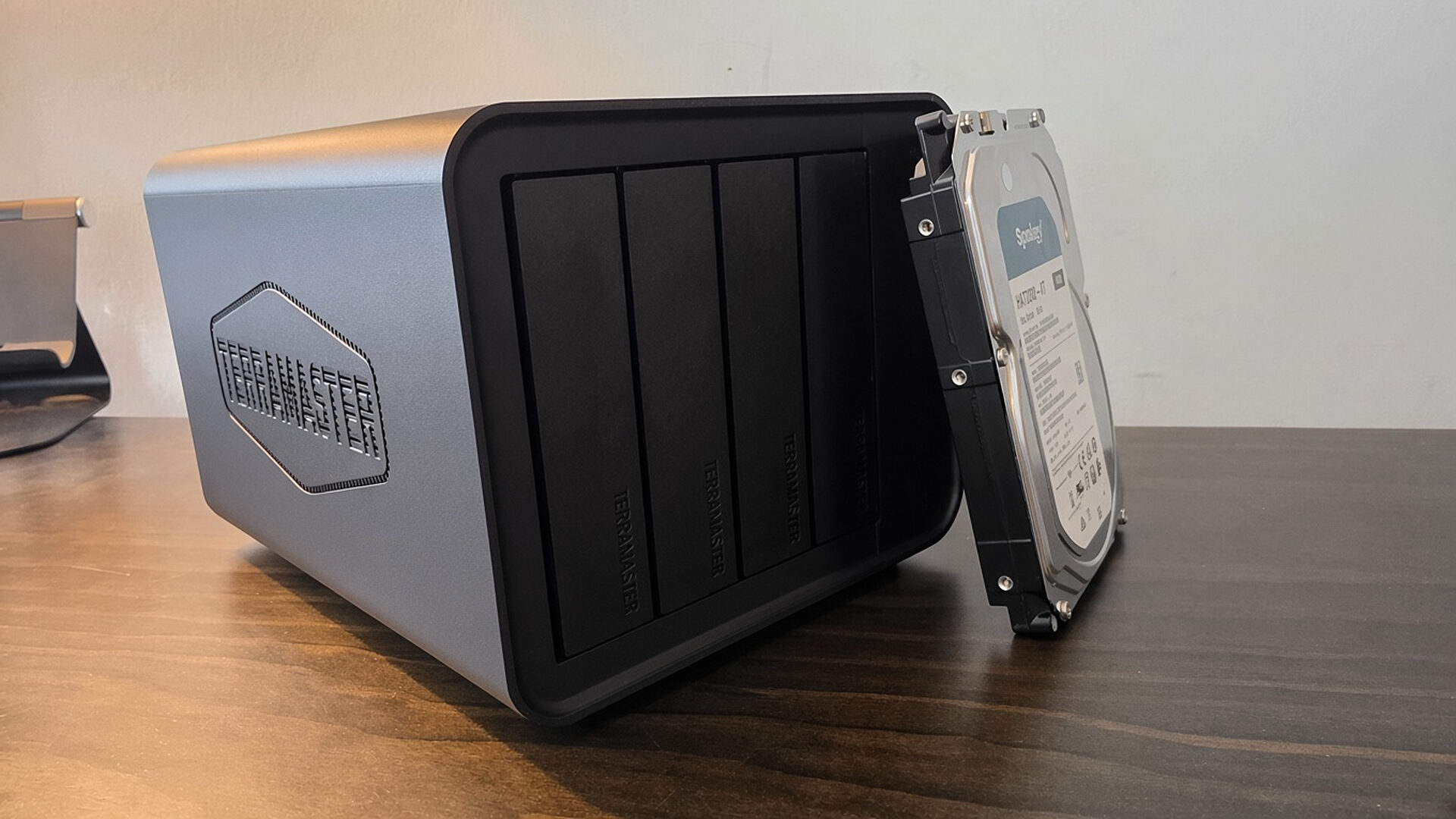
The TerraMaster D8 Hybrid 2’s key feature is its massive storage potential, allowing for 8 drives to be housed within the unit, with 4 of those being reserved for your 3.5” SATA drives (or 2.5” laptop-sized drives) and 4 M.2 NVMe options, appropriate for programs and files that require faster read and write speeds. The front of the TerraMaster D8 Hybrid 2 features 4 bays with pressure-sensitive, spring-loaded drive-bay covers that make inserting your SATA drives easy and fast. Removing the side panelling of the TerraMaster D8 Hybrid exposes its 4 NVMe PCIe slots for those who wish to attach any NVMe drives they may have lying around.
“The TerraMaster D8 Hybrid 2’s key feature is its massive storage potential, allowing for 8 drives to be housed within the unit…”
For my tests, I had a spare Synology HAT3300-4T SATA drive and a generic M.2 2280 512 GB PCIe Gen3 x4 NVMe stick that I installed into the TerraMaster D8 Hybrid 2. One oddity that should definitely be mentioned regarding the TerraMaster D8 Hybrid 2 is its limited RAID support, which is only supported for the first two SATA drives of the unit. At the same time, the remaining two and the 4 NVMe slots can only be accessed as individual pools.
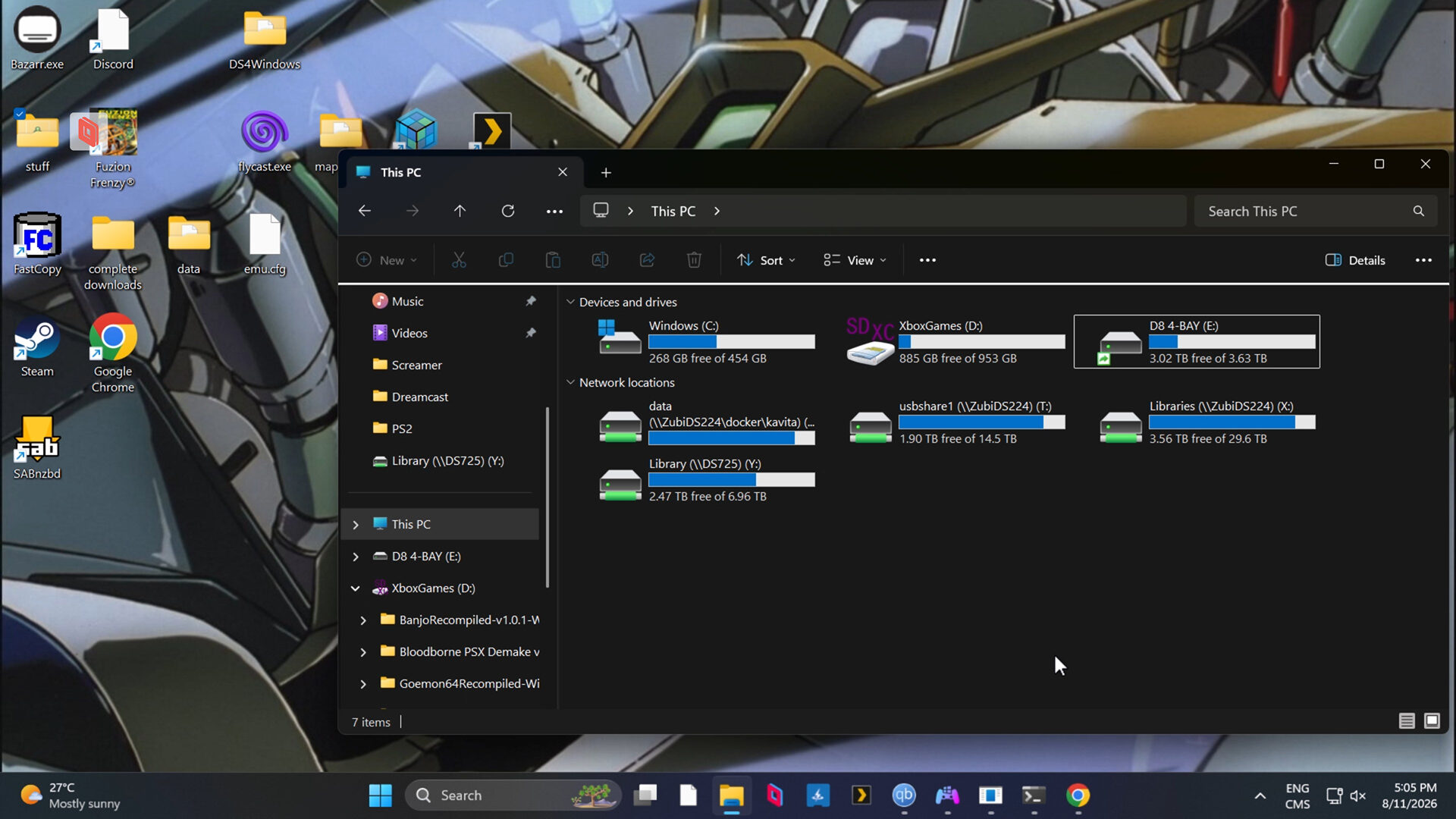
Thankfully, software-based RAID options should work with the TerraMaster D8 Hybrid 2, through either Windows Storage Spaces or applications such as StableBit DrivePool, making it easy to aggregate your drives together, especially if you’re like me and like the JBOD solution for hosting less-sensitive and replaceable data.
Unlike a traditional NAS, the TerraMaster D8 Hybrid 2, in essence, is a host controller for all your drives, making it a plug-and-play solution that just works upon connecting to your device of choice. In my use case scenario, I plugged the TerraMaster D8 Hybrid 2’s 10 Gbps USB 3.2 connection into my MSI Cubi NUC 1M-065CA Mini PC. From there, the drives were picked up and formatted, and I was even able to set up file sharing on the drive to turn it into a pseudo-NAS that I could connect and sync with my network.
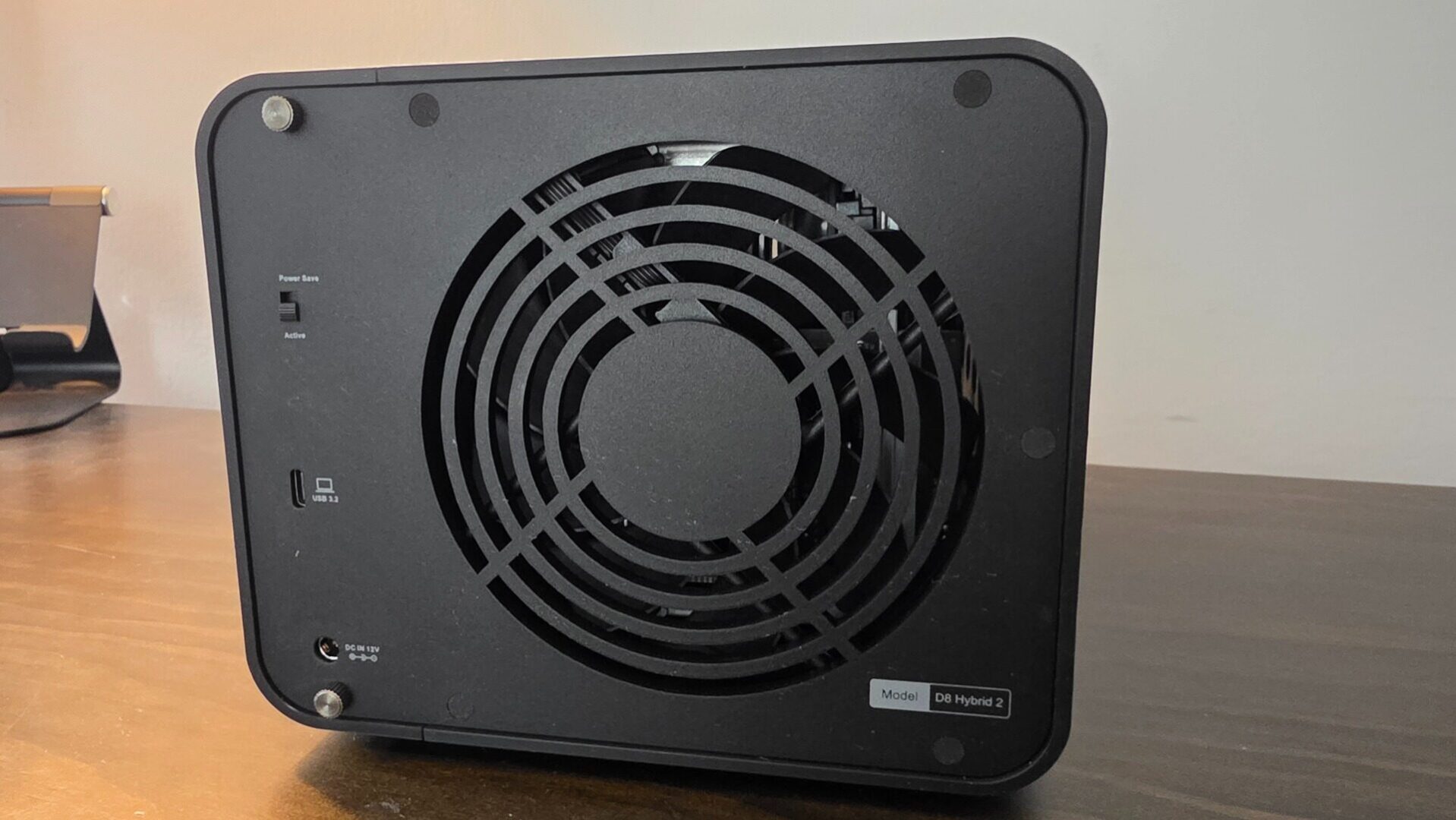
The beauty of the TerraMaster D8 Hybrid 2 is that it can be flexible to your needs, allowing it to be used across many devices, while offering an easy upgrade path for those who are already in the TerraMaster ecosystem, as plugging in the DAS to an existing TOS-powered NAS can effortlessly add more storage to smaller NAS drives without the worry of having multiple entry points on your network.
“The beauty of the TerraMaster D8 Hybrid 2 is that it can be flexible to your needs, allowing it to be used across many devices, while offering an easy upgrade path for those who are already in the TerraMaster ecosystem…”
With its USB 3.2 10 Gbps connection, the TerraMaster D8 Hybrid 2 can be somewhat limited for those who have higher-spec NVMe drives; however, for real-world and practical use, you’ll still be getting fast and, more importantly, stable speeds with the TerraMaster D8 Hybrid 2. In my testing, I found that transferring files between my network and the SATA pool netted me speeds of around 140 MB/s, while my PCIe Gen3 x4 drive was bottlenecked slightly, averaging speeds of 960 MB/s, which is more than enough for opening apps and games that could benefit from the faster speeds.
Ultimately, the TerraMaster D8 Hybrid 2 is a solid solution for those simply wanting to upgrade their existing network and storage pool without having to completely rebuild from scratch or worry about new infrastructure.