

I drive a lot, and in my family, my car is often used for all of the long-distance trips. I have been in the market for a dash cam for a mighty long time now, so when the opportunity came to review the Vantrue Nexus 5S, I jumped on it immediately.
I’d like to believe that people are genuinely safe drivers, but more often than not, they are not. For these reasons, having a top-of-the-line dash cam will save you time from the conversation of “who did what” when it comes to any road accident. Though this camera is a very pretty penny, coming in at $549 CAD, having an extra set of eyes on the road is something that has brought me great comfort while testing this out, and I can say this has been something that has really increased my joy of driving.
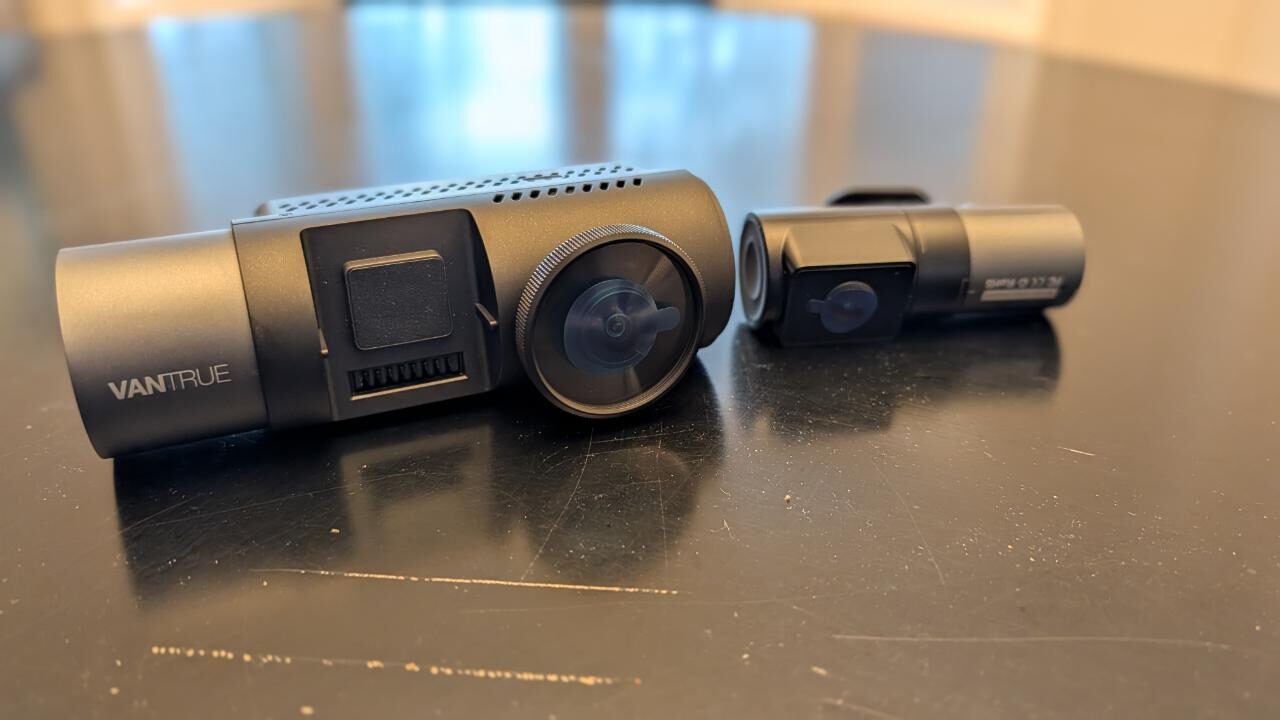
The idea of owning a dash cam has always seemed like “the right” thing to do, especially as someone who is often on the road. I do a lot of driving for work, going between various events and galavanting around the city with friends and family. Those who drive know that any highway and city driving could be very treacherous, but now with the Vantrue Nexus 5S Dashcam, I can say I can breathe a little bit easier.
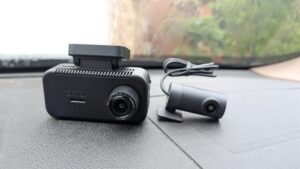
Unboxing this device was really simple; you’re met with two cameras, one for the front and one for the back, as well as a bunch of cables and accessories. I also received some extra items for this review, those being extra cables to plug into the camera directly into the car’s electrical box, as well as a polarized lens for the front camera.
I really cannot stand a messy cable job, so rather than having the front camera plug into the front 12-volt accessory socket, I had my mechanic run the other set of cables through my car’s body and into the front electrical box. I wanted to do this to eliminate any future problems like cables coming out of the car’s cloth seams or someone accidentally pulling a cable when getting into the back seat. My mechanic did a great job, and the work was so clean.
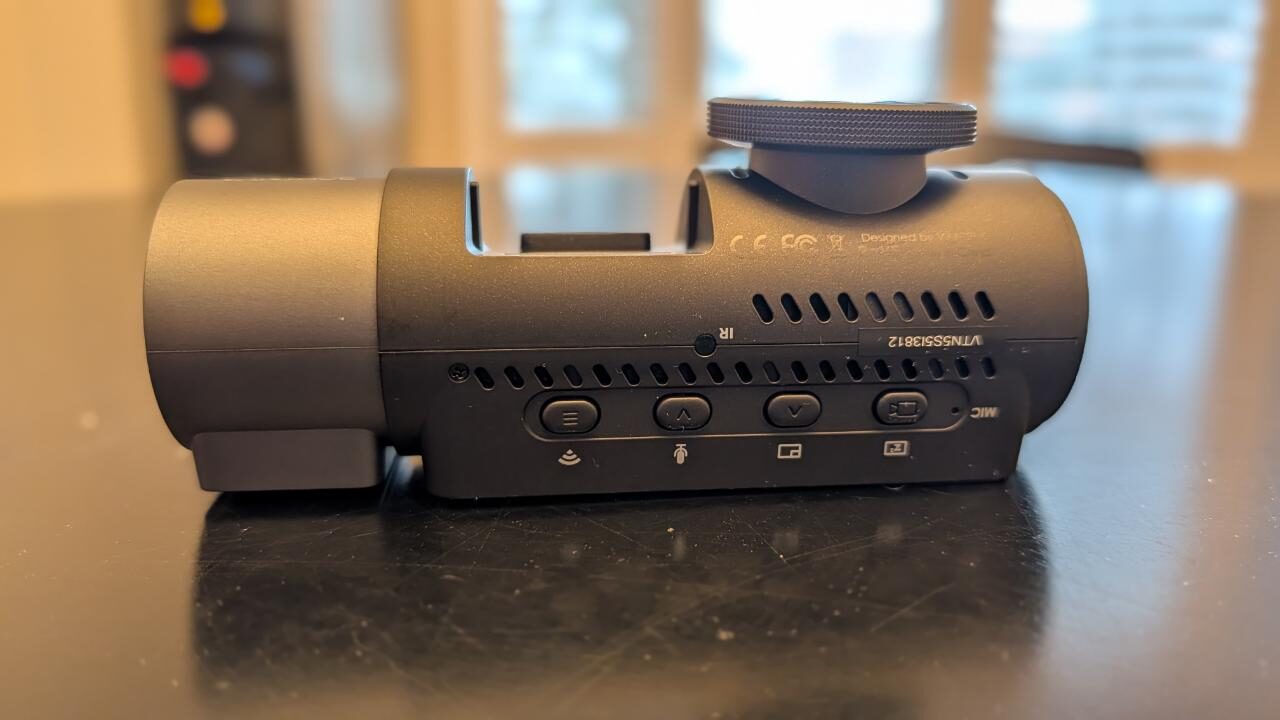
Next up, I had to manually install both the front and rear cameras. The camera attaches to the windows via a very strong 3M adhesive. Me, being the genius that I am, accidentally attached the rear camera upside down, so the first day of driving, I kept wondering to myself, “Why am I always looking at the sky?!” After a long session with a flathead screwdriver and a hair dryer, I was able to remove the rear camera and reattach it so that I could get a clear view.
“…now with the Vantrue Nexus 5S Dashcam, I can say I can breathe a little bit easier.”
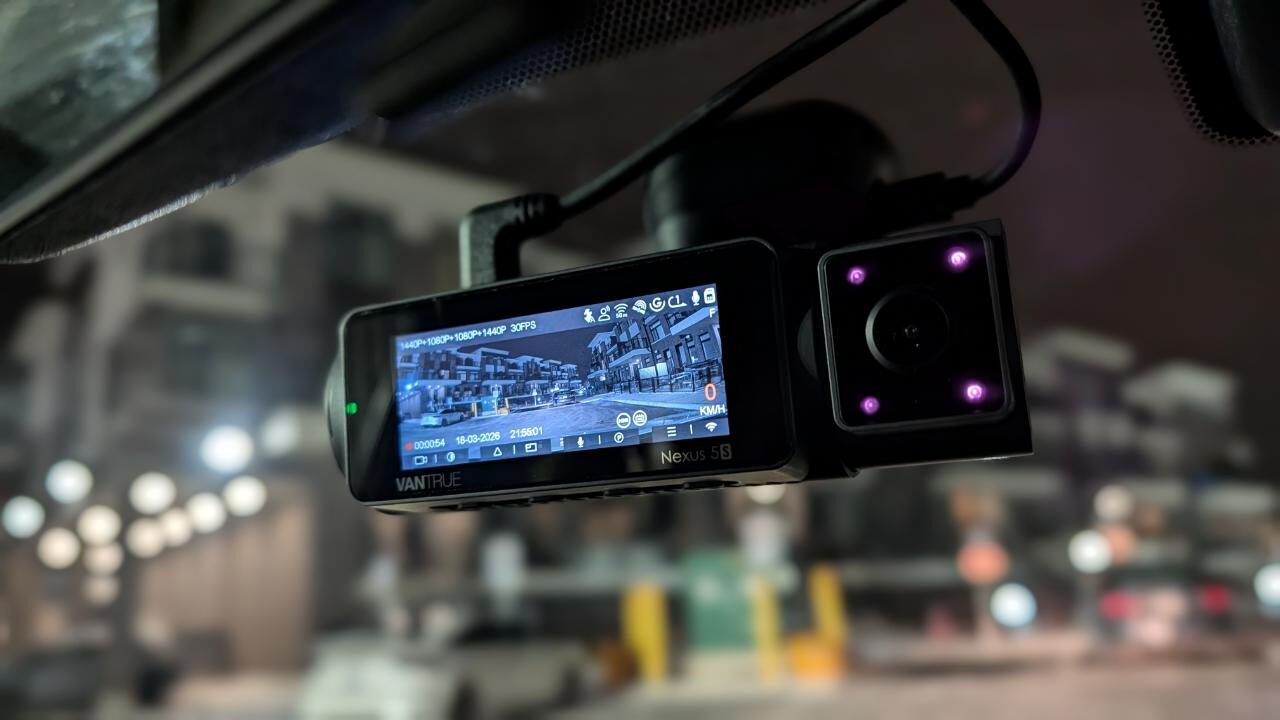
Both cameras offer external and internal views. The Vantrue Nexus 5S Dashcam also includes an internal microphone that can record conversations occurring within the cabin. The inclusion of the 3.10-inch display was a bit distracting at first, but after a few drives, I got used to it. The dashcam is operated via four on-board physical buttons. I found this especially useful, as I prefer physical buttons over touch controls, particularly while driving, since I like to confirm that a button has been pressed without needing to look at it.
The Vantrue Nexus 5S dashcam connects to a smartphone through 5GHz Wi-Fi, enabling smooth playback and reasonable download speeds. A notable feature is the ability to quickly download a video immediately following a potential collision or event. Events are recorded whenever the vehicle passes close to another car at a higher speed or even during minor bumps in the road. For those interested in tracking data, the Vantrue Nexus 5S can display driving information over a specific period once set up within the app. This data can include distance travelled, elevation changes, and various speed metrics.
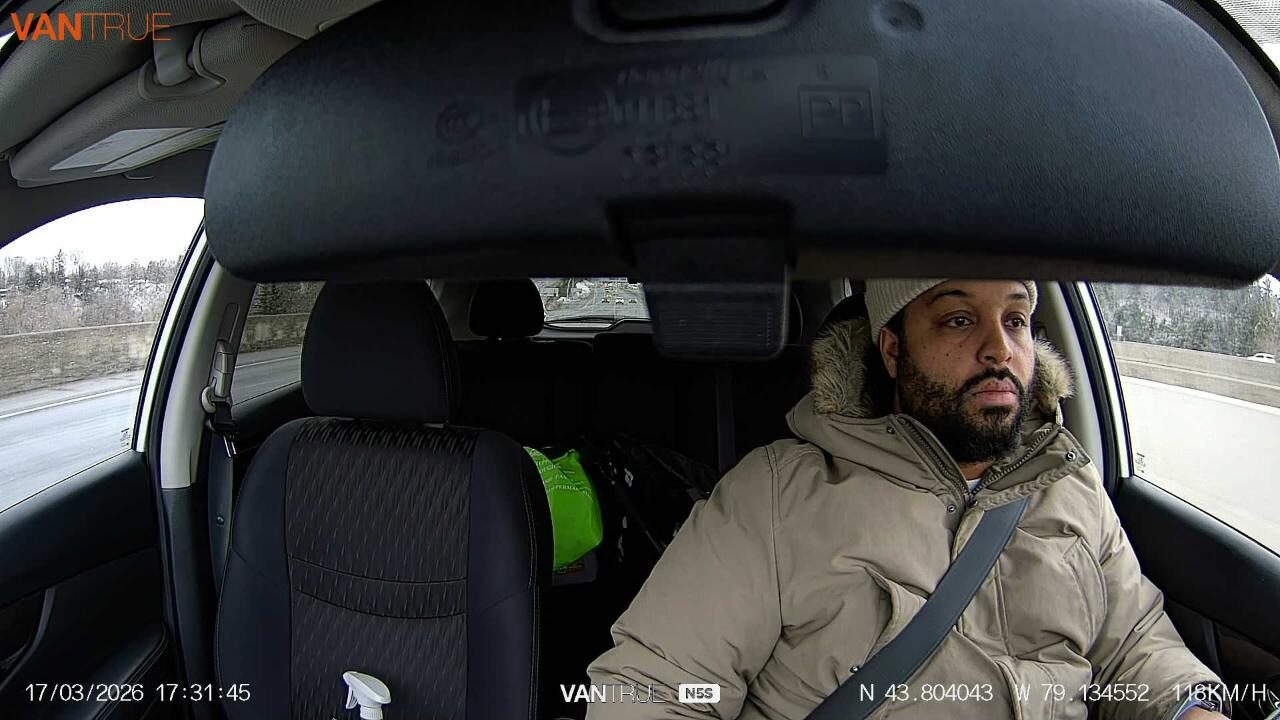
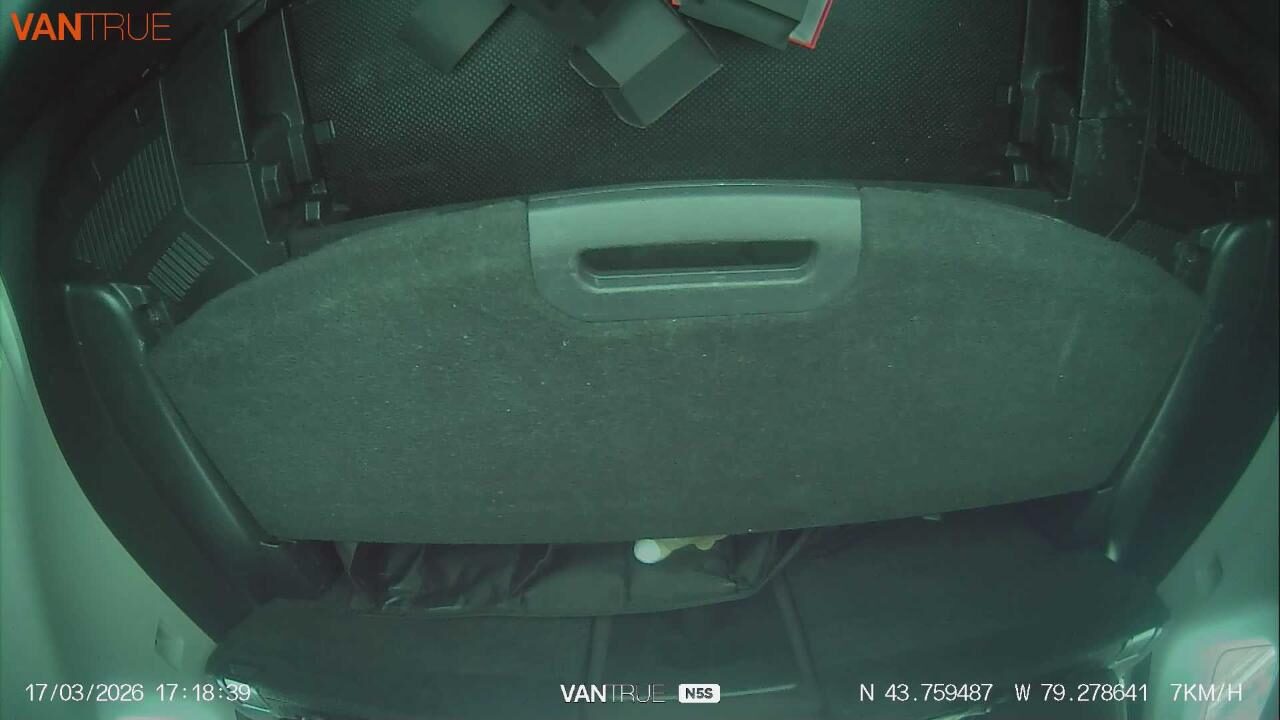
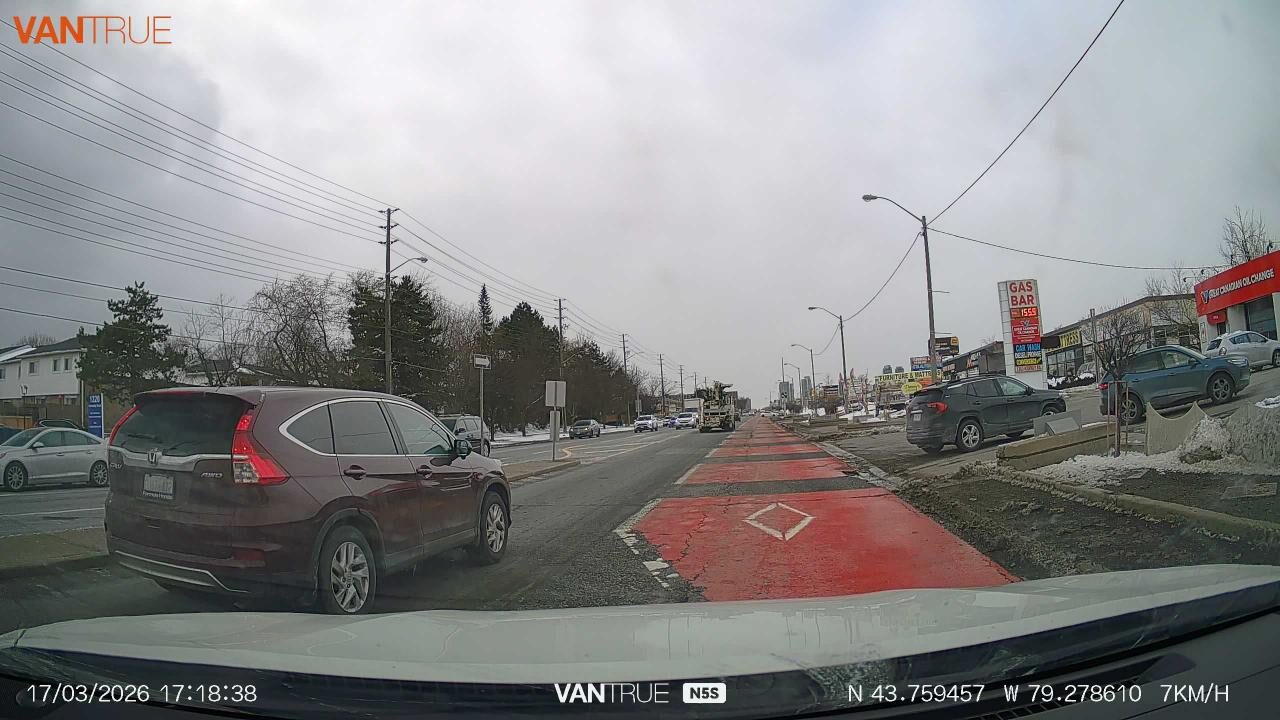
The video quality of the Vantrue Nexus 5S was really amazing. Though it doesn’t record in 4K, this wasn’t an issue for me at all. The device emulated a 360-degree coverage thanks to the 2 Sony Starvis sensors. This allows for video recording of 1944x1080p at 30 frames per second. The front cabin camera features 4 infrared LED lights that help with recording in low light. The night vision on the camera was great, whether you are city driving or somewhere on the backroads, I was still able to make out street signs and license plate numbers.
The companion app was really easy to use and set up, and the installation wasn’t overly complicated either. Once you finish downloading the app, it asks you to create an account and move your smartphone within 2 meters of the active device. Once this step is done, it will ask you to calibrate your device, asking questions like whether you would prefer Miles per hour (MPH) or Kilometers per hour (KPH). Since I’m in Canada, I selected KPH.
After this set is complete, you are good to start using the camera. My review package came with a 128GB micro SD card to use with the camera, and for the duration of this review, it worked out fine. I will say if you are someone who is driving around a lot, like I am, I would seriously invest in a bigger card so that you won’t have to worry about storage getting full.
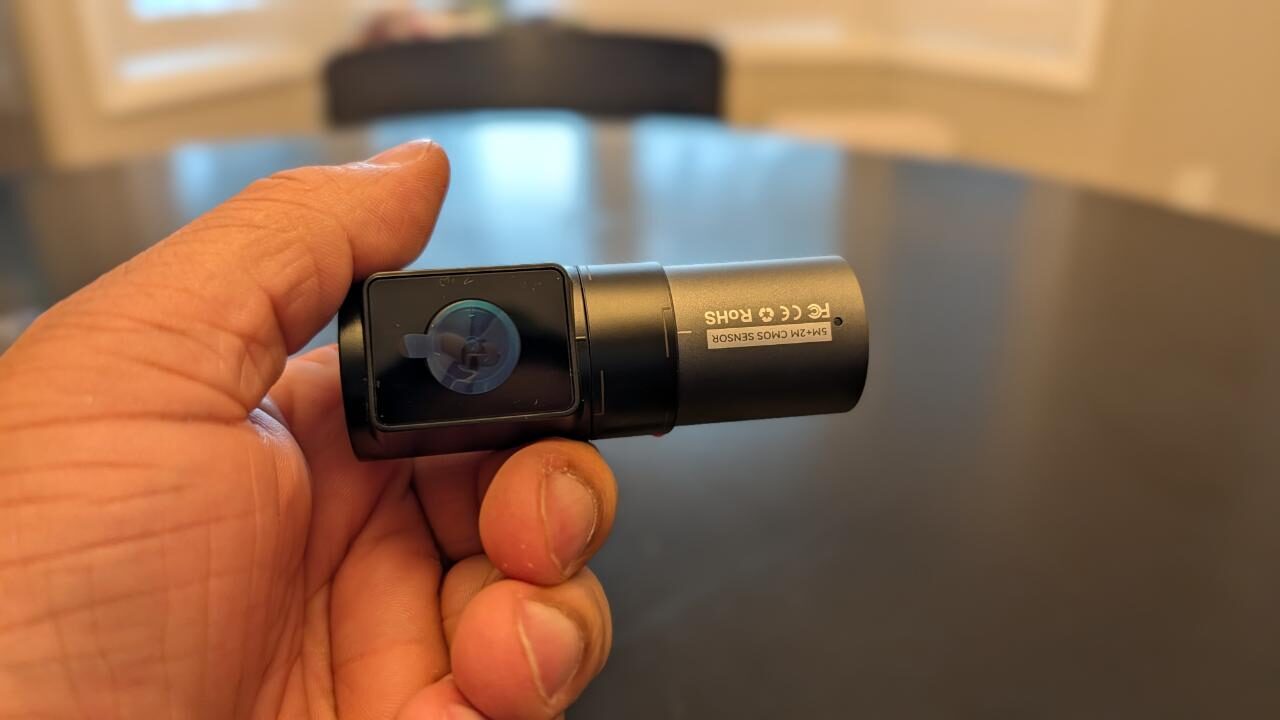
The device can support up to 1TB micro SD, and with the 128GB card I had, I had roughly 30 hours of video and photos. By the time I hit the 3-week mark with this device, I had already used more than 60% of the allotted storage. With this, I strongly recommend getting a 512GB card or higher.
Using the Vantrue Nexus 5S has been an easy, simple and clean experience. The onboarding wasn’t too intimidating. If you’re looking for an easy setup, using the 12-volt accessory adapter is the best plug-and-play option, and though the path I took isn’t for everyone, I would still highly recommend it if you don’t want to see any hanging wires in your car. Both the audio and video playback were superb, and everything I expected them to be within that price point of the device. Overall, this is a great device that I would highly recommend to anyone in search of a dash cam for their car.

- [ 4 Channel 360° Full Coverage ] Experience complete 360° protection with our advanced 4 channel dash cam 360, eliminating blind spots on the road and inside your vehicle. Featuring a powerful dual-core processor, this dashcam records in stunning 2.7K+1080P+1080P+1440P resolution, with flexible recording modes (1CH/2CH/3CH/4CH) to adapt to any driving scenario. From daily commutes to long road trips, this all-in-one surveillance solution provides effortless driving safety and legal protection.
- [ Ultimate 4CH STARVIS 2 Night Vision ] All 4 cameras feature cutting-edge STARVIS 2 tech, delivering 100% higher low-light performance and 40% greater license plate recognition capacity than other STARVIS dash cameras. With advanced HDR/WDR processing, this car camera accurately captures license plate with no glare at 20MPH even in varying lighting environment! With infrared lights, both front cabin and rear cabin cams provide exceptional clarity inside your vehicle—even in complete darkness.