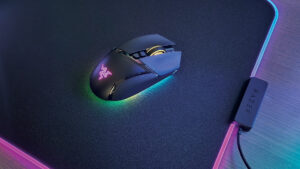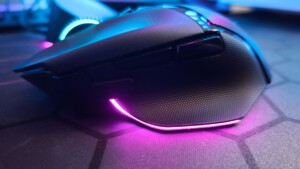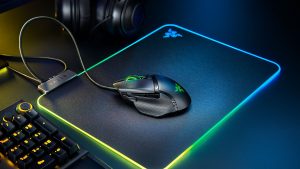


The Razer Basilisk V4 Pro Gaming Mouse is an ergonomic wireless mouse that builds on the excellent foundation the V3 Pro 35K laid. An incredibly comfortable and sharp-looking mouse, the Basilisk V4 Pro sees some impressive updates to the series. The most prominent of these include the new Focus Pro 50K optical sensor, 14 programmable buttons, and a whopping 200 hours of battery life over Hyperspeed Wireless at 1000Hz.
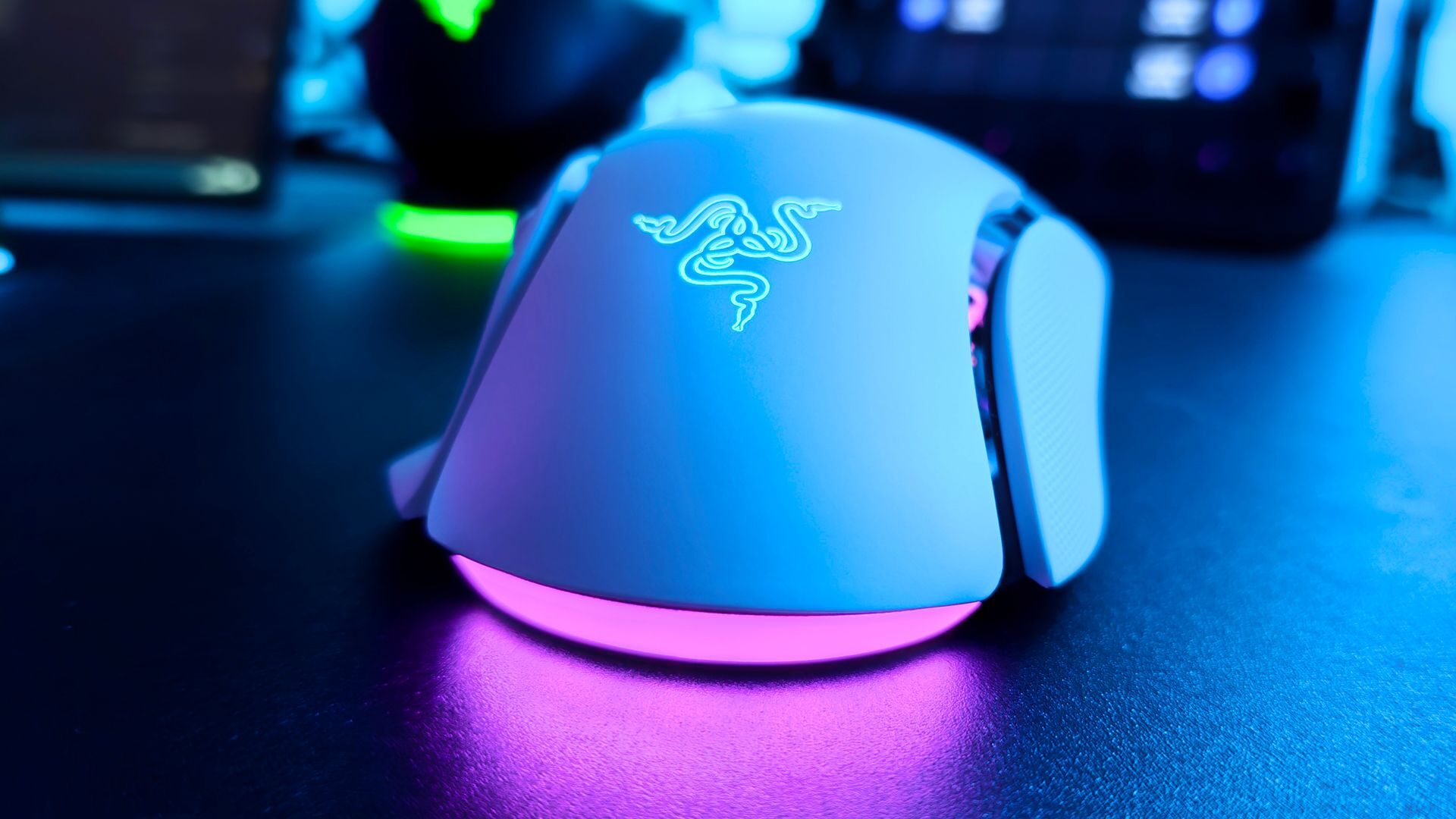
Weighing in at 100g, the V4 Pro is an exceptionally comfortable mouse. It carries the same footprint as its predecessor and fits incredibly well in hand. The ergonomic design provides optimal positioning for the palm, thumb and fingers, providing excellent support while in use. Available in both black and white, the Basilisk V4 Pro is a sharp-looking mouse.

The white version sent over for review features inset black accents that accentuate the various sections of the mouse. This, coupled with Razer’s strategically placed RGB lighting located at the scroll wheel, rear underside, and iconic palm logo, gives the mouse a distinct look I quite like. Razer’s design for the white V4 Pro is exceptional, creating an instantly recognizable and iconic look.
“Razer’s design for the white V4 Pro is exceptional, creating an instantly recognizable and iconic look.”
The V4 Pro features 14 programmable controls, including a couple of new features not present on previous iterations of the Basilisk. Perhaps the most notable is Razer’s AI Prompt Master, which I first experienced on the excellent Razer Pro Click v2 Verital mouse that our own Philip Watson reviewed last year.
This dedicated button, located on the left side of the mouse along with the standard Mouse 4 and Mouse 5 switches, pulls up an AI prompt window within whatever application is open. While not specifically designed for gaming, the AI Prompt Master has been a tool I’ve leveraged throughout the workday.

The Basilisk V4 Pro also includes the HyperShift Clutch feature, which activates secondary functionality on many of the mouse buttons. I’ve found this to be of use in several of my regular games that have more complex controls. In DOOM: The Dark Ages, for example, leveraging HyperShift Clutch has allowed for much easier melee weapon swapping between the Shield Saw and Spear, a historically frustrating thing when the DLC first dropped.
Razer has also added the Focus Pro 50K Optical Sensor Gen-3, which is also included in the new Naga V3 Pro. This sensor is an absolute dream to game with, providing incredible sensitivity and precision. Its 50,000 DPI and 930 Max IPS give it exceptional range for customizing the user experience.
This, coupled with Razer’s Frame Sync, has a proven track record of reducing latency by matching the mouse movement with the PC’s read time and, as the name implies, syncing the two for perfect, precise movement. Having now tested it on both the Naga V3 Pro and Basilisk V4 Pro, I am impressed with its precision and accuracy when gaming.
One unique feature that this new sensor affords the Basilisk V4 Pro is the Perfect 180 command. This command can be mapped to any button and, when executed, provides a quick, smooth 180-degree turn of the player without the mouse moving from its current position. I will confess that it was a bit disorienting at first, but after using it for the past couple of weeks, it has become a great addition to my gameplay experience.
“The Razer Basilisk V4 Pro gaming mouse is exceptional.”
Other features, such as mouse rotation and dynamic sensitivity, allow players to truly dial in the motion and sensitivity of the mouse to their playstyle and movement. While it takes a bit of time to fine-tune it all through Synapse, once set up, the Basilisk V4 Pro feels as if it’s adjusted to you rather than you adjusting to it.
When paired with the Razer Mouse Dock V2 Pro, the Basilisk V4 Pro can easily handle a polling rate of 8,000, providing even more precision for players to leverage. On that note of precision, the V4 Pro also includes the HyperScroll Tilt Wheel Gen-2, which has been a game-changer for my workflow since I first tested it on the Basilisk V3 Pro 35K.

Razer has included its Optical Mouse Switches Gen-4. Along with incredible durability (100-million click rating), these switches also provide a zero-bounce response system that has removed misclicks, even when intensely mashing buttons in a panic during frantic PVP matches.
Finally, the Basilisk V4 Pro includes 5-way multi-device connectivity. As the name suggests, the V4 Pro can be connected via Hyperspeed wireless, Bluetooth 6.2, up to three devices, and wired, with quick switching managed by a small connection button located on the underside of the mouse. I’ve found it helpful when jumping between my laptop, Legion Go S and gaming PC while working; it has reduced the number of peripherals needed on my desk, which is a lifesaver most days.
The Razer Basilisk V4 Pro gaming mouse is exceptional. It provides incredible precision, a vast feature set, and a comfortable and sleek design, all of which help gamers truly take ownership and dial in their gaming experience. Razer has done an excellent job not only of refreshing the Basilisk Pro line but truly upgrading the user experience, which is why I have no issue recommending the Basilisk V4 Pro gaming mouse.