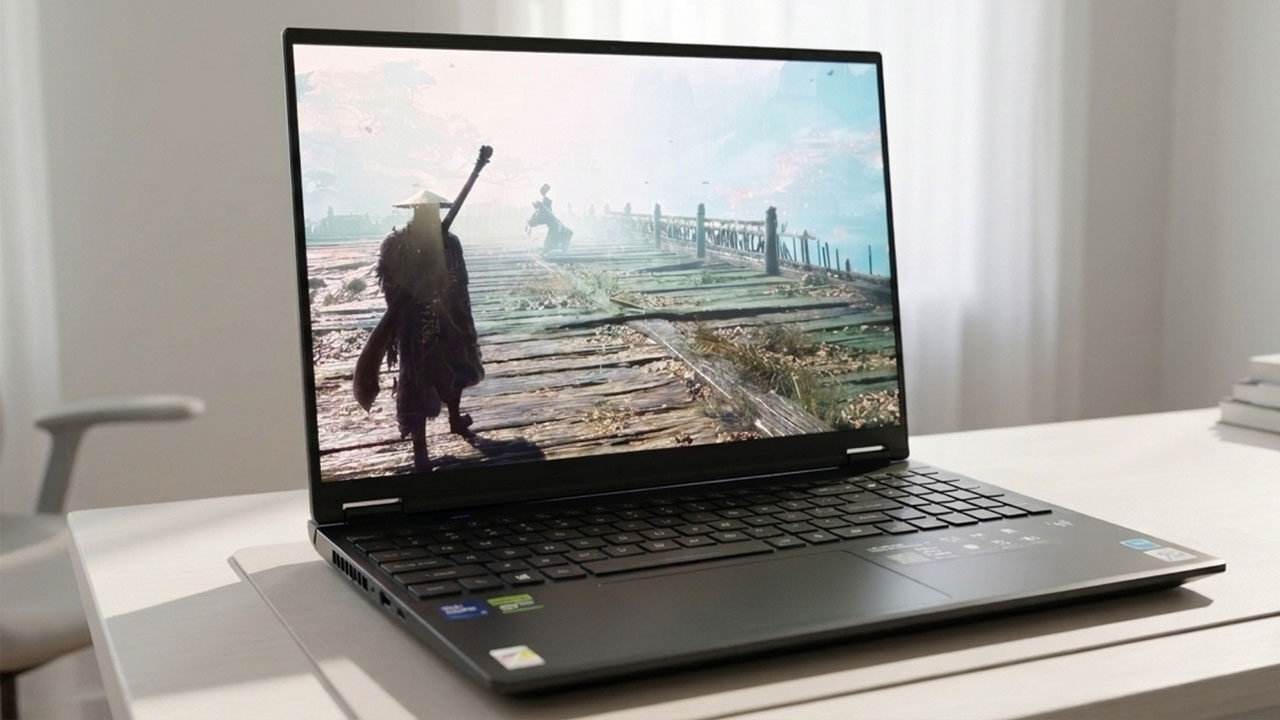


With Intel inside and powered by an NVIDIA RTX 5070, the Acer Predator Helios Neo 16S AI is a gaming- and AI-focused laptop that packs a punch, delivering mostly solid performance in a sleek form factor, made better with an outstanding 16” OLED panel that sets it apart from the competition. I’ve been a big fan of Acer’s Predator line of gaming-focused laptops and full-fat tower solutions ever since undergrad, when I rocked their Acer Predator 17 back in 2017, which, even omitting its modular Blu-ray drive, puts into perspective how much technology has evolved when compared to the elegant footprint and sleek design of the Acer Predator Helios Neo 16S AI.
The unboxing experience for the Acer Predator Helios Neo 16S AI is as elegant as the laptop itself, with not much in the way of extras or fluff, instead giving quick access to the laptop itself, a quick start guide, the charging brick and some warranty information that ships in a rather nice envelope. Removing the cloth protecting the screen of the laptop that is nestled inside the box reveals its gorgeous and glossy OLED display.
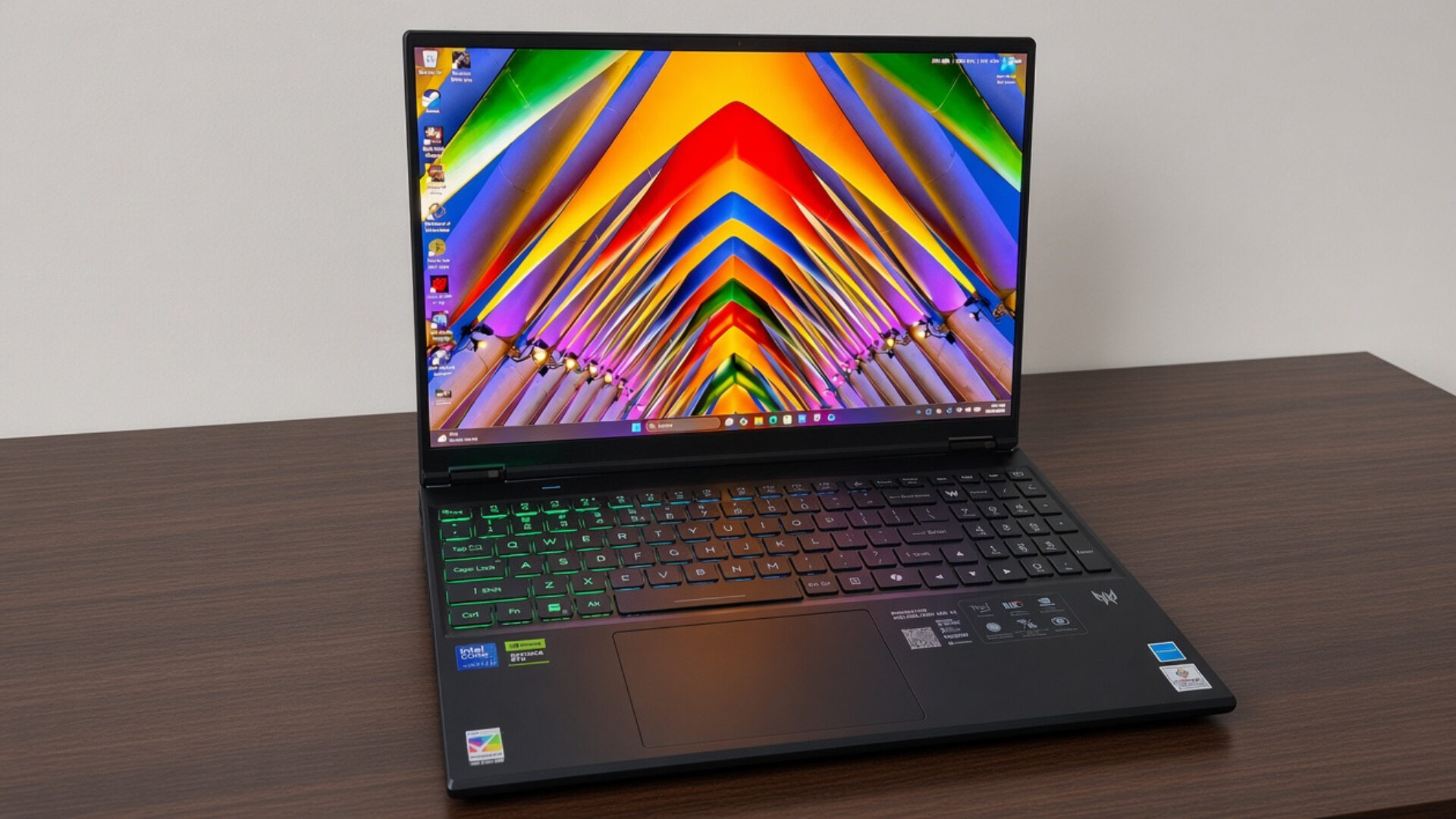
Taking a look at the Acer Predator Helios Neo 16S AI feels a bit like a paradox, as the entire unit comes in at only 2.30 kg with an ultra-slim profile hovering around the 20mm mark. In other words, the Acer Predator Helios Neo 16S AI does not look like a capable gaming laptop, something that fortunately doesn’t hold up when it comes to benchmarking, at least for the most part. Some games tested seemed to suffer from framerate issues when CPU-bound games were thrown at it.
“Taking a look at the Acer Predator Helios Neo 16S AI feels a bit like a paradox, as the entire unit comes in at only 2.30 kg with an ultra-slim profile hovering around the 20mm mark.”
Starting with the king of benchmarking, Cyberpunk 2077, which recently got its major 2.5 update coinciding with the release of Cyberpunk Edgerunners season 2. With DLSS enabled, Cyberpunk 2077 ran at around 50fps with RTX enabled on ultra settings; switching to path tracing made that number drop to around 30, but with all advanced lighting turned off, the game ran at a blistering-fast average of 100 fps, giving users a good amount of flexibility.
Moving into some of the denser, crowded areas, particularly some of the DLC areas introduced in Phantom Liberty, the framerate in the game seemed to destabilize, hovering closer to the 45 range with RTX enabled. At the same time, path tracing became even worse at 15-25, making it harder to recommend. The varying shift in frame rate is likely due to throttling, an unfortunate but understandable trade-off attributed to the small form factor of the Acer Predator Helios Neo 16S AI.
Changing gears (no pun intended) into a newer release, Gears of War: E-Day on ultra with DLSS enabled ran at a respectable 60fps, holding it for the majority of scenes, with only some notable drops during actor-heavy sequences, such as the courthouse siege and the boss encounter inside the emulsion refinery. Pairing back settings and limiting ray-traced elements will likely smooth out any hitches or drops, as overall, I found E-Day to be fairly consistent.
Another title I like to benchmark on newer machines is Black Myth Wukong, a game that features both rich detail and a solid PC port that tends to showcase capable hardware well. Running the Soulslike title on the Acer Predator Helios Neo 16S AI proved fruitful, with the game averaging an FPS of 130 on high settings with DLSS and ray tracing enabled. Black Myth in particular also highlights the advancement of DLSS tech; older instances of the game sometimes appeared smeary in motion with frame gen on, but now appear consistent and buttery smooth.
For the penultimate test, I ran Doom: The Dark Ages, which seemed to be the odd duck out, with the game reporting frame rates around 130 FPS, but feeling much, much slower in practice, with ray tracing enabled, with sluggish inputs that felt closer to 30 at best. Thankfully, disabling the more advanced lighting options showed the game running at 200fps, although in practice this number too felt inconsistent, with the game varying in speed, dependent on the scene, suggesting some form of throttling.
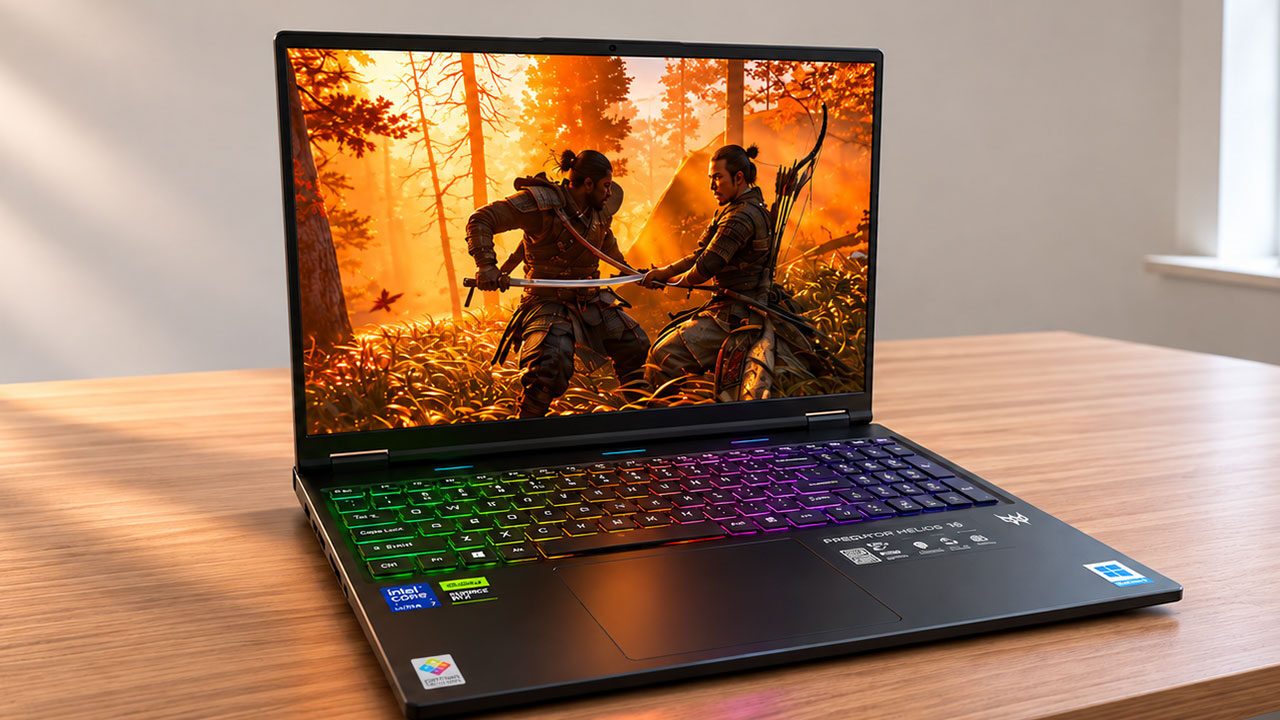
Finally, I tested the highly anticipated and critically acclaimed release of Phantom Blade Zero, which, after a rather lengthy shader compilation sequence, ran at an impressive 110 FPS on high settings with DLSS enabled and frame generation set to 2x. Nvidia’s commitment to releasing day 1 driver updates made my time with Phantom Blade Zero on the Acer Predator Helios Neo 16S AI even better than my experience with the game on my main desktop rig, which utilizes an AMD GPU.
“Running the Soulslike title on the Acer Predator Helios Neo 16S AI proved fruitful, with the game averaging an FPS of 130 on high settings with DLSS and ray tracing enabled.”
In conclusion, when it comes to gaming, the Acer Predator Helios Neo 16S AI is a beast, let down slightly by CPU-intensive titles that can throttle performance. From a practical standpoint, however, the 16S laptop offers some of the best performance I’ve seen in its class, giving users plenty of raw computing power in a small form factor.
On the topic of computing power, the Acer Predator Helios Neo 16S AI SKU sent to me for review shipped with the Intel Core Ultra 9 290HX Plus at 2.70Ghz with 16 GB of DDR5 RAM. As mentioned previously, the GPU inside the laptop is the NVIDIA GeForce RTX 5070 Ti with 12GB of VRAM.
Focusing on the OLED panel of the Acer Predator Helios Neo 16S AI, this is where the laptop truly excels, giving users a 16” OLED display covering the full DCI-P3 colour gamut, with a refresh rate of 240hz and a max brightness of 400 nits with HDR10 support.
Watching content and playing games on the Acer Predator Helios Neo 16S AI is an absolute joy, making the experience feel more akin to consuming content on a high-end consumer television rather than a slimline laptop. With punchy colours that pop and stellar contrast, games like Cyberpunk 2077 come alive in a way that I haven’t experienced on the mobile device.
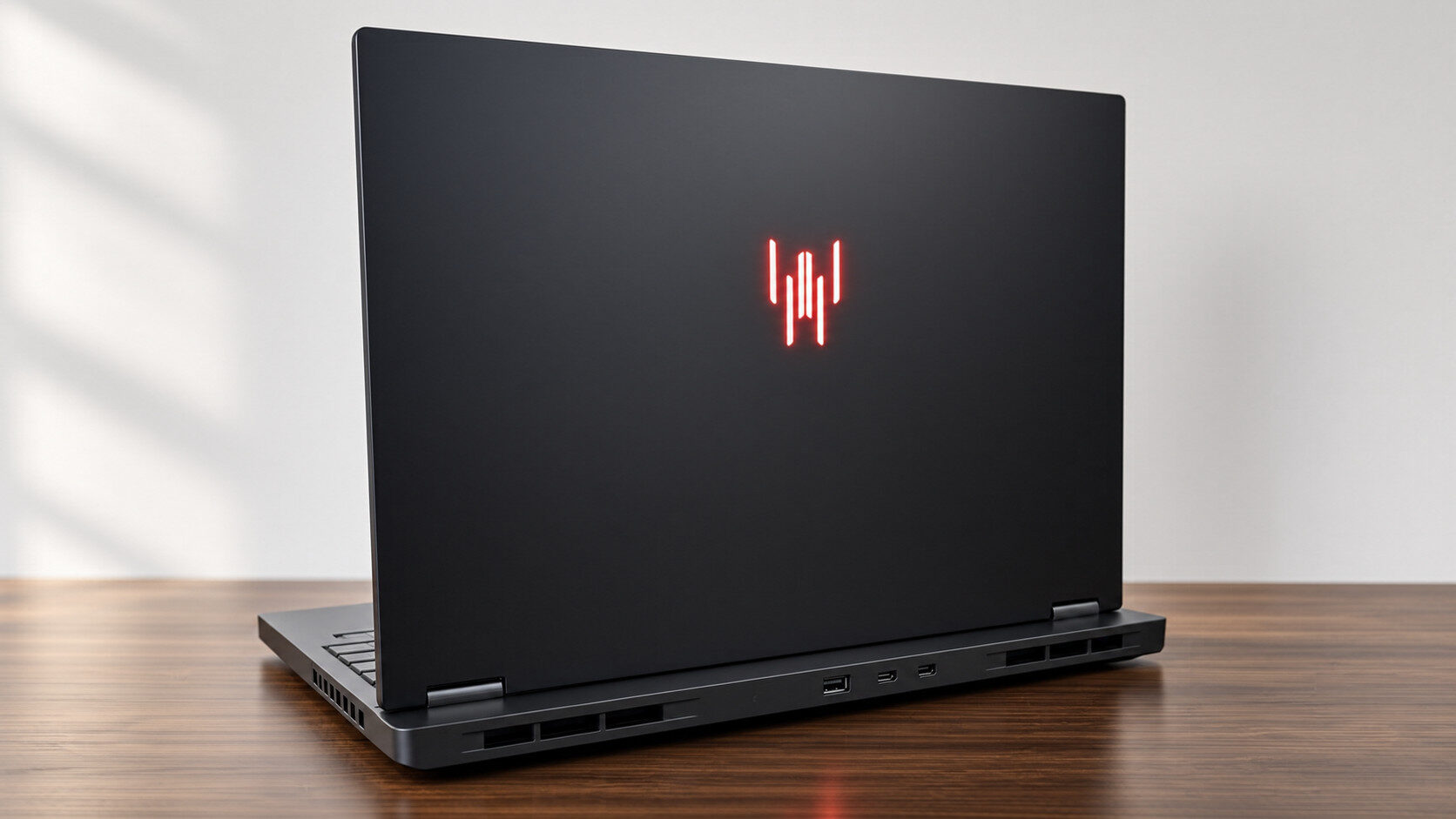
Conversely, although not bad, the drivers powering the speakers within the Acer Predator Helios Neo 16S AI I found to be somewhat underwhelming, making it best used on smooth surfaces where the audio can travel better, or better yet, with a pair of quality headphones, either via Bluetooth or wired. On that note, in terms of IO, the Acer Predator Helios Neo 16S AI features a solid number of ports.
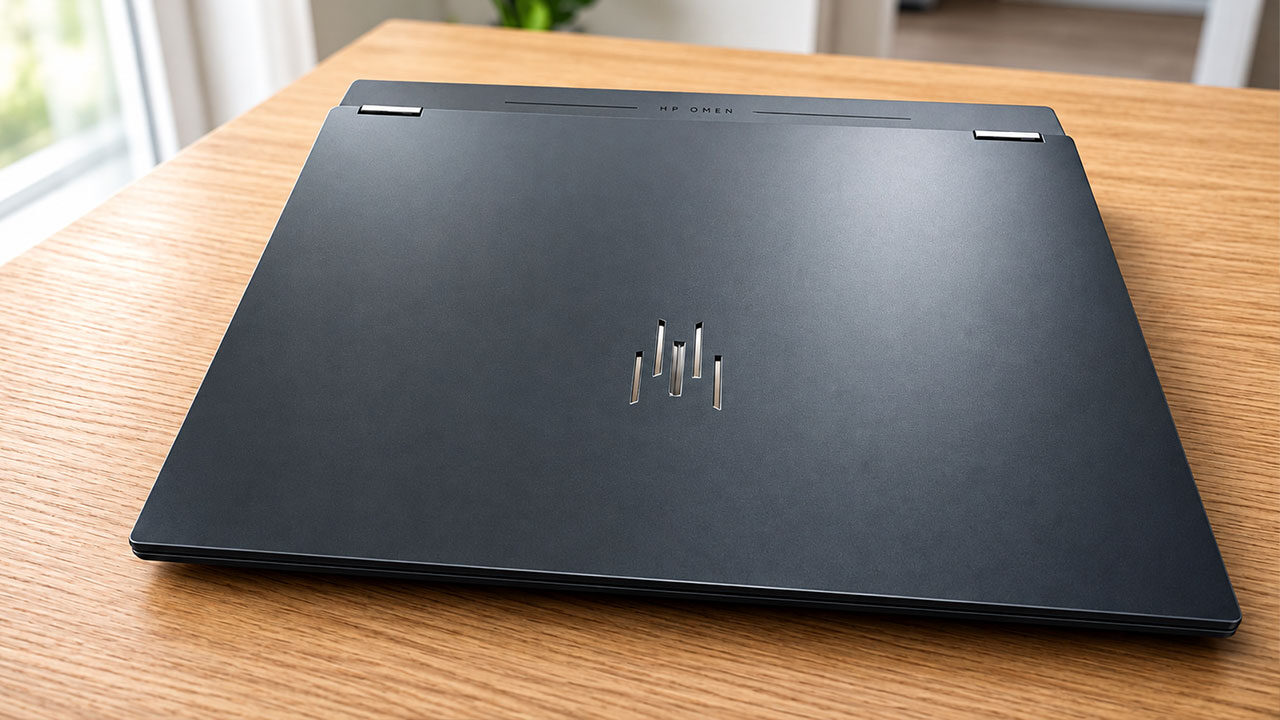
Starting with 1 USB-A: USB 3.2 Gen 2 Type-A port, a standard 3.5mm headphone jack, a standard RJ-45 Ethernet port, and 1 USB-A: USB 3.2 Gen 2 Type-A port on the right of the unit, in addition to 2x Thunderbolt 4 / USB Type-C, an HDMI 2.1 port and the DC-in charging port. And my favourite addition: a microSD card slot, something I haven’t seen before in laptops, allowing for further expansion beyond the included 1 or 2 TB internal SSD.
“With punchy colours that pop and stellar contrast, games like Cyberpunk 2077 come alive in a way that I haven’t experienced on the mobile device.”
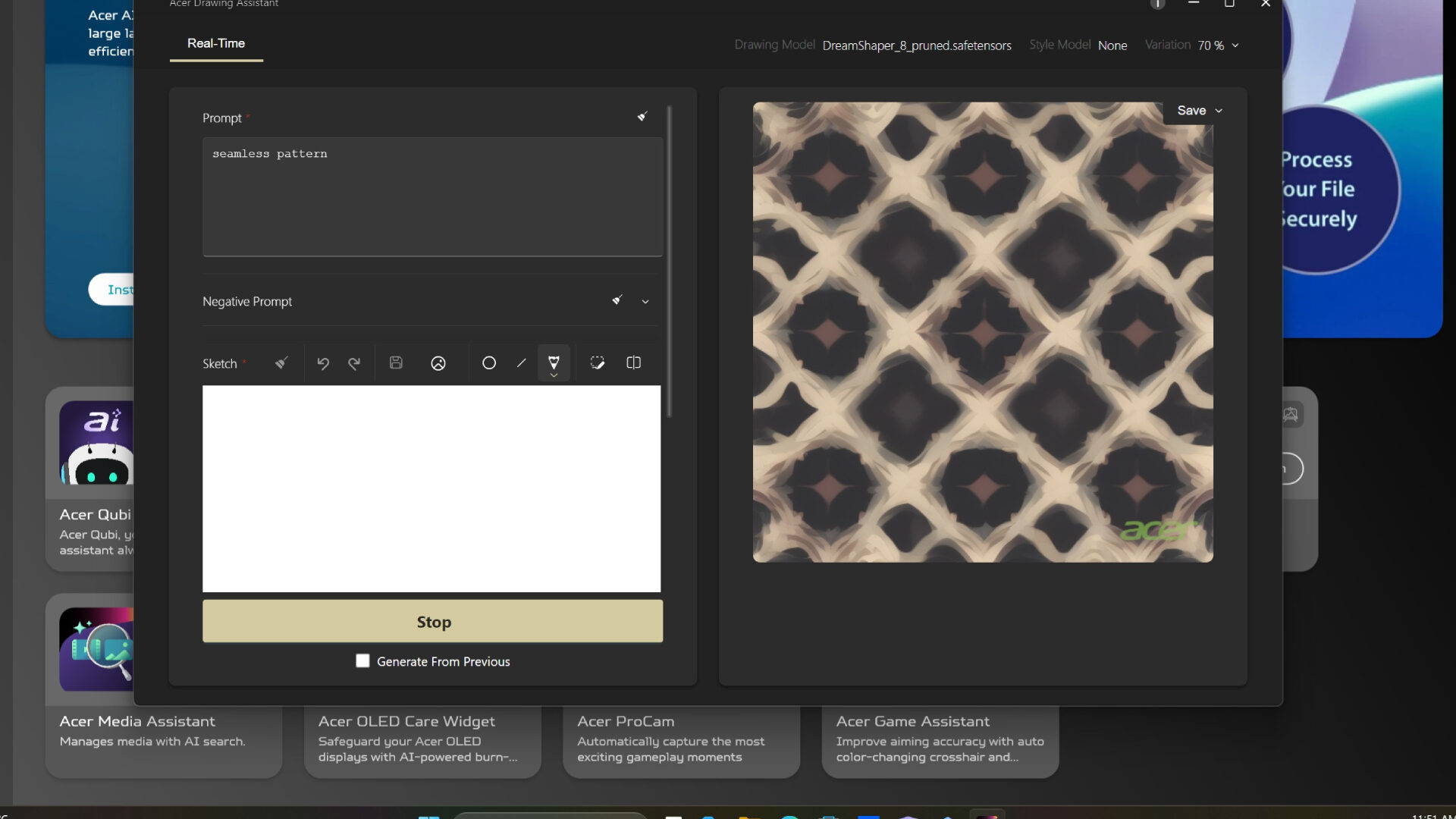
As its name may suggest, the Acer Predator Helios Neo 16S AI features AI-powered tools built into the system, which in practice translates to a rather robust suite of Acer-powered software that gears both creative and workflow productivity. From my testing, I found these tools to be adequate, but I still found myself relying on free online agents over the built-in solutions, particularly with regard to image manipulation and generation.
Finally, in terms of battery life, I found myself getting roughly 4 hours of use on the Acer Predator Helios Neo 16S AI when used for general productivity and web browsing, while media consumption diminished that to around 2 hours, and gaming further reduced it to around an hour and a half, which is to be expected for gaming-focused laptops, even with the power efficiency of OLED.
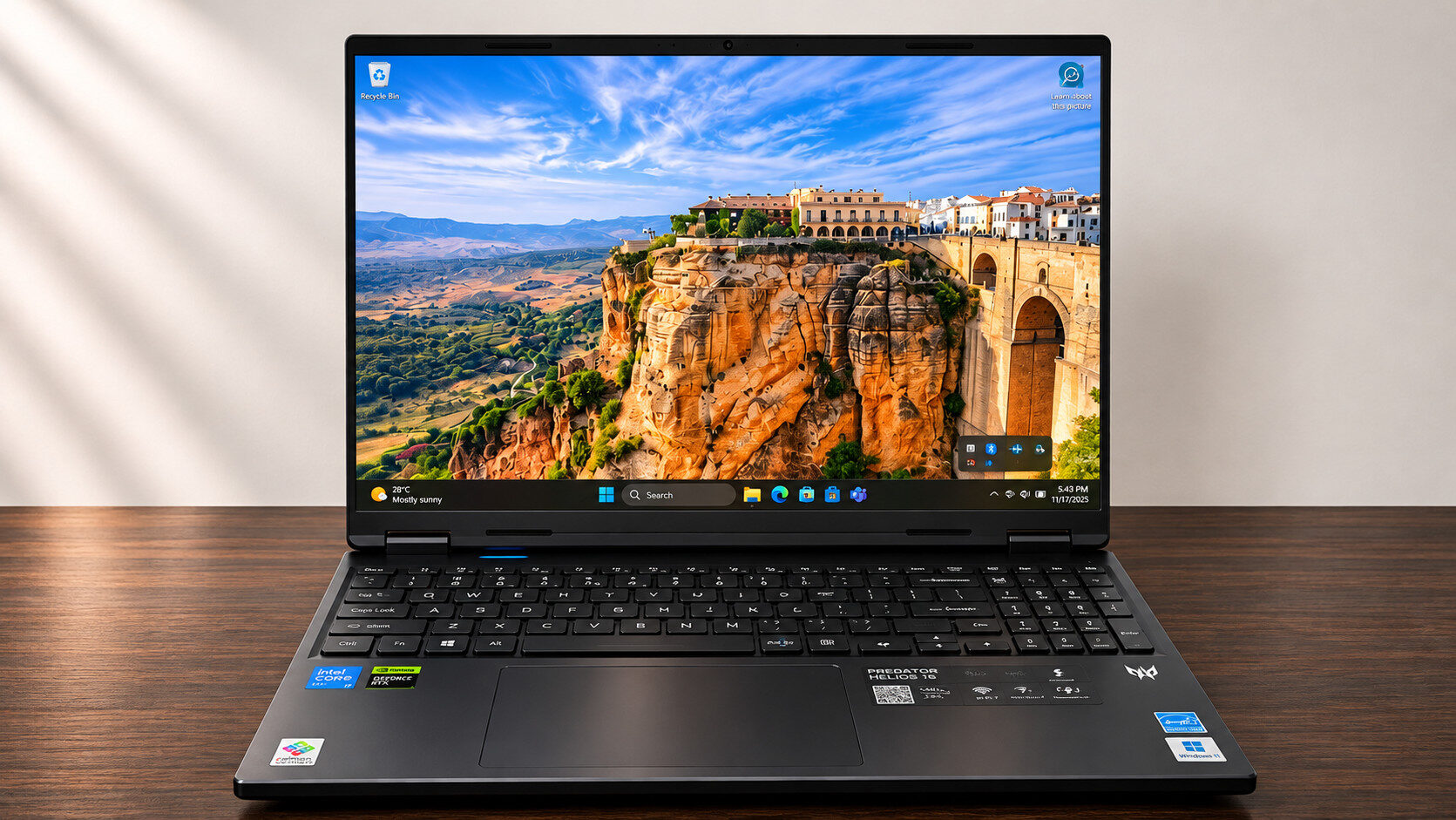
Ultimately, the Acer Predator Helios Neo 16S AI is an outstanding laptop made for consuming media, with its OLED screen acting as its crowning jewel. Unfortunately, a concession has to be made due to its tiny chassis, which can limit some gaming performance in CPU-heavy titles, but that shouldn’t stop you from considering it if you’re in the market for a tiny but powerful beast of a machine.