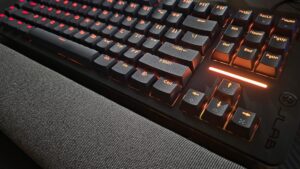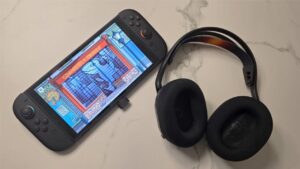


JLAB has been on fire with their Daybreak line. The JLAB Daybreak headset has become my daily driver, fantastic for gaming as much as it is for music. The Daybreak keyboard is a great choice for those looking for the most out of their magnetic keyboards. I’ve been using the JLAB Daybreak Mouse for the last little while, and I’m happy to report that it is just as good as the rest of the line. It feels great in the hand, has plenty of customization options, and comes with the same pitfalls as the rest of the line: the software.
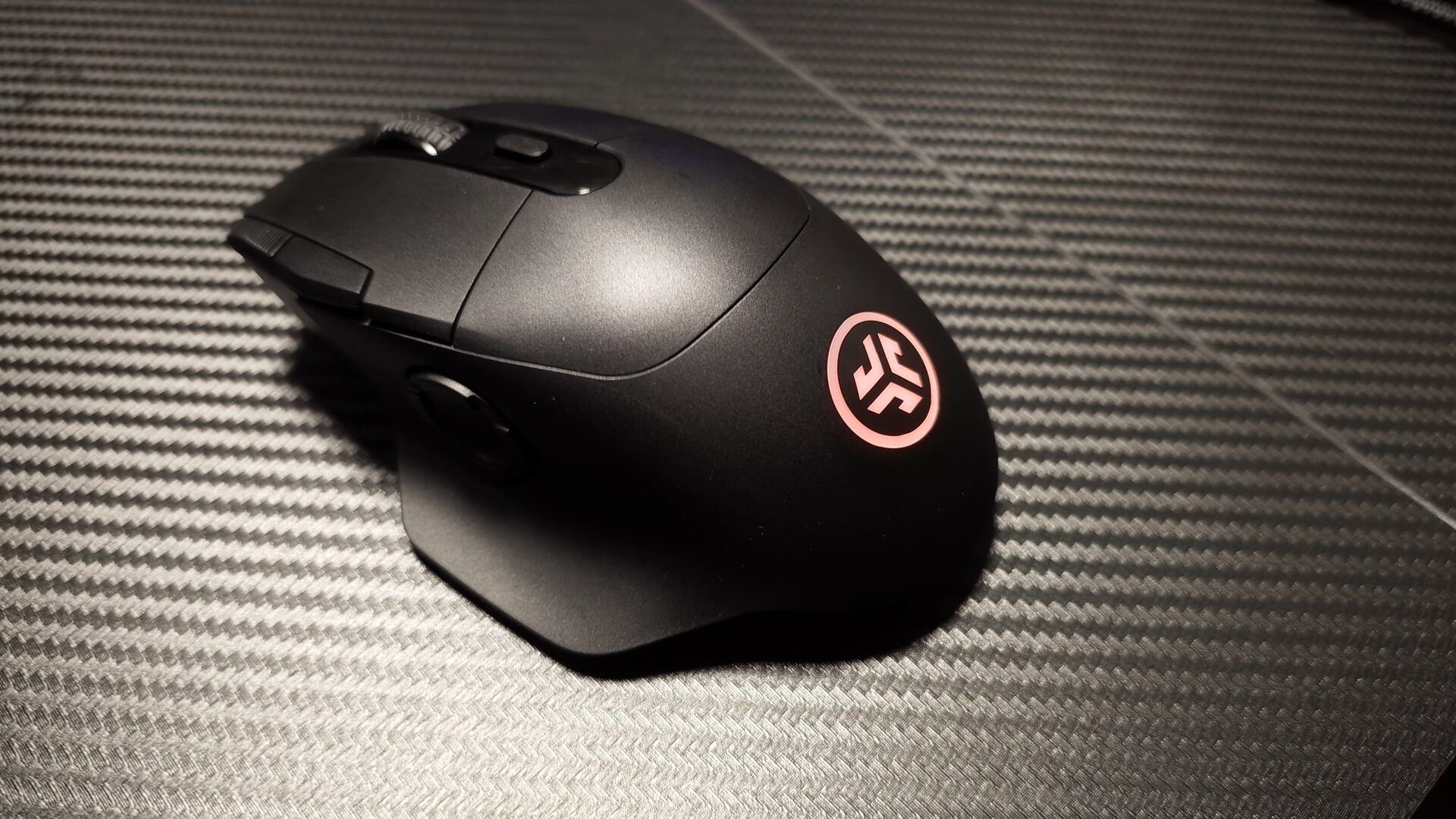
The JLAB Daybreak Mouse is JLAB’s flagship mouse offering for gamers, packed with features and technology that can let you play at your best. It’s a pro-grade, full-sized, 9-button wireless mouse, equipped with a PAW3395 sensor. The sensor is incredibly high-performance, with true 1:1 tracking and an adjustable DPI up to 26,000. This means that every movement of the mouse is precise and goes at exactly the speed you need it to.
That sensor provides tournament-grade accuracy with 50g max acceleration. Rounding out the tech specs with 0.25ms latency and a 1000 Hz polling rate, the JLAB Daybreak Mouse can be exactly what you need, when you need it. It also packs an 80+ hour battery to last you for weeks on end. Whether it’s casual matches in Marvel Rivals or Counter-Strike tournaments, the Daybreak mouse rises to the challenge.
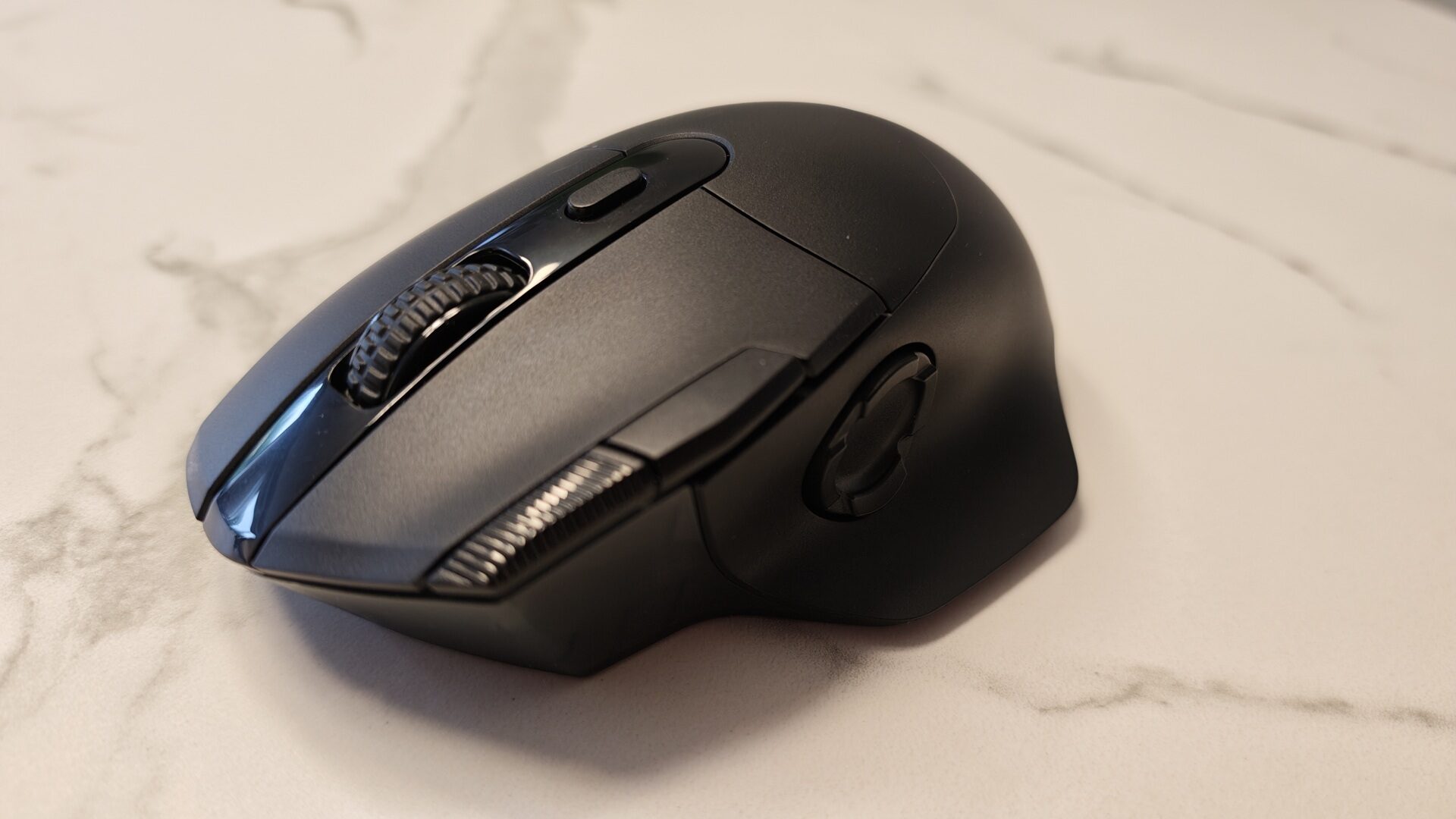
One of the 9 buttons, the one that sits right behind the mouse wheel, is a quick DPI switch. Using the software, you can custom set up to five different DPI settings, switching between them at the press of a button. Moving slowly and methodically? Drop the DPI to have more granular control. Run and gunning? Pop it up to react at lightning speed to incoming threats. It switches between five settings by default, going from 800 to 6400, but you can set it all the way up to 26,000.
The rest of the buttons, by default, let you do plenty. The standard left and right clicks and mouse wheel all act as expected. There are two additional buttons on the top alongside the DPI cycling press, set to forward and back. A D-pad rests on the side, adding four more buttons to customize. Rapid click has become one of my favourites, working just as well for popping shots off as it does for scraping through videos when editing to find the exact right frame easily.
“…the JLAB Daybreak Mouse can be exactly what you need, when you need it.”
The issues start to arise in the same way they have across the entire Daybreak line: the software. JLAB’s The Lab is still in beta, making it an unwieldy program to use. I downloaded the software off their website, and it was functional for both the headphones and keyboard, but it just wouldn’t recognize the mouse. The Daybreak mouse has multiple connection options, including a dongle and Bluetooth, but you need to be using the dongle to customize its settings.
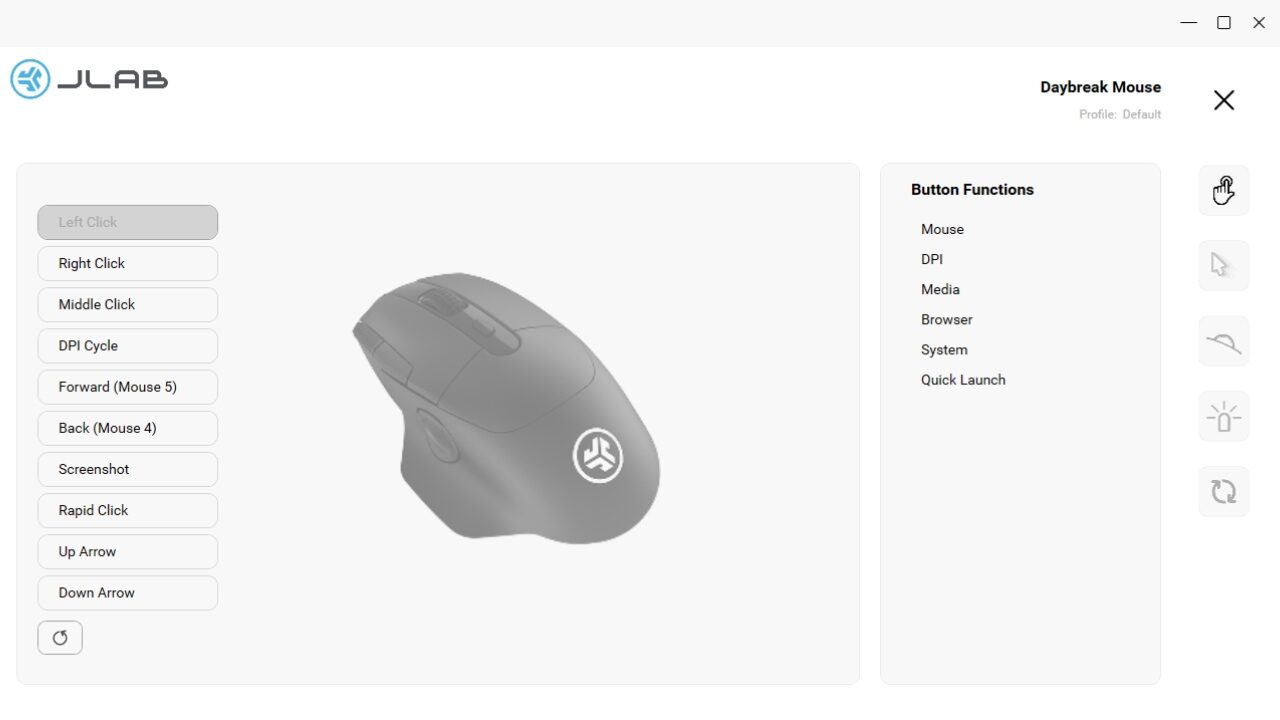
I eventually had to reach out to JLAB for a different version of The Lab. Once I was sent that, this new version of the software did finally recognize the mouse. The Lab has plenty of customization options that let you get granular with the settings. Button functions can be customized, and every button can be changed. It offers a bunch of options, from standard mouse settings like left and right click, to media control options, to wider system options.
I’ve swapped one of the buttons to a screenshot button, and another to screen record on input. The Lab also lets you change the DPI settings, scroll wheel speed, and customize the RGB lighting settings, even turning it off completely to save on battery life. The settings here are good and useful, but The Lab can be laggy and freezes on occasion. With it still being in beta, I’m hopeful that these issues can be ironed out to really bring the entire Daybreak line a consistent software offering.
Overall, the JLAB Daybreak Mouse is a fantastic option for those looking for more control. With it being a full-sized mouse, it fits well in my hand, with every button feeling natural to press. The tech packed in here makes it a tournament-ready option for those looking to up their competitive game, while still being a comfy and versatile offering for more casual players. While The Lab still needs work, the JLAB Daybreak Mouse is a great mouse that is exactly what the player needs it to be.

- Connect via LabSpeed 2.4GHz USB-A dongle with 1ms latency or Bluetooth 5.2 to up to 3 devices, with a 30ft wireless range and 80+ hours of continuous battery life on a USB-C charge.
- PAW3395 sensor with PixArt Motion Sync delivers true 1:1 tracking, adjustable 650–26,000 DPI, 650 IPS max speed, 50g acceleration, and a 1000Hz polling rate for precise, responsive performance.