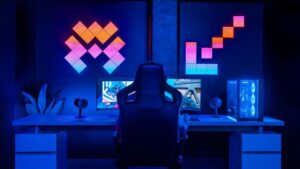


A gaming room can look completely different depending on the wall colour behind the lighting. The same neon sign or RGB setup may feel sharp and cinematic on a dark wall, softer on a neutral wall, or more energetic against a bold colour. Gaming setups often combine monitors, LED strips, PC lighting, and decorative signs, so the background colour has a major effect on how those elements appear together.
Wall colour is especially important when choosing a decorative light for a gaming room. The sign colour, wall paint, monitor brightness, RGB lighting and other ambient lights affect how the setup looks together. Planning the wall colour and lighting together can help create a balanced gaming space without making the room feel too busy.
Why Wall Colour Changes the Look of Neon and RGB Lighting
Neon and RGB lighting do more than add colour. Light reflects from the wall behind the source, creating a halo that can spread across the room. Lighter surfaces reflect more of that glow, while darker surfaces absorb more light and make illuminated shapes look more concentrated.
Contrast also affects visibility. A white or pale-blue sign may blend into a light wall during the day, but the same sign can stand out clearly against charcoal, navy, or black. For gaming rooms, the setup needs to look good when the lights are on and when the room is brighter during the day.
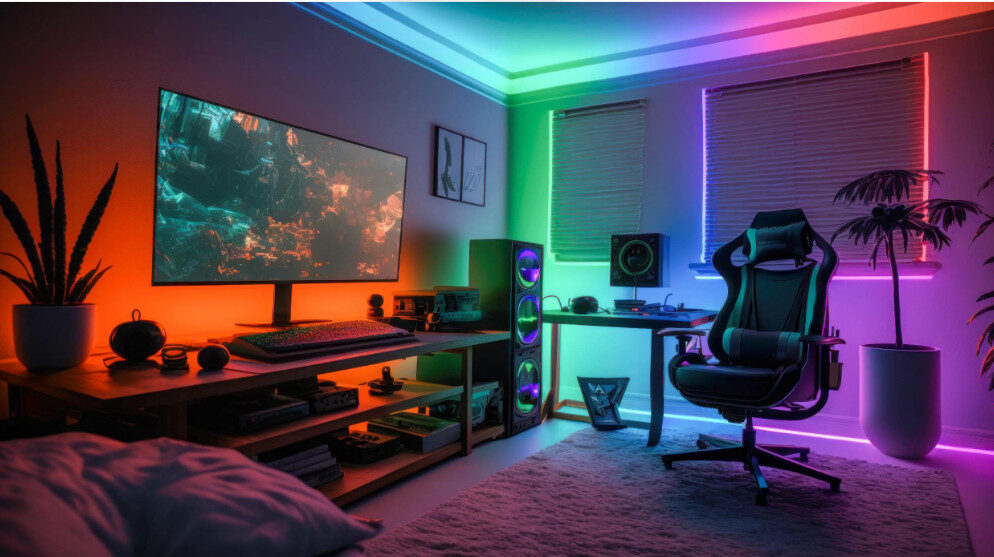
White and Neutral Walls for Flexible RGB Setups
White, cream, beige, and light grey walls are flexible choices for gaming rooms because they work with many RGB colour schemes. Light surfaces reflect coloured light, making pink, blue, purple, green, and warm-white lighting spread more widely around the setup.
Neutral walls are useful for gamers who regularly change RGB profiles. A setup can move from blue and purple to red and orange without fighting against a strong wall colour. This also works well when the room contains colourful posters, collectibles, or multiple screens.
Very bright walls can reduce contrast. If the neon signs or LED strips use pale colours, the effect may look softer in daylight. Positioning the lighting slightly away from the wall can help create a more visible halo.
Dark Walls Make Neon and RGB Colours Stand Out
Black, charcoal, navy, deep green, and dark brown walls create strong contrast with illuminated gaming setups. Bright cyan, electric blue, red, pink, purple, and warm-white lighting can appear more intense against a dark background.
This is one reason darker walls are popular in gaming rooms, streaming rooms, and entertainment spaces. The wall absorbs more surrounding light, allowing neon tubing, RGB strips, and illuminated PC components to become the main visual features.
Dark walls can also reduce distraction around a monitor. If most of the room stays subdued, the gaming display and selected accent lights become easier to notice. A lighter rug, desk, acoustic panel, or shelving unit can prevent the room from feeling flat.
Coloured Walls Can Create a Stronger Gaming Theme
A coloured wall can make the setup feel more distinctive, but the neon and RGB palette needs to work with it. Similar colours create a coordinated effect, while contrasting colours produce a more dramatic result.
Blue or cyan lighting can look striking against a warm terracotta wall, while magenta lighting may feel more blended against muted purple. Green walls paired with warm-white or amber accents can create a calmer setup that still feels different from a typical black gaming room.
Test the combination before painting the entire room. Paint can look different under daylight, ceiling lights, monitor glow, and RGB lighting. A sample section viewed at different times can prevent a choice that only works in one lighting condition.
Choose Matte or Low-Sheen Finishes to Control Glare
Wall finish matters almost as much as wall colour. Matte and flat finishes generally create softer reflections, helping neon and RGB lighting look cleaner on camera and in person.
Glossy and semi-gloss walls reflect more direct light. This can create brighter highlights, but it can also produce glare behind monitors, webcams, and streaming cameras. If the room is used for live streaming or content creation, check how the wall looks through the camera before choosing a reflective finish.
A matte dark wall often gives gaming lights a crisp appearance without creating distracting hotspots.
Match Wall Colour With the Main Gaming Setup
The wall should support the desk, PC case, monitor, console area, and accessories rather than compete with them. A black desk and dark PC setup can benefit from a slightly lighter wall, while a white gaming desk may stand out more against charcoal or navy.
If you use themed wall lighting, make sure the design stands out clearly against the background. Thin lines can be difficult to see if the light colour is too close to the wall colour. Test the design against a photograph or paint sample before choosing a final combination.
For a team emblem or decorative wall feature that does not need to produce light, consider a non-illuminated wall piece. Metal artwork or framed prints can add texture without competing with the RGB setup.
Think About Lettering and Readability
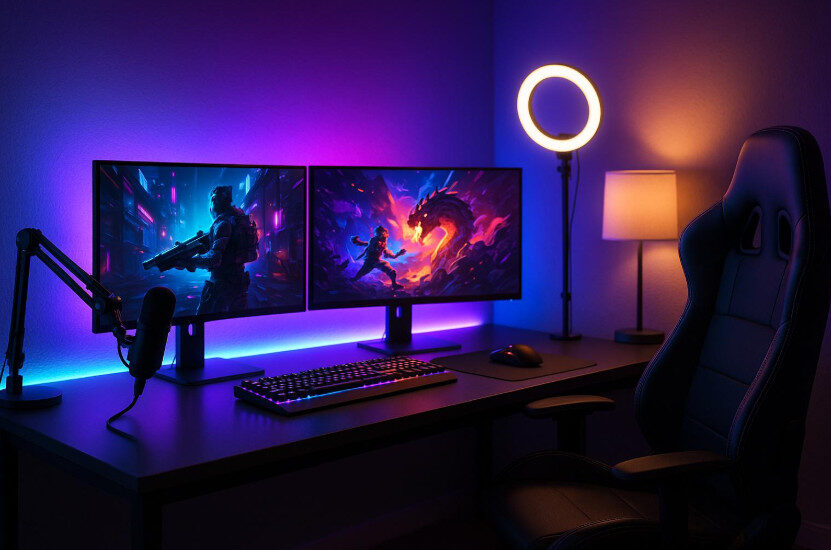
Wall colour also affects the readability of illuminated lettering. Short gamer tags, team names, initials and gaming phrases usually work best when the lettering contrasts clearly with the wall.
Thin script fonts may look attractive up close but can become difficult to read from across the room or on a webcam. Bold lettering, clean spacing, and a clear colour difference between the sign and wall make the design easier to recognize.
Consider the viewing distance. A sign above a gaming desk may be seen from only a few feet away, while a feature wall behind a streaming setup may need to remain clear from across the room.
Layer Neon With RGB and Ambient Lighting
A gaming room usually contains several light sources: the monitor, PC fans, keyboard, desk strips, ceiling lights, lamps, and decorative signs. Give each source a purpose instead of making every light equally bright.
Use a main wall light as a focal point and let secondary lighting support it. LED light strips can outline shelves, desks, TV units or wall edges without adding another large graphic element.
For a softer glow behind a wall feature, indirect lighting can create a halo effect that works well with darker walls and controlled ambient lighting. Keep light sources out of the direct line of sight to reduce glare.
Keep nearby RGB colours related when possible. Two or three coordinated colours generally look cleaner than several unrelated colours competing around the room.
Choose the Wall and Lighting Together
The best gaming room setups treat wall colour, neon lighting, RGB hardware, and furniture as parts of the same design. Neutral walls offer flexibility, dark walls create stronger contrast, and coloured walls can give the room a more distinctive identity.
Before making a final choice, compare the wall sample under normal gaming conditions. Check it with the monitor on, RGB lighting active, room lights on and off, and any webcam or streaming camera running.
A well-matched background helps neon and RGB lighting feel deliberate rather than added later. By planning colour, contrast, finish, brightness, and placement together, you can create a gaming room that looks strong during play, streaming, and everyday use.