

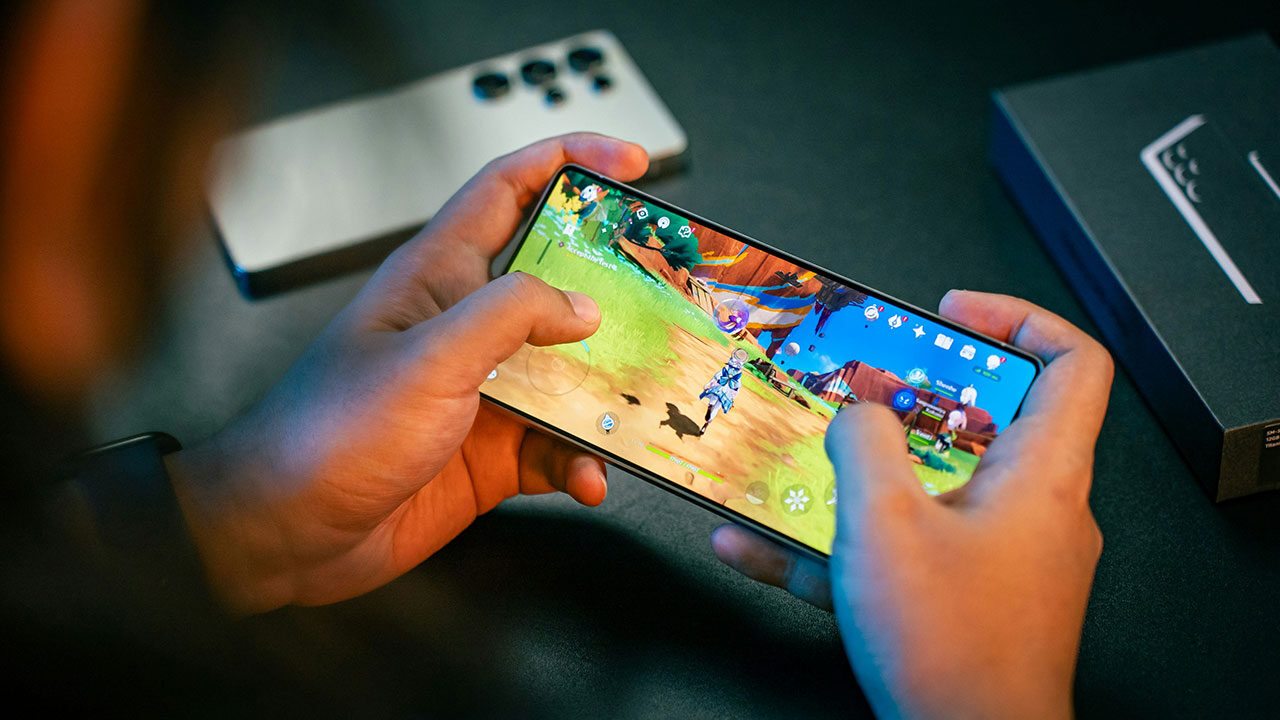
Tiny movements, quick flashes and subtle changes in scale can make a surprising difference to how a digital game feels. When these details are timed well, you notice that your actions connect naturally with what happens on screen.
Think about the last time you pressed a button in a game and saw an immediate response. Maybe a character shifted their weight, an object bounced into place, or a menu button dipped slightly before returning to normal. These moments might last only a fraction of a second, but they help you understand that your input has registered. Often, it is this small, carefully timed movement and not a spectacular visual effect that makes an interaction feel satisfying.
Responsiveness Begins Between Player Inputs
Responsive game feel comes down to the connection between what you do, how a character or interface reacts and the confirmation you see on screen. When that connection feels immediate, you can concentrate on the game rather than wondering whether a command worked.
Consider the way Casiny Casino Australia presents its offerings across digital gaming experiences. Consistent visual cues and familiar interface movements can help you recognize interactions without having to study every element. The principle extends well beyond casino-style games: whenever you select an option, move a character or trigger an event, a clear response helps the experience feel connected.
The trick is to distinguish speed from spectacle. A large explosion may grab your attention, but a tiny movement can tell you much more about the action itself. A character leaning into a turn suggests a change of direction. A button briefly compressing confirms a selection. An object tilting before it falls gives you a moment to anticipate what comes next. These details also help preserve motion continuity. Instead of seeing one pose abruptly replaced by another, you follow a movement from beginning to end.
Motion Systems Shape Immediate Reactions
Characters rarely move in a series of completely separate poses. Walking, running, turning and stopping overlap and a good animation system needs to account for those changes.
Imagine steering a character around a corner. If the character immediately snaps into a new direction, the movement may look disconnected from your input. If the body turns, the feet adjust and the momentum shifts over a few frames, the same command feels more natural. You can see the change happening rather than simply noticing it.
Data-driven motion selection helps make these transitions possible. A system can choose an animation based on factors such as speed, direction and current posture, rather than using the same movement for every situation.
Brand presentation benefits from consistency around this, too. For Casiny, a recognizable visual style can work alongside predictable interface feedback, helping individual interactions feel like parts of the same experience rather than unrelated events.
Frame Pacing Preserves Tiny Details

Even carefully designed animation depends on consistent timing. A recoil lasting just a few frames may communicate the weight of an impact but irregular frame delivery can make that same movement feel uneven.
Think about a character swinging a tool or landing after a jump. You might see a brief wind-up, the main movement, a contact moment and a short recovery. Each part has a job to do. If the contact frame arrives late or the recovery stutters, the action can lose some of its immediacy.
NVIDIA research explored the relationship between frame rate, gameplay performance and perceived smoothness in a study involving 44 participants. Published in July 2026, the research reported that performance levelled off near 90 frames per second, while perceived smoothness continued to improve at rates extending to 500 frames per second.
Those findings point to an important distinction: performing an action effectively and perceiving every movement as smooth are related, but not identical. A game may already feel playable at a given frame rate while higher rates still make small movements easier to follow.
Here are four details worth watching when you test an animation:
- Anticipation: A slight shift in posture prepares you for the action that follows.
- Impact: A brief visual accent helps you identify the exact moment of contact.
- Recoil: A small backward movement gives the action a sense of weight.
- Recovery: A smooth return to the next position keeps the sequence from feeling abrupt.
These details work best when their timing remains consistent. Adding more animation frames is not automatically the answer; each frame needs to support the action and arrive at the right moment.
A Quick Guide to Responsive Animation
| Animation detail | What you notice |
| Anticipation | You can read an action before it happens. |
| Recoil | Contact feels distinct and easy to identify. |
| Transition blending | Changes in movement look connected. |
| Colour or glow cue | Your attention moves towards an important event. |
| Recovery motion | The character or object settles naturally. |
The value of each detail depends on context. A subtle glow might work well for a menu selection, while a stronger movement cue could be more suitable when a character makes contact with an object.
Fast Cues Guide Your Attention
You rarely examine every part of a game scene at once. Instead, your attention moves towards whatever appears relevant to your current action. A quick flash, a shift in colour or a sudden change in scale can help direct that attention before you have consciously processed the entire scene.
A study published in SN Computer Science in May 2026 tested motion, colour and shape as preattentive cues in game-like 3D scenes, showing each for 250 milliseconds — the window in which preattentive processing is understood to happen. Colour proved the most reliable cue; shape the least
That finding helps explain why a small visual change can be so effective. When you collect an item, for example, a brief bounce or glow can make the event stand out from the surrounding movement. When you select a menu option, a change in scale can tell you which element is active without requiring additional text.
The most useful cues are specific and restrained. If every object flashes or every movement produces an oversized effect, it becomes harder to tell which event deserves your attention.
Build Feedback Into Every Transition
For an interaction to feel responsive, several elements need to work together. Your input must be registered, the animation state must change, and the visual feedback must arrive at a useful moment.
Picture a character jumping over an obstacle. As soon as you press the jump control, the character begins to rise. The body shifts into the appropriate pose, the feet leave the ground, and the landing animation follows when the character returns to the surface. The sequence feels connected because each stage leads naturally into the next.
Now imagine the same jump without those transitions. The character remains still for a moment, suddenly appears in the air, then snaps back to the ground. Even if the game registers your input correctly, the visual sequence gives you less information about what happened.
Test Feel Beyond Technical Performance
Frame rate and input latency are useful measurements, but they cannot tell you everything about how an interaction feels. You also need to pay attention to movement continuity, the clarity of contact moments, and the timing of visual confirmation.
Try the same action several times, paying attention to what happens immediately after your input. Does the character begin moving when you expect? Does a transition appear smooth at different movement speeds? Can you tell when an object has been selected, or an action has finished?
Testing under different conditions can reveal details that are easy to miss when you watch a single animation in isolation. A movement that looks convincing on its own might feel awkward when it follows a sudden turn. A contact effect that looks clear in a quiet scene might become difficult to notice when several things happen at once.