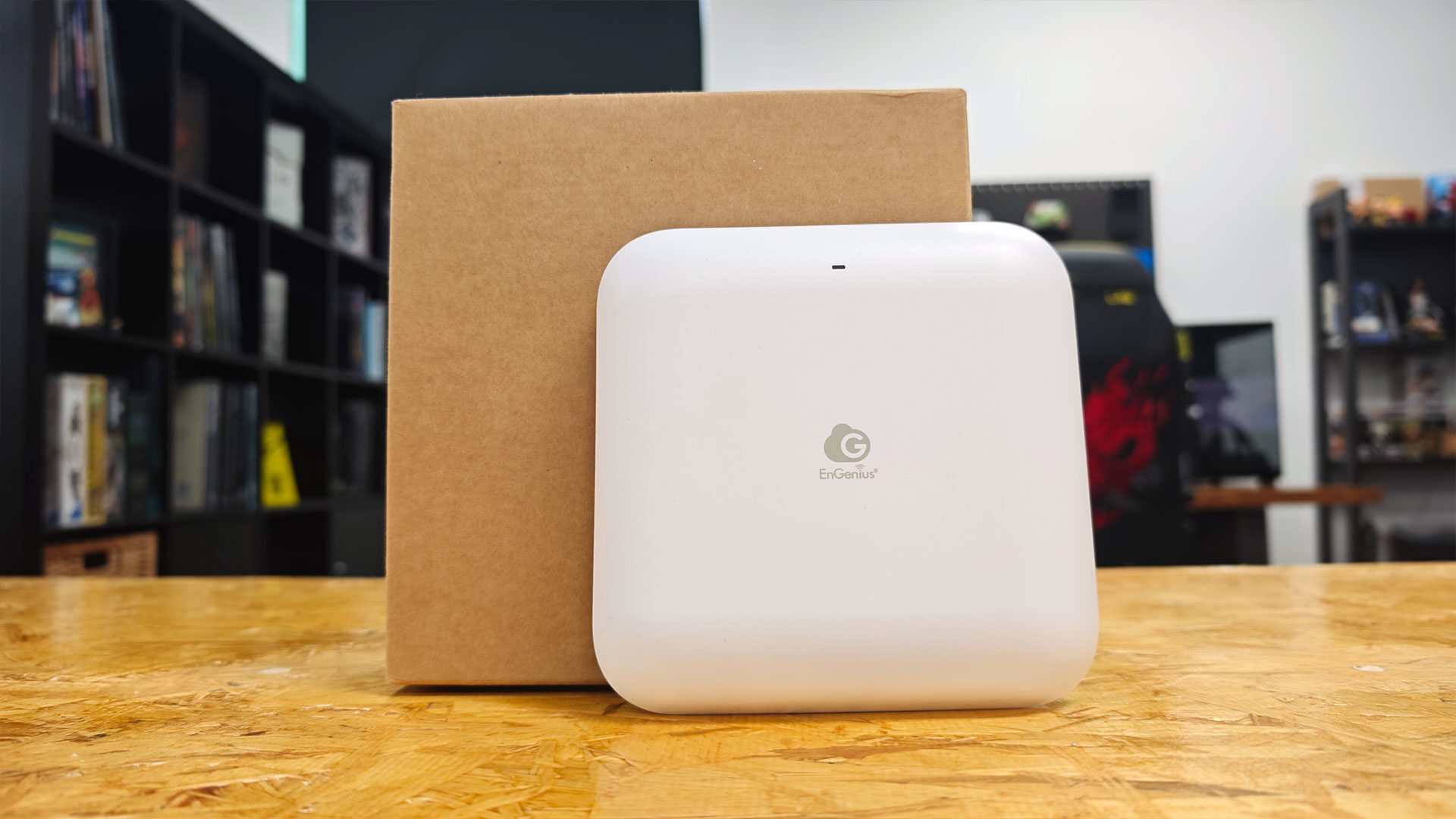


If you are a home user or small business looking to expand your network now that Wi-Fi 7 is here, there are many options, but not all of the competition is the same. Enter EnGenius and its ECW520 access point. This small but solid entry is a tri-band access point that looks to bring easy enterprise-style management in a relatively easy-to-use device with some pretty impressive features.
With its small size, easy setup and overall solid Wi-Fi performance, the EnGenius ECW520 is a relatively strong investment. However, with it bringing many enterprise-level features, it may be a bit too robust for many home buyers. For a select few, and for business buyers, this makes a strong option when you need Wi-Fi 7 speed, flexibility and management that go beyond what many routers on the market offer.
First things first, the EnGenius ECW520 is an access point, not a router, and while those two devices are very similar, think of an access point as more of an addition to an existing network that adds Wi-Fi 7, while a router manages DHCP, DNS and the routing of all your network devices. While there is always some blurring of those lines depending on what you need done, it is important to take that into consideration before purchasing. You will most likely need a router, although you can use the one provided by your ISP. A separate router can give you much more control over how your network operates and what sort of connections your home or business has.
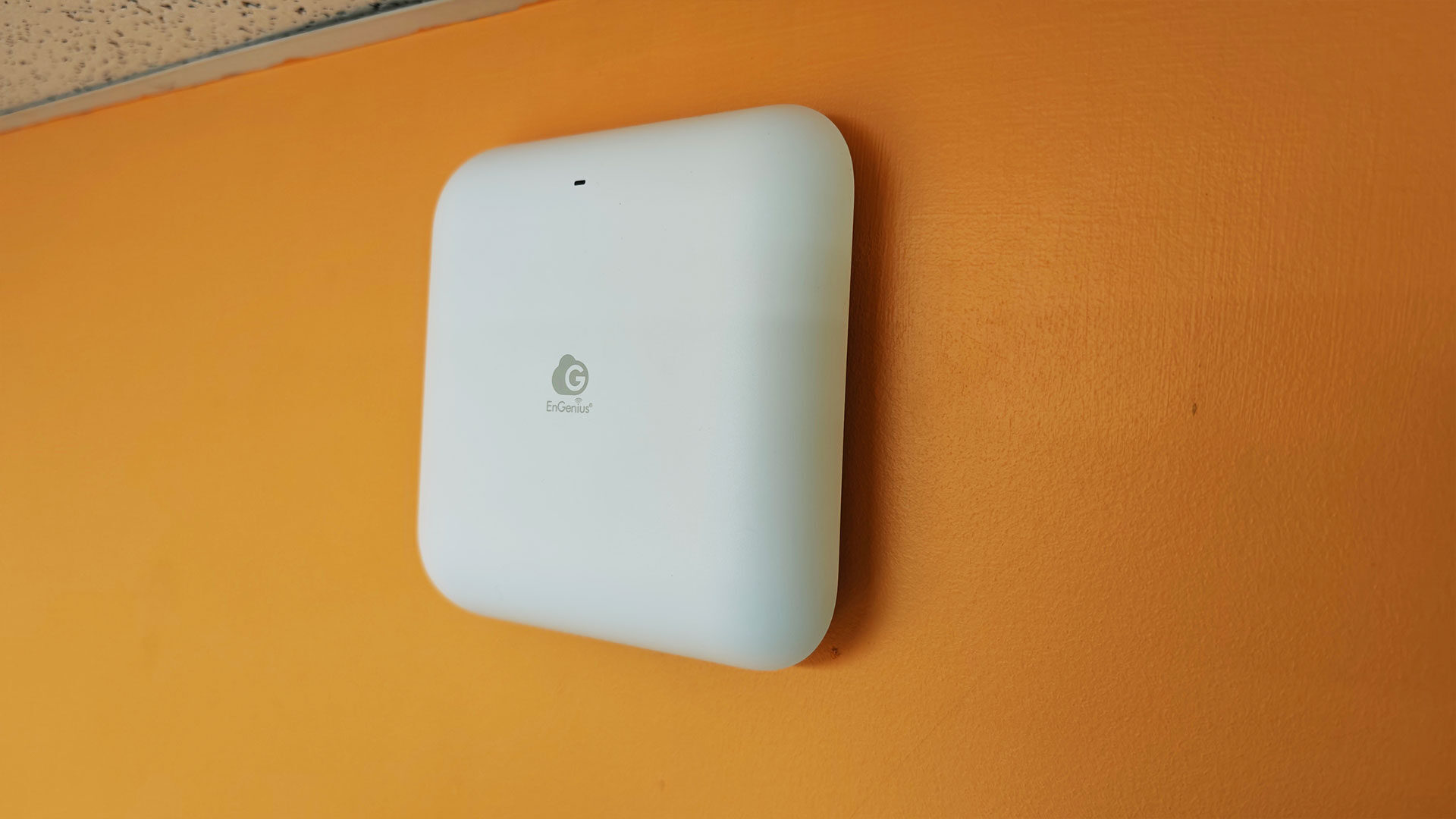
But back to the EnGenius ECW520, it is an incredibly compact piece of network equipment. At 158 x 158 x 35.8 mm and only 600 grams, this access point is built to blend into a home or office, mounting on the ceiling or walls with only a single cable coming out of the back.
Since the EnGenius ECW520 is a PoE device, it can be powered right from the Ethernet cable, although if you do not have a PoE-compatible switch or simply do not want to upgrade your equipment, you can buy a power cable or a PoE injector to give the ECW520 power. That is an extra expense, but the fact that it can run with a single cable makes the overall setup process incredibly simple. That said, I would have really loved to see an adapter in the box, just for those who do not want to use PoE as the only option.
“Since the EnGenius ECW520 is a PoE device, it can be powered right from the Ethernet cable…”
The ECW520 features a relatively small number of ports on the back and is clearly built to be as minimal a setup as possible for easy deployment. On the back, you will find a single 2.5-GbE PoE-plus port (802.3at), one DC power jack (12 volts/2 amps), one recessed reset button, and that is about it. Wall and ceiling mounting brackets are included in the box, but you will not find the power adapter.
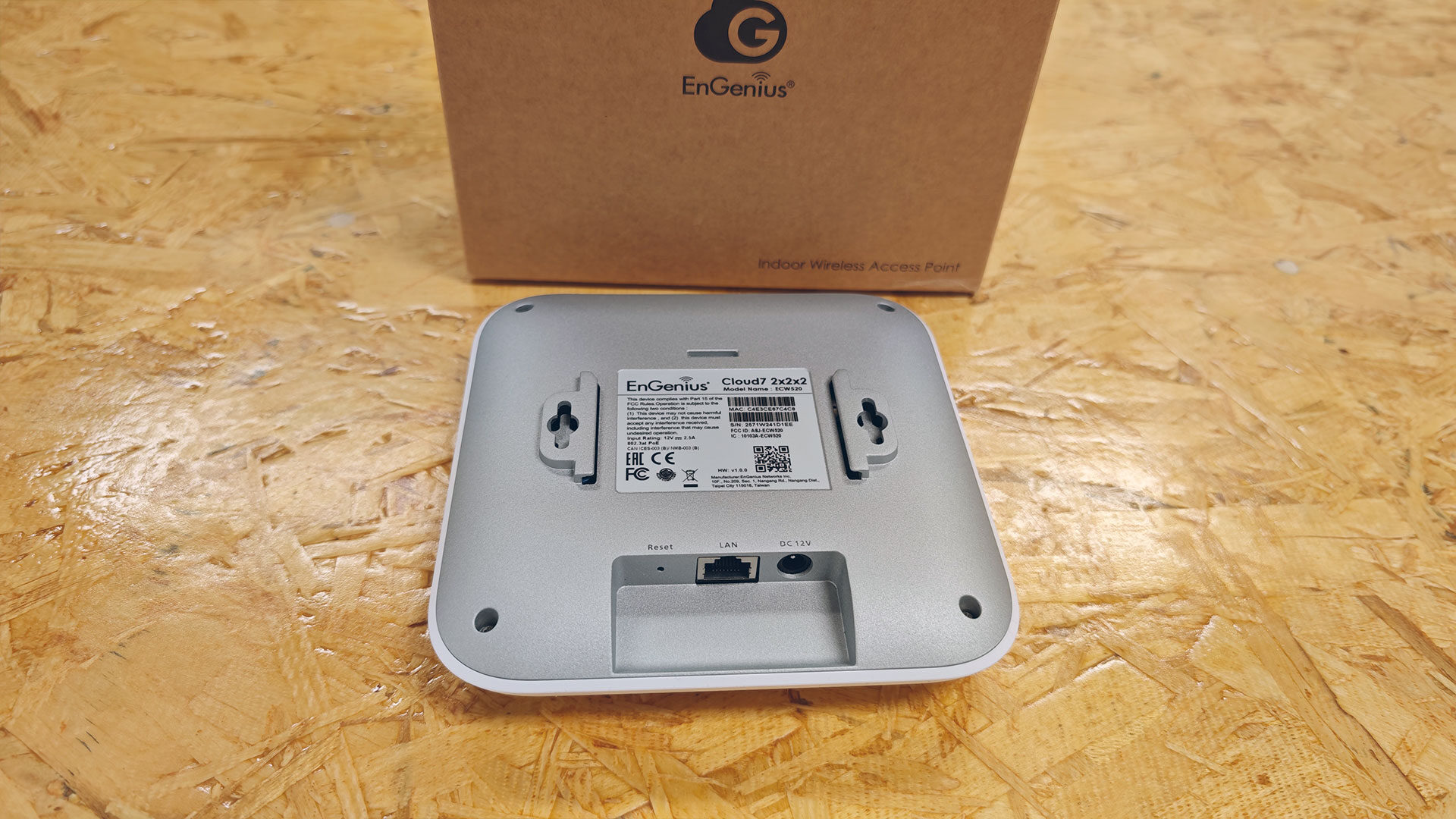
That will need to be purchased separately if you end up needing it. This is meant to be a no-nonsense unboxing experience, with just the access point unit, along with a QR code to download the app, making it easy for a company to buy a few of these and get its network sorted easily and efficiently.
The EnGenius ECW520 is a relatively solid access point, but it does not feel quite as bleeding-edge as some of the other brands on the market. It offers tried-and-tested features and a solid interface to control everything and ensure it works when you need it. The EnGenius ECW520 features a Wi-Fi 7 (802.11be) tri-band wireless signal 2×2 MIMO per band (2x2x2 = 2.4GHz + 5GHz + 6GHz).
The access point offers all three major bands: 2.4GHz up to 700 Mbps, 5GHz up to 4,300 Mbps, and 6GHz up to 5,800 Mbps, with a channel width up to 320MHz on 6GHz. This gives you more than enough support to bring any office or house up to Wifi 7 support, and includes all the features that can make network settings easy and as granular as you need them.
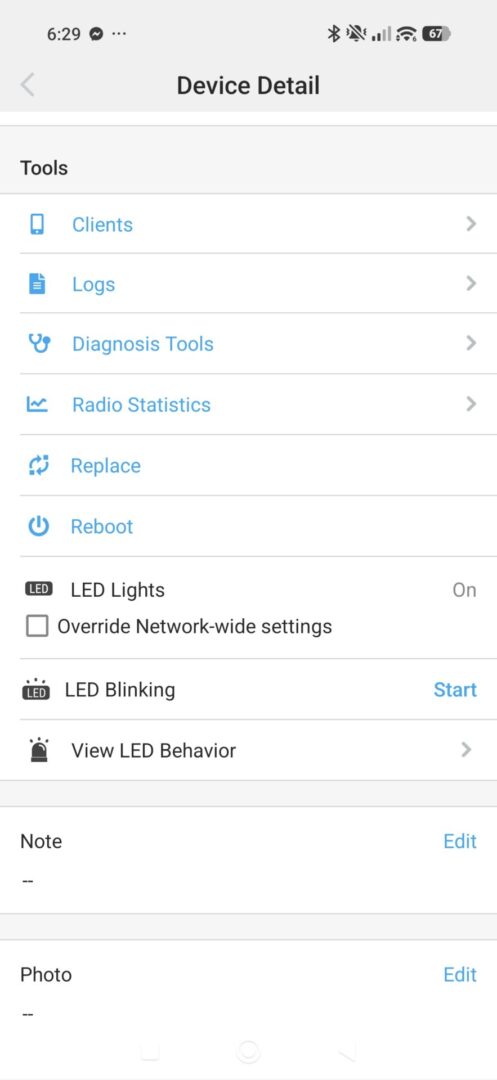
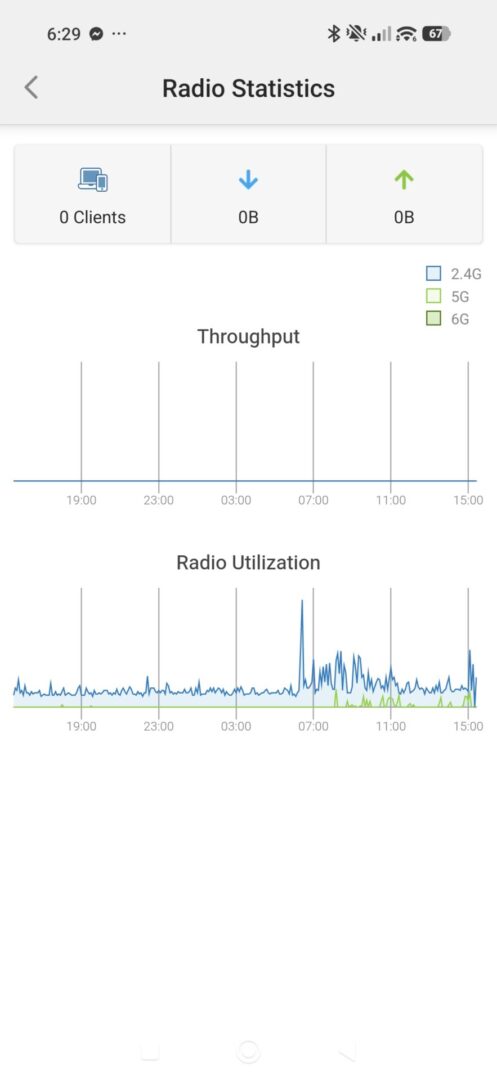
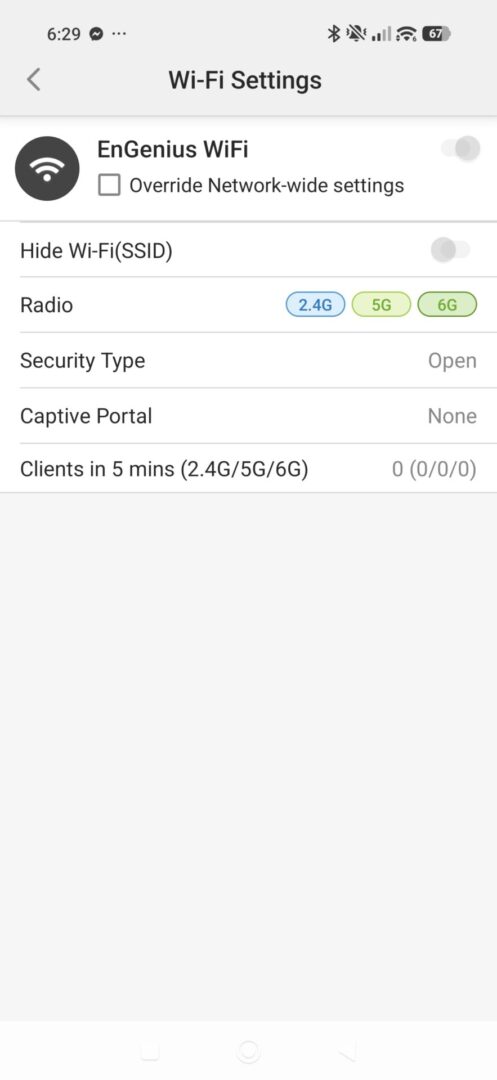
The ECW520 allows for up to eight SSIDs per band, 2.4 GHz, 5 GHz and 6 GHz independently, giving you plenty of ways to break up your network as needed. It also supports up to 512 concurrent connections. The ECW520 can also operate in a range of modes, including Access Point (AP), AP Mesh and Mesh. It also features all the security you may need for a company, home or even retail space, including WPA2-PSK, WPA2-Enterprise, WPA3-PSK, WPA3-Enterprise, SSID hiding, client isolation and client access control. Needless to say, EnGenius clearly built this as a modern access point with the latest features, while still being incredibly easy to get up and running.
“The EnGenius ECW520 is a relatively solid access point, but it does not feel quite as bleeding-edge as some of the other brands on the market.”
That setup process is incredibly simple. Once you get it all hooked up, you scan the QR code I mentioned earlier to access a quick-start guide and the EnGenius Cloud-To-Go app, available on iOS and Android, to get your new access point up and running. Setup requires a free EnGenius account, but since all EnGenius devices are built to be managed in the cloud, you can make any settings adjustments or other changes needed to ensure your new access point is set up the way you want it.
Once online, the app dashboard shows network health, connected clients, band usage and device status at a glance, and makes managing your network incredibly easy. I will say the EnGenius access point is built to be part of an EnGenius network, but it can work on any network, provided you have what you need. To make the most of the EnGenius management console, though, you need everything under the same account, but it all depends on how much you value that as part of your network management.
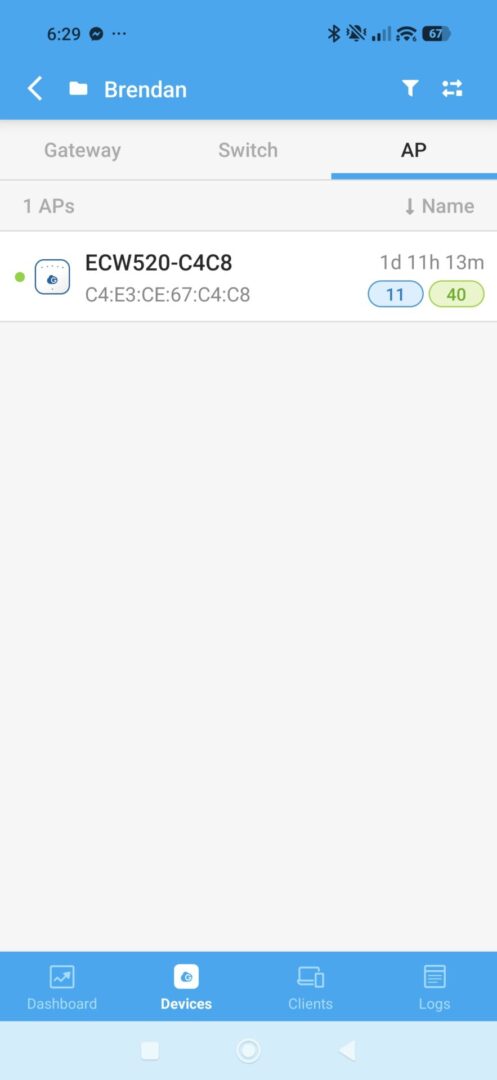
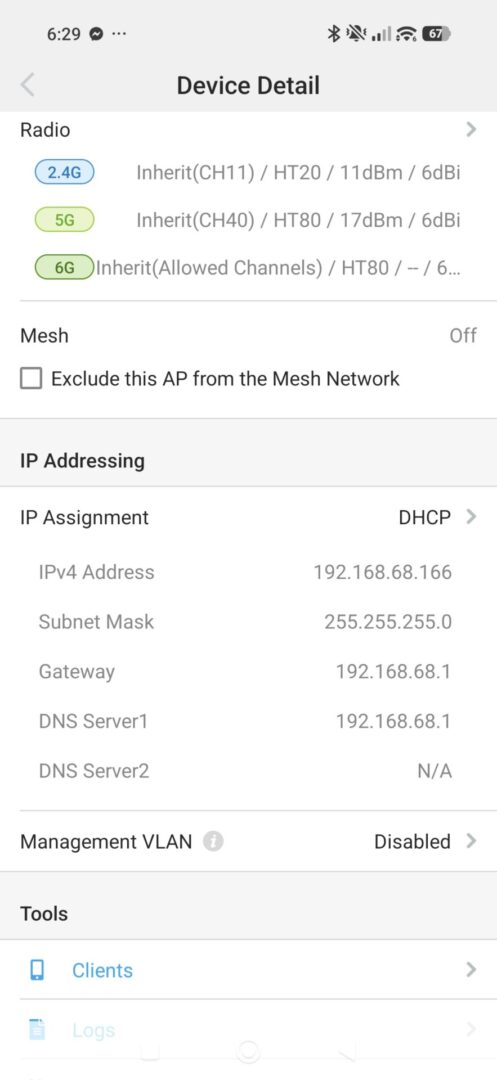
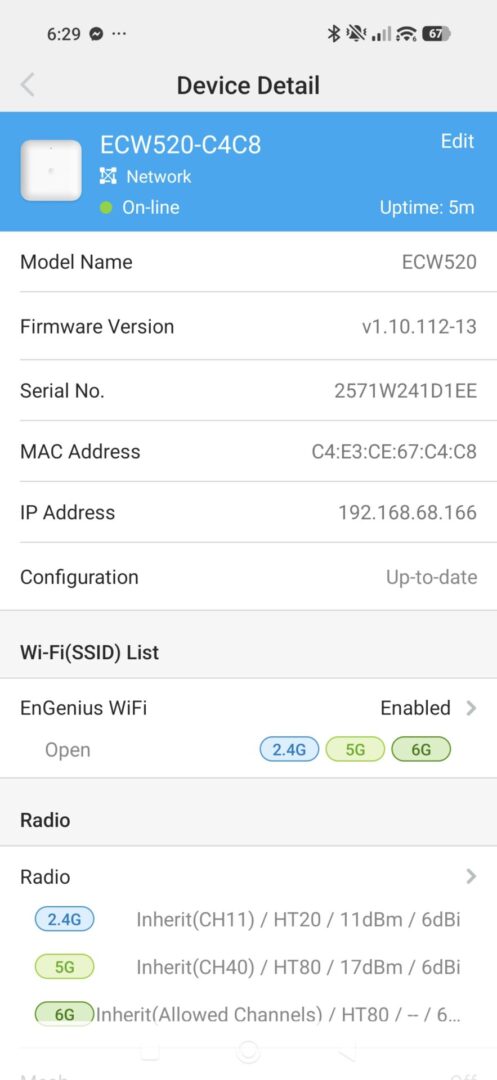
Now, it is worth pointing out that EnGenius Cloud operates on a tiered subscription model: a free tier covers basic setup and light monitoring, while paid tiers, Basic, Plus and Pro, unlock deeper analytics, historical data and advanced controls. This does mean some monitoring tools are time-limited on the free tier, which is well worth knowing before making an investment, just so you know what you get out of the box.
That said, multiple ECW520 units on one account automatically support mesh configuration, which is a great selling point, especially for businesses or home buyers. But it is also worth pointing out that the LAN management is very limited, with the more robust management experience locked to the app. That means if a model gets older and is no longer supported, you are limited in what it can do past that point, something well worth considering before making an investment, especially for a full house or office.
With it all set up and with the ECW520 mounted on a wall or ceiling, I was relatively impressed with how well it all worked in the office test environment here at CGM. At close range, all three bands performed consistently. The 5 GHz and 6 GHz bands are where the ECW520 does its best work, and they showed the most consistent speeds and connection quality. Of course, as expected, the 2.4 GHz band showed the weakest real-world throughput, though it remains adequate for IoT and lower-bandwidth devices.
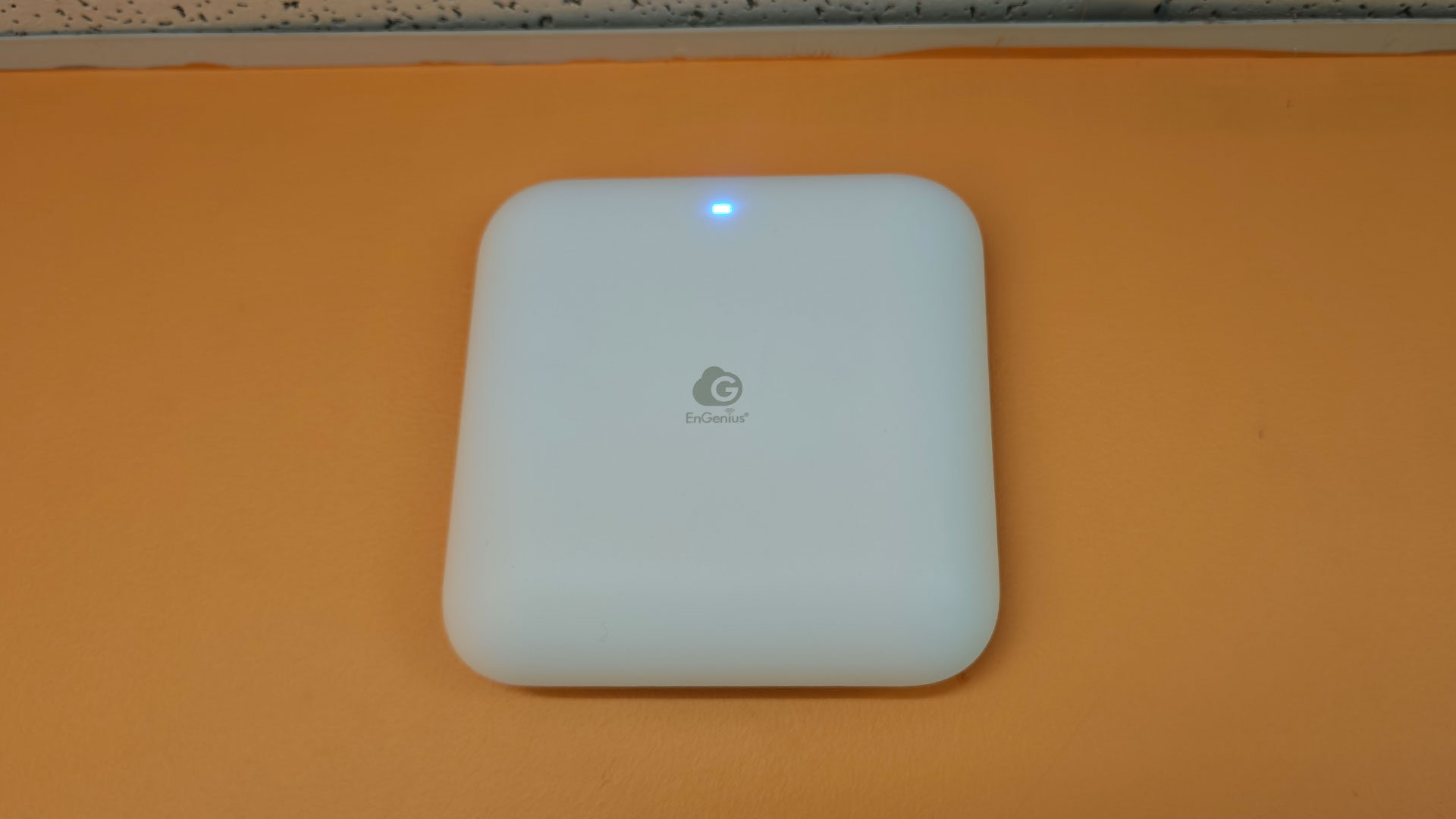
Signal strength across 2.4 GHz, 5 GHz and 6 GHz was surprisingly uniform at mid-range, with less of the expected 2.4 GHz advantage in penetration. At longer range through dense walls, a single ECW520 unit struggled to maintain signal. This was completely expected and is sort of how the ECW520 is designed to work, with many units deployed across a space, not as a lone option for a large building.
In that respect, it worked very well and delivered in the way it was supposed to, compared with one incredibly overpowered unit that tries to use raw horsepower to blast its way through walls. While that approach does work, it is not the ideal way to set up a network.
But this raises the question of who the EnGenius ECW520 access point is really for, and whether it is a good choice for a home networking setup. That answer is a bit harder to break down. If you have a larger home, an office, or an enterprise setup that needs Wi-Fi 7, this is a solid solution that will work well when paired with a few units or with a network that already includes EnGenius devices.
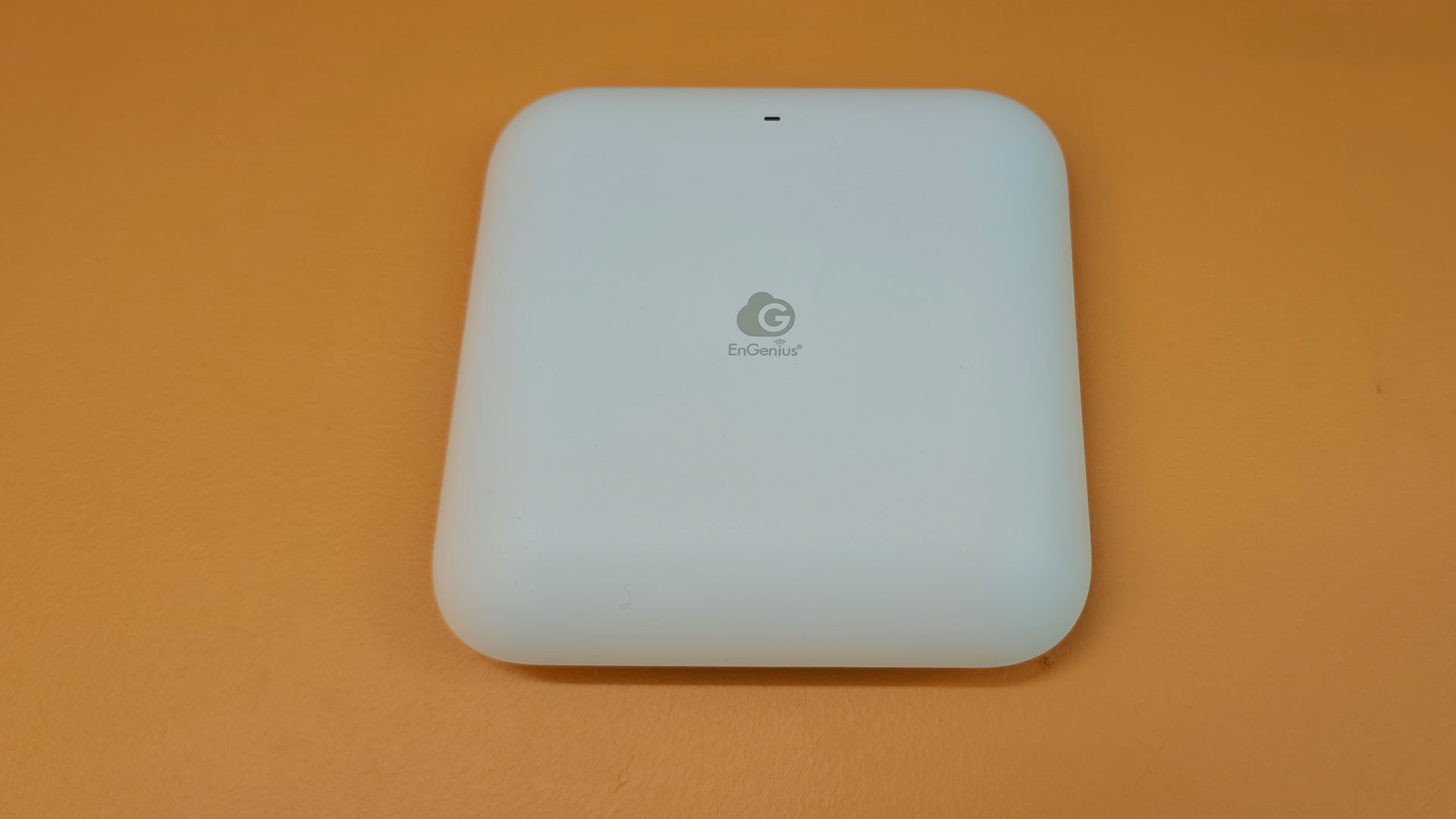
If you are just looking for an all-in-one solution that blankets a whole home in Wi-Fi, this is not the device for you, and at $249 US, it offers less than what a consumer router does. This is a device meant to be part of a larger network infrastructure, and as such, each unit is less powerful, but when set up with a few units, you will achieve very consistent results across the full area they cover, with a management interface that makes the process easy and powerful.
For gamers or home users who just want a router to get Netflix going, the EnGenius ECW520 is not the device for you, and that is by design. This is a powerful and well-set-up offering that makes setting up Wi-Fi 7 easy, consistent and fully managed. For larger homes, retail or office settings, it brings with it all the features you need, with none of the fluff that gets in the way. While there are much cheaper options that deliver a router experience, for those who need the enterprise-level features, the EnGenius ECW520 delivers an experience well worth the price of entry.

- 🚀 Wi-Fi 7 Tri-Band Speeds up to 10.8 Gbps – Experience ultra-fast wireless performance across 2.4 GHz, 5 GHz, and 6 GHz bands with support for 320 MHz channels, 4096-QAM, MU-MIMO, and Multi-Link Operation—perfect for smooth streaming and high-volume data environments.
- 📶 Wide Coverage for 1,200 Sq. Ft. & 500 Devices – Designed for small to medium businesses, the ECW520 delivers strong, reliable Wi-Fi to support up to 500 simultaneous connections in offices, retail stores, and other high-density spaces.