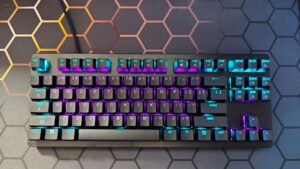


The Razer Huntsman V3 lineup sees its latest addition with the Huntsman V3 Tenkeyless 8KHz Gaming Keyboard. Built with the same attention to detail and care as the other great boards in the lineup, such as the excellent Huntsman V3 Pro 8KHz, the V3 Tenkeyless 8KHz offers many of the standout features of the pro version, but at a more consumer-friendly price point. The question to ask, though, is whether that more consumer-friendly price point comes at too high a cost?
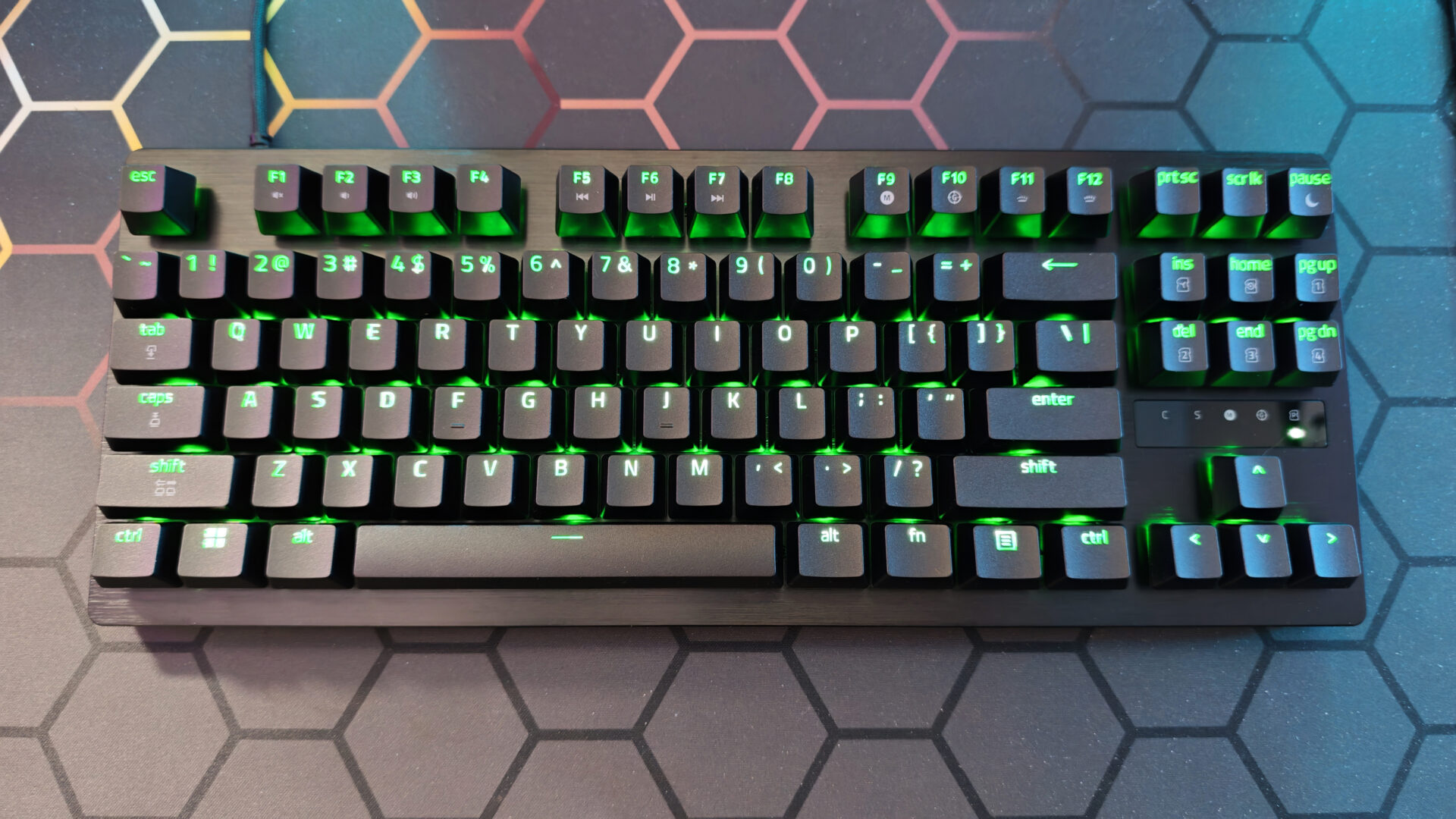
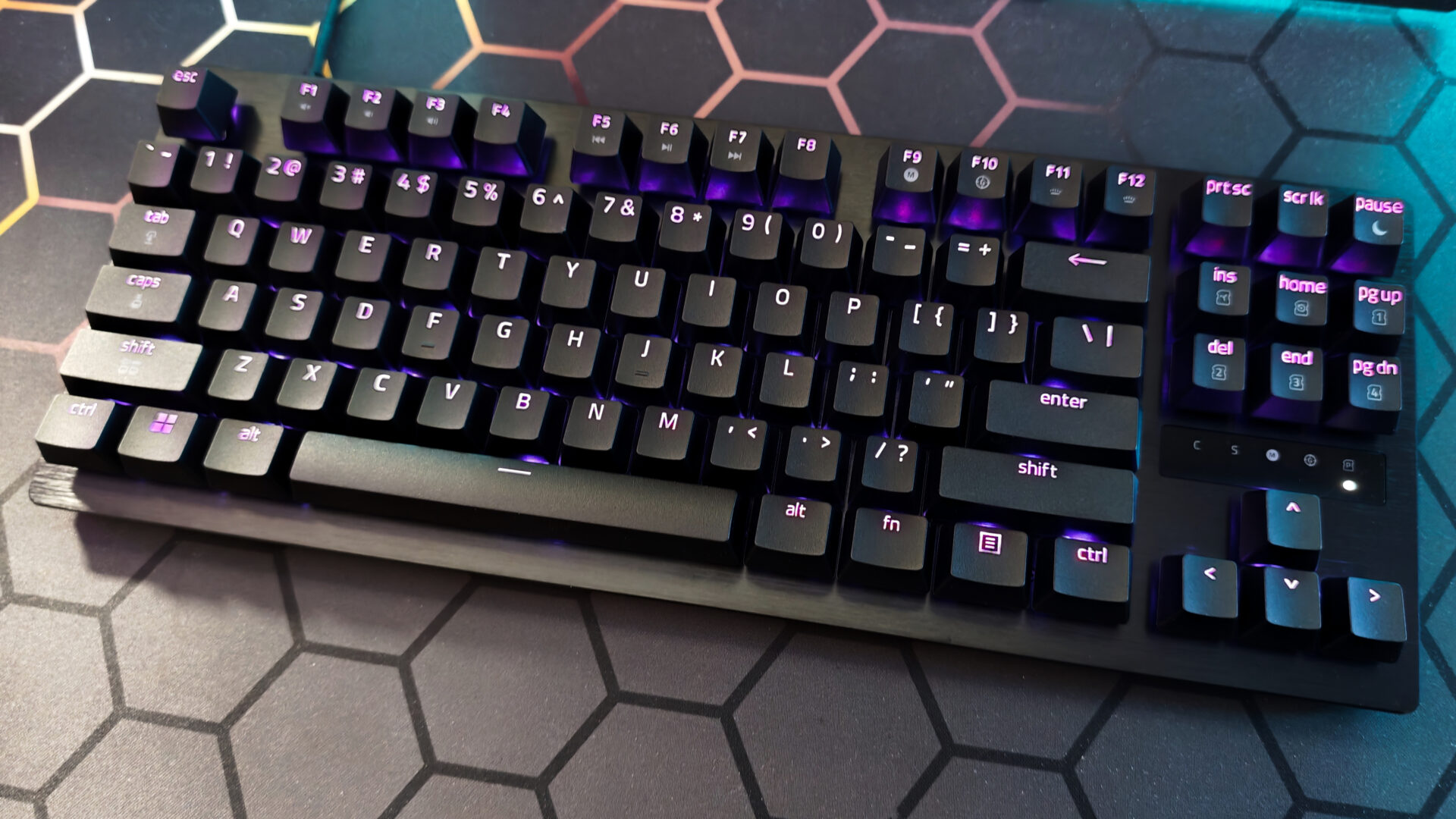
Asthetically, the Huntsman V3 Tenkeyless offers a similar overall look to the V3 Tenkeyless Pro with only a couple of notable differences. For starters, the latest iteration lacks the dedicated media controls present in its Pro variant. In its place are dedicated print screen, screen lock and pause keys. Additionally, the LED array indicator, which is present in both the V3 Pro 8KHz and V3 Pro Tenkeyless 8KHz, is notably missing from the Huntsman V3 Tenkeyless 8KHz.
Finally, while both aforementioned models included a compact, hard-surface wrist rest, the Huntsman V3 Tenkeyless 8KHz ships without one. While a wrist rest is always appreciated, in the case of the one that ships with these other variants, I don’t feel like it is missed with this iteration, as that particular accessory was my least favourite aspect of the V3 Pro 8KHz. I’d take the Razer Blackwidow V4 Pro’s excellent wrist rest at 75% over the Huntsman V3 Pro’s any day of the week.
“The V3 Tenkeyless 8KHz offers many of the standout features of the pro version, but at a more consumer-friendly price point.”
As for the rest of the overall design, it’s on par with that of the Huntsman V3 lineup. The brushed-metal top plate offers the same sleek, functional aesthetic as its kin, while the overall construction feels sturdy and durable. It’s a testament to the Huntsman brand and its eSports focus, offering excellent shock absorption despite the vigorous force applied to it during testing.
Offering per-key RGB control via both Razer’s Synapse V4 and the new Synapse Web, the Huntsman V3 Tenkeyless 8KHz looks absolutely gorgeous when illuminated. The textured double-shot PBT keycaps feel great for gaming and allow light to pass through effortlessly. The result is a vibrant, customizable lighting experience.
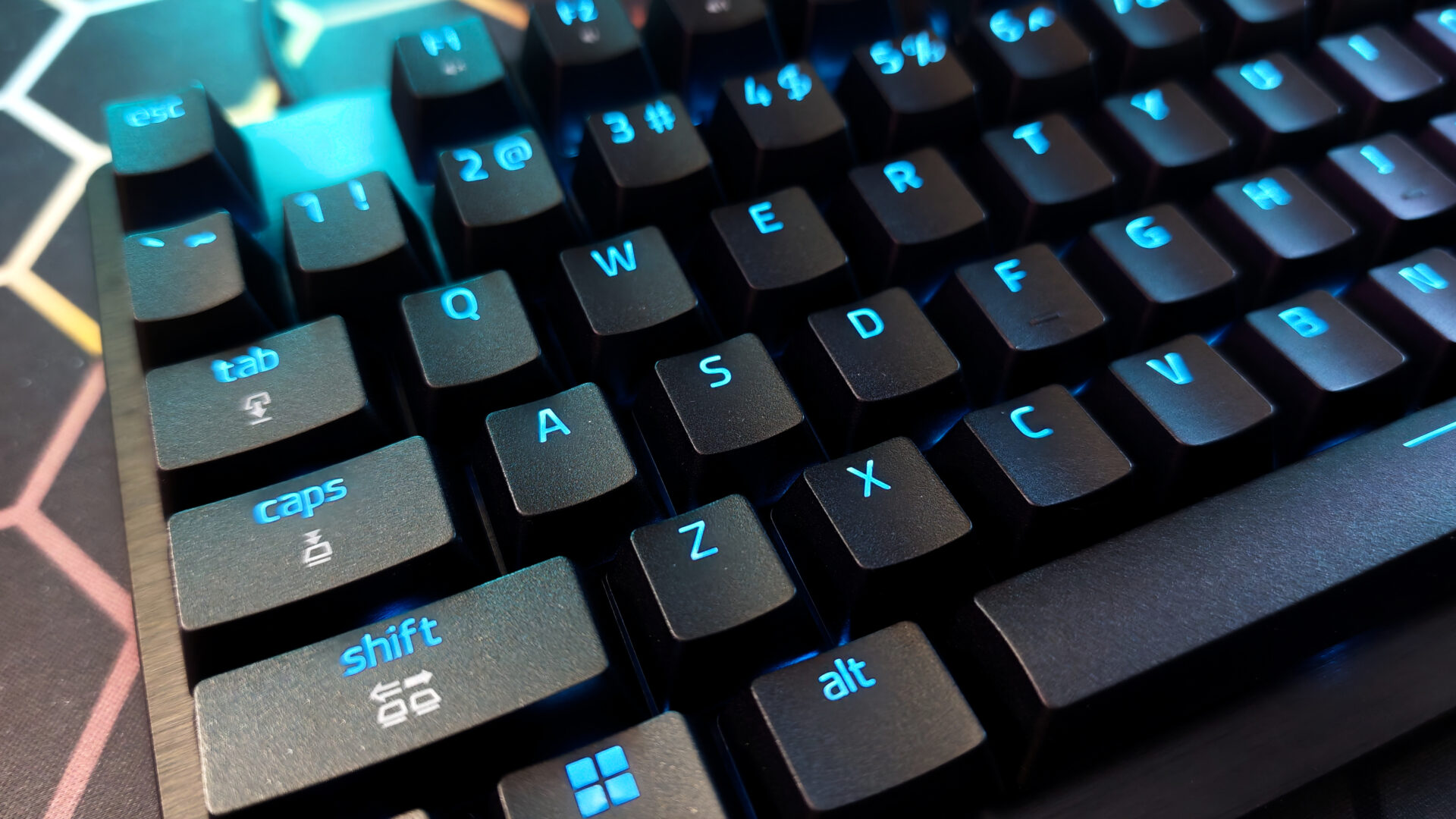
The typing experience, likewise, feels and sounds great thanks to the thick PCB foam layer built into the keyboard. This also contributes to the board’s aforementioned sturdiness. While this PCB foam layer is a more cost-effective solution than the V3 Pro Tenkeyless 8KHz EPDM + EVA foam, I’ve found the Huntsman V3 Tenkeyless to be a great overall typing experience.
“The Huntsman V3 Tenkeyless 8KHz looks absolutely gorgeous when illuminated.”
Shifting to the mechanical design, like its predecessors, the Huntsman V3 Tenkeyless 8KHz offers the excellent Razer Analog Optical Switches Gen-2. While it lacks the Pros’ additional lubrication, I have been absolutely impressed with the response and function of these switches. First tested in the Huntsman V3 Pro at 8 kHz, I’ve since come to find myself defaulting to these switches as my current favourite. They provide exceptional feedback with fully adjustable actuation with a range of 0.1 mm – 4.0 mm and per-key actuation, a staple for the Huntsman V3 lineup.
Providing the same 40g actuation force as the V3 Pro Tenkeyless 8KHz, this latest iteration performs on the same level as the pro version. Also present is Razer Snap Tap, a feature I’ve come to appreciate greatly over this last year, as well as the rapid trigger mode, which creates a virtually instantaneous keystroke reset when activated. While not necessarily something the average player might notice initially, the rapid trigger mode is a game-changer for many FPS pro players, as it allows for quicker character stop responses, which reduces the movement penalty.
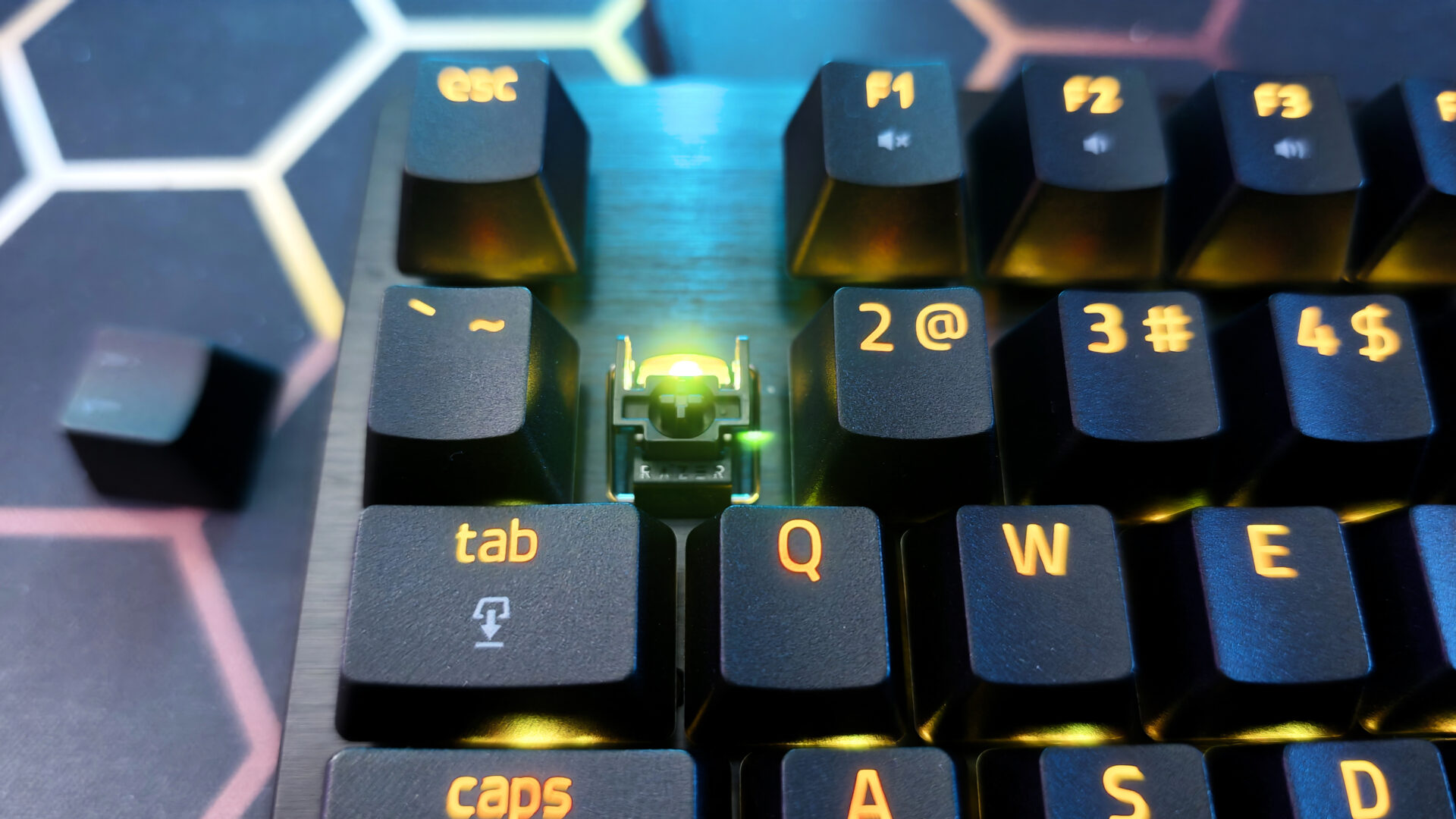
The biggest update to the Huntsman Tenkeyless with the V3 iteration, though, is the inclusion of the 8KHz polling rate. As with its Pro variant, the Huntsman V3 Tenkeyless 8KHz achieves an impressive 0.58 ms latency. In testing, the response feels instantaneous with no keystroke going unregistered. Controls feel tight and reactive, registering every press, no matter how frantically I mash the keys. It’s a delight to use and truly does feel like a pro-level gaming experience.
The other noteworthy feature of the onboard quick adjustments is for settings like Rapid Trigger and actuation. Holding the function key illuminates specific keys that provide quick on-the-fly settings adjustments, with no software required. It is a nice touch and helps the Huntsman V3 Tenkeyless 8KHz feel in line with its classmates, even without the dedicated on-board buttons.
After using the Huntsman V3 Tenkeyless 8KHz extensively, this is my preferred keyboard in the lineup. While I can appreciate some of the additional frills provided in both the Huntsman V3 Pro and Huntsman V3 Pro Tenkeyless 8KHz, this version of the keyboard offers all the same functional features that make this esports-ready keyboard series great, but at a more consumer-friendly price point. While all three of these keyboards are superb, the Huntsman V3 Tenkeyless 8KHz lands in the sweet spot, offering incredible functionality, amazing build quality and a more consumer-friendly price point.
- PRO-LEVEL SPEED AND PRECISION — Gain ultra-fast repeated inputs with Gen‑2 Razer Analog Optical Switches featuring Rapid Trigger and a 0.1–4.0 mm adjustable actuation range for competitive FPS and esports play
- CLEANER MOVEMENT IN CLUTCH MOMENTS — Execute faster directional changes with Razer Snap Tap, which prioritizes your intended input when two assigned keys are pressed simultaneously during intense gameplay