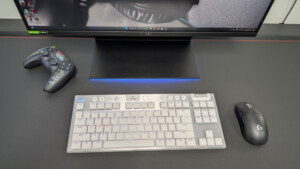

Wireless keyboards are nice because they offer a simple, cleaner look to most desktop setups—whether that’s connecting it to a laptop or PC rig. In most cases, though, the response and accuracy rate on wireless keyboards can lag behind a wired keyboard. Even though a wired keyboard requires cable management, it is wired keyboards like the Logitech G316 X 98 wired keyboard that make the wired setup worth it.
I concur that the Logitech G316 X 98 wired keyboard is a simple plug-and-play keyboard. I highly recommend installing the G HUB app ahead of time so you can get right into customization. It is also a great tool to see what any of your Logitech products can do in a nutshell, as the app explains its key features when it recognizes the product. This is good to have since it helps you understand what the peripheral can do.
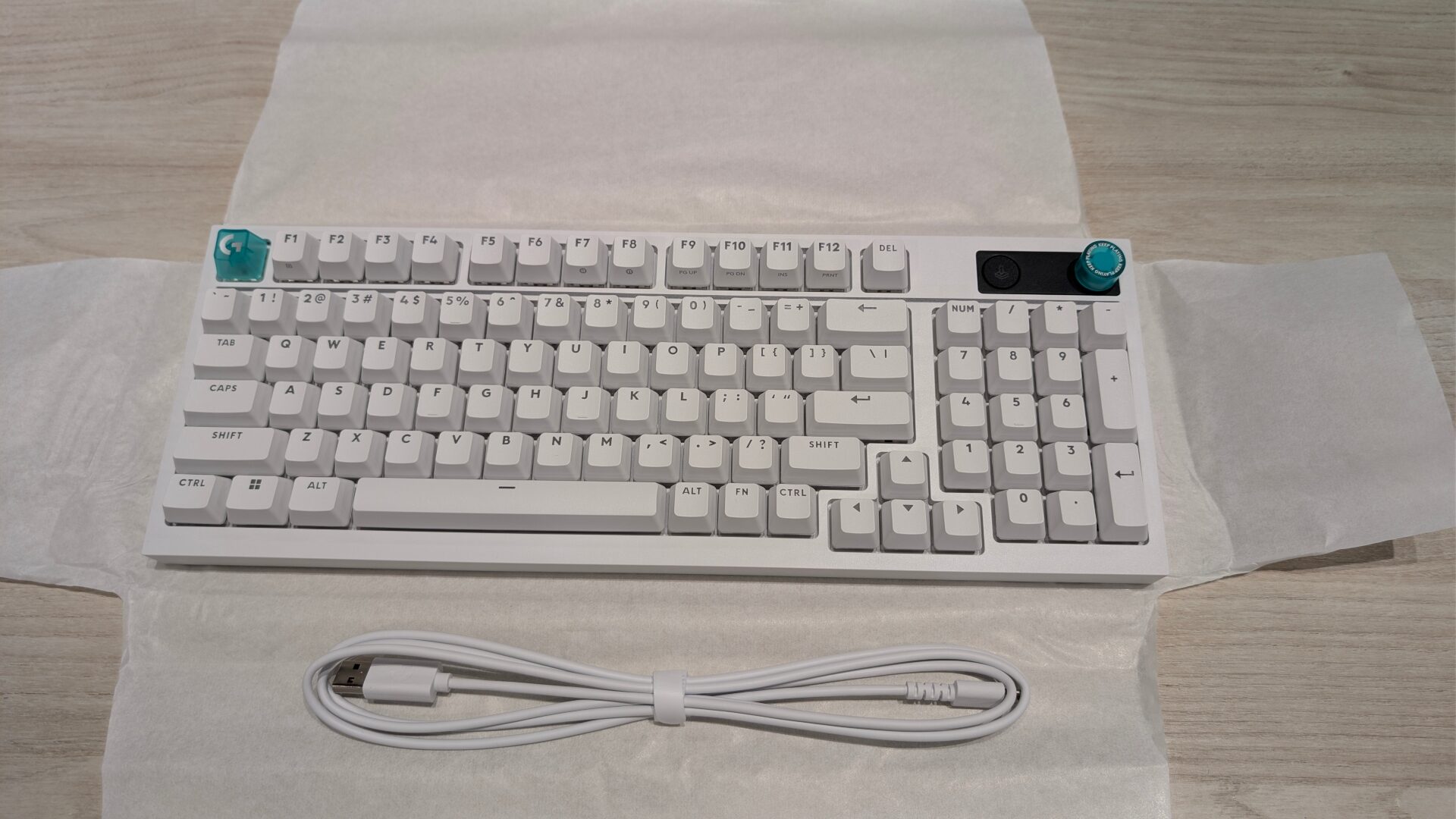
Out of the box, the Logitech G316 X 98 wired keyboard did not come with anything fancy—just the user documentation and a 5.91 ft (1.8 m) USB-A to USB-C cable. The wired keyboard can be shipped out with either built-in Tactile or Linear switches, and is hot-swappable. Its PBT keycaps are customizable. The keyboard’s frame is equipped with a gasket-mounted structure with sound-dampening layers for a smooth and satisfying click sound and feel that Logitech describes as “thocky.”
“The Logitech G316 X 98 wired keyboard is a simple plug-and-play keyboard.”
The general feeling using the Logitech G316 X 98 wired keyboard for a few weeks was that it was a bit more ‘thunky’ instead of ‘thocky.’ Most of the keys sounded thocky, but the typing experience felt like I was pressing down weight keys. I appreciated the matte coating of each key; this was a plus on a bigger-scale keyboard—as I mostly use tenkeyless keyboards now.
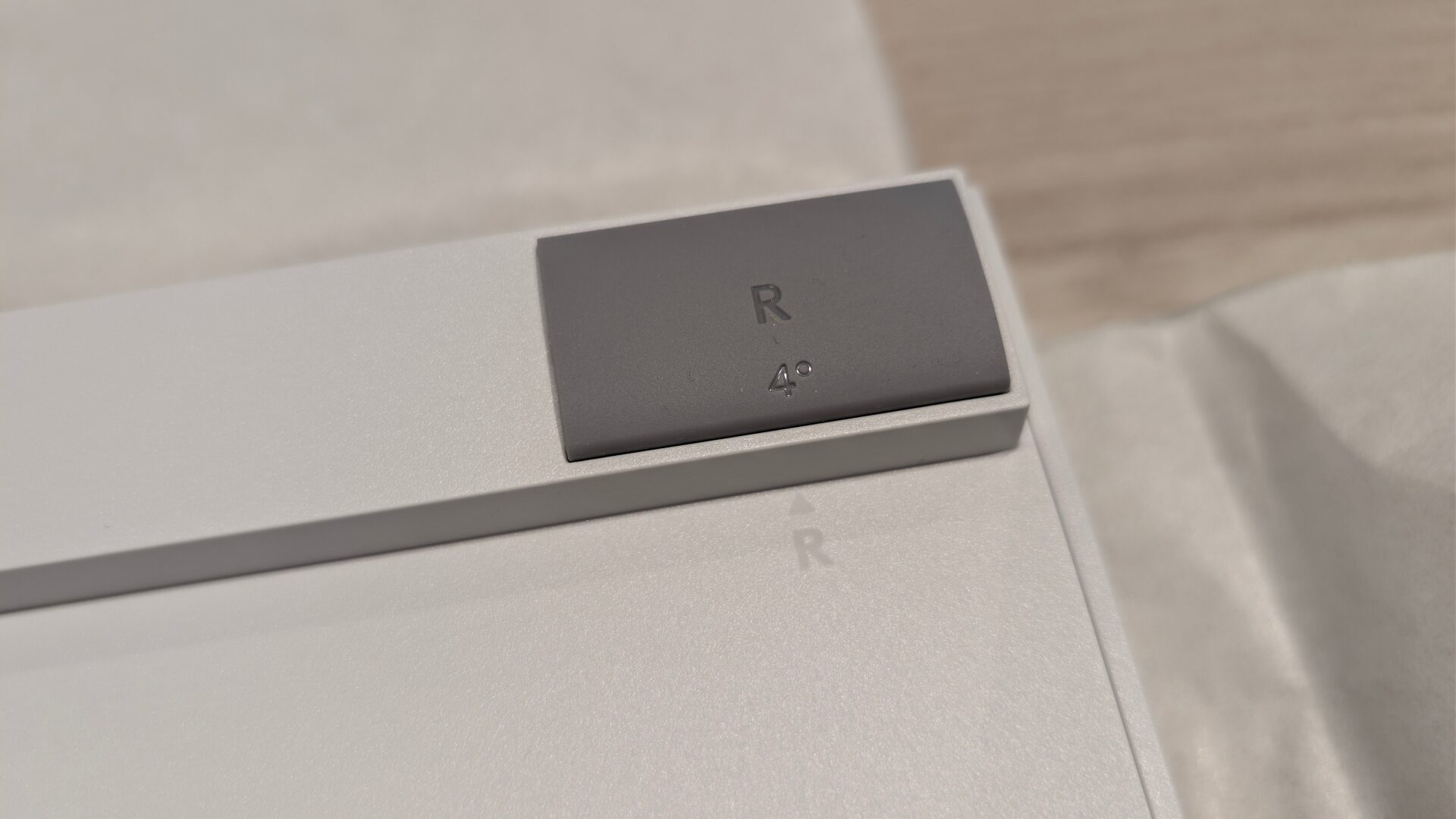
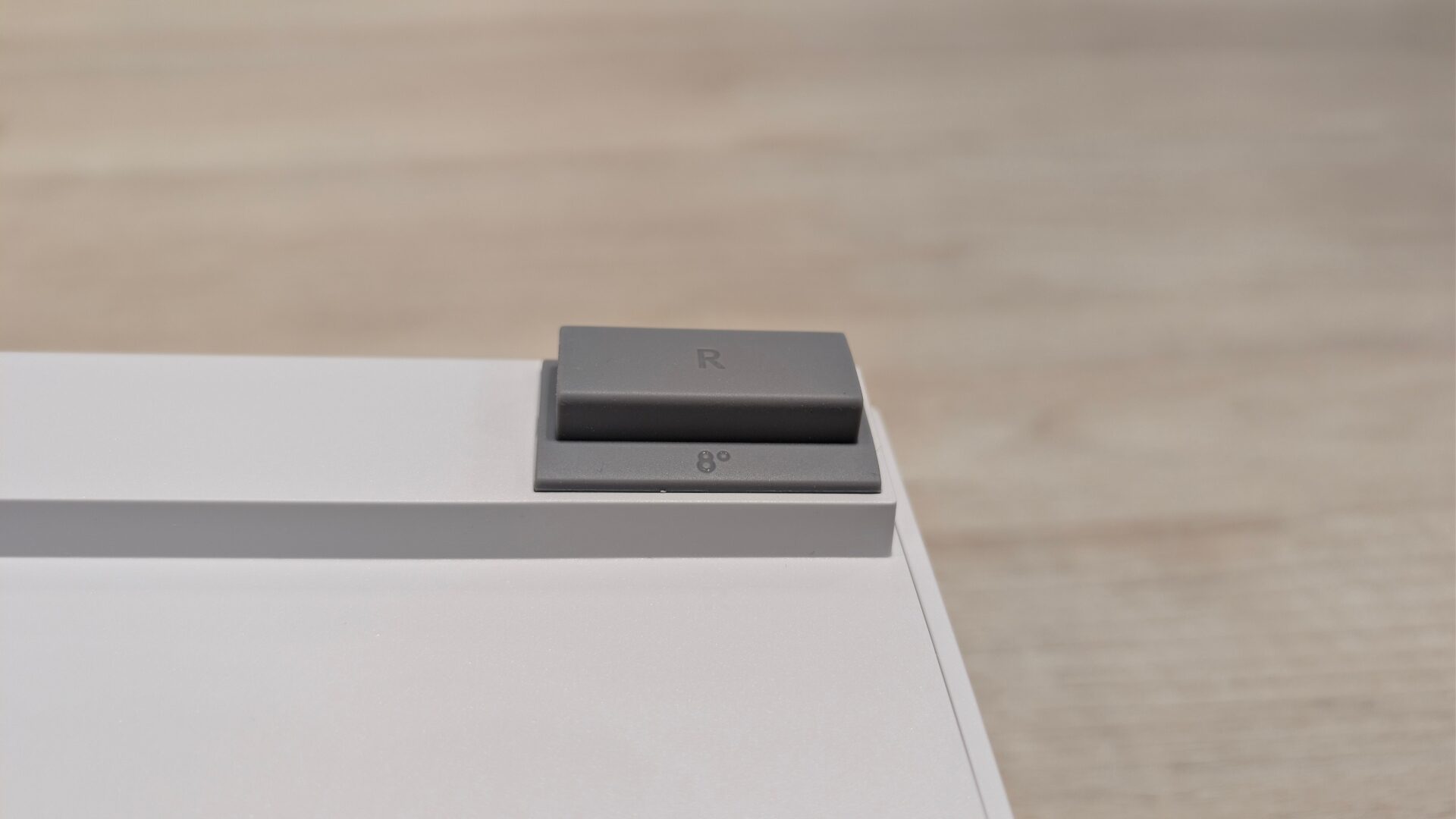
Something that caught my eye, or rather my hands, was how there were no kickstand lifters on the back of the Logitech G316 X 98 wired keyboard. Instead, it was these two rubber pieces that awkwardly needed to be plucked out. Then, I re-inserted it for whichever height I wanted to raise the keyboard. This was a step back for me, in terms of innovation. I thought the kickstand lifters on the back of keyboards were fundamentally good to stay the same. Maybe someone out there likes this change. However, I would be afraid to lose them since they are not attached to the keyboard.
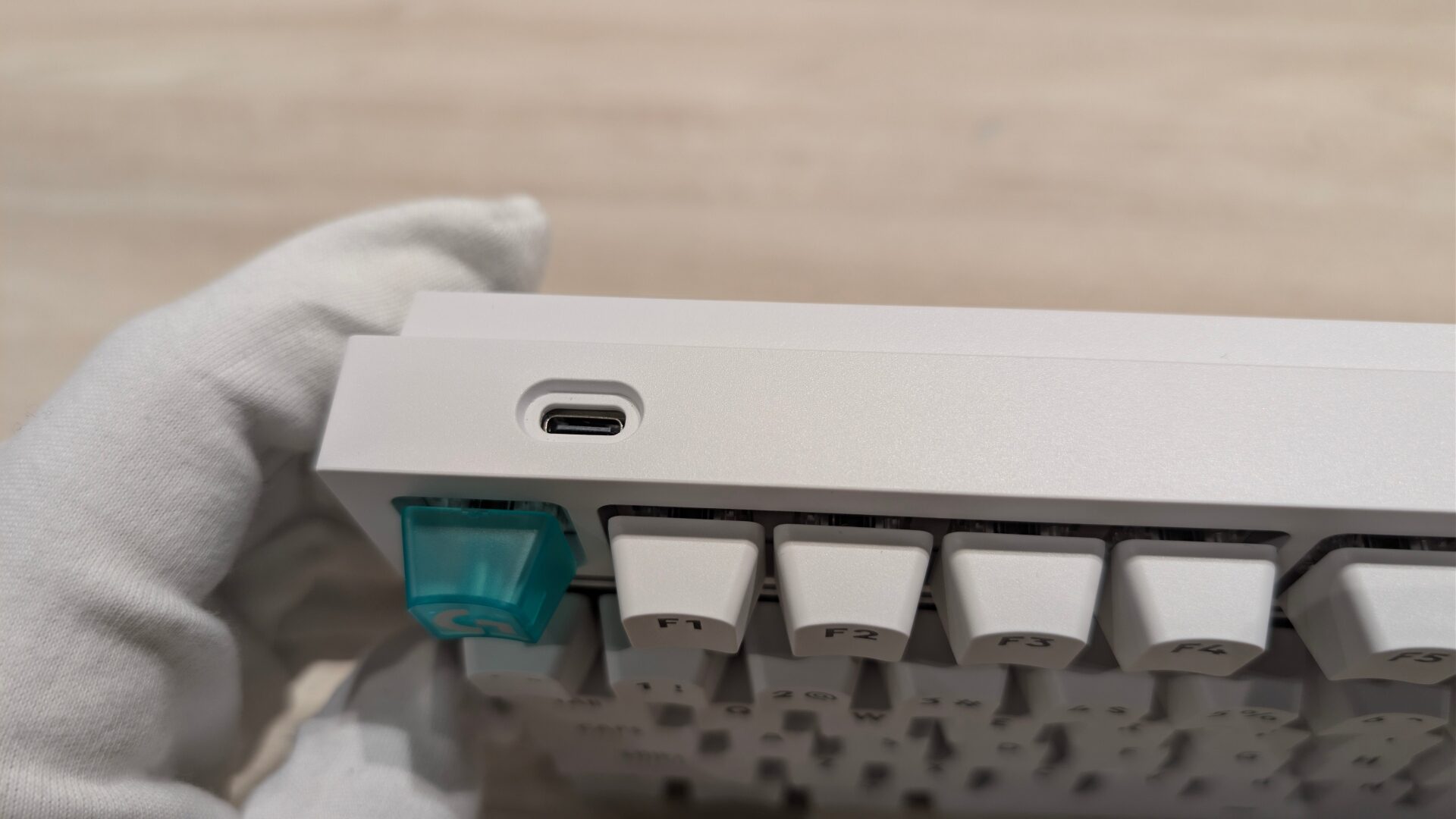
More on design, I did not like that the USB plug-in port is only on the left side of the Logitech G316 X 98. It makes cable management more annoying for users with their PC on their right side. So, the versatility does not cater to prearranged setups. This 98% form factor helps cut a good slab of desk space, which is always a plus for someone who has limited desk space like me. This means I have more mouse space for clicking heads or making wider, more precise movements in competitive games.
“The general feeling using the Logitech G316 X 98 wired keyboard for a few weeks was that it was a bit more ‘thunky’ instead of ‘thocky.’”
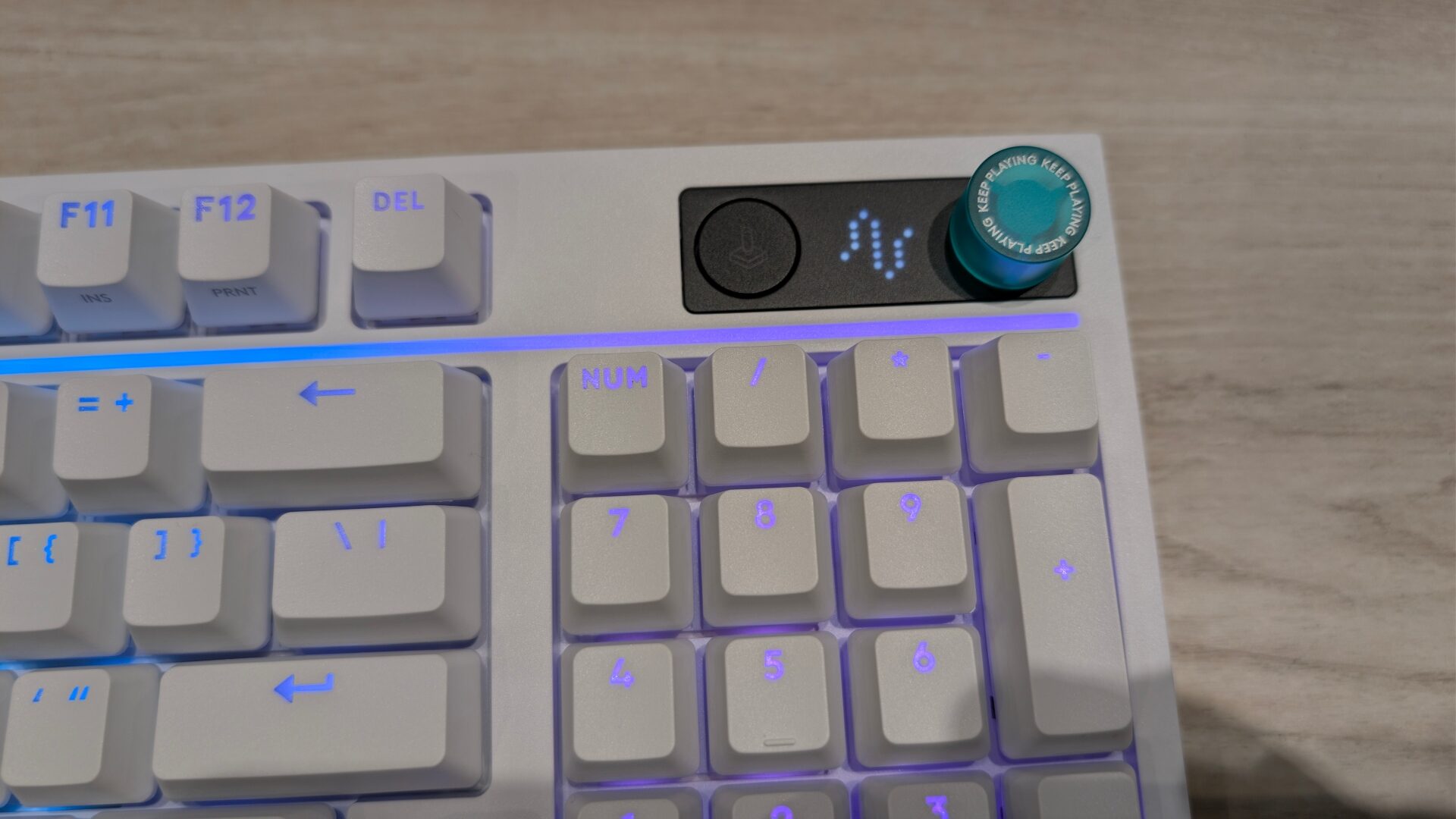
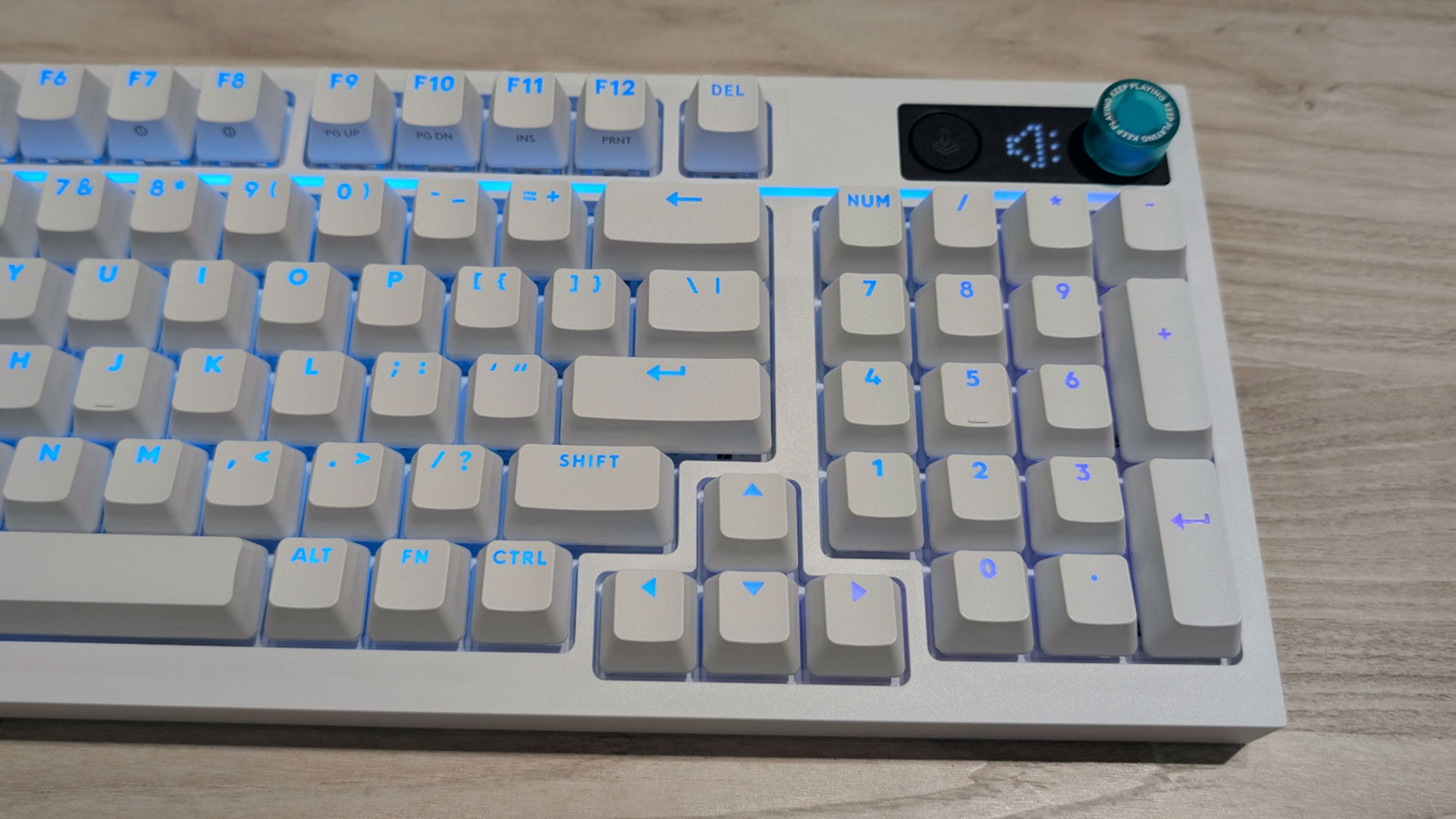
Some of the standout visual features of the Logitech G316 X 98 wired keyboard include its prominent LED display and specially coloured, Logitech-branded Esc keycap. The keyboard itself is available in black or white. The default colour scheme of the Dynamic LIGHTSYNC RGB lighting is vibrant and looks just as visually appealing as the Logitech G713 mechanical gaming keyboard, especially on the white model I received. Most impressively, I did not notice any dead zones, with every part of the keyboard appearing evenly lit.
This was my first experience with a 98% keyboard; I have looked at a few full-size, TKL’s, and mini-TKL’s from various brands. When I played around with the 8,000 Hz polling rate, I didn’t notice much difference in the typing/playing experience between the different rates. I tested the playing experience in precision movement games like VALORANT, Apex Legends, and Counter-Strike 2, and only saw micro adjustments in responsiveness. Honestly, the WASD keys felt a bit too heavy for my liking. Strafing between corners added to hand fatigue, which isn’t ideal for gaming or typing longevity.
I would still stick with 4,000 Hz for the Logitech G316 X 98, as it strikes the right balance between performance and responsiveness for me. By all means, if you have a top-of-the-line CPU, you can push it further. I use a mid-range gaming PC, so I would rather have my CPU devote processing power elsewhere. It is worth noting that higher polling rates require more processing power, which may lead to lower frame rates in CPU-intensive games.
Looking back at my time with the Logitech G316 X 98 wired keyboard, its performance was in line with Logitech’s recent keyboards. However, I did not enjoy the overall “thocky” feel the company appears to be targeting. My hands became fatigued noticeably faster than with my previous keyboard. Including a palm rest similar to the white one bundled with the G713 could help address that issue. Gamers who play for long sessions should keep that in mind when considering this keyboard. Overall, the LCD screen was not compelling enough to outweigh the practical feel of the keyboard, leaving me with the impression that its competitive focus gets lost somewhere along the way.