

The Logitech Spotlight 2 presenter is designed as a modern solution for business presentation situations. Comprised of durable aluminum and recycled plastics, Logitech’s latest presenter is ready for any situation it is needed for. Designed and engineered to incorporate the latest in haptic force technology, a wide range of highlighting effects and provide a consistent and responsive user experience up to 100 ft, the Spotlight 2 aims to be the business presentation solution.
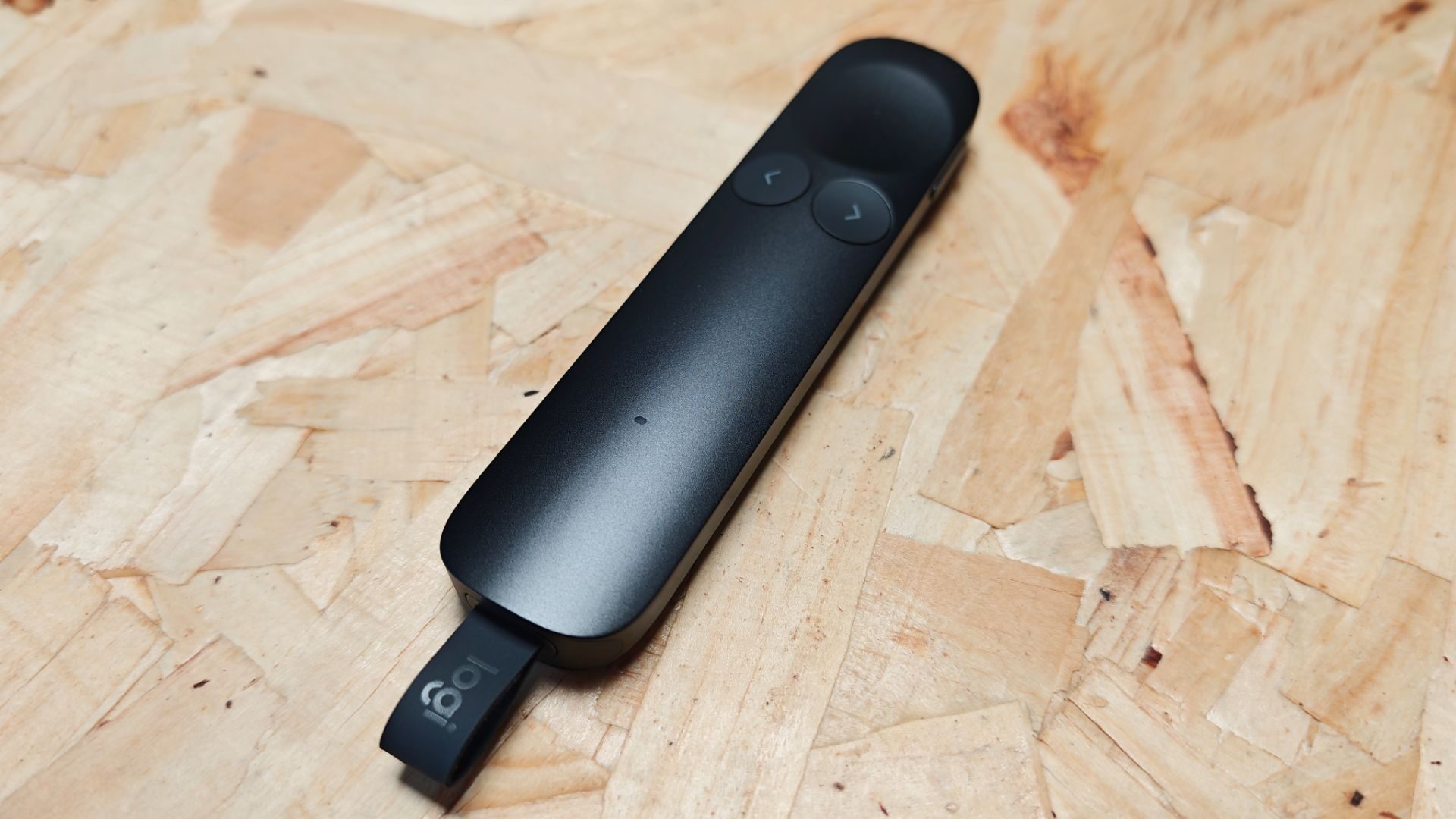
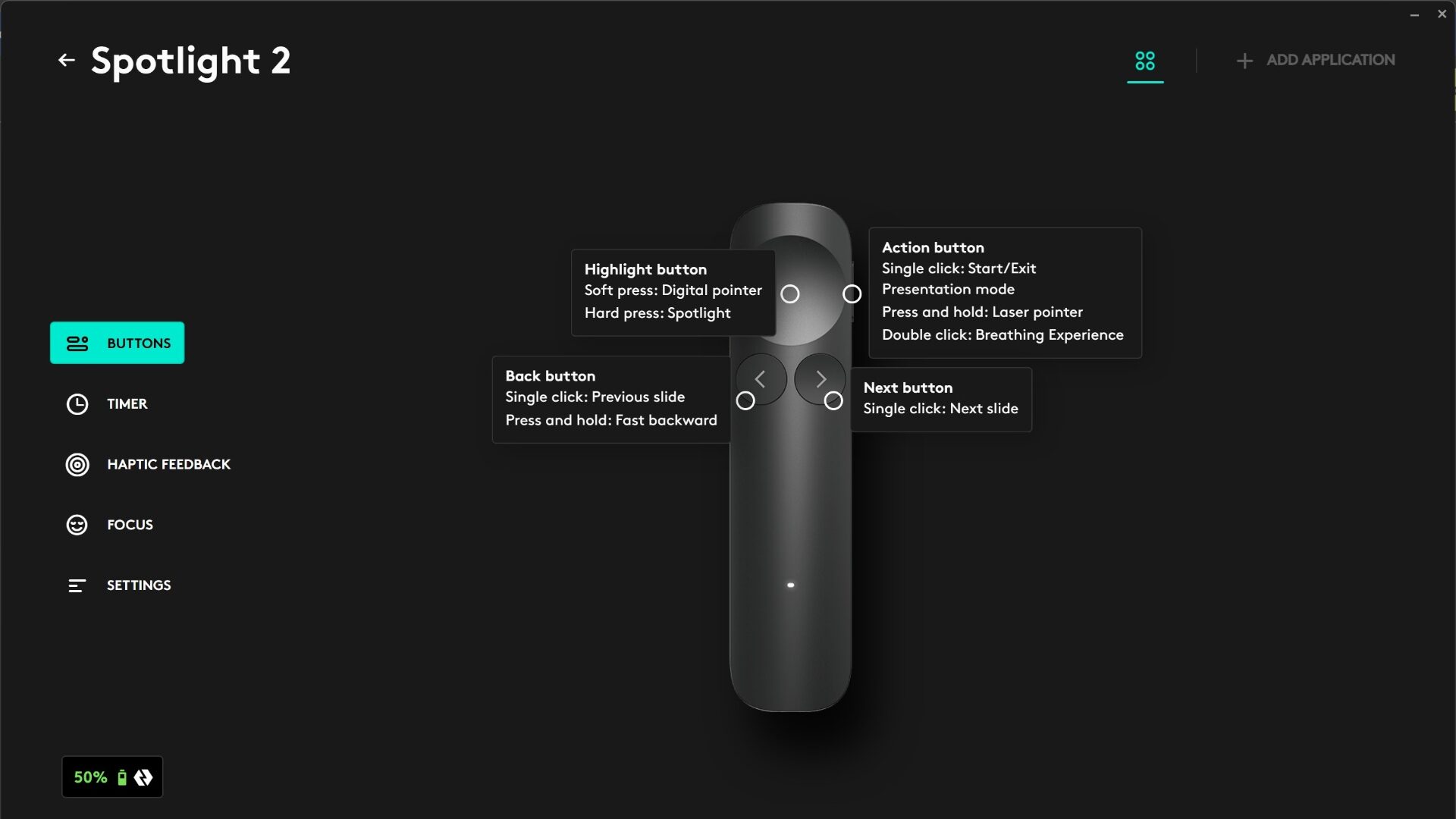
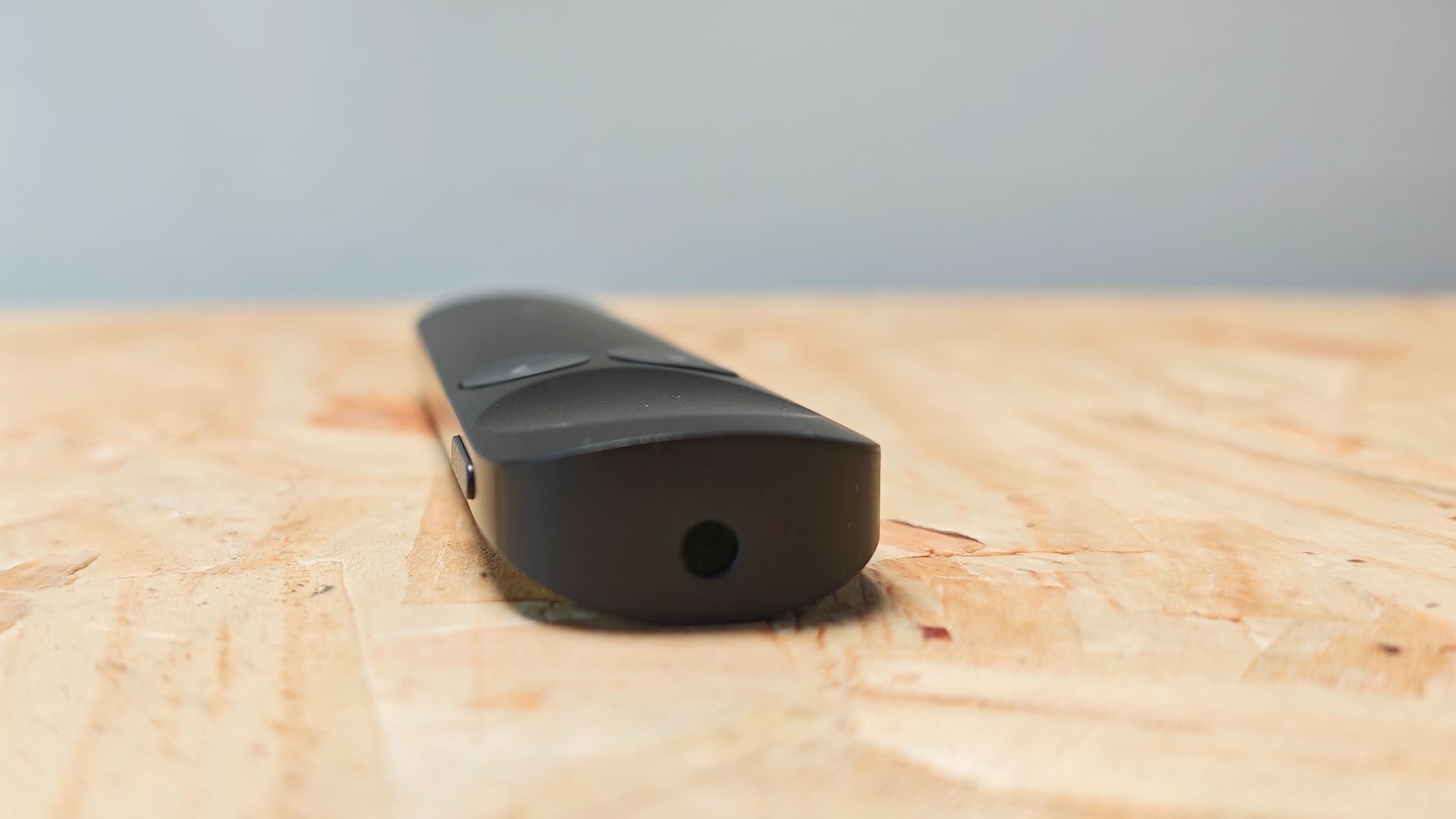
Out of the box, the Spotlight 2 looks sleek and durable. The metallic sheen finish looks great on the black version sent over for review, with three other colours available. On its surface, the Spotlight 2 offers three buttons, the primary Highlight button, and two directional buttons. The right side of the presenter contains a fourth button that handles laser pointing. Each button offers additional commands through a series of long presses and taps, rounding out the user experience.
From the Logi Options+ software, users can configure each button, catering the experience to fit their needs. The software handles haptic feedback settings, an optional haptic feedback timer with alerts that keep track of presentation times and a focus breathing exercise tool as well. While the latter feature is a bit odd, I will say that the haptic feedback timers are a nice addition.
This feature allows you to preset the time of a presentation and then configure warning alarms that vibrate the remote at preset times. This notifies you of how much time you have left without needing to have a stopwatch or clock on hand for tracking. I have found it to be the feature I didn’t know I needed and a smart use of haptics in a presenter tool.
“The Logitech Spotlight 2 presenter is designed as a modern solution for business presentation situations. Comprised of durable aluminum and recycled plastics, Logitech’s latest presenter is ready for any situation it is needed for.”
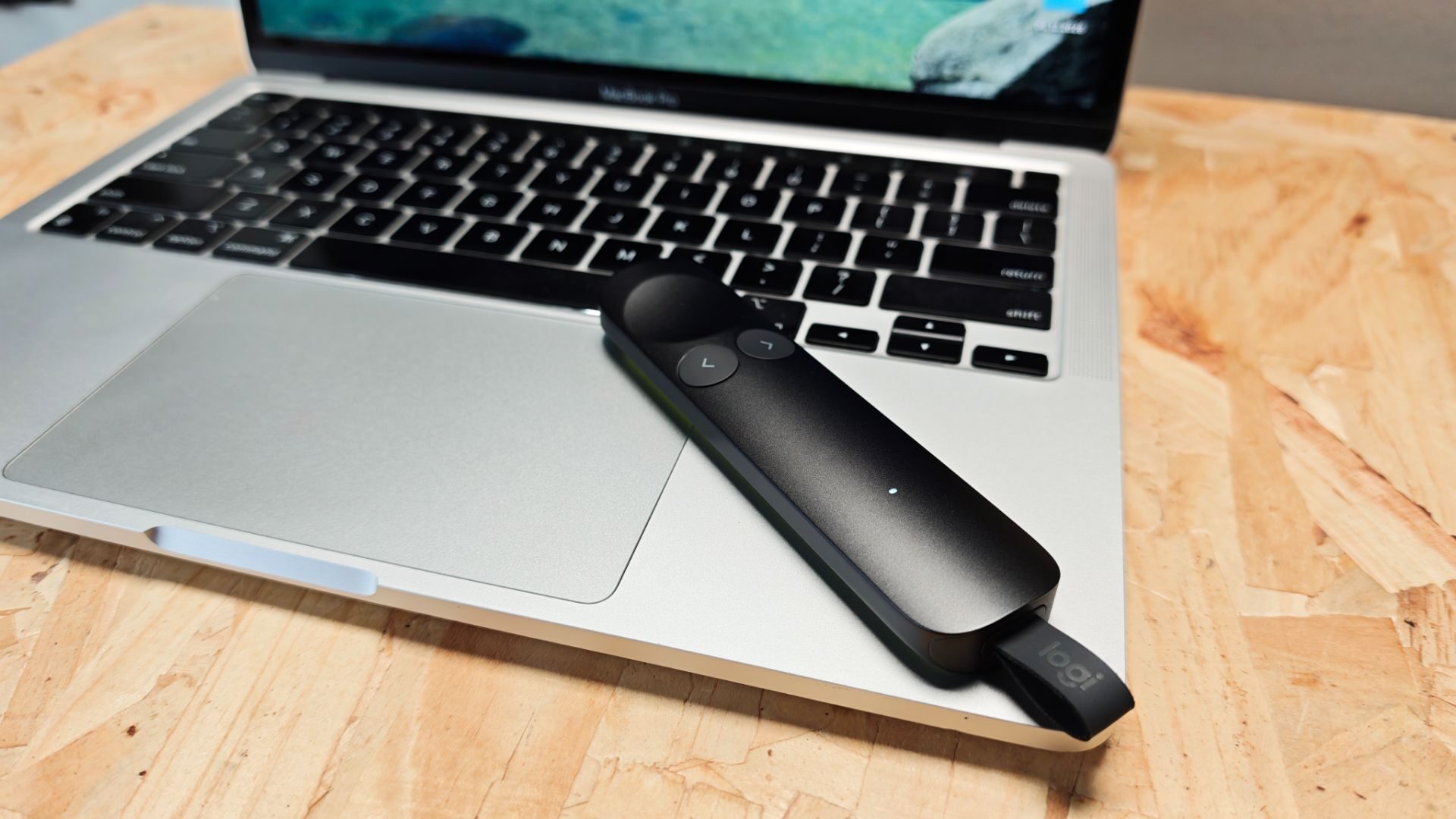
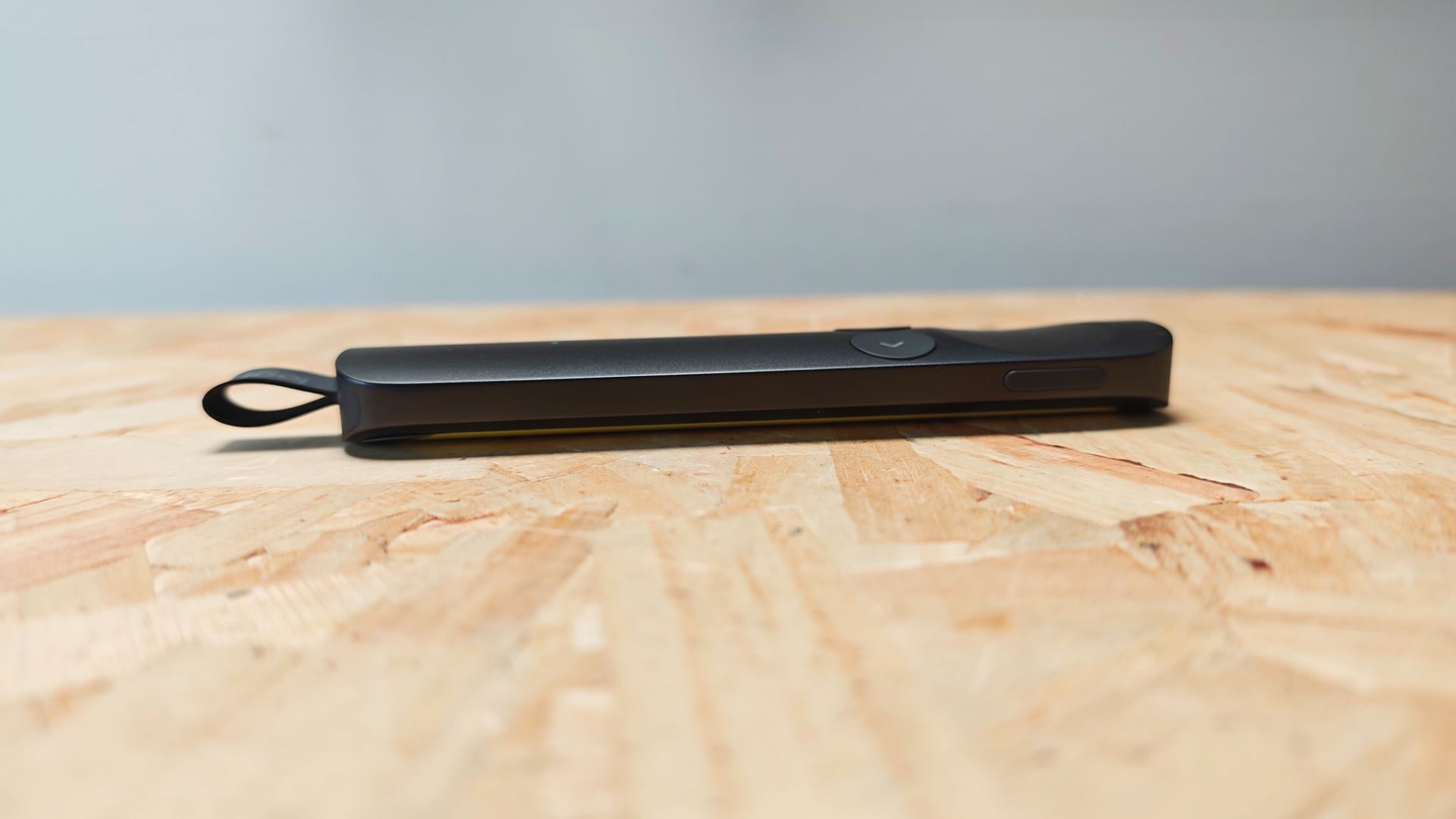
Measuring 145 x 30 x 13.5mm and weighing a mere 55g, the Spotlight 2 fits into any bag or front pocket with ease. A single indicator light, located on the lower third of the front of the device, indicates the connectivity status, giving users immediate feedback on the current state of the Spotlight 2. Its compact and durable design isn’t necessarily revolutionary, but it is well built and offers a solid presenting solution.
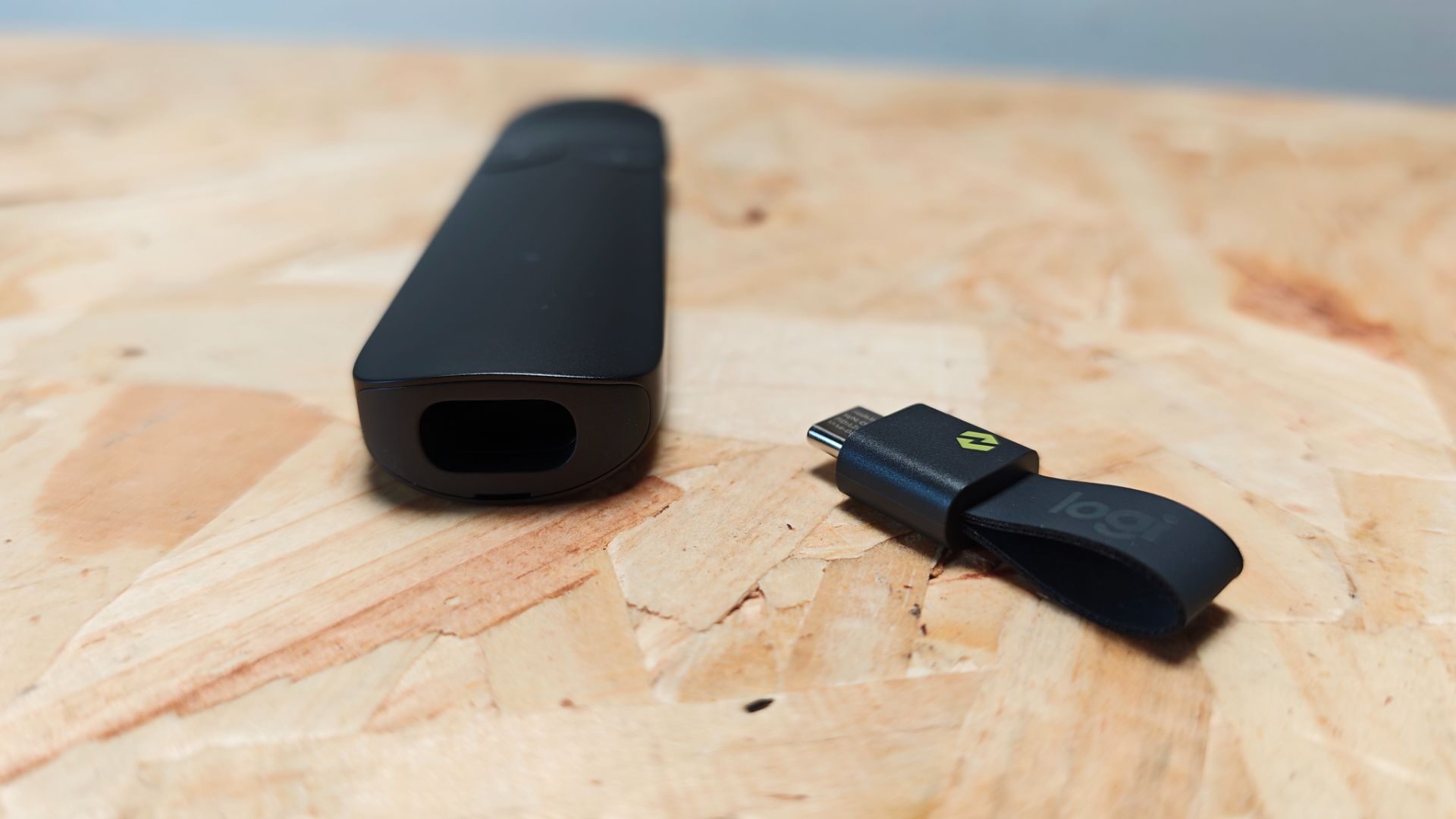
Connectivity with the Spotlight 2 is managed via Bluetooth or Logitech’s own Logi Bolt USB-C receiver. The latter is actually nestled into a slot in the bottom of the device. Once removed, it exposes a USB-C port for charging the Spotlight 2 (cable not included). It’s a smart system that takes notes from many a gaming mouse over the past few years and implements it well here with Logitech’s latest presenter.
Charging the device employs the same quick charging system used in the new Mobi Fold, with one minute of charging providing 3 hours of presentation usage. A full charge is rated for up to 3 months of use, though I’ve not had time to test this to its full extent as of the time of writing. That being said, having used it over these past two weeks, I’ve only seen the battery percentage drop about 5 percent since I initially connected it to a device.
“The Spotlight 2 is a great presenter tool, and Logitech has done a solid job of innovating the user experience.”
Circling back to connectivity, both Bluetooth and the Logi Bolt connection provide excellent range, easily spanning a 100-foot room. In testing, I had no issues presenting from the stage of the auditorium at work back to our tech booth. Even through the glass window, the Spotlight 2 was quick and responsive.
As for supported devices, the list is extensive, with the Spotlight 2 supporting most operating systems. Even Linux is supported and easily connected via the Ubuntu test box I have here in the office without an issue. ChromeOS, likewise, recognized the Spotlight 2 immediately when I connected it to the ASUS Chromebook here in the office. It’s a simple affair to set up, and once connected, it feels rock solid to use.
Overall, I’m impressed with the Spotlight 2 from Logitech. While I was initially skeptical of a $129.99 presenter tool, there are a few key features that have won me over. The haptic system, specifically the alarm tool, is a game-changer when presented with very specific time restraints. It frees me from the distraction of tracking a clock or timer and allows for full focus on the presentation at hand.
The quick charge is a welcome treat as well and is a nice break from swapping AAA batteries on the fly. This brings me to the sheer form factor. The Spotlight 2 is compact, sleek and easy to fit in my pocket, making it already better than most presenters that require swappable batteries. It’s a sleek unit and adds some great quality-of-life features to the presentation process.
The Spotlight 2 is a great presenter tool, and Logitech has done a solid job of innovating the user experience. While the $129.99 price point might feel a bit steep, if you are someone who presents regularly, there are so many great features that justify its price point. With that being said, if you are in the market for a new presenter tool, the Spotlight 2 is a great presenter worth considering.