
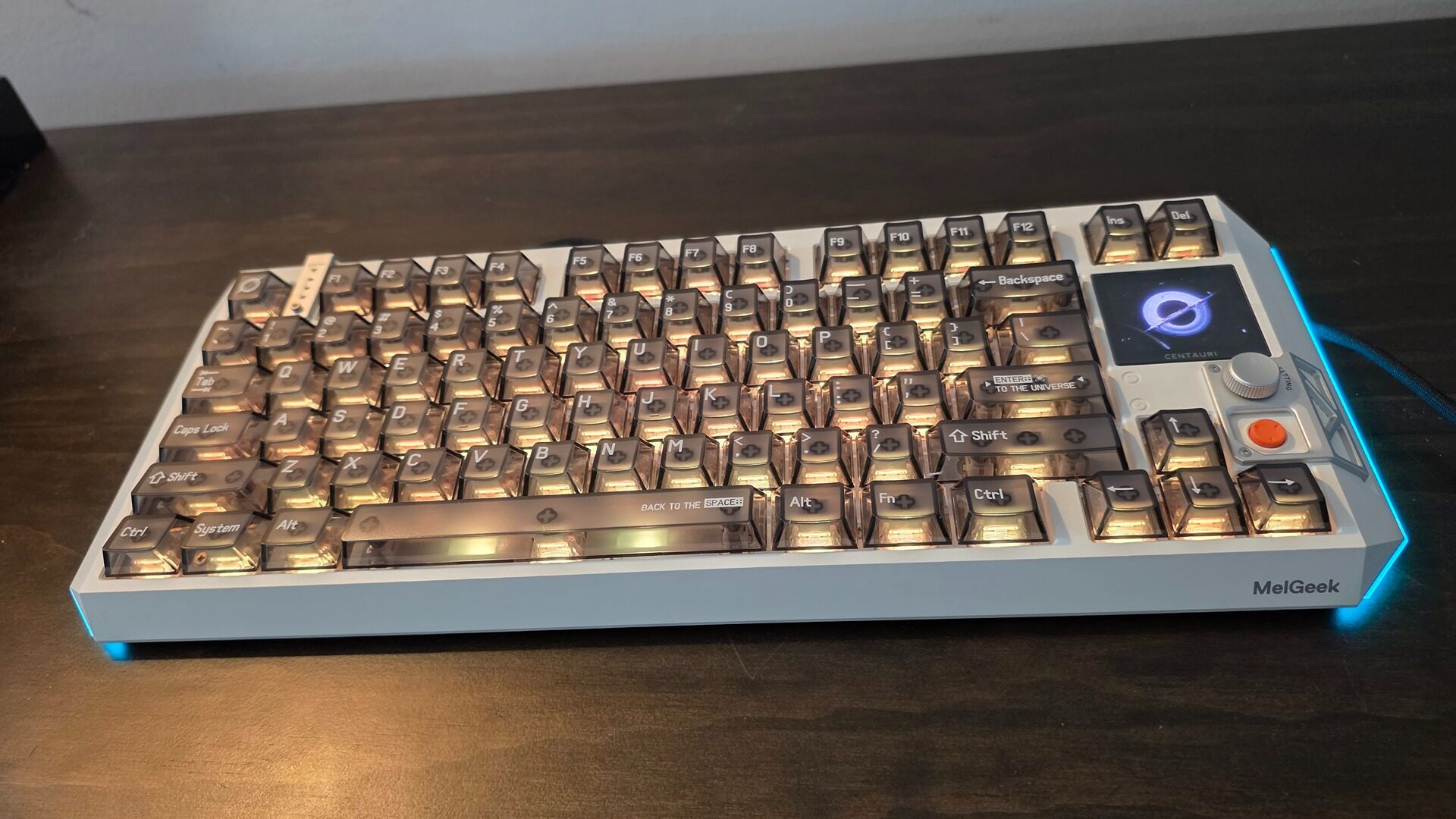
The MelGeek Centauri 80 is a high-end premium keyboard that, despite its TKL configuration, offers users more than enough bells and whistles to make up for its sleek form factor that forgoes additional keys for a smaller footprint.
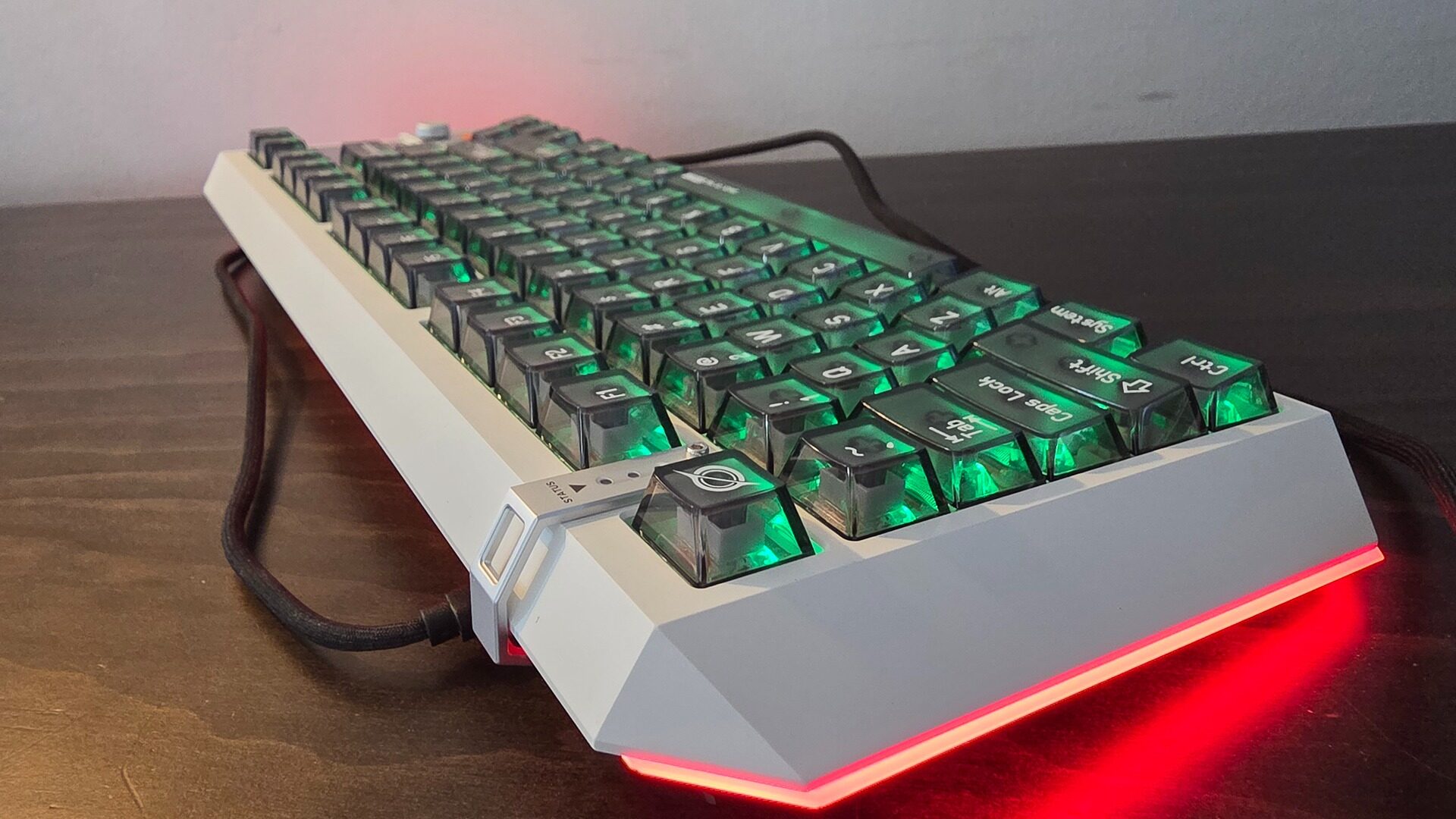
I’m a huge fan of TKL keyboards, but I can understand why some users gravitate towards the full-fat 104 key experience. Saying that, however, the Melgeek Centuari 80 is the most feature-rich TKL keyboard I have ever used as far as the actual typing experience is concerned. MelGeek has opted for a Sci-fi, Space theme for its Centauri line, going for a striking, hard-angled look with its white chassis and floating translucent keycaps. Acting as the icing and cherry on top, the MelGeek Centauri 80 features a gorgeous 1.78” OLED display with a resolution of 368×448 with a max PPI of 326 at 60ghz, accented further by a dedicated and programmable orange button and tactile-feeling dial.
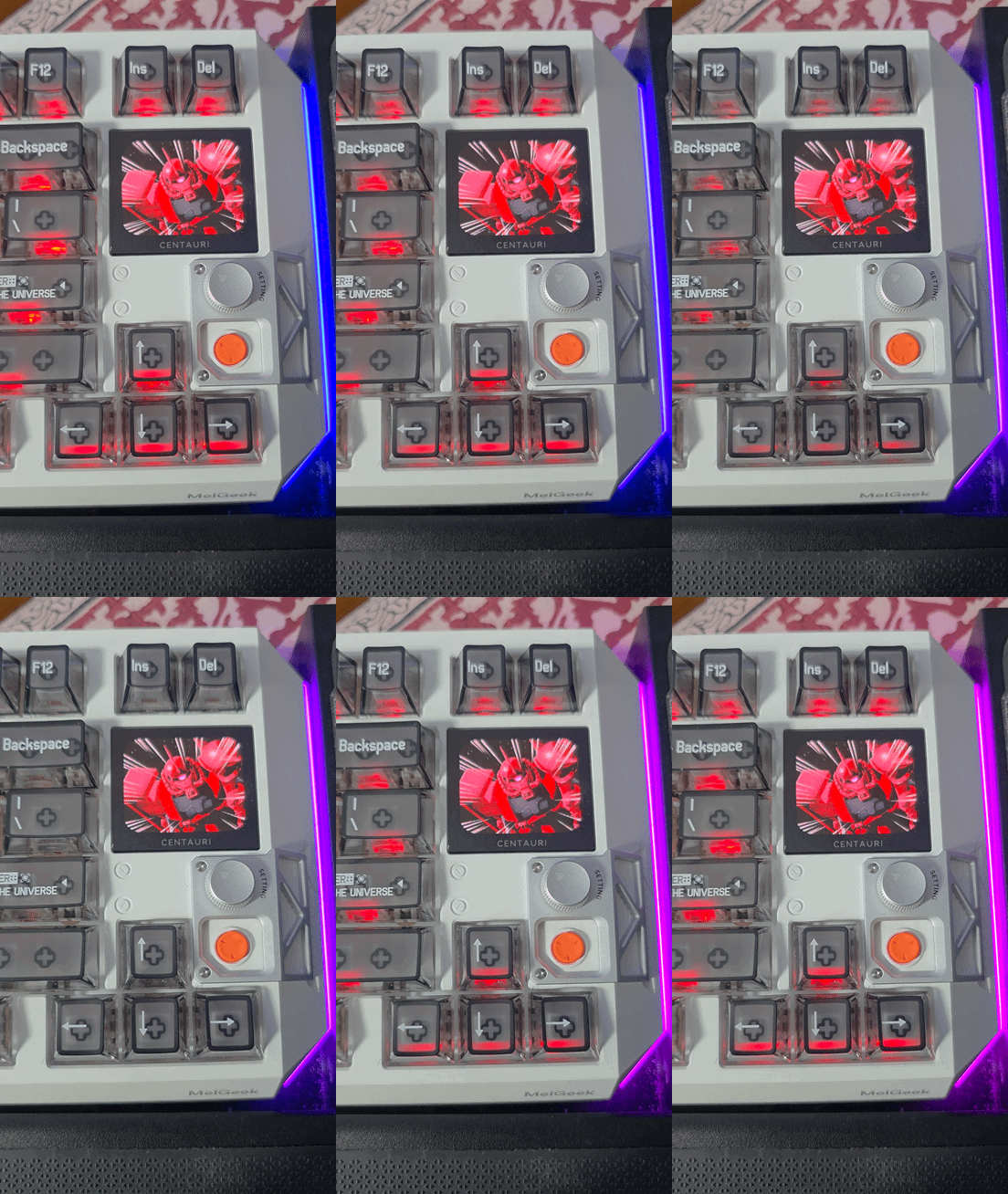
The MelGeek Centauri 80 also features a full-range RGB array, both for its keys and a band of light flanking the side of the keyboard, all of which can be fine-tuned to your heart’s desire. Speaking of the keys, the Centuari 80 features hall-effect sensors that allow for finite adjustability, including rapid-trigger operations, making it ideal for eSports players or those serious about competitive and twitchy titles. The actual typing experience on the MelGeek Centauri 80 is excellent, with the keys feeling softer than those on a Cherry switch yet still offering that distinct mechanical “clunk” indicative of a good high-end keyboard.
“The Melgeek Centuari 80 is the most feature-rich TKL keyboard I have ever used as far as the actual typing experience is concerned.”
One of the best QoL features of the MelGeek Centauri 80 is its software, which doesn’t require any mandatory installations; instead, it offers users a web portal that gets the job done. The Superdock, or the OLED + dial and button combo, is the beating heart of the Melgeek Centuari 80, giving users easy and intuitive controls that can change profiles, test key actuation, and a full suite of media controls that make it perfect for secondary tasks without having to alt-tab out of a game or application.
Of course, to fully take advantage of the MelGeek Centauri 80’s gorgeous OLED display, users can also upload their own static or GIF animated image to the keyboard, making it truly come to life. I’ve used other keyboards that feature some form of screen, but the size and panel technology of the MelGeek Centauri 80 is unmatched.
Of course, all this tech comes at a premium, with the Centauri 80 coming in at an eyewatering $449 CAD, which, to be fair, gives you one of the most premium-feeling keyboards out there, but for its asking price, I do wish MelGeek offered just a little bit more. In particular, for a device that weighs 4.87 lbs, I feel they could have cut back on some of that weight and replaced it with an on-board battery, offering at the very least some form of wireless connectivity, either via a 2.4 GHz dongle or Bluetooth, even at the cost of some added latency.
In essence, if you sit close to your desk and are looking for a stationary keyboard that will stay put, the MelGeek Centauri 80 is perfect. If you are like me and use your PC from a distance, more as an AIO media hub, there are other capable options out there.
And as much as I appreciate the cool, hard-edged design of the Centauri 80’s frame, I would have preferred a more standard, rectangular chassis, as I tend to stick TKL keyboards into a modified lapboard. However, I do realize this is an edge case and will not affect most users simply looking for a very high-end typing experience.
Jumping back into Marvel Rivals, I found the MelGeek Centauri 80 to be incredibly responsive with its 8000Hz polling rate, stopping at a dime when lifting my fingers from the WASD keys, while also allowing for micro-adjustments that made me seriously consider getting back into the game after a long absence from playing regularly. If you’re serious about PC gaming, outside of its price, it’s hard not to recommend the MelGeek Centauri 80.
“The Superdock, or the OLED + dial and button combo, is the beating heart of the Melgeek Centuari 80.”
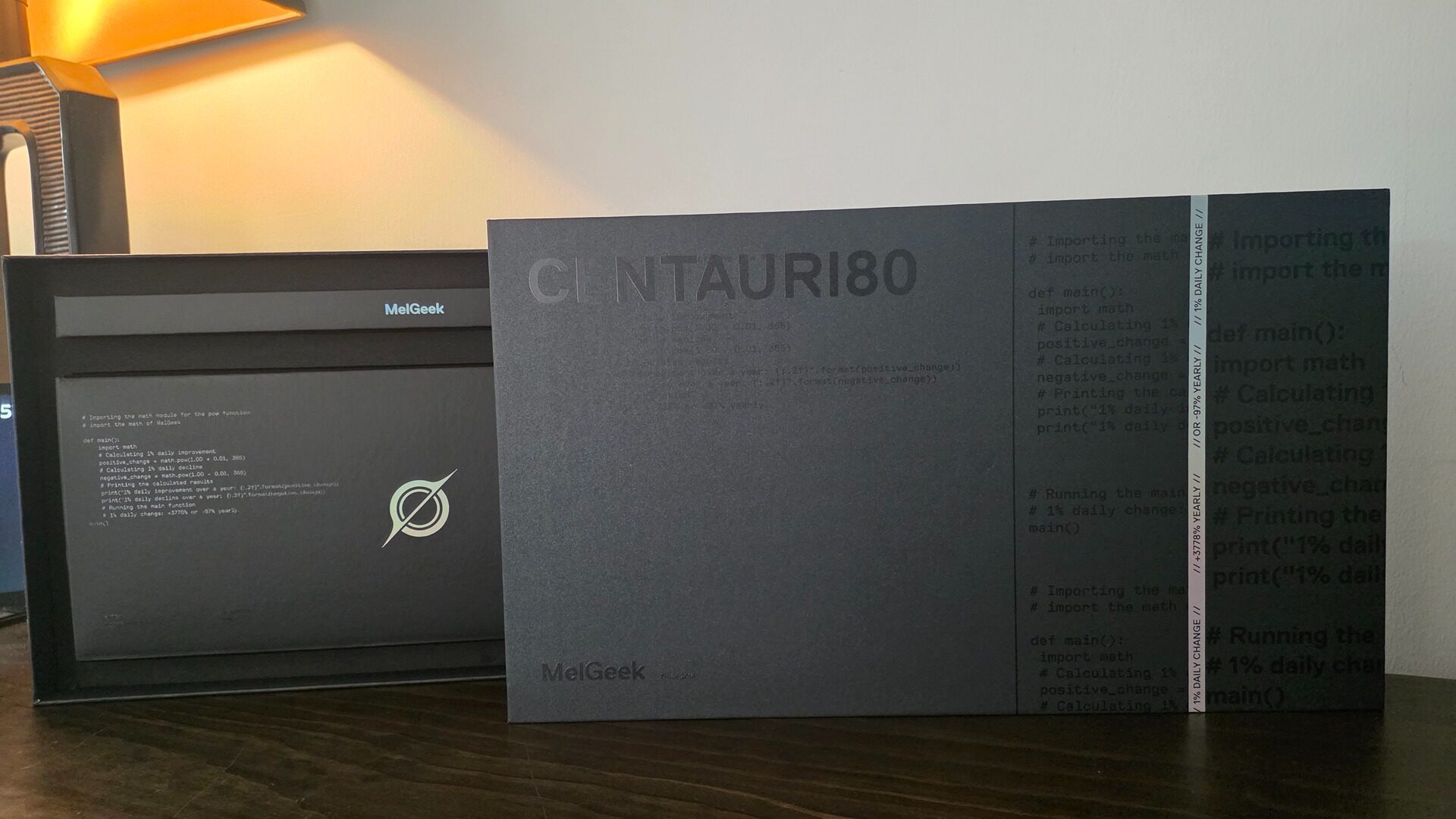
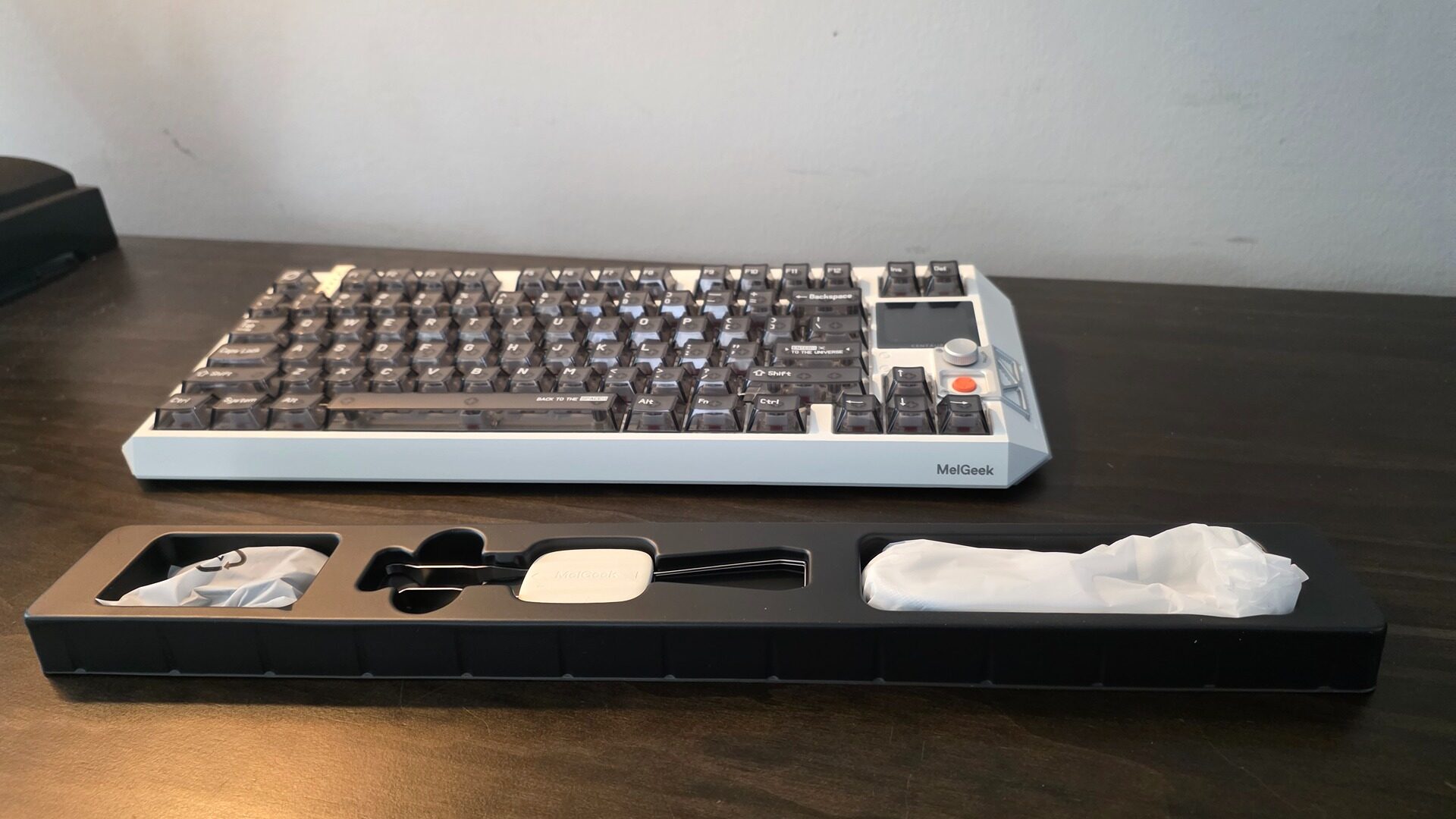
Finally, outside of the keyboard itself, MelGeek includes a fun sticker sheet, some additional keycaps, a very nice and robust-feeling USB-C lead, and a bog-standard but well-made keycap remover tool that gives enthusiasts all they need to jump in.
That said, the out-of-the-box typing experience is fantastic, and I imagine most users will be satisfied without much tweaking needed. Ultimately, the MelGeek Centauri 80 is what happens when you design a keyboard that is not afraid to charge a price that matches its feature suite, making it best reserved for those who want the best or are willing to pay a premium for that competitive edge.