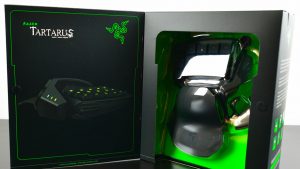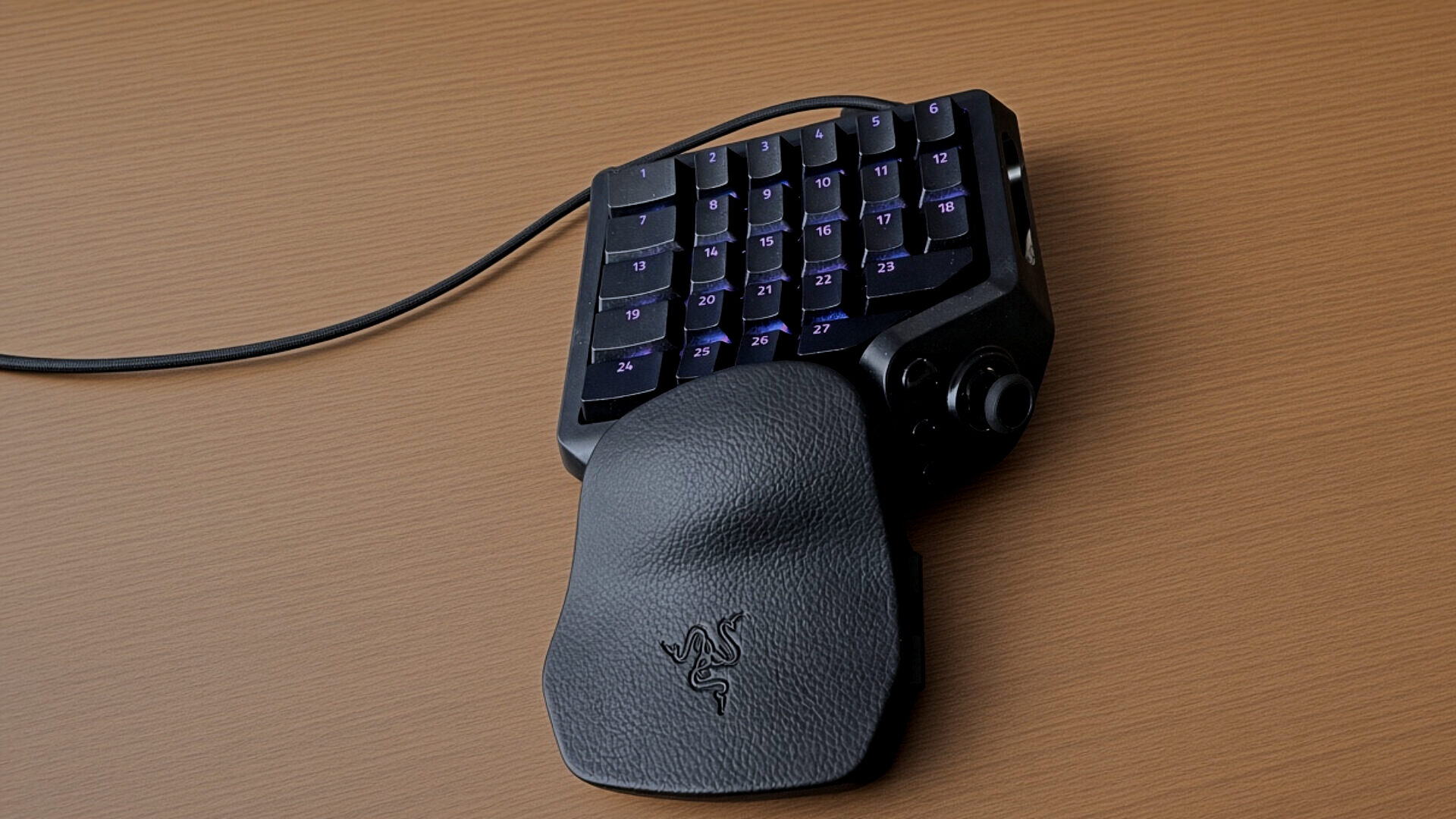

The Razer Tartarus V2 Pro is something, I must admit falls into a product category or niche that I’ve only been aware of but haven’t had the opportunity to extensively try out. Of course, this perspective gives me the chance to fully review Razer’s latest refresh from a new users point-of-view.
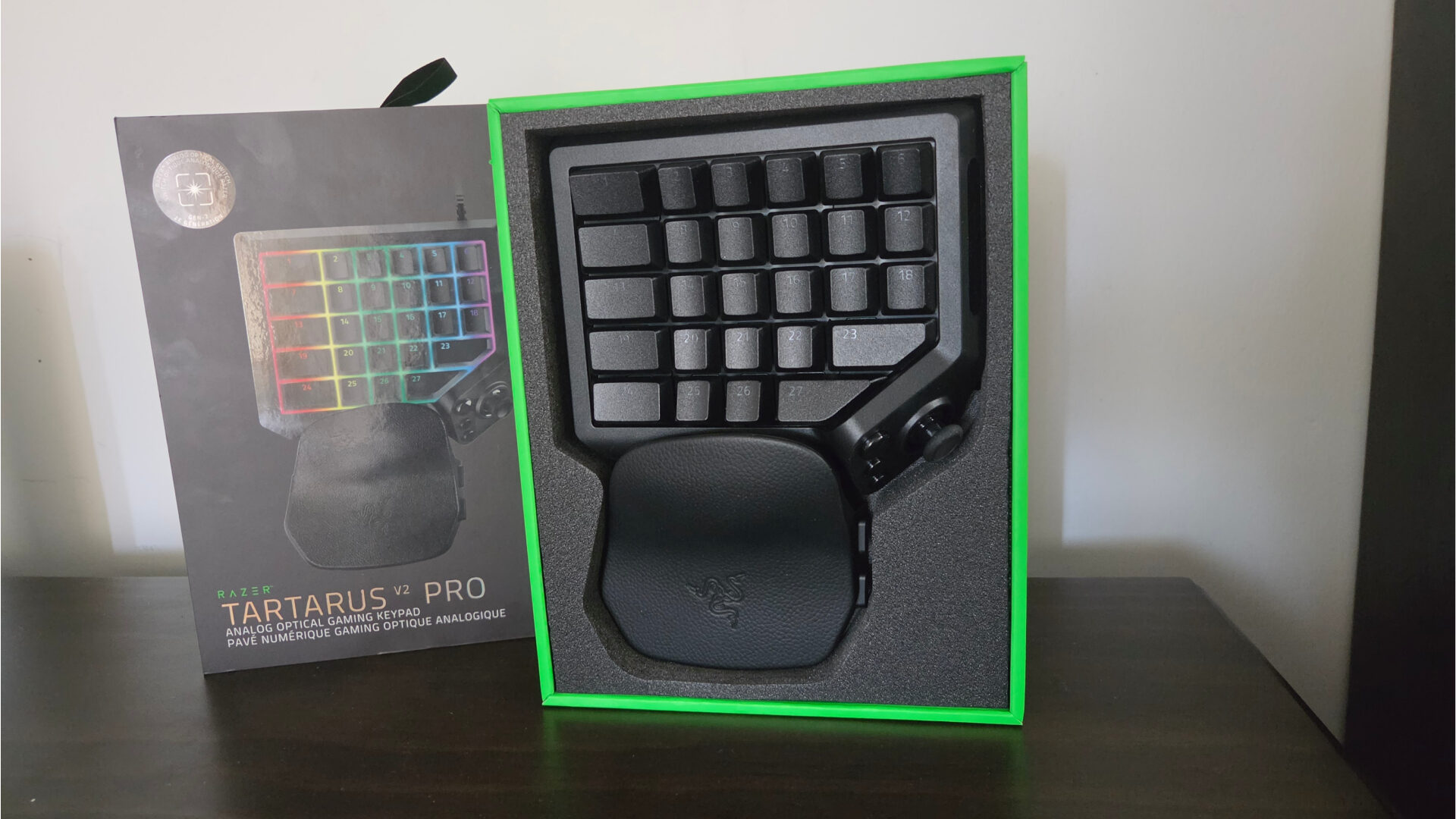
For the uninitiated, the Razer Tartarus V2 Pro is an optical analogue keypad designed for gamers and those who crave control and could use a space-saving peripheral that bridges the gap between controller and keyboard. Inside the box, users can expect the Razer Tartarus V2 Pro itself, along with your standard set of paper, including a quickstart guide and a rather nice braided USB-C cable for connecting the Tararus V2 Pro to your device of choice. Taking a look at the keypad itself, the Razer Tartarus V2 Pro features 31 programmable keys, including its TMR stick, which feels ripped straight from something like Razer’s excellent Wolverine V3 Pro gamepad.
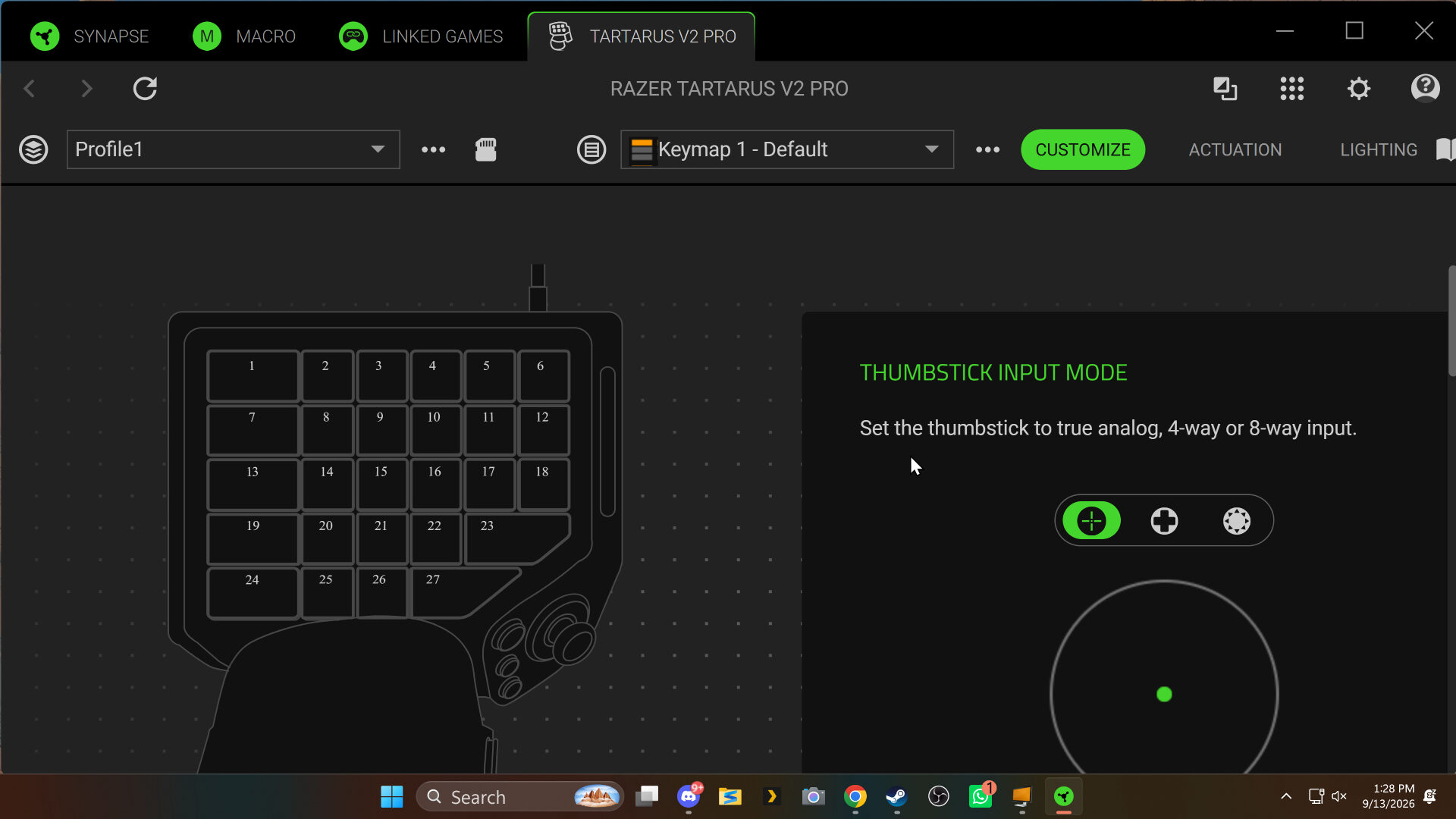
As the Razer Tartarus V2 Pro is a highly programmable piece of kit, it relies heavily on Razer’s Synapse software, although the device is still plug and play, meaning it will function and show up as an X-input device out of the box. It is still best for first-time users to boot up Synapse and familiarise themselves with the numerous profiles settings they can play with it.
On the topic of the Razer Synapse software suite, as of the time of writing this review, I was unable to get the Tartarus V2 Pro to be detected by Razer’s web portal version of Synapse, however using the installer worked a treat. Additionally, it should be noted that I’ve generally preferred the web portal, as I’ve had issues with signing in to the executable version of the app for some time. Still, since then, after trying the Razer Tartarus V2 Pro, I was able to sign in and get things working without a hitch.
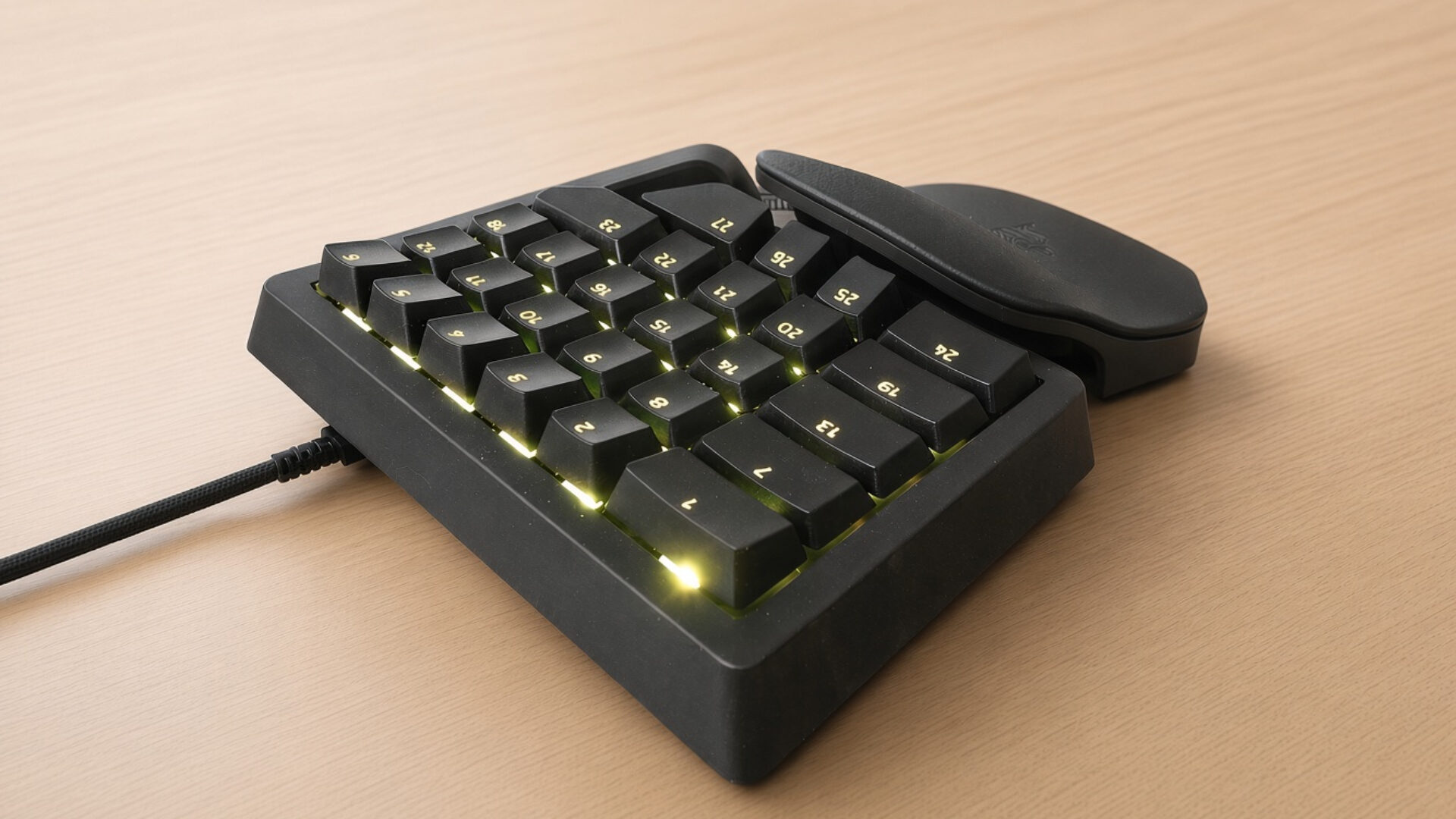
Customization is the name of the game when it comes to the Razer Tartarus V2 Pro, which features 31 fully customizable controls, including distinct modes of operation just for its TMR-powered analogue stick. What makes this particularly exciting is that it grants users the option to potentially play games just using the Razer Tartarus V2 Pro, as its TMR stick can mimic the right stick of a traditional controller or the actuation of a mouse for moving around the camera in-game.
At first glance, the Razer Tartarus V2 Pro might not seem like a huge departure from its last iteration — however, 2019 was a rather long time ago. Since then, this latest iteration brings with it a huge confluence of innovation that Razer has perfected over the years from their line of high-quality keyboards that has now perfectly translated over to the Razer Tartarus V2 Pro.
“Customization is the name of the game when it comes to the Razer Tartarus V2 Pro, which features 31 fully customizable controls, including distinct modes of operation just for its TMR-powered analogue stick.”
Coming off the Razer Huntsman V3 Pro Low-Profile keyboard, I’ve come to realise that the Razer Tartarus V2 Pro brings with it the same suite of macro controls and finite options that bring extra utility to each keystroke. This includes features like Razer Snap Flex, allowing users to bind two keys into one actuation, enabling complex macros on the fly. Snap Tap, conversely, allows actuation priority, ensuring fluid movement tec in games without the worry of stalling.
Additionally, those who have specific key combos can rely on dual keystroke priority, which locks adjacent keys out of the equation till the first set of actuated keys is released, giving users extremely fine control in their games. For even more utility, the Razer Tartarus V2 Pro also includes dynamic keystroke functionality, which, in essence, changes behaviour depending on the actuation point, allowing for different macros to give further macro-level control to the user.
In other words, if you’ve been spoilt by Razer’s suite of advanced control functions, you’ll feel right at home with the Razer Tartarus V2 Pro. That said, what the keypad actually feels like in practice can be a different beast entirely. Thankfully, after using it throughout the last couple of days for my time with RuneScape: Dragonwild’s pre-1.0 update in between bouts of Marvel Rivals, I can say with confidence that, for the right person, the Razer Tartarus V2 Pro is a legitimate game changer.
“In other words, if you’ve been spoilt by Razer’s suite of advanced control functions, you’ll feel right at home with the Razer Tartarus V2 Pro.”
Binding the TMR stick on the Tartarus V2 Pro as a D-pad gave me quick access to pinging the map and chrono vision, which allows players to highlight destructible environmental detail and enemies with ease, while my right hand continued to use my regular mouse. The keypad itself gave me all the keys I needed to trigger my character’s primary and secondary abilities without relying on my TKL solution.
As someone who uses a TV as their primary monitor, I sit considerably far back and rely on a lapboard to comfortably game, which I love, but it can be a rather clunky thing to lug around. The Razer Tartarus V2 Pro takes up a fraction of the footprint of a traditional keyboard, meaning I can use it on a much smaller table or smooth surface without needing a large desk or, in my case, a lapboard, making it perfectly suitable for those with size constraints. The adjustable wrist rest on the Tartarus V2 Pro is also quite comfortable, allowing for long periods of play without any sign of discomfort or strain.
RuneScape: Dragonwilds, a crafting- and survival-focused offshoot game based on the popular MMORPG, also felt quite good with the Razer Tartarus V2 Pro, allowing for essentially one-handed gameplay, thanks to the game offering an intuitive quickbar system that played nicely with Razer’s expansive customizable keyset with the TMR stick set to analogue mode.
When it comes down to it, the Razer Tartarus V2 Pro is a refined iteration of a niche product, but one that adheres to Razer’s mantra of delivering high-quality PC peripherals, making it an easy recommendation for those brave enough to try it.