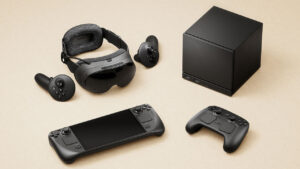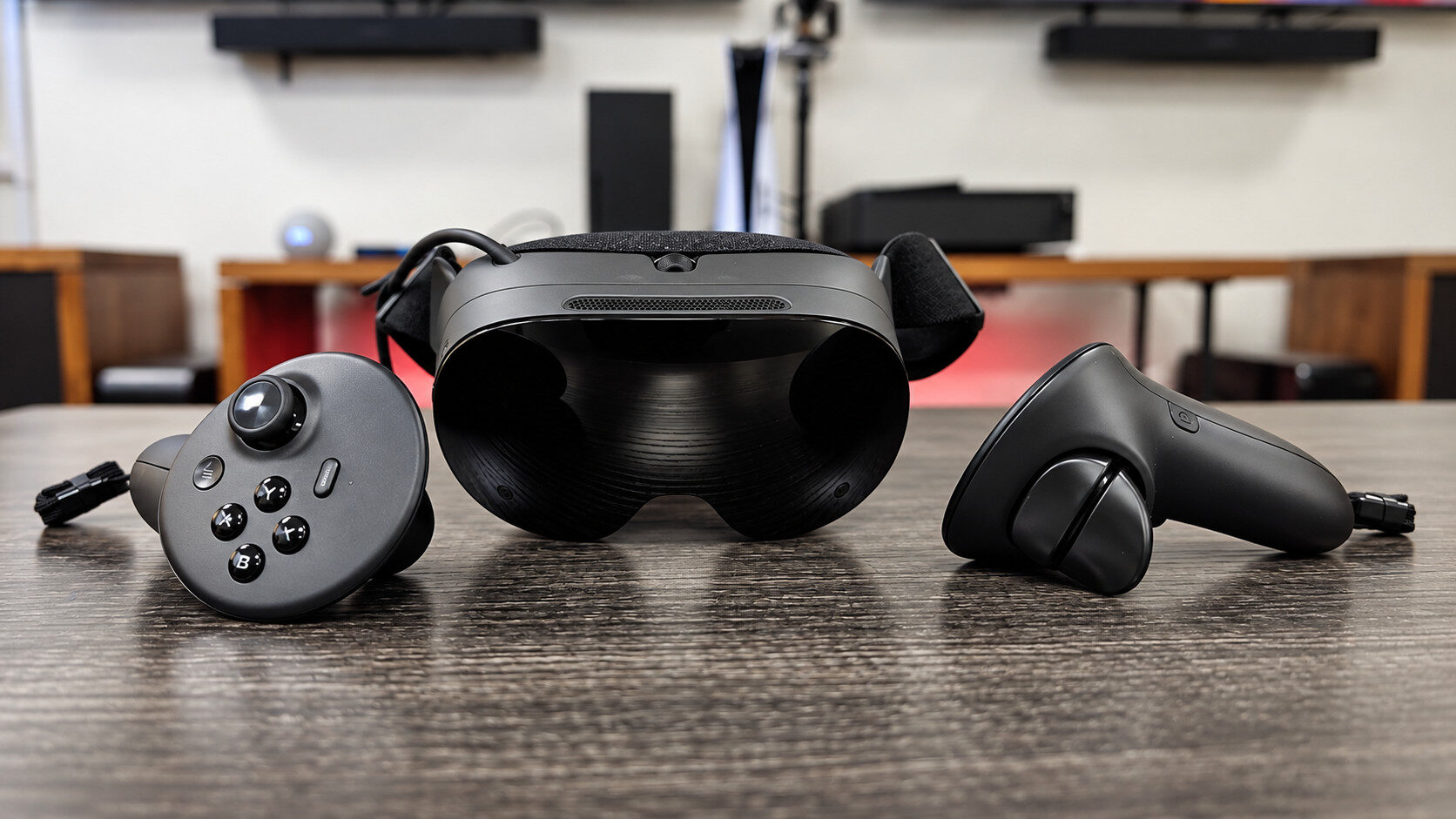


Valve’s continued push into the hardware space continues with the release of the Steam Frame, a spiritual successor to the Valve Index and a marked improvement for standalone VR headsets everywhere.
Back in 2016, I got my first taste of VR with the release of the original PlayStation VR HMD designed for PlayStation 4. Since then, despite the rocky road of inconsistent releases of AAA titles that catered to the niche of VR gaming, I naturally gravitated towards the PC platform, thanks to its flexibility and raw power to provide the experiences I so desperately craved.
On PC, my headset of choice has been the Oculus-turned-Meta line of Quest headsets, with the Meta Quest 3 edging out the competition for its double whammy of providing a solid standalone experience on top of excellent PC VR gaming when paired with a capable PC or laptop. Enter the Steam Frame, Valve’s answer to Meta and hardcore VR/AR enthusiasts everywhere.
Powered by the Qualcomm Snapdragon 8 Gen 3 processor with 16 GBs of RAM, the Steam Frame is a modestly powerful standalone VR headset that not only delivers an excellent full 6-DOF (six degrees of freedom) Virtual Reality experience but also gives players the ability to run an ever-expanding list of PC games right on the device, without the need to be tethered to another computer. But before I get ahead of myself, let’s take the time to talk about the unboxing experience and the full feature set of the physical hardware itself.
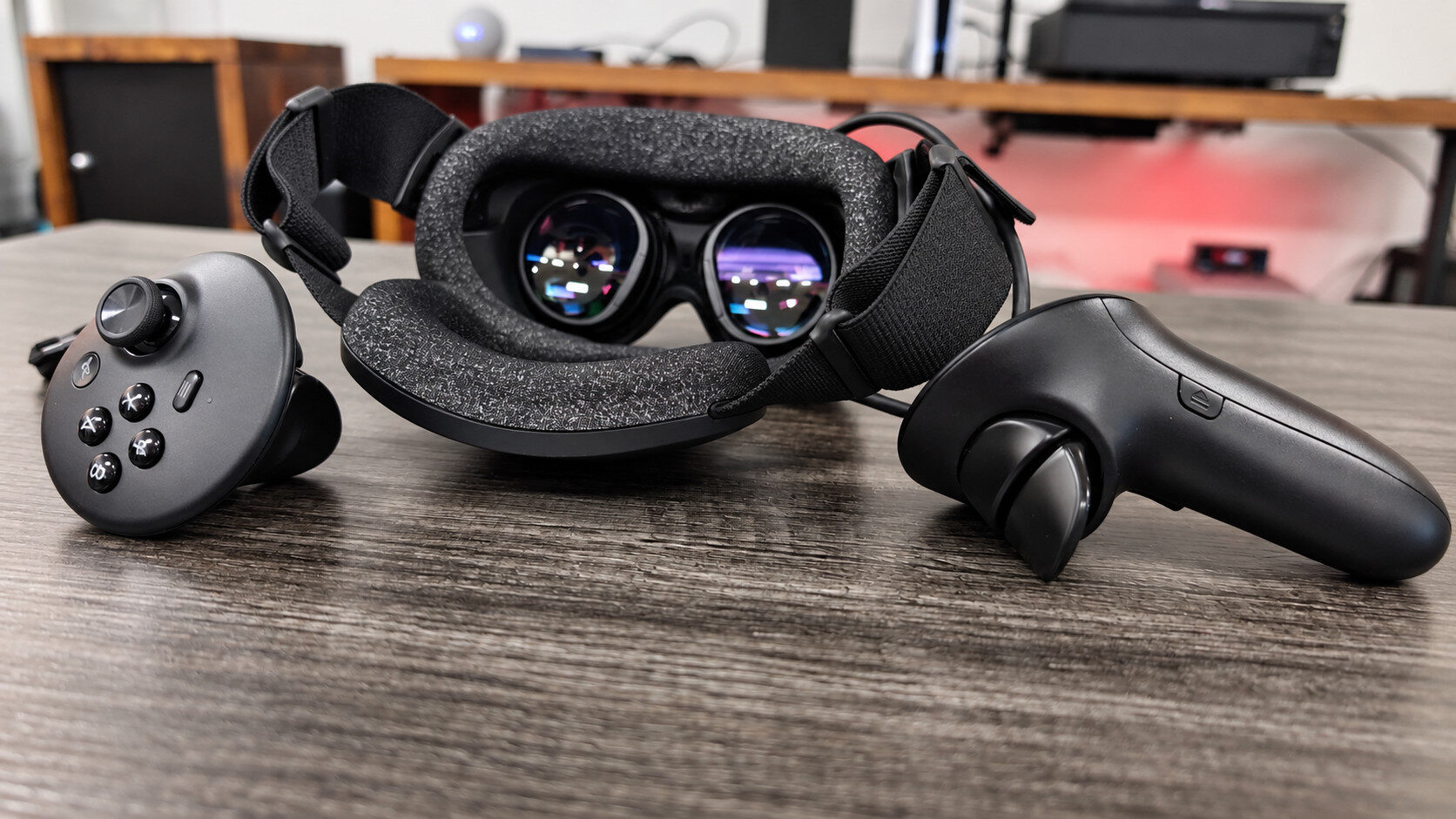
Included in the box, prospective buyers can expect the Steam Frame itself, a pair of Steam Frame controllers, additional straps, a light blocker, a USB-C power brick and cable, your standard set of paperwork and a spacer, perfect for those who wish to use the headset while wearing glasses. The inclusion of the USB-C AC adapter is a welcome addition in a world where most mobile device manufacturers tend to opt out of its inclusion.
Taking a look at the headset itself, the Steam Frame features an incredibly sleek design reminiscent of a fighter jet or flight helmet, with the camera infrastructure hidden behind the eye-catching aviator-style frame. Four cameras flank the front of the device and allow it to operate, which, more importantly, also work in low-light or dark environments, thanks to built-in IR or infrared illuminators.

An IPD adjustment wheel can also be found on the front-facing portion of the headset, tucked away just above the lens, making it possible to mechanically fine-tune the distance of the lens for your needs. It should be noted that this is strictly for the physical position of the lens per eye, rather than changing the focal length of the image to compensate for nearsighted or farsighted users. That said, however, the included spacer is a fantastic addition and gives those who rely on prescription glasses just enough breathing room to wear the Steam Frame without discomfort.
On the topic of optics, the pancake-style lenses of the Steam Frame feature 2160×2160 resolution per eye, powered by a bright and high-FOV LCD panel that can go up to 144Hz. The reliance on LCD technology is a little bit disappointing; however, in practice, games look incredibly sharp and vivid, while being free from any noticeable screen-door effect.
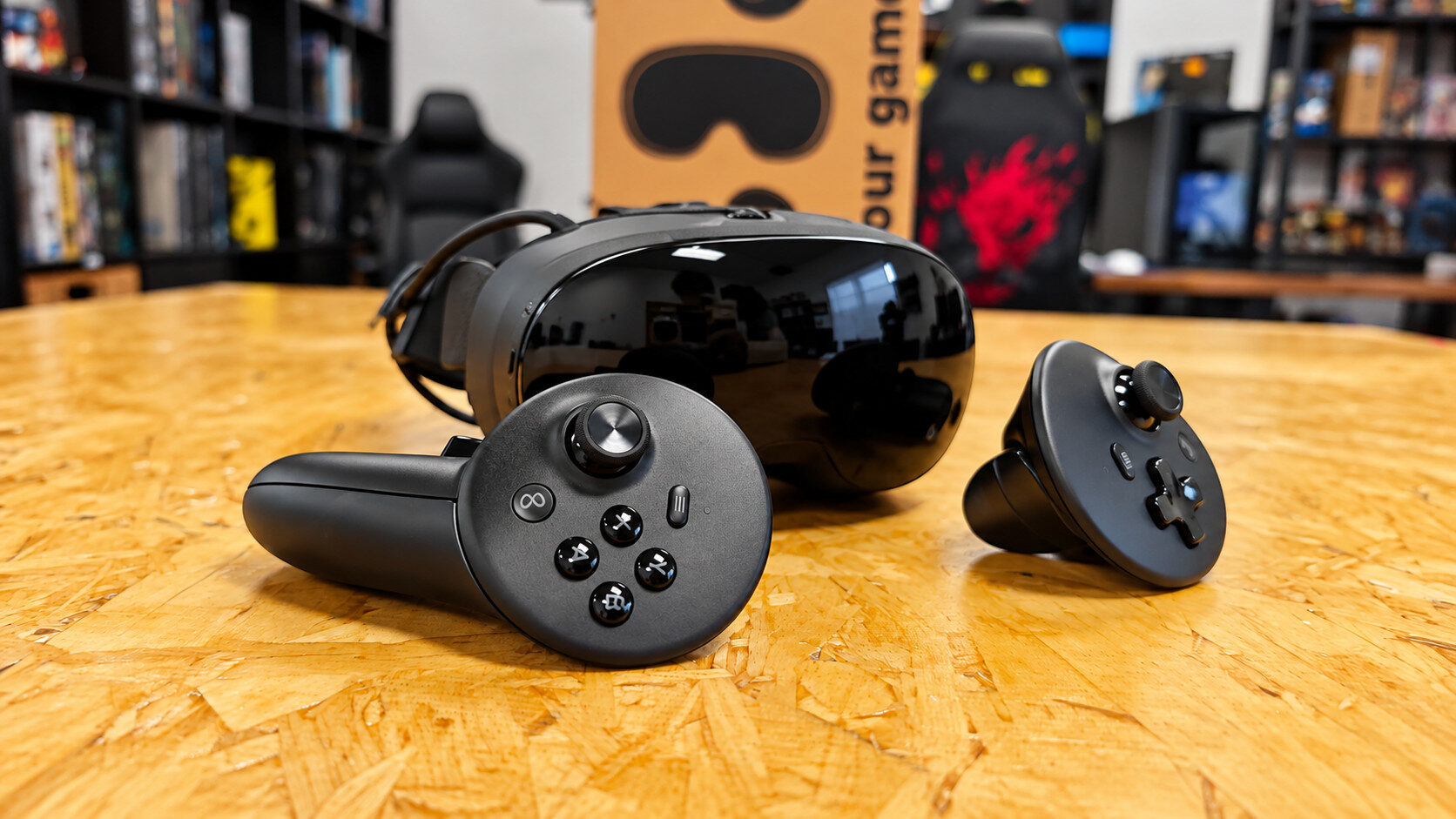
I do wish Valve had opted for two SKUs of the device, perhaps even a “lite” model without the ability to natively run games, instead giving power users an OLED VR headset that can only stream titles from an external PC, Steam Machine or laptop. Moving on to the controllers, the Stream Frame’s included pair of controllers are one of my favourite aspects of the device. Unlike something like the Meta Quest 3, the Steam Frame controllers don’t sacrifice traditional controller features, which makes a whole lot of sense when you realize that the Steam Frame can run native (or attempt to run) your Steam library of PC titles.
“Unlike something like the Meta Quest 3, the Steam Frame controllers don’t sacrifice traditional controller features.”
With four face buttons, two triggers, a grip button and a dedicated D-pad on the left Steam Frame controller, users won’t be missing out on any functionality for games that go beyond VR. Additionally, as someone who enjoys playing VR conversion mods, such as titles that utilize Unreal Engine and UEVR, I am excited to check out how the Steam Frame handles AAA conversions that typically rely on ancillary controls, such as the D-pad.
Another fantastic feature set of the Steam Frame controllers is its TMR sticks, which eclipse the size of any other VR controller I’ve used, providing ample room to rest your thumb and easily click in for secondary actions comfortably, which on other devices I found myself often using the tip of my fingernail to actuate.
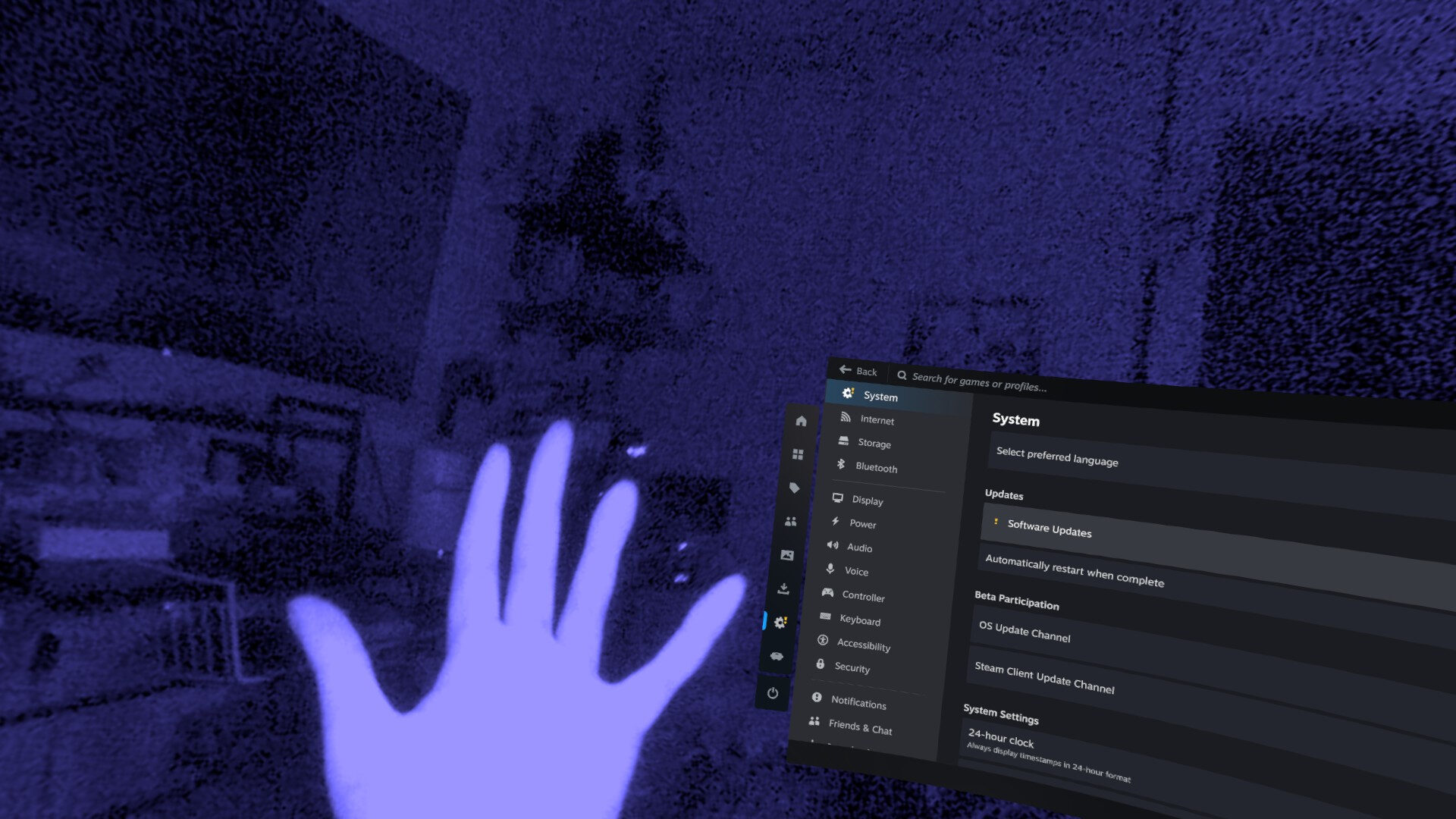
Out of the box, the Steam Frame features a monochrome camera, similar to something like the Meta Quest 2, but of a much higher resolution. The passthrough cameras can also provide colour gradients, including a Steam-centric blue hue, which adds to the immersion of its floating UI. The lack of colour passthrough isn’t a deal breaker, as first and foremost, the Steam Frame is a device dedicated to playing traditional VR experiences and flat-screen titles, not XR or mixed-reality microgames.
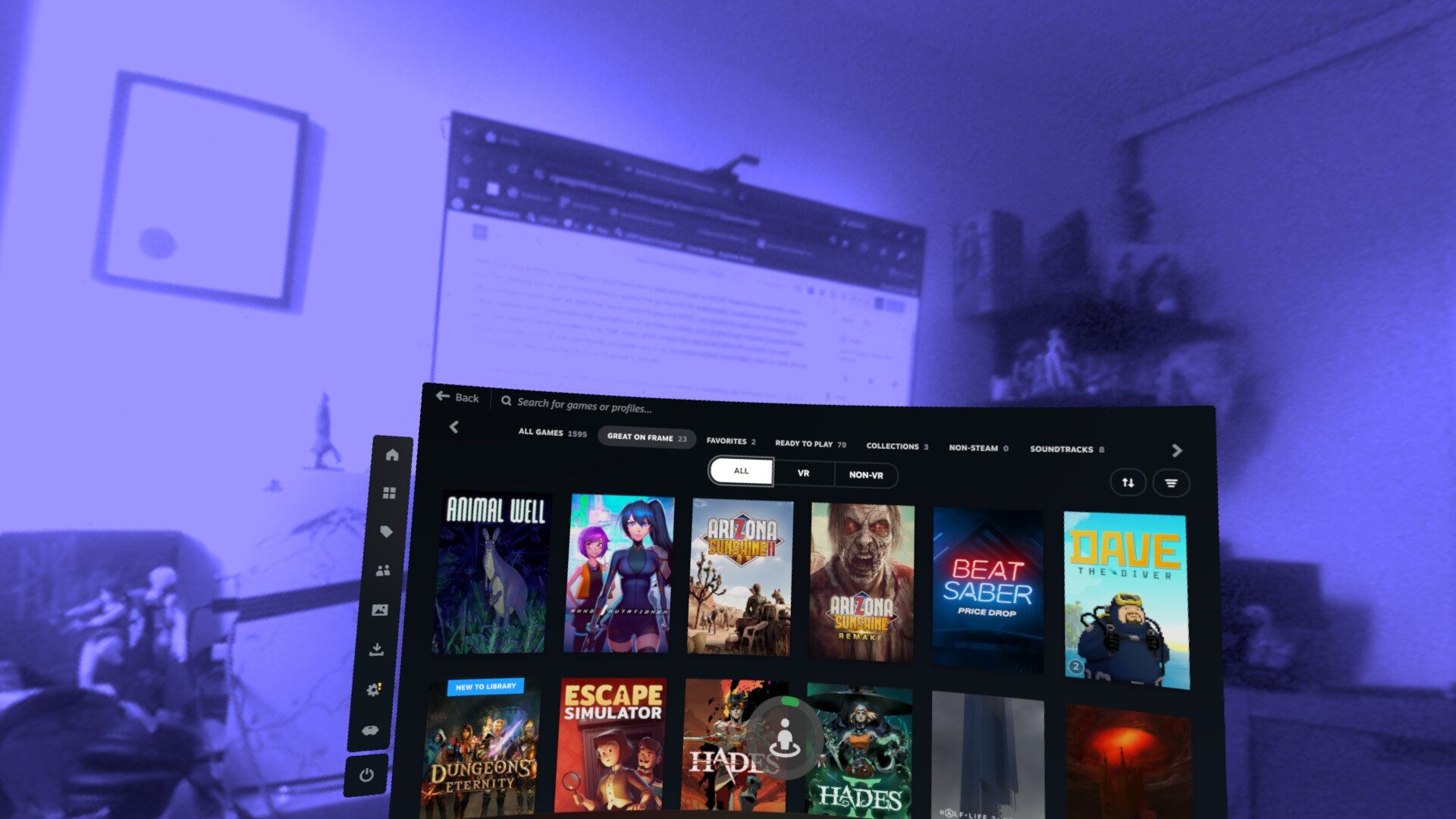
In terms of flat-screen gaming, the Steam Frame is still in its early days, with 130 certified titles to work out of the box on day 1 as of the time of writing. From my nearly 1600 Steam library, however, only 21 games were populated under the verified tab while untethered to my desktop. Fortunately, the Steam Frame allows users to install anything onto their device, regardless of its verified status. After some extensive testing, I found many moderately demanding indie titles to work flawlessly on the Steam Frame without issue, running at a respectable 60 fps. Titles like Absolum, Mewgenics, and Astalon all ran without any hitches or crashes after updating to the latest available firmware.
“Half-Life: Alyx is a triumph on the Steam Frame, largely preserving the visual quality of its PC release.”
More intensive games like Bakeru also ran consistently at a higher framerate than its Switch release, while also giving me access to my cloud saves, making it a solid way to carry on my adventure when on the go. Of course, Steam Verified titles also ran excellently when using the headset’s translation layer, with games like Portal 2, Arizona Sunshine 2 and the first game’s remake running flawlessly. The two VR titles in particular hard-lock the Steam Frame in its 70hz container, which in use felt perfectly smooth and without jitter or artefacting.
Easily the most impressive game of the lot, which shouldn’t come as a surprise, is a brand-new build of Half-Life: Alyx, a title that has been remade to suit the Steam Frame’s constraints. Half-Life: Alyx is a triumph on the Steam Frame, largely preserving the visual quality of its PC release. Thanks in part to its foveated rendering utilisation, which, in essence, prioritizes detail where the eye is looking, allows games like Half-Life: Alyx to maintain their high level of detail without succumbing to the usual trappings of a mobile port.
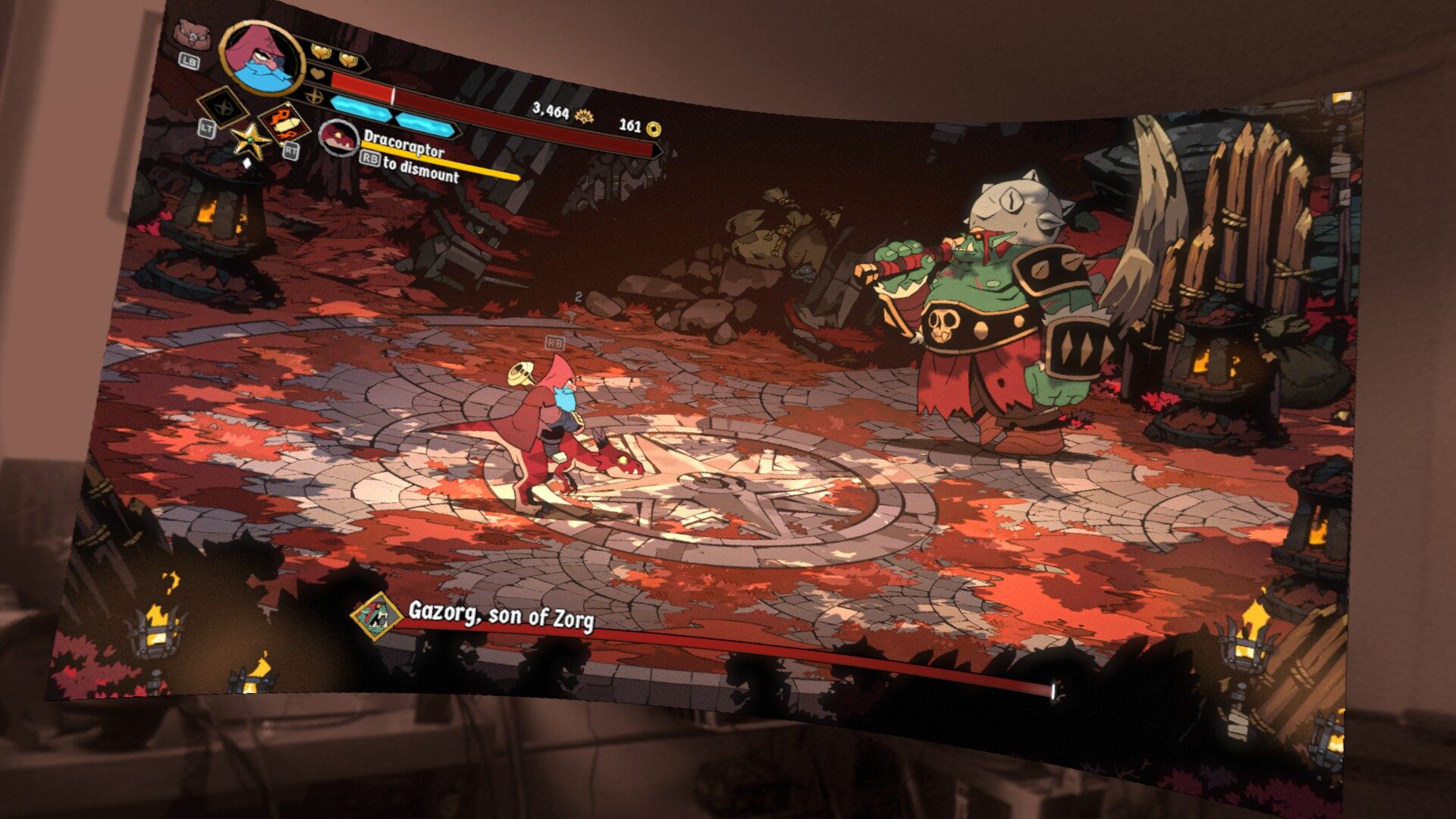
Despite it being early days for native PC to Steam Frame conversions, the vertical slice of what I’ve experienced on the headset shows promise, with the list of verified games sure to trickle out and grow as more people get their hands on the AIO device. Beyond standalone experiences, the Steam Frame shines as a dedicated VR headset for use with a more powerful gaming rig.
As someone with a fairly robust Wi-Fi 7 network, I was already getting solid performance when using applications such as Virtual Desktop paired with my Meta Quest 3, delivering image quality that looked like a native, wired connection, made better with a recent firmware update that unlocked 144hz options for higher-fidelity gaming.
That said, the Steam Frame delivers the same rock-solid experience without having to tinker with routers or network settings. Simply plugging in the included Wi-Fi 6E dedicated dongle quickly pairs your Steam Frame to your main rig (or Steam Machine), making it effortless to stream your entire Steam library to the headset with perfect image clarity.
“Simply plugging in the included Wi-Fi 6E dedicated dongle quickly pairs your Steam Frame to your main rig (or Steam Machine), making it effortless to stream your entire Steam library to the headset with perfect image clarity.”
If you’re familiar with the AV1 codec, this shouldn’t come as a surprise, as, like other modern streaming devices, the Steam Frame utilizes the highly efficient compression capabilities of the codec to maintain what feels like a 1:1 experience when gaming. In terms of range, my modestly sized downtown apartment clocks in at around 1000 square feet, something the Steam Frame crushed with ease.
Like its ease of setup, using the Steam Frame is also incredibly intuitive, with its UI reminiscent of Steam’s Big Picture Mode. This element unifies the experience across all devices. When connected to a PC or Steam Machine, a new tab will populate your library, clearly indicating games that are installed on your LAN, making it effortless to jump into a game regardless of its location.

Similarly, using the Steam Frame for extended periods was also a much more comfortable experience, with the headset only coming in at 440grams, with the bulk of the weight coming from the core module that comes in at 185grams. Valve has managed to elegantly balance and distribute the weight of the Steam Frame in such a way that wearing the device for long periods of time does not induce discomfort.
At the same time, the fluid nature of the back module offers enough slack to easily rest with the headset on without it digging into your head, making it possible to utilize its floating screens when in bed or other less-than-ideal positions. In terms of battery life, the Steam Frame is powered by a 21.6Wh internal battery, which in practice netted me roughly 3 hours of use, give or take the refresh rate the headset was set on.
I was sent the 1TB model of the Steam Frame, which comes in at 1,299 USD/1,800.35 CAD, making it an expensive proposition, which again makes me wish Valve could have offered additional SKUs that pair with its internal rendering capabilities. Ultimately, if you’re someone who already is invested in the VR space and has access to a capable rig, you are likely better off with other, cheaper solutions. That said, the Steam Frame is easily the best standalone VR headset on the market when it comes to game compatibility beyond VR-only titles.