

The Ducky OK-HE-75 keyboard is a performance-focused Hall Effect keyboard built with both responsiveness and comfort in mind. Featuring hot swappable Hall Effect switches, an 8,000 Hz polling rate, and impressive acoustic design, the OK-HE-75 keyboard is a well-designed piece of hardware. Priced at $89.99, there is a lot to love about Ducky’s OK-HE keyboard series.
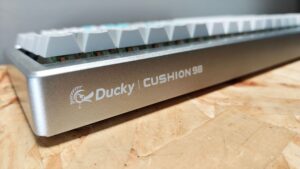
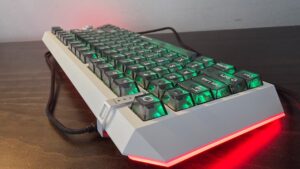
Available in three different models—the 95, 75, and 65—the OK-HE is built to provide an incredibly responsive gaming experience. Constructed of polycarbonate, the OK-HE-75 sent over for review feels durable and sturdy out of the box. Much like the excellent Ducky Cushion 98, the OK-HE-75 has a premium feel, weighing in at 1,015 g.
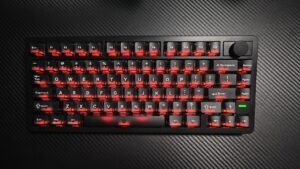
The button layout is well-designed, offering easy access to each switch with full RGB customization thanks to Ducky’s web-based Connect software. From here, a host of features and settings can be dialled in to best fit the user, some of which we will dive into momentarily. Continuing the examination of the keyboard reveals a media control dial located in the upper right corner that allows for both volume and chat balance on the fly.
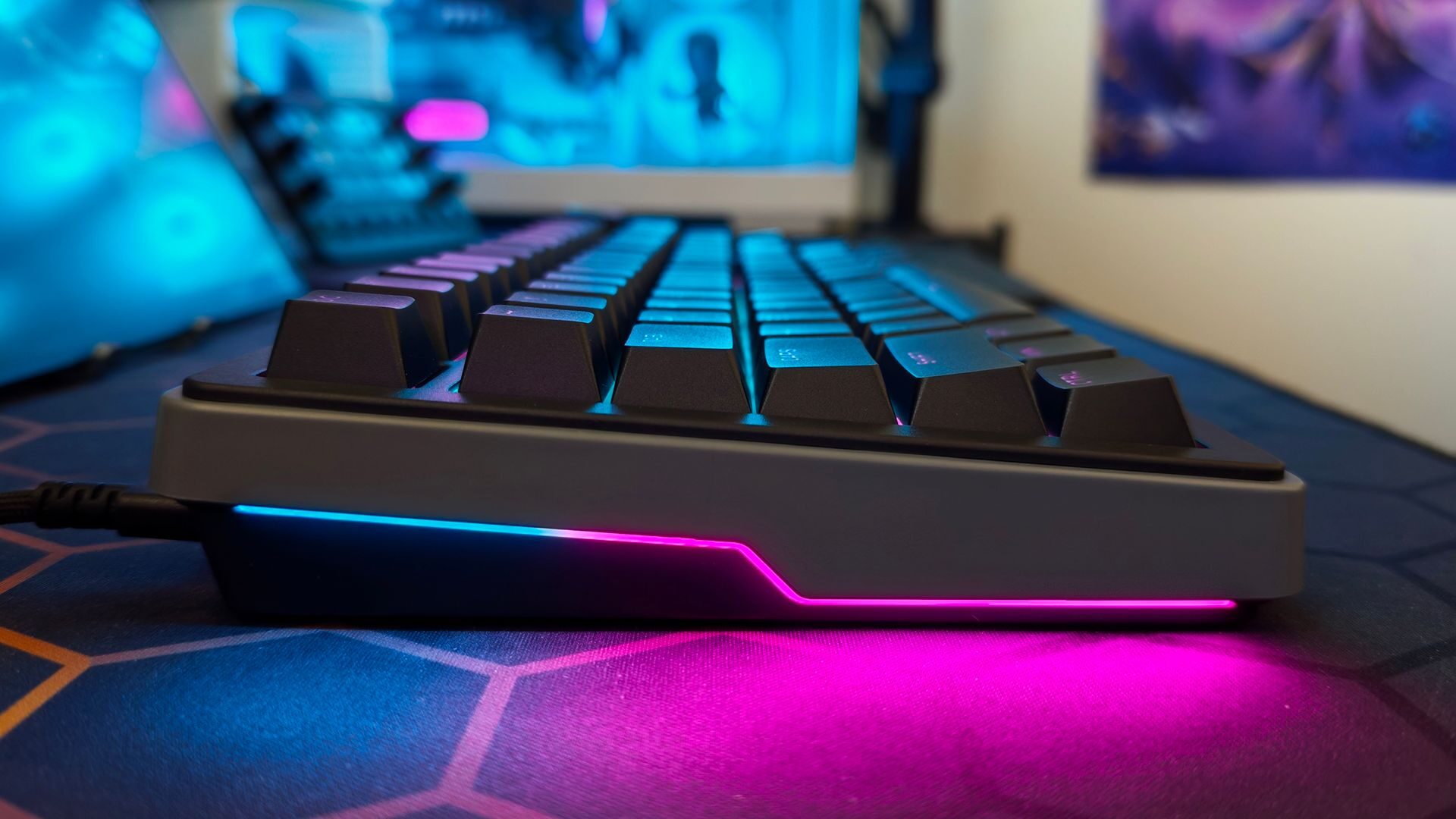
The back of the OK-HE-75 hosts the USB-C port as well as a hot-swap toggle between iOS and PC, a welcome feature for someone who works in both environments. Finally, two three-step kickstands allow for 6-, 9-, and 12-degree tilt, allowing for additional adjustment for users. The exterior design is smart, sleek and easy to navigate and use.
However, the interior of the OK-HE-75 is where Ducky’s pedigree is really demonstrated. While the primary focus of the OK-HE Series is performance, Ducky was intentional about making sure not to sacrifice comfort. The acoustic treatment present in the OK-HE-75 is both effective in acoustic management and in providing solid comfort for those long gaming or work sessions.
While the distinct click of the Hall Effect switches is present, it has been dampened significantly thanks to the five layers of acoustic foam, providing a more subdued audio experience. Additionally, even while typing furiously or mashing the keys frantically during an intense movement in DOOM: The Dark Ages, the keystrokes feel consistent and predictable, providing a stable typing experience no matter the situation.
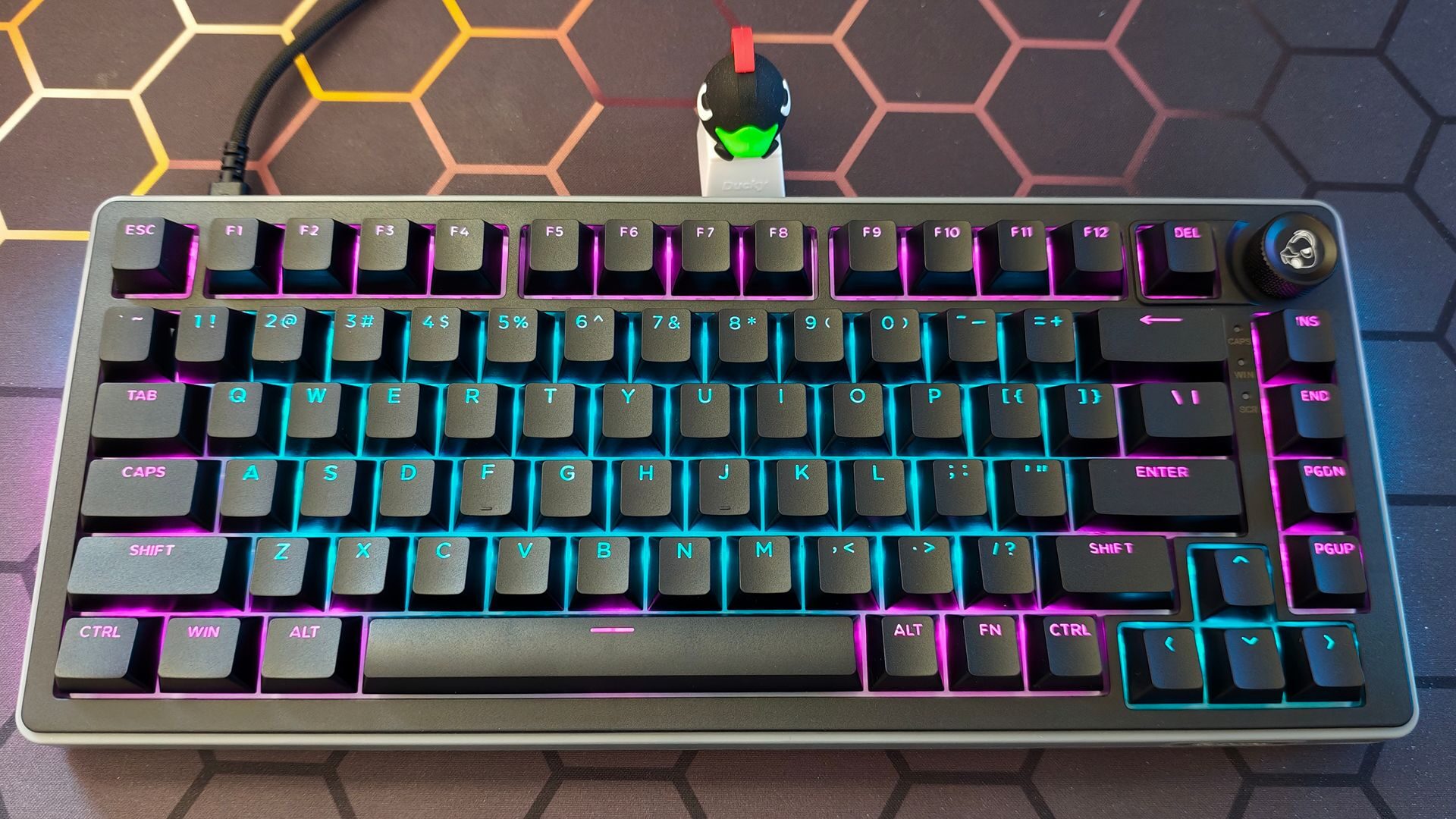
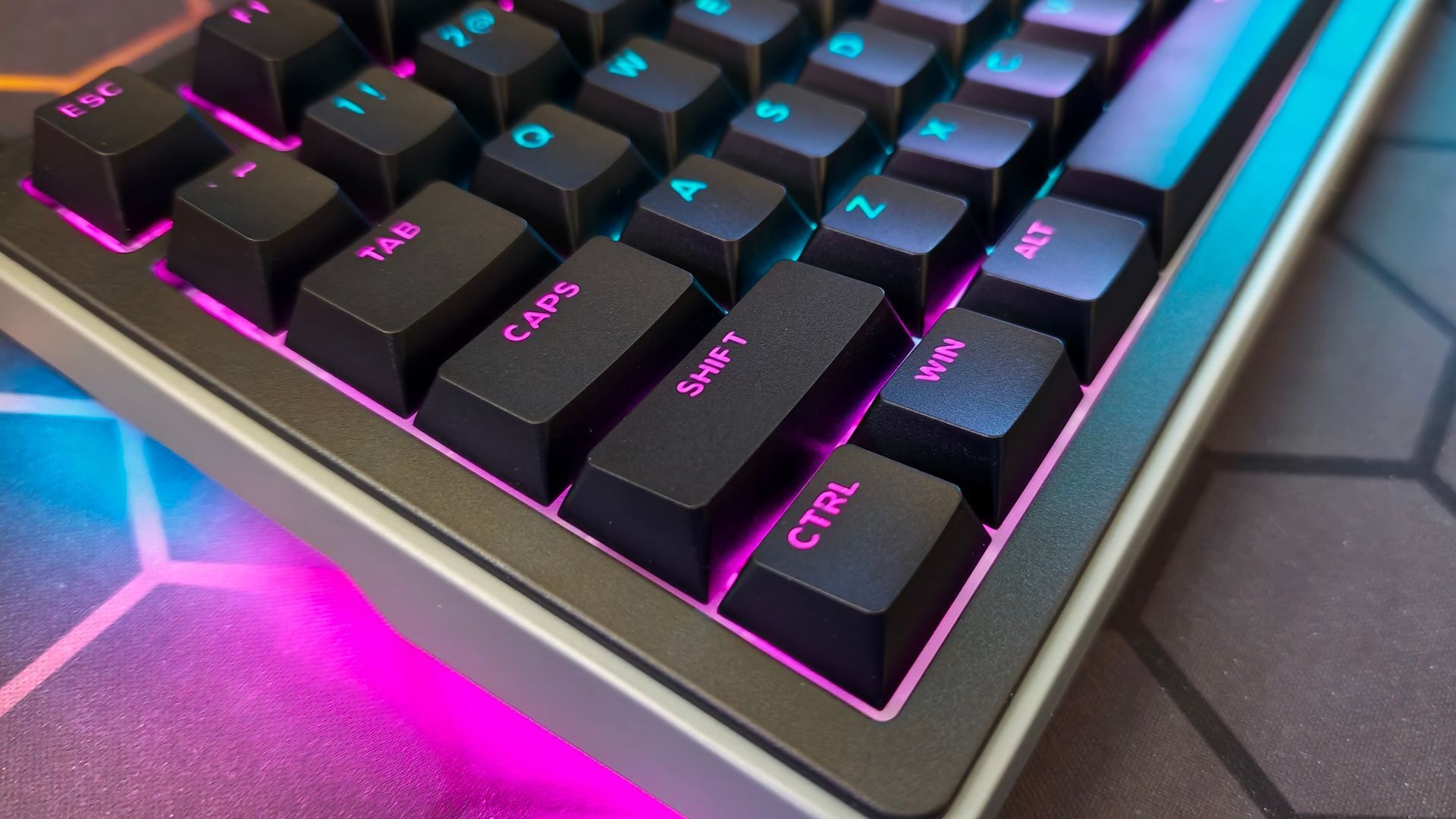
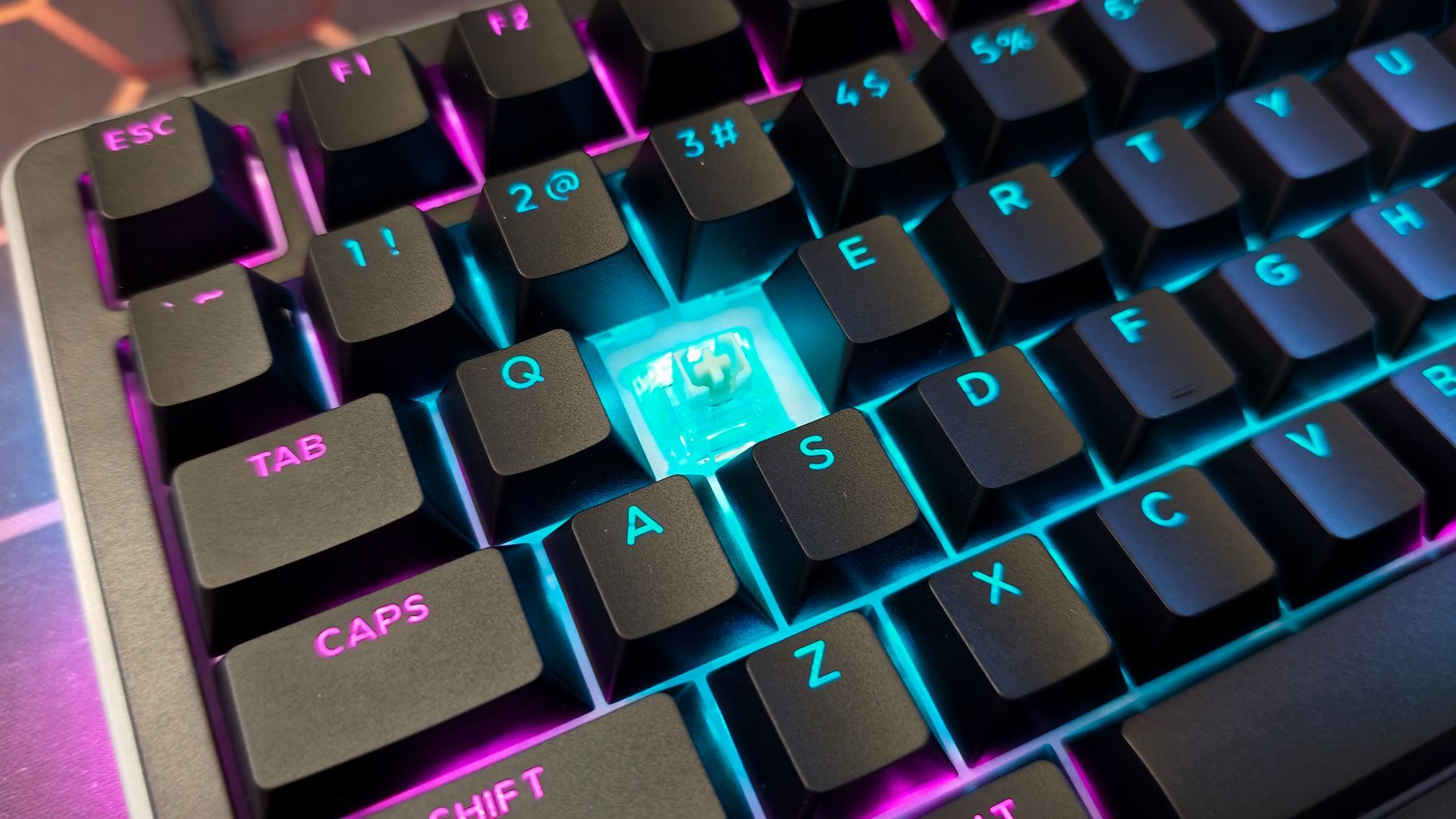
The Cherry Profiled PBT Doubleshot keycaps bolster this included on the OK-HE-75. A personal favourite, the PBT Doubleshot keycaps feel great to use, with great fingertip-to-keycap coverage. In line with the overall experience, the keycap design is excellent and feels great to use. While hot-swappable, Ducky has opted for Haimu Magnetic (Hall-Effect) switches for the OK-HE lineup. Keeping in step with the theme of quiet comfort, the Haimu Magnetic Switches provide both the aforementioned acoustic profile and typing comfort while also ensuring incredibly responsive performance during tests.
“The acoustic treatment present in the OK-HE-75 is both effective in acoustic management and in providing solid comfort for those long gaming or work sessions.”
The use of the Haimu Magnetic Switches provides a plethora of gaming-first features to the OK-HE-75. For starters, they provide a consistent 0.01 mm precision, allowing for custom actuation on a per-key basis. As an avid fan of that 2.00 mm actuation point for typing and 1.50 mm actuation for gaming, I appreciate the ability to dial in the exact numbers and save them to different profiles.
As for response, the 8,000 Hz is on full display while gaming, providing a lightning-fast response with every keystroke. Indeed, when testing the OK-HE-75 through a gauntlet of games designed to push the response, the keyboard maintained consistent keystroke response every time. This is further enhanced by the inclusion of some excellent Simultaneous Opposing Cardinal Directions (SCOD) switch response. Counter-striding is fluid, allowing for quick directional changes without missing a beat. It performed well in testing and had no issues matching the performance of other 8,000 Hz polling rate keyboards I benchmarked here in the office.
Circling back to the aforementioned Web-based Connect software, it’s smartly designed, easy to navigate, and recognizes the keyboard immediately when connected. Navigating and configuring the OK-HE-75 is intuitive via the browser as well. As someone who tests a lot of hardware peripherals, I am so thankful to see Ducky, along with a host of other peripheral manufacturers, switching to Web-based interfaces.
The Ducky OK-HE-75 is an excellent keyboard that lives up to the company’s premium brand. From construction to feature set, there is a lot to appreciate in this sub-$100 keyboard. Providing top-tier response, a comfortable and easy-to-manage design, and hot-swappable switches is a lot to ask from an $89.99 keyboard, and yet Ducky has provided it with the OK-HE-75 keyboard. If you are in the market for a Hall Effect Keyboard that will provide all-day typing comfort and performance-level gaming precision, the OK-HE-75 delivers at a price that won’t break the bank.