

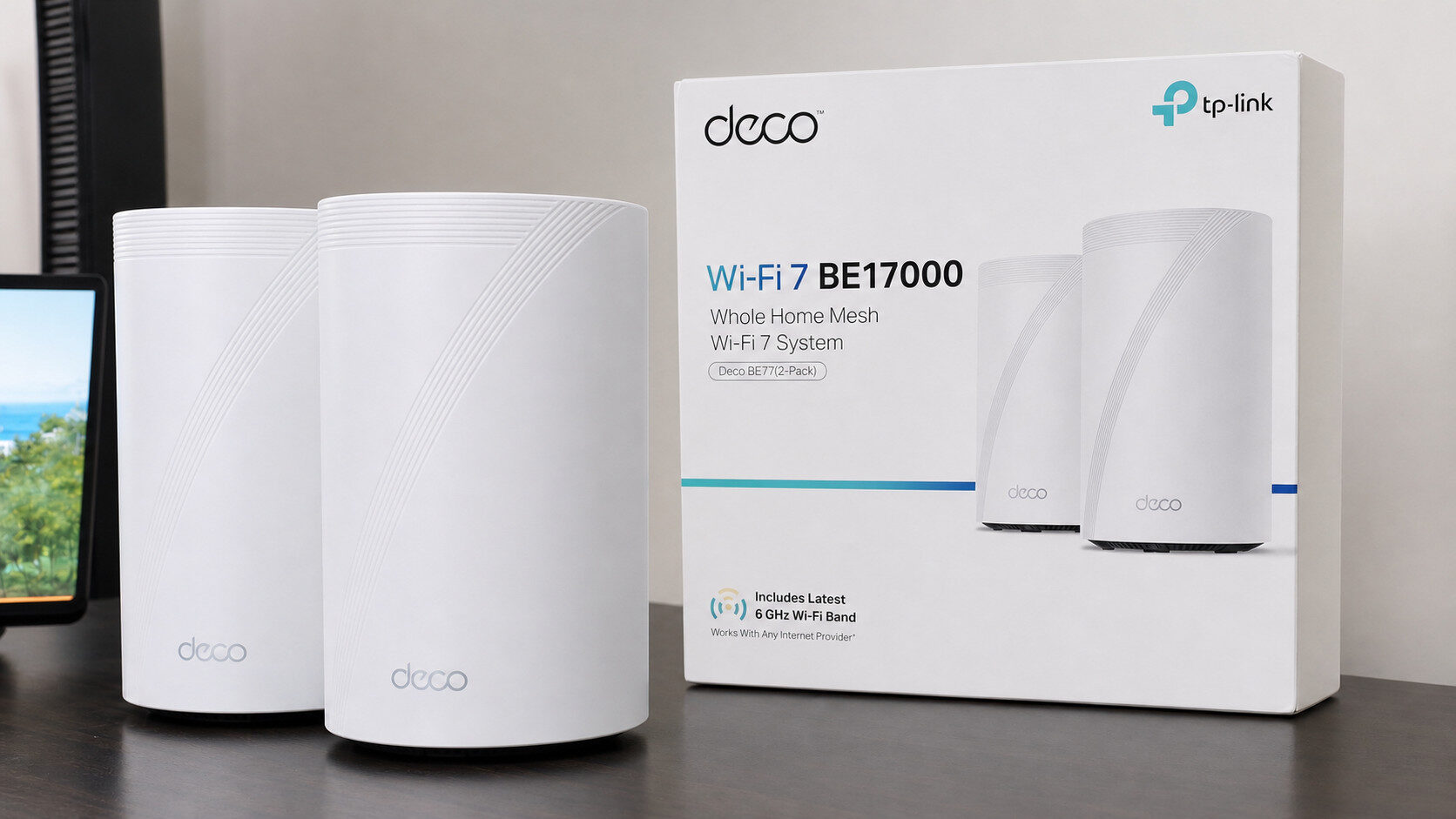
The TP-Link Deco BE17000 is TP-Link’s latest Wi-Fi 7 mesh router solution under their Deco brand, offering users a two-in-one punch of performance and range, ultimately justifying its otherwise steep asking price.
I’ve been a big fan of TP-Link since I discovered the brand a few years ago, having now covered several of their router solutions, I was curious to see how their TP-Link Deco BE17000 mesh router would fare against my already solid Wi-Fi 7 home network setup. Despite the Deco line being under the TP-Link banner, the TP-Link Deco BE17000 has taught me an invaluable lesson: always read, or at the very least, glance at the quickstart guide.
If you’re already in the TP-Link ecosystem like I was, simply backing up your old router settings and swapping it in with the TP-Link Deco BE17000 will not work. The old Tether app only works with TP-Link routers and not their mesh line under the Deco umbrella. Thankfully, simply downloading the appropriate Deco app from the Google Play Store made the rest of the setup easy and straightforward. The Deco app guides users through the installation process with easy-to-follow illustrations and prompts, so you should be up and running in minutes. One quirk I ran into during setup was having to manually enter my PPPoE settings, which I typically have transferred automatically when connecting to my ISP-provided modem.
If I had one minor complaint with the setup process, it would be the total reliance on the mobile app. Having the option to set up the TP-Link Deco BE17000 via a web browser or portal would be appreciated. On that note, once you do have the BE17000 up and running, visiting the router control panel on a browser also feels somewhat limited compared to what is possible on the Deco app itself, but more on that later.
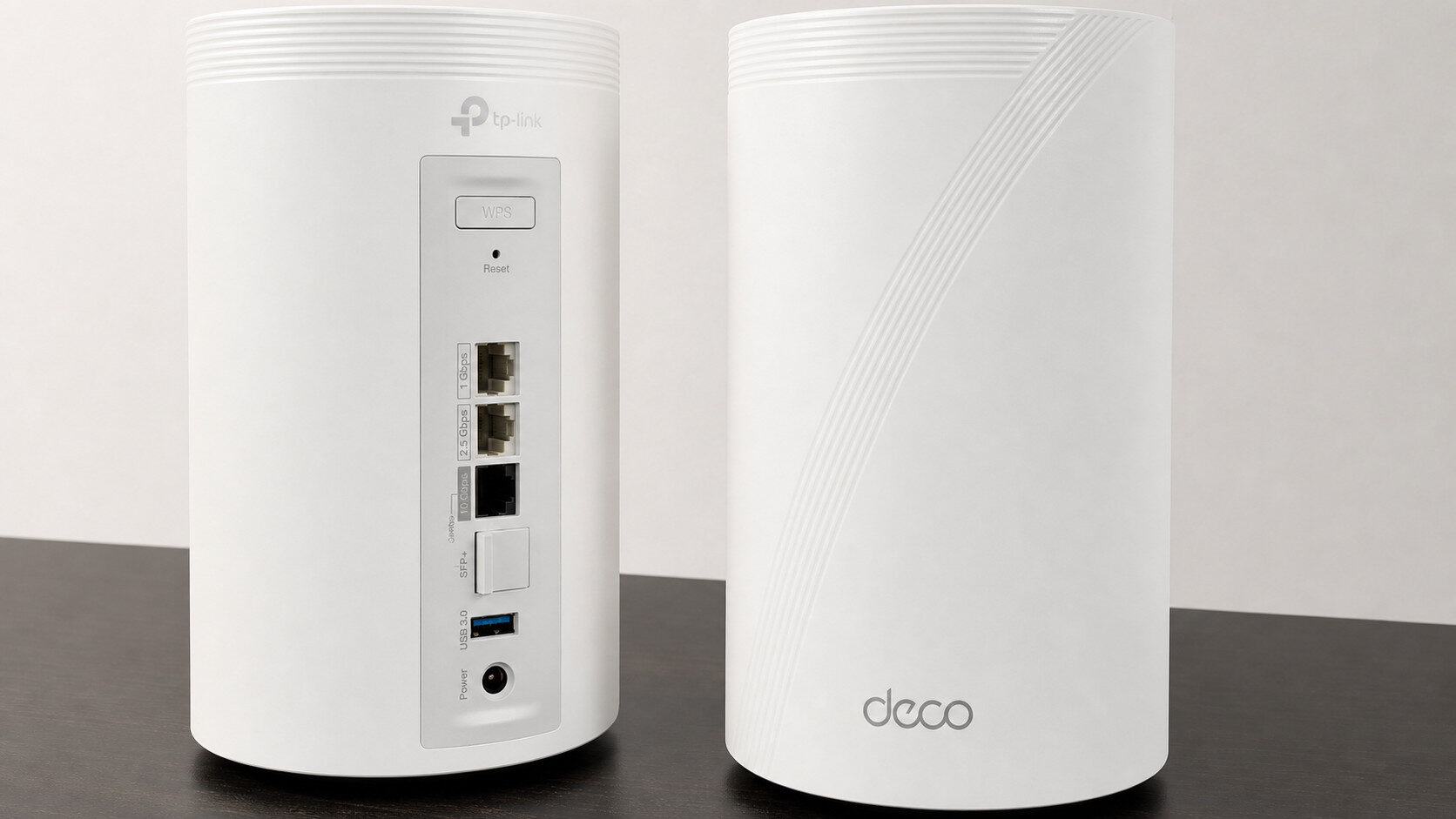
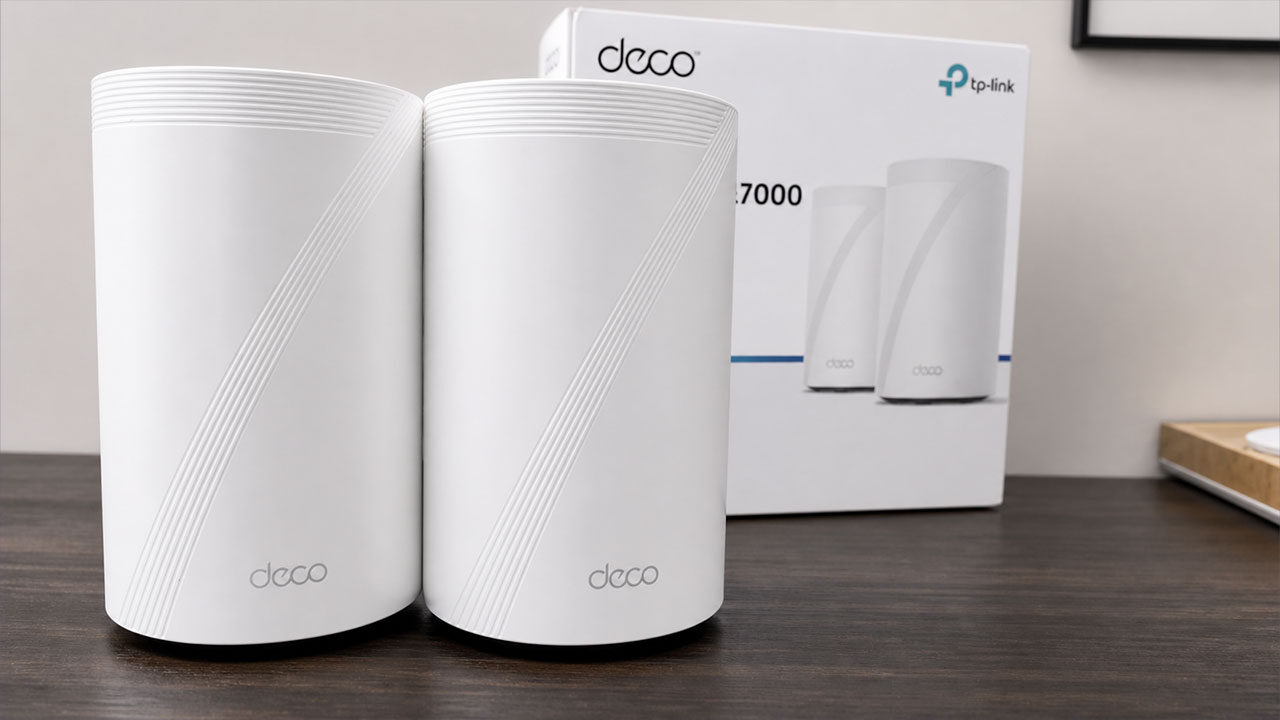
The biggest draw of the TP-Link Deco BE17000 is its satellite system, which includes one additional node that can be placed inside your space to extend the range of the base station connected to your modem. Both included nodes feature identical IO, which takes the form of a 1 Gbps, 2.5 Gbps, 10 Gbps port, in addition to an SFP+ jack for a direct connection that’s more flexible beyond the RJ-45 Ethernet standard. A USB 3.0 port rounds out the IO offerings, giving users the option for network storage.
“The biggest draw of the TP-Link Deco BE17000 is its satellite system, which comes with one additional node that can be placed inside your space to extend the range…”
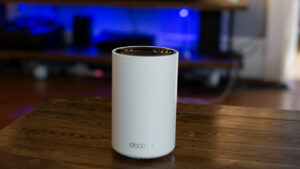
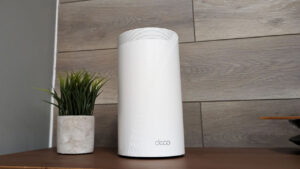
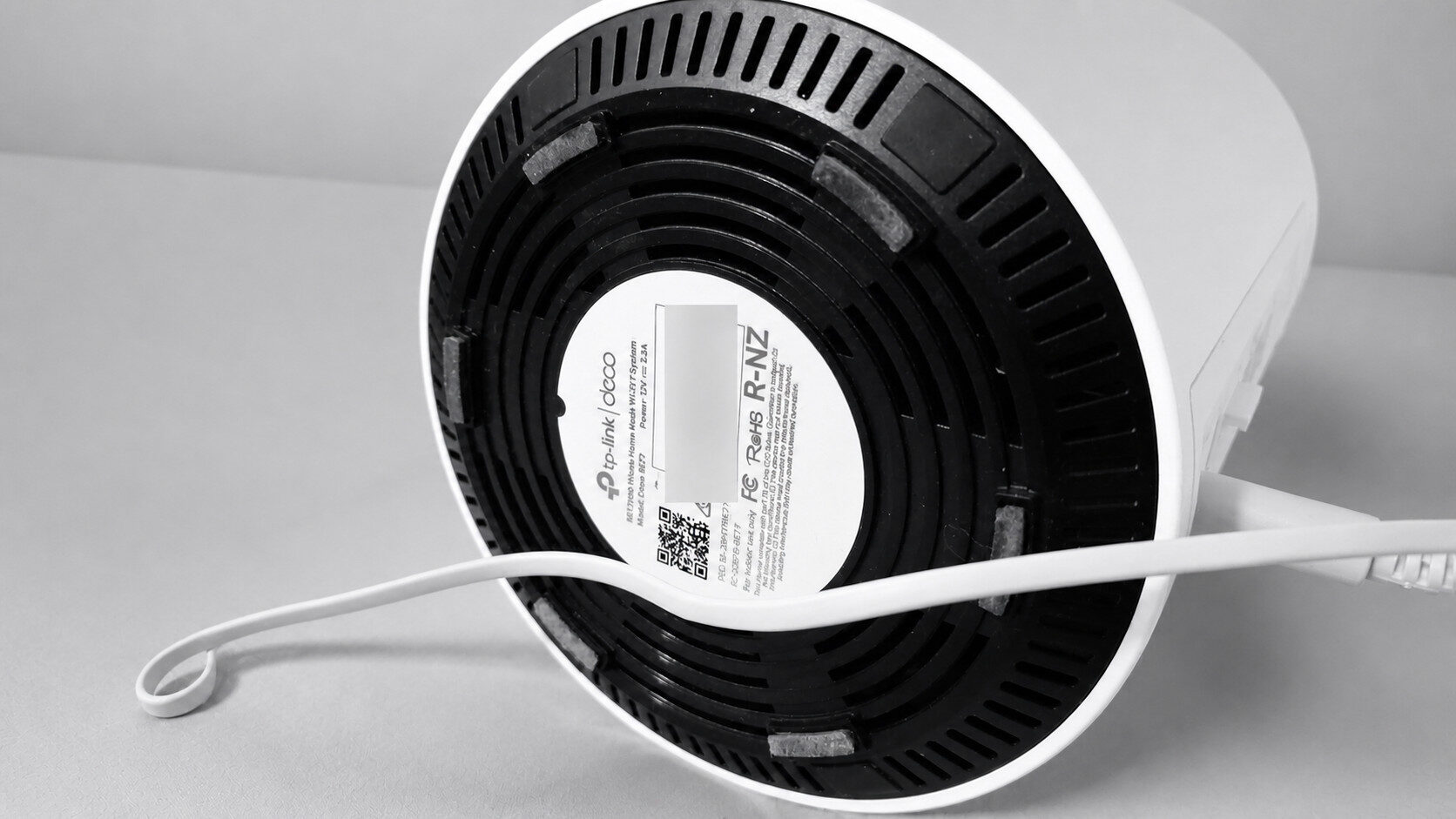
In terms of physical size, the TP-Link Deco BE17000 is on the bigger side, with dimensions measuring in at 5.04″ × 5.04″ × 9.29″ in / 128 × 128 × 236 mm per unit. For a better point of reference, the BE17000 modules reminded me of the large Clorox disinfection wipes. Thankfully, the Deco line has always been understated in terms of design and overall aesthetic, and the BE17000 is no different, making it perfectly suitable for most home or office setups. Finally, regarding indicator lights, the TP-Link Deco BE17000 features a single LED at the bottom of the device, visible from the front.
With an advertised speed of a whopping 17 Gbps across its three bands, the TP-Link Deco BE17000 promises a tremendous amount of bandwidth. My download and upload speeds cap out around the 1.5 Gbps mark, not even close to saturating the TP-Link Deco BE17000’s maximum throughput; however, I do use a lot of wireless devices, many of which benefit from the 6 GHz and MLO bands afforded by the BE17000.
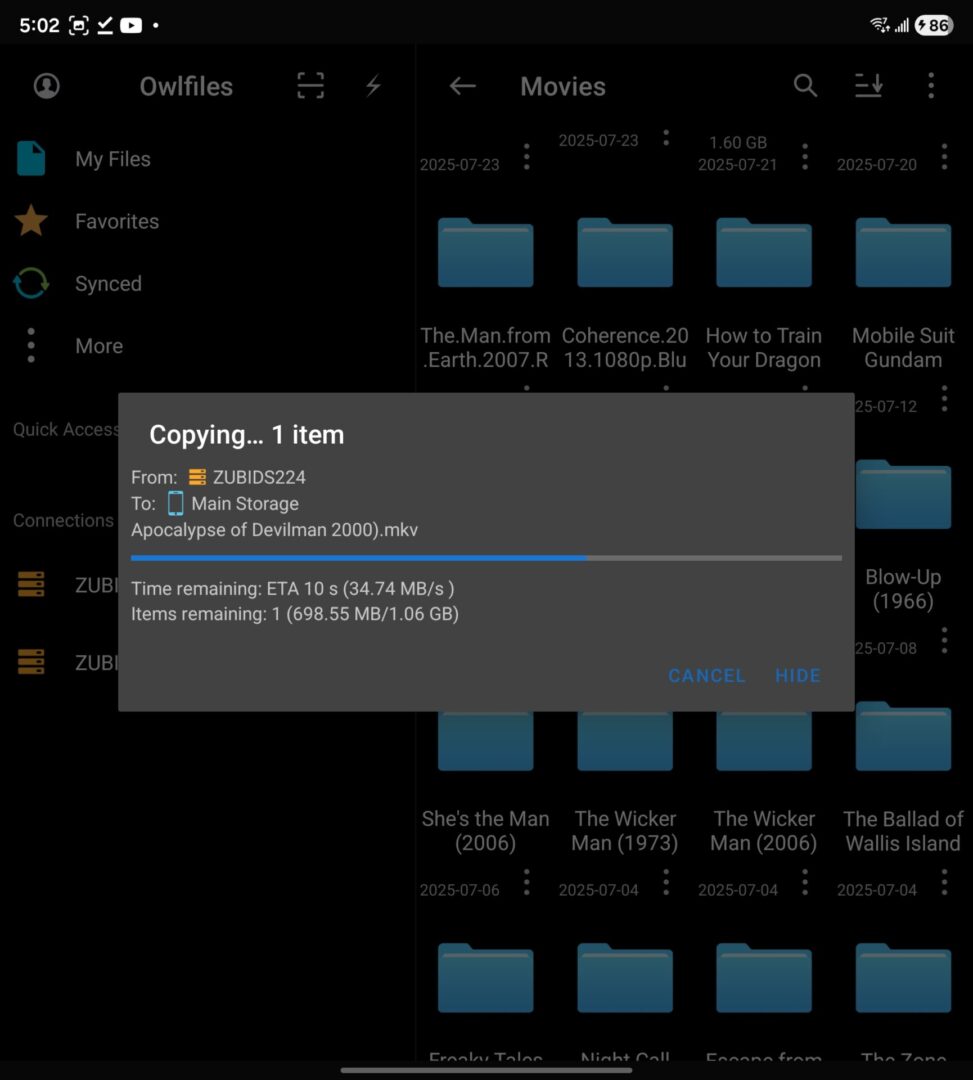
Starting with a simple 1.5 GB file transfer from my NAS to my desktop PC via wired Ethernet, I averaged around 95 MB/s and finished the transfer in a few seconds. Downloading the same file to my Samsung ZFold 7, I got around 30MB/s, which, although significantly slower, was still impressive, given the distance to the walls directly blocking access. Taking the time to orient better and find a placement that works for you with the second node is recommended, but given the layout of my apartment, this was the ideal setup.
My daily driver for my home network has been the TP-Link BE9300, which offers Wi-Fi 7 speeds and MLO functionality for on-the-fly channel switching to improve connectivity. Now, despite the solid performance of the former, I had to rely on the TP-Link BE11000 Wi-Fi 7 Range Extender, as outside of the living room, where the former router lived, there was a significant drop-off in signal strength further into my apartment when using the 6Ghz band, with the 2.4GHZ band being much more reliable at a distance, at the cost of maximum throughput.
“Replacing both the BE9300 and Wi-Fi 7 repeater with the TP-Link Deco BE17000 gave me better performance of both at a fraction of the combined cost.”
Replacing both the BE9300 and the Wi-Fi 7 repeater with the TP-Link Deco BE17000 gave me better performance than both combined at a fraction of the combined cost. In essence, the secondary satellite of the TP-Link Deco BE17000 served as a Wi-Fi 7 repeater, while also leaving the door open to easily add additional nodes in the future. The most impressive aspect of the TP-Link Deco BE17000 for me was its performance when used in tandem with my Meta Quest 3 for wireless PC VR gaming. Using Virtual Desktop, I maintained a connection of 2,410 Mbps, delivering a pristine, native-looking projection of my desktop.
Jumping into the recently released Resident Evil 4 (2023) VR mod also netted me a crystal-clear image that looked like it was running over a wired network or natively on the headset. Even under load, the game had 0 latency and no noticeable video compression artifacts, making it a joy to play. For context, previously, without relying on a $300 Wi-Fi extender, I was getting around 1200 Mbps, which was playable but with noticeable compression artifacts in geometry-heavy scenes, such as dense tree and foliage environments.
Another win for the TP-Link Deco BE17000 is its app, which offers a suite of easy-to-access settings, including priority settings for certain devices and the option to create an MLO network. Wi-Fi 7’s secret sauce is its MLO network capabilities, which allow compliant devices to switch between channels and maintain the strongest possible connection. Finally, one annoyance I have with Windows is that it’s hard to set static IPs, which I need to run my ARR stack and WOL to turn on my main computer remotely. With the Deco app, simply go to the advanced settings tab and use the Address Reservation option to quickly and effortlessly set static IPs, making the process incredibly fast.
Ultimately, the TP-Link Deco BE17000 is a robust and powerful mesh router system that makes it easy to expand your home network, especially for those who need to push the cap on their bandwidth to where it needs to go.