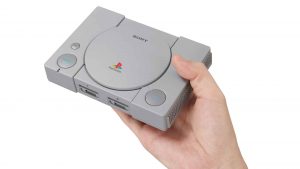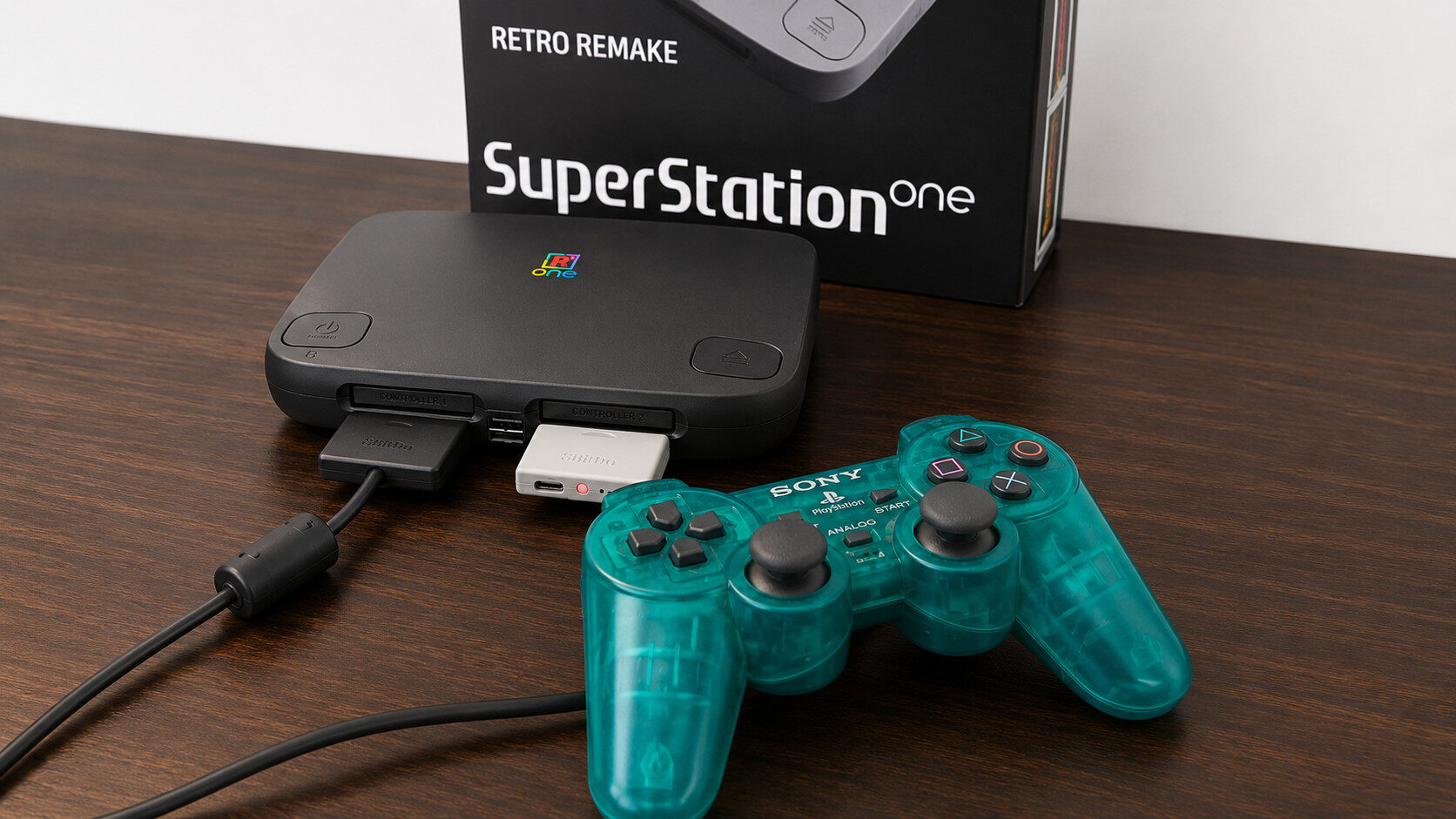

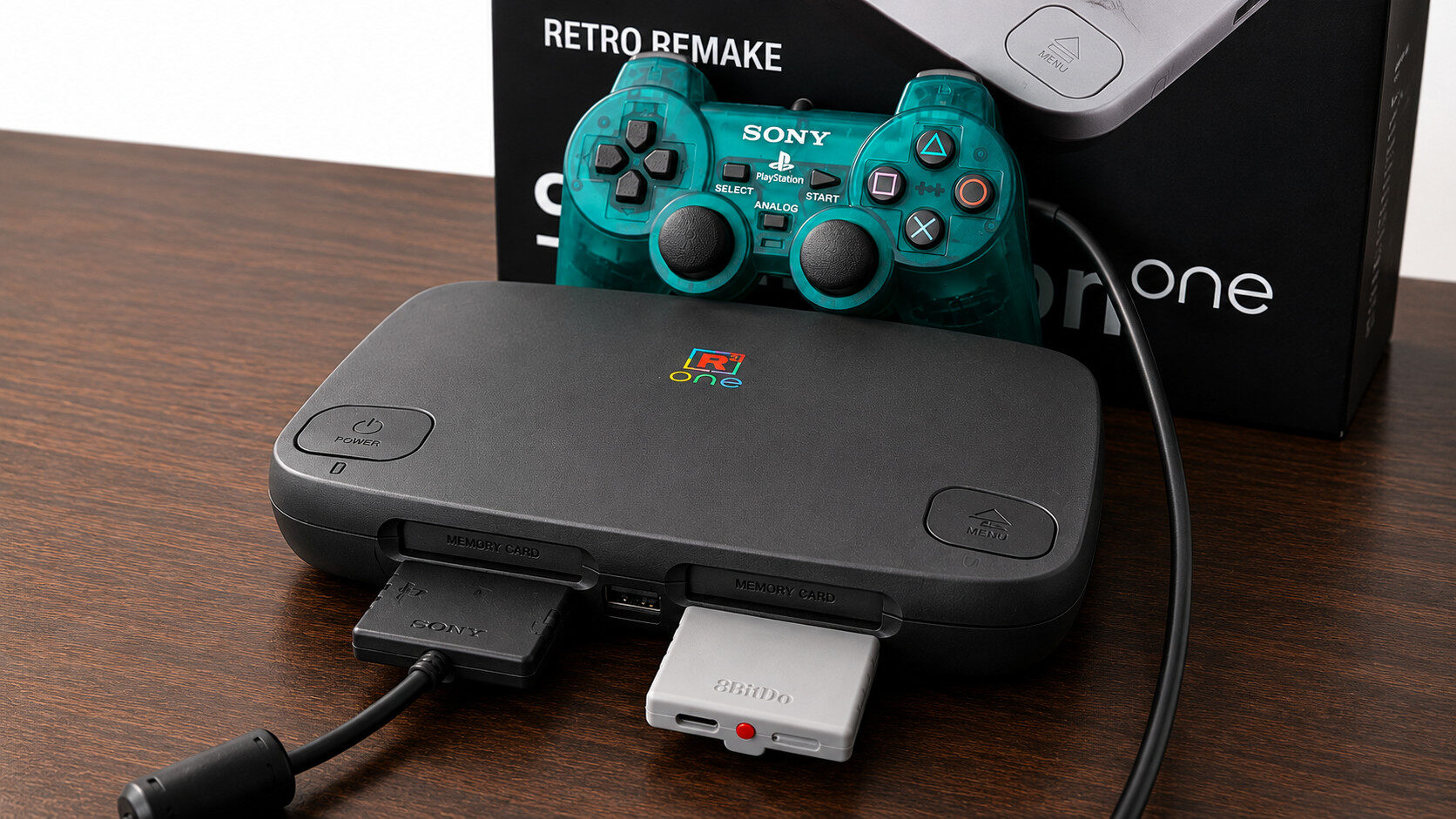
I’ve been trying to get my hands on a MiSTer FPGA ever since learning about the hardware-level retro solution in early 2018. Fast forward to 2026, and popular tech YouTuber Taki Udon has taken the initiative to release a console-based MiSTer FPGA device heavily inspired by the second iteration of the original Sony PlayStation.
For those unfamiliar with what exactly an FPGA device is, it stands for Field-Programmable Gate Array, which, in essence, is a board designed to conform to the specifications of other legacy chipsets on a hardware level. By loading tailor-made cores, somewhat similar to RetroArch, an FPGA device like the SuperStation One can accurately run games, complete with the nuances and quirks of the system it targets, in a way that exceeds software emulation.
Inside the box, users will get the SuperStation One itself, an HDMI cable and a USB-C power lead. The console does not ship with any form of power brick, but a standard 5V phone charger will do the job, something that most people should have on hand in their cable drawers.
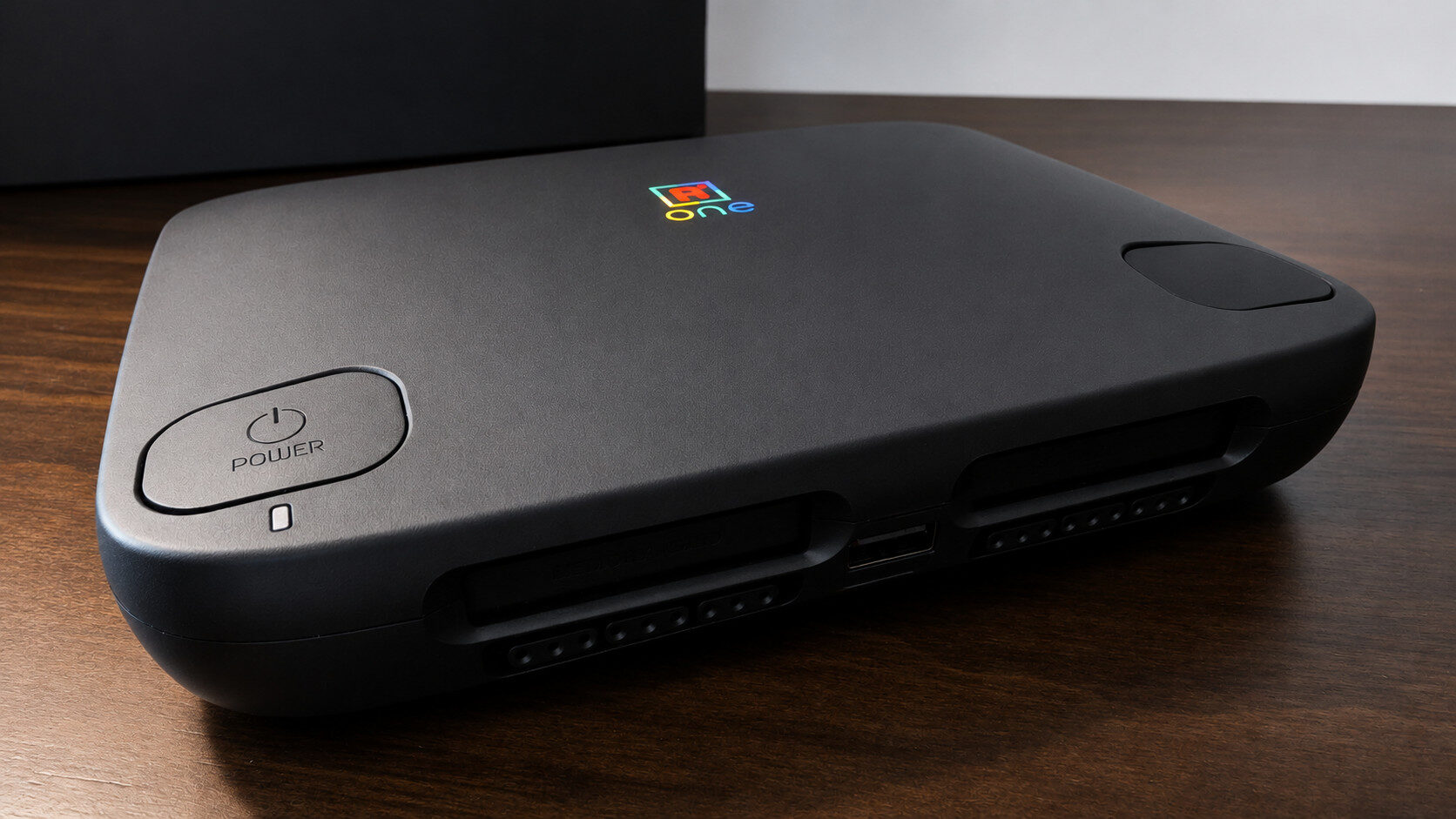
The SuperStation One runs on the Intel Cyclone V FPGA system, which, in its current state, can accurately run games from the 8-bit era all the way to 32-bit consoles (including the N64), such as the Sega Saturn and Sony PlayStation. Of course, with the prevalence of smartphones, tablets and cheap Android/linux-based solutions, the prospect of an emulator might seem like the better sell for the general user, making something like the SuperStation One, or any FPGA-based system, a harder sell.
The reality, however, is that SuperStation One is designed first and foremost for the hardcore retro gamer. Instead of sloppy emulation or a copy-and-paste of a popular front-end, SuperStation One’s reliance on the MiSTer FPGA architecture enables not only accurate retro gaming but also a bridge between old and new display solutions.
“Retro gaming on the SuperStation One is a joy, with pixel-perfect accuracy and modern comforts such as Bluetooth, legacy PlayStation controller support and memory card support through the included SNAC ports.”
The SuperStation One features a veritable buffet of I/O, allowing the system to connect to not only any modern HDMI-compliant display but also CRTs, monitors, and even PVM/BVMs. With options for composite, component, S-video, RGB and HDMI. For my specific setup, I went with component video (YPbPr), which is the best option for my consumer model Sony Triniton CRT. This is where I ran into my first minor hurdle in getting the SuperStation One to display properly on my CRT.
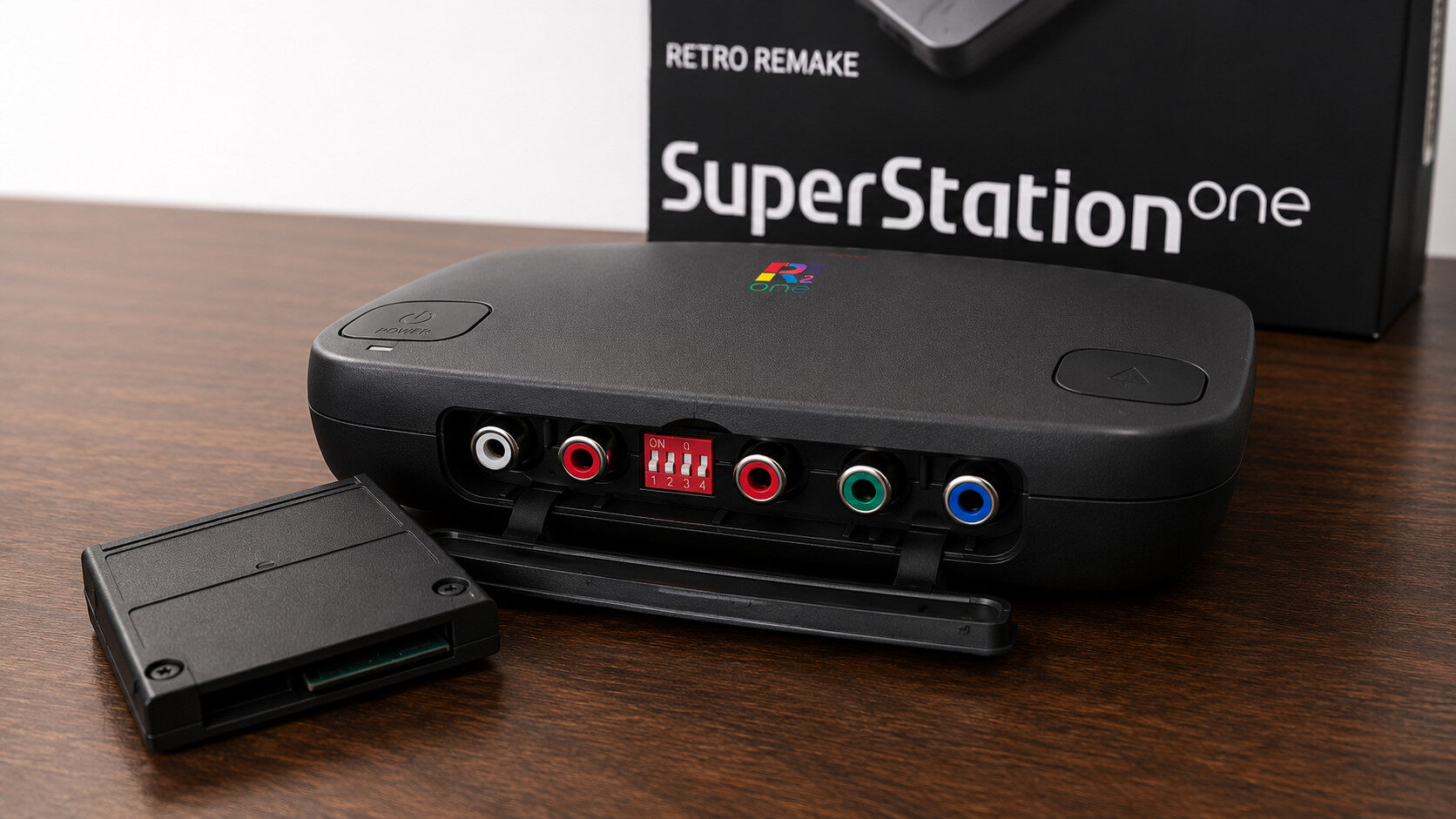
Despite the SuperStation One coming preloaded with a 64GB SD card already flashed with the MiSTer FPGA operating system and file structure, I highly recommend reflashing the card with the latest release, particularly if you plan to use the console on an older television like a CRT. Even after a fresh install, I was getting oversaturated reds in the image on my screen, which I ultimately resolved by editing several .ini files and manually routing them to use the YPbPr output, a process that involved some trial and error to lock in.
Once I got the image stabilized, it was off to the races, or it would have been, but to really push and take advantage of what the SuperStation One is capable of, I took the time to set up the cifs_mount.sh script, which allows the SuperStation One and other FPGA-based devices to communicate with your home server or NAS. Instead of wasting time on the clunky MiSTer interface itself, I highly recommend downloading the MiSTer-Companion app on Windows, which allows users to connect to the SuperStation One over the network, making editing scripts, updating profiles and exploring the SD card a much easier overall experience.
After a few more quirks, I was finally set up and ready to test the SuperStation One. Thankfully, it worked as advertised with little further tweaking required. One slight annoyance I have yet to figure out is the script for creating a favourites section in the MiSTer menu, which forces me to dig through the menus for the cifs manually > nas > roms folder.
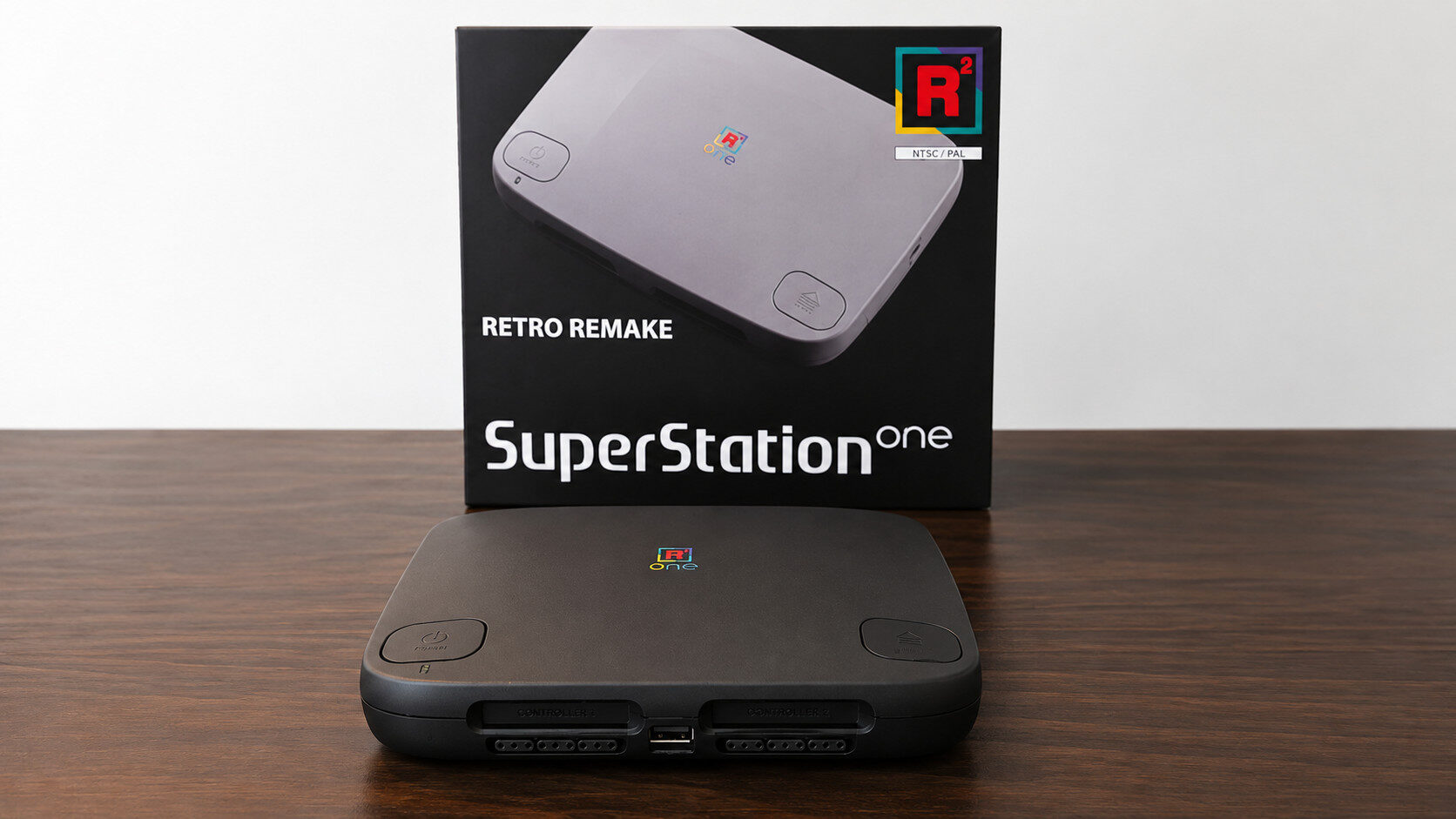
Retro gaming on the SuperStation One is a joy, with pixel-perfect accuracy and modern comforts such as Bluetooth, legacy PlayStation controller support and memory card support through the included SNAC ports. Fittingly, given its PSX-inspired design, original PlayStation games are where the SuperStation One shines. With in-game cheats, save states and light gun support, I cannot think of a better way to play PS1 games.
Save states and cheats might not sound like a big deal, since they are common features in many emulators. On an FPGA device, though, the ability to freeze games and run cheats in real time is an impressive feat of engineering. It is also worth noting that these features are not available for every core.
“Both N64 and Sega Saturn gaming on Taki Udon’s MiSTer FPGA solution are solid, providing accurate gameplay that feels almost indistinguishable from real hardware.”
One final note on PlayStation rips is that if you’re planning on playing your own backups, I recommend reencoding them from bin and cue format to the CHD file format, as it creates a neater single file structure and eliminates sequential loading errors for music tracks, something that otherwise can sound distorted or glitched, as the loading times for raw discs don’t translate well to modern BUS speeds when running on FPGA hardware.
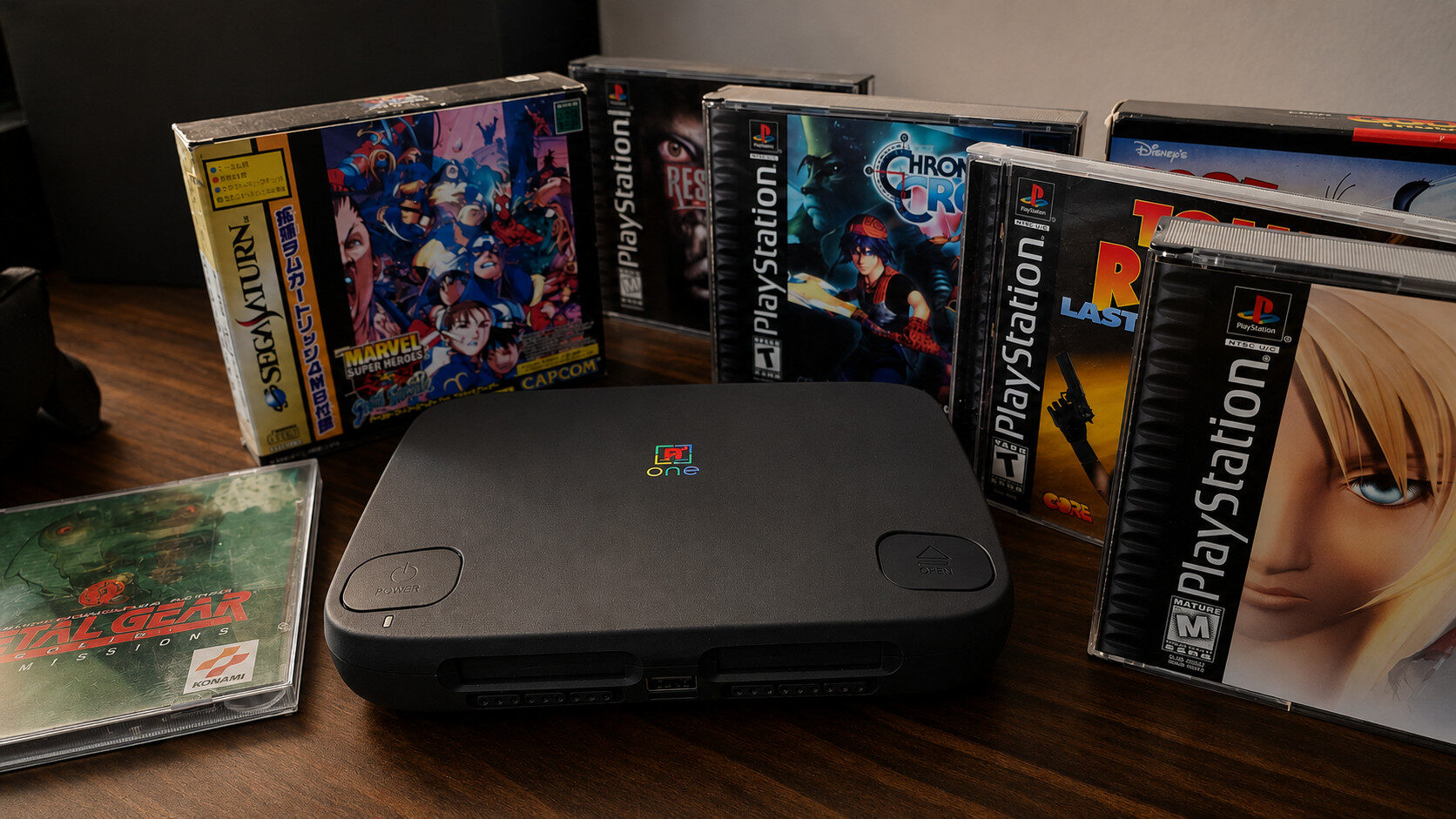
Outside of PlayStation, two consoles I spent significant time with were the Sega Saturn and the N64. In particular, both Saturn and N64 games can be harder to emulate, particularly on weaker hardware, and as someone who purchased a real Saturn in 2022, I was eager to see how the SuperStation One could handle these cores. I’m happy to report that both N64 and Sega Saturn gaming on Taki Udon’s MiSTer FPGA solution are solid, providing accurate gameplay that feels almost indistinguishable from real hardware. Saturn games, in particular, when paired with the correct BIOS file, feel like playing on the actual system because the Saturn menu is available to the user upon loading the core.
One final note about the hardware, specifically the SuperStation One, is the lack of the ability to turn on the console remotely. With Bluetooth, Wi-Fi, and other modern conveniences baked into the system, it would have been nice to be able to simply turn on the unit from across the room. Thankfully, a cheap smart plug is what I ended up using, making it an easy choice for those who want it all.
Ultimately, the SuperStation One is a strong option for dedicated retro gaming fans who want more control over how they play. It offers the flexibility and authenticity needed to revisit classic games in a more hands-on way, especially for those who enjoy fine-tuning settings, testing hardware options and building a setup that feels personal.
That said, the SuperStation One is not a simple plug-and-play device. Getting everything running the way you want can take time, patience and some troubleshooting. For those willing to put in the effort, the SuperStation One can be incredibly rewarding, but it is best suited to retro fans who enjoy the setup process almost as much as the games themselves.