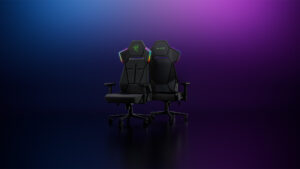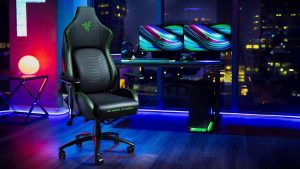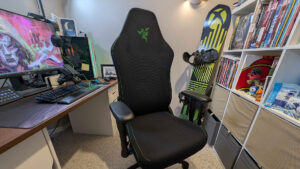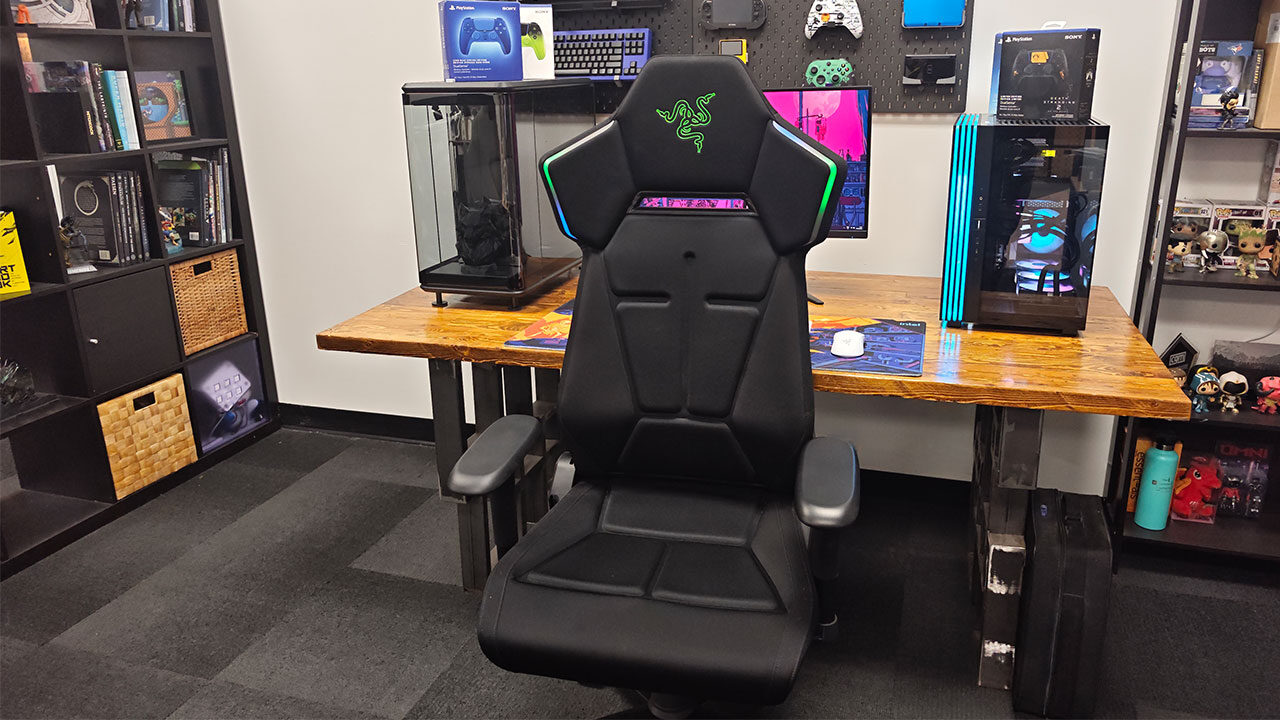


Razer was one of the first brands to push hard on RGB lighting with its Chroma branding, with its mice, keyboards, headsets and even desk mats getting the feature, so it was only a matter of time before its chairs got some attention. The Razer Soma Chroma gaming chair is the company’s first attempt at bringing RGB to furniture, a gaming chair with light strips built into the backrest and wireless syncing with the rest of your gear.
It is a concept that is ridiculous, but I am kind of here for the idea. After spending real time with it, I can say it is a gimmick, but one attached to one of the most comfortable chairs Razer has ever made, even if it lacks some of the more advanced lumbar features.
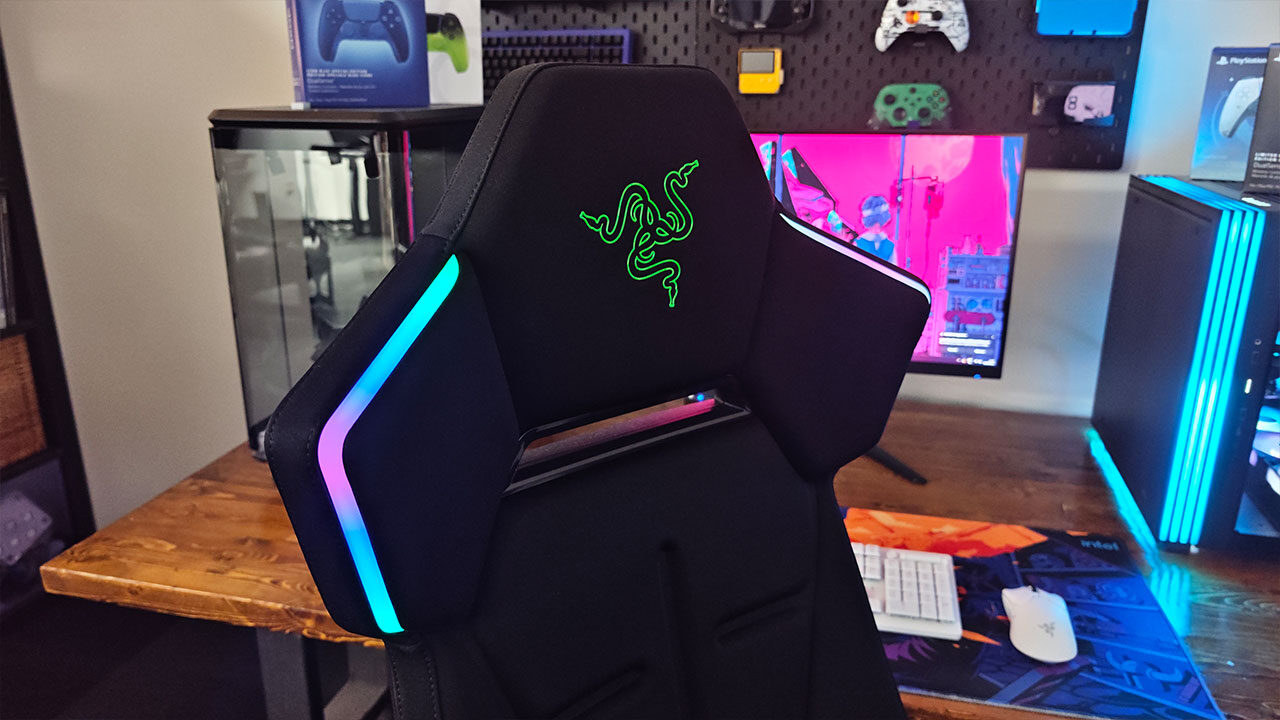
The Soma Chroma kicks off a whole new line for Razer, and it still brings the typical Razer flair to all aspects of its build. Gone are the soft, rounded curves of the Iskur family. In their place is something sharper and more angular, wrapped in black knit fabric over dual-density cold-cured foam and a steel frame. It slots between the Iskur V2 X at $350 USD and the Iskur V2 at $649.99 USD, and at $499.99 USD, it feels like a solid mid-range offering with a few bells and whistles.
Putting the chair together is painless, and if you have ever put together a gaming chair before, you will feel right at home here. Casters push into the five-arm base by hand, the gas lift drops in, the tilt mechanism bolts on with the included Allen key and the backrest screws to the seat, with one person able to manage it in about 20 minutes.
Assembly gloves come in the box, and the 2.4 GHz wireless dongle comes taped to the instruction card, so do not throw that card out. It is relatively easy to set up, and you should be up and running in under 30 minutes if you follow the instructions. I did not end up using the white glove, but it is never a bad thing to ensure your chair is free from grease, grime and other debris before you get to use it, so I love seeing it in the box. Once you get it all put together, though, you may notice a catch.
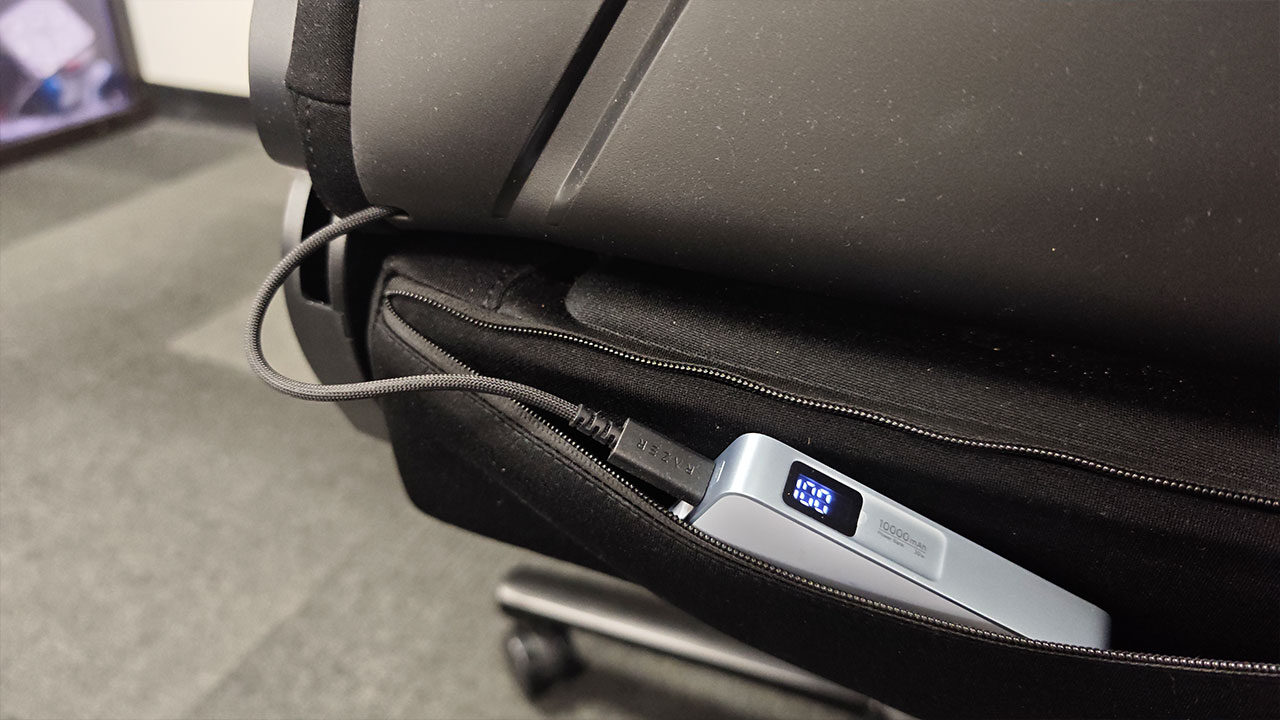
The lighting runs off a single USB-C cable that hangs about four inches out of the back of the chair, and that is all you get, with no battery, adapter or extension cable included in the box. Razer expects you to run a long USB-C cable to your PC or tuck your own power bank into the zippered pouch along the seat base.
“The Razer Soma Chroma gaming chair is the company’s first attempt at bringing RGB to furniture…”
The power bank route looks clean and works well, but at this price, supplying your own power feels a bit disappointing. The cable is also built in, so if it ever frays, the fix will be a headache. For our test setup, we hooked it up to a UGREEN power bank, and we were off to the races. The 10,000 mAh battery easily got the chair through a full day, if not more, and it is merely a question of how often you want to keep your chair lit up.
Once powered, the Chroma side of things is handled well and is incredibly easy to set up. Two diffused light strips run along the upper backrest, pairing over the dongle or Bluetooth through Razer Synapse. You get the full Chroma Studio suite, brightness controls, an idle dimmer and lighting that reacts in real time across more than 300 supported games. Physical buttons along the top edge of the backrest handle quick changes with no software needed.
The only issue is the placement: the lights face forward from behind your head, so you almost never see them while sitting down. In a dark room, they give off a soft glow, but the people most likely to enjoy it are the ones watching you on stream, and from what I can tell, that is probably the point. The Razer Soma Chroma Gaming Chair feels very much like a chair you show off. It looks great in photos and video, while you get to enjoy the comfort it provides.
The cold-cured foam seat is firm but forgiving, and the 21.5-inch base is wide enough to sit cross-legged without a fight. The knit fabric stays soft and breathable through long sessions. The lumbar support is built in and fixed, with a gentle arch that nudges you toward a neutral posture instead of the aggressive, adjustable systems on pricier chairs. It is subtle enough to forget about, though anyone chasing serious lower-back pressure should look at the Iskur V2 instead.
While it is comfortable, I will say you are taking a hit on customizability in exchange for Chroma with the Razer Soma Chroma Gaming Chair. The armrests are 2D, with height adjustment and a 25-degree swivel, while rivals at $500 offer 3D or 4D options.
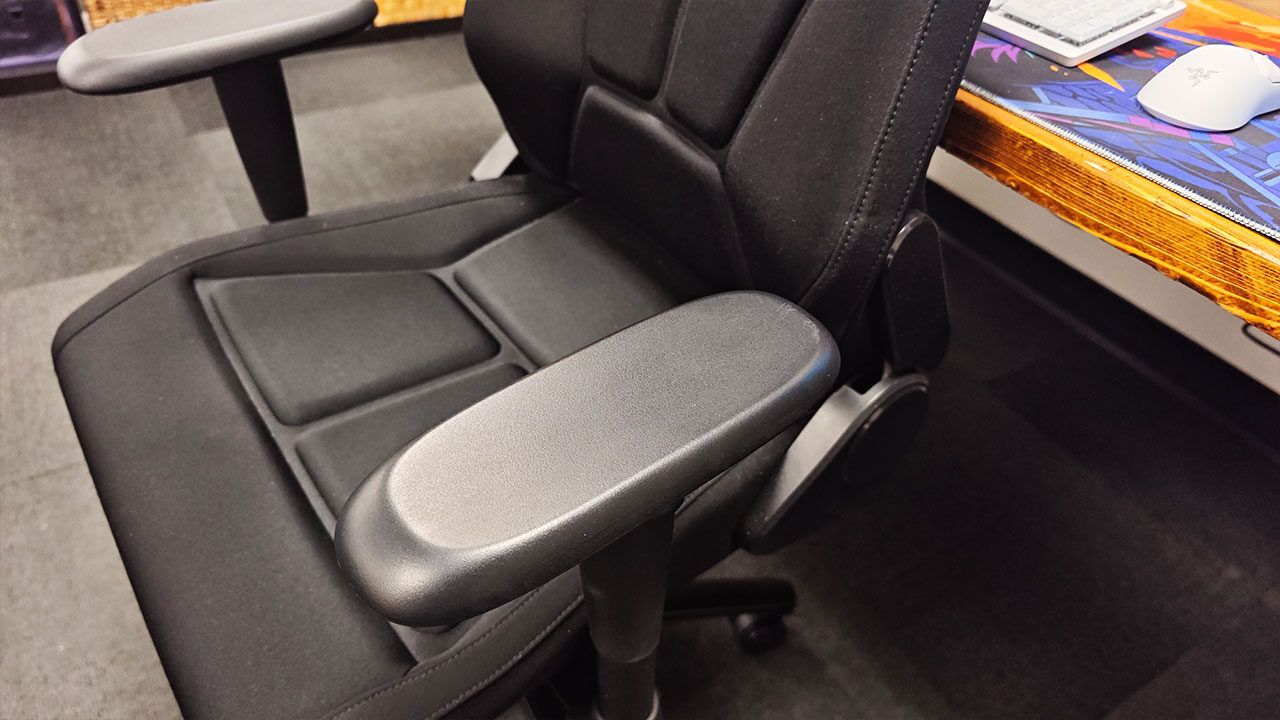
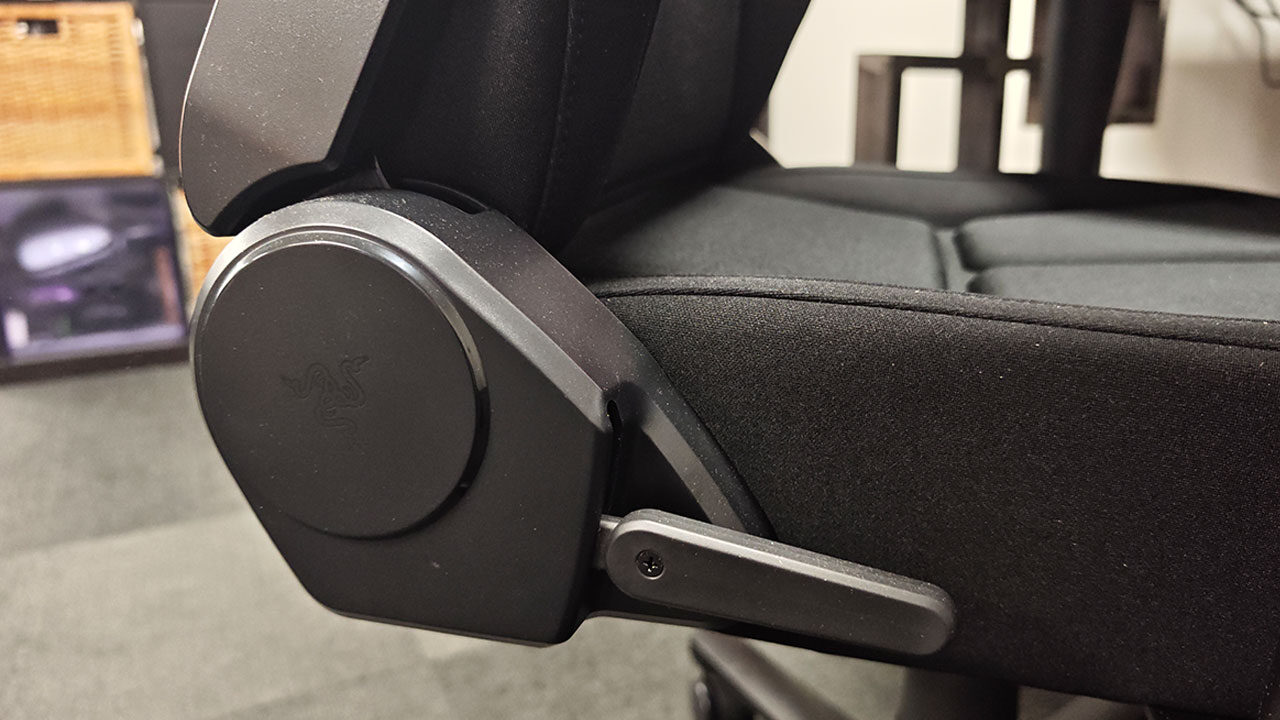
The backrest reclines from 90 to 155 degrees and stays planted at full tilt, while the seat height runs from 41 to 51 cm. There is no adjustable lumbar support, and it does not have any of the advanced comfort adjustments found on other chairs. While it is great to sit in for long periods, I do miss having more support for my back, and that can take a toll depending on how you sit.
Compared with a Secretlab chair or other options, the Razer Soma Chroma Gaming Chair is still relatively fairly priced, but compared with Razer’s other chair offerings, it feels like a bit of a downgrade, especially for people who love what the company has done in the past with its levels of adjustment.
That said, I also find it to be one of the most comfortable gaming chairs to sit in for long periods, and I love how the seat supports me even when I am sitting in silly ways, so I have to commend Razer for that one. I only wish it had a Pro version with a few more adjustments while keeping all the other concepts in place. It would be a dream come true.
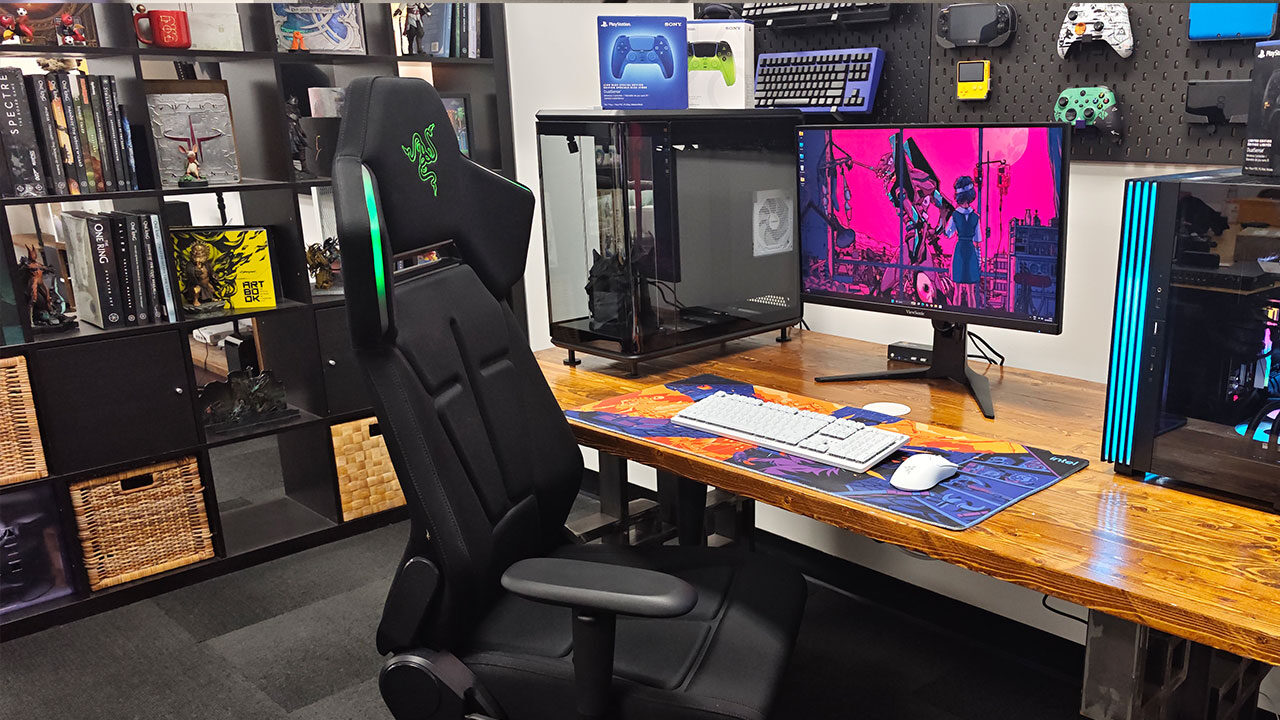
The Razer Soma Chroma stands 125 to 135 cm tall, weighs 24.5 kg, supports up to 150 kg and suits users roughly 160 to 200 cm in height, with a three-year warranty that extends to five years if you buy directly from Razer and register it. I also want to highlight two other minor annoyances I found while using the chair. The recessed channels in the seat collect crumbs quickly, and perhaps more minor, the bright green Razer logo on the headrest clashes with about half the colours you can set the lights to. I admit these are minor issues, but they are things that generally feel frustrating on an otherwise solid chair experience.
If RGB means nothing to you, I have one piece of advice: the Iskur V2 X gets you most of the same bones for $150 less, and while it does not offer everything this chair does, it does enough to make it worth the savings. But the Soma Chroma is not really selling lights. It is selling a genuinely excellent chair that happens to glow.
The comfort is top of its class, the build feels like it will outlive your graphics card and, for streamers or anyone already deep in the Chroma ecosystem, the lighting is a fun bonus. It is an awkward first step toward immersive furniture, but it is one that does a lot of things right, and I’m excited to see where it evolves from here.
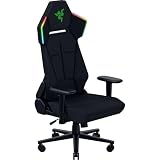
- IMMERSIVE RGB LIGHTING THAT REACTS IN REAL TIME — Transform your gaming setup with Razer Chroma RGB lighting that syncs with 300+ games, delivering responsive effects for FPS, RPG, and streaming environments
- BALANCED COMFORT WITH PRESSURE-RELIEVING FOAM — Experience lasting comfort with a dual-density foam seat cushion that combines firm support and plush feel for long hours of sitting