
The Viture Mobile Dock Mini fixes an issue I had with their line of XR glasses that specifically target mobile gamers on the go and Nintendo Switch 2 owners.
I’m a big fan of Viture, particularly the Viture Beasts, which improved the majority of my criticisms of past iterations of their line of XR glasses, yet even their higher-end line of glasses relied on the Viture Mobile Dock Pro, a bulky but robust solution to bridge the gap between devices that do not support USB-C Alt Mode. Enter the Viture Mobile Dock Mini, a 34% smaller and 30% lighter solution to their Pro Dock, designed with Nintendo Switch 2 in mind.
The original Viture Mobile Dock Pro, which included an optional docking mechanism for Switch owners, came in at around 350g, making the prospect of using the otherwise sleek USB-C-powered XR experience a bit cumbersome, to say the least. While the Viture Mobile Dock Mini ditches its dedicated HDMI inputs and dual XR glasses outputs, it instead focuses on slimming things down significantly, offering users a pocketable solution that makes it much simpler to carry around when on the go.
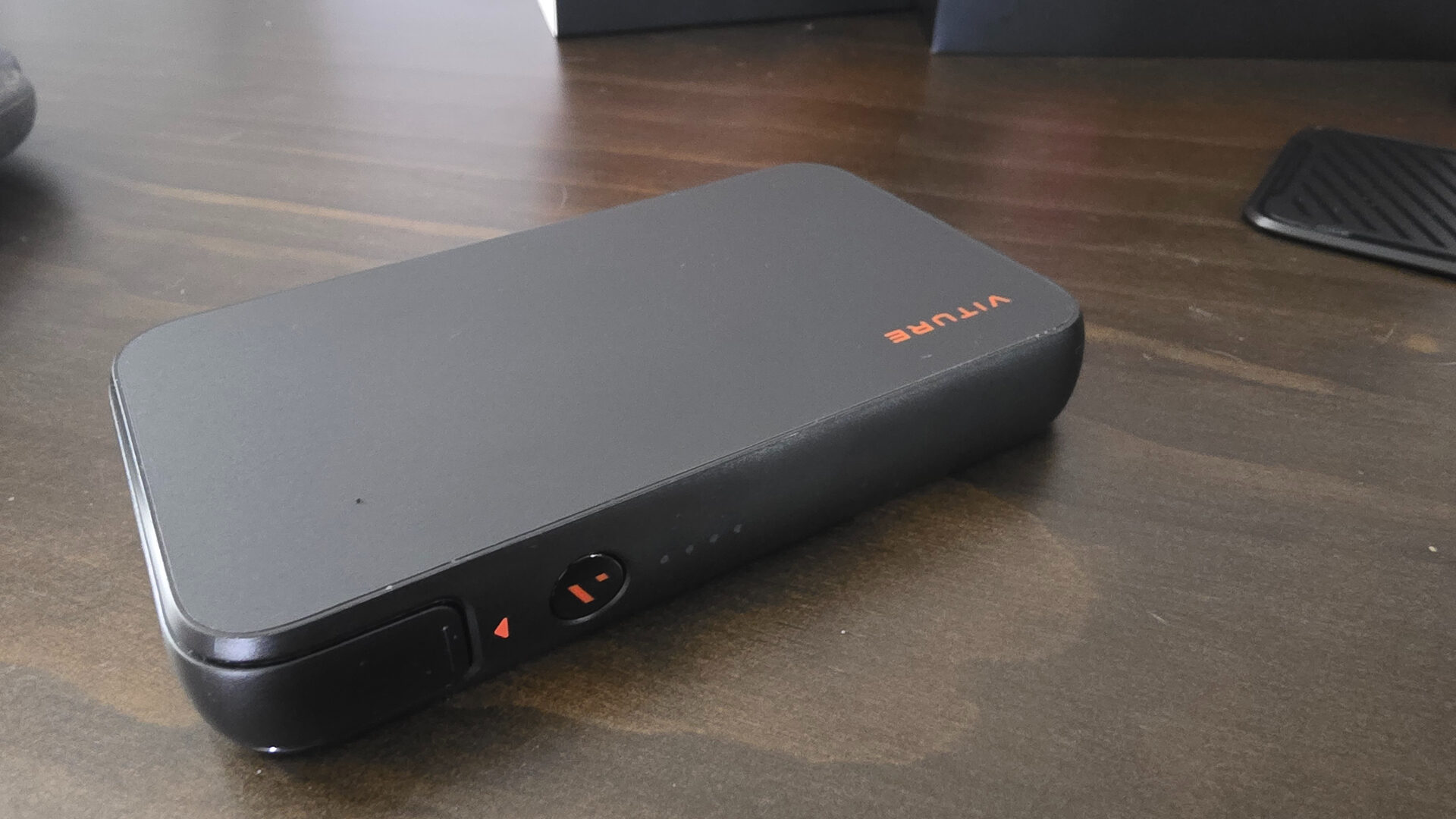
The smaller footprint of the Viture Mobile Dock Mini also comes with the caveat of a slightly smaller battery, coming in at 10,000mAh, a drop of only 3,000 when compared to the Mobile Dock Pro SKU. In my real-world tests, this netted me roughly five hours with my Nintendo Switch 2 when paired with the Viture Beasts, split into two sessions of Xenoblade Chronicles DE’s native Switch 2 update. In other words, those looking to seriously up their gaming on the go will be very happy with the Viture Mobile Dock Mini.
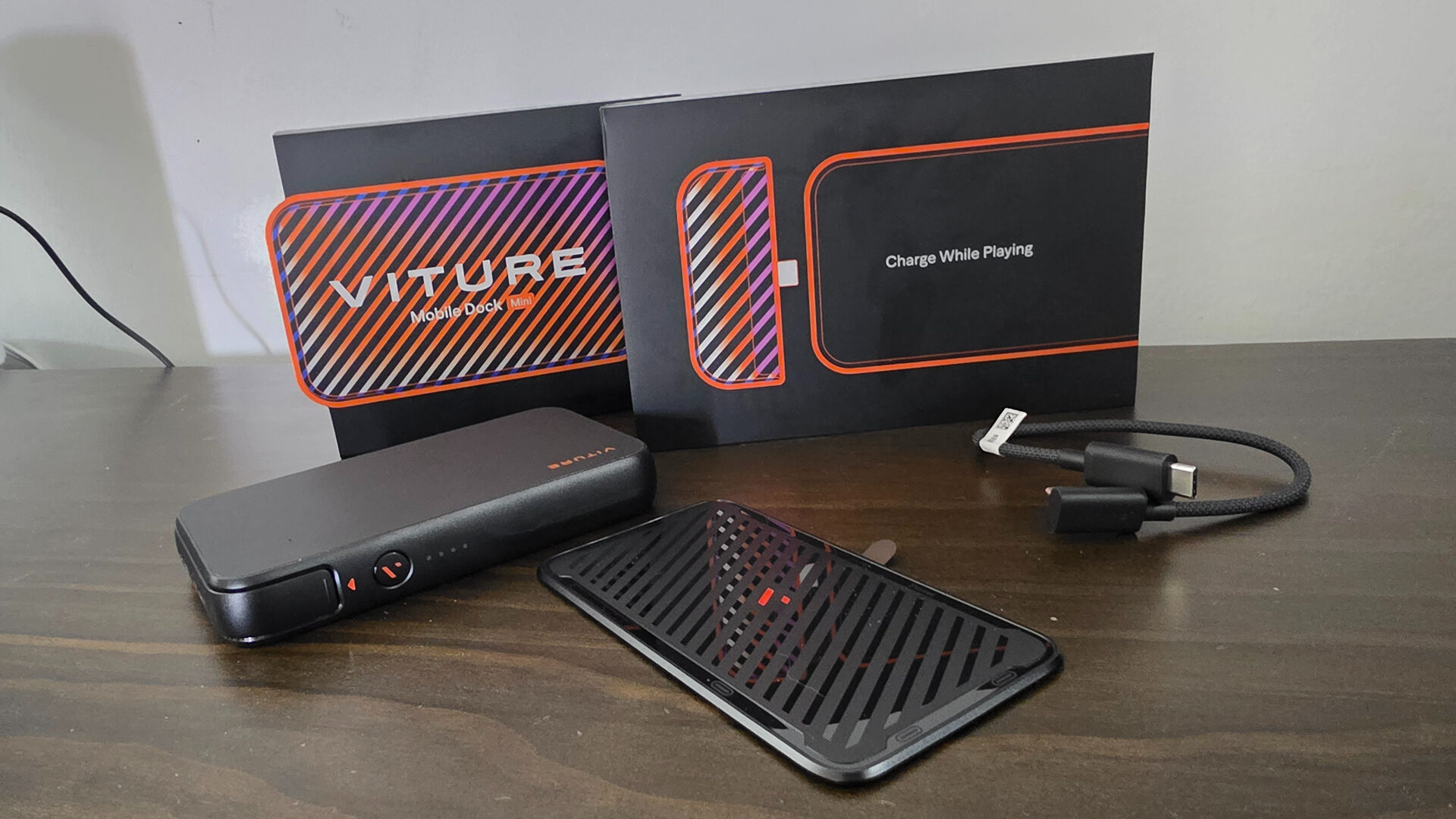
Taking a look at what’s included in the box, the aptly priced $99 Viture Mobile Dock Mini includes the power bank + dock combo unit itself, an angled USB-C cable for docking with a Switch 2 (or any USB-C device), a quickstart guide, a nifty iridescent sticker, and a magnetized backplate for sticking to the back of your Nintendo Switch or Switch 2 console. The magnetized backplate, which Viture promises is the same thickness as a credit card, ensures a place for the Mobile Dock Mini to mount onto when out and about.
“…those looking to seriously up their gaming on the go will be very happy with the Viture Mobile Dock Mini.
Viture also includes a handy guide template that can be placed onto the back of the Switch OLED or Switch 2 to better align the placement of the magnetic plate. This is crucial as the magnetized backplate is on an adhesive backing, which loses its tackiness when reseated.
I do wish a thin clip or a less one-and-done solution could have been utilized, particularly for future iterations of the Nintendo Switch 2, such as the forthcoming limited edition Legend of Zelda Ocarina of Time Remake edition, which features unique etchings on the back of the console that something like the Viture backing would cover up.
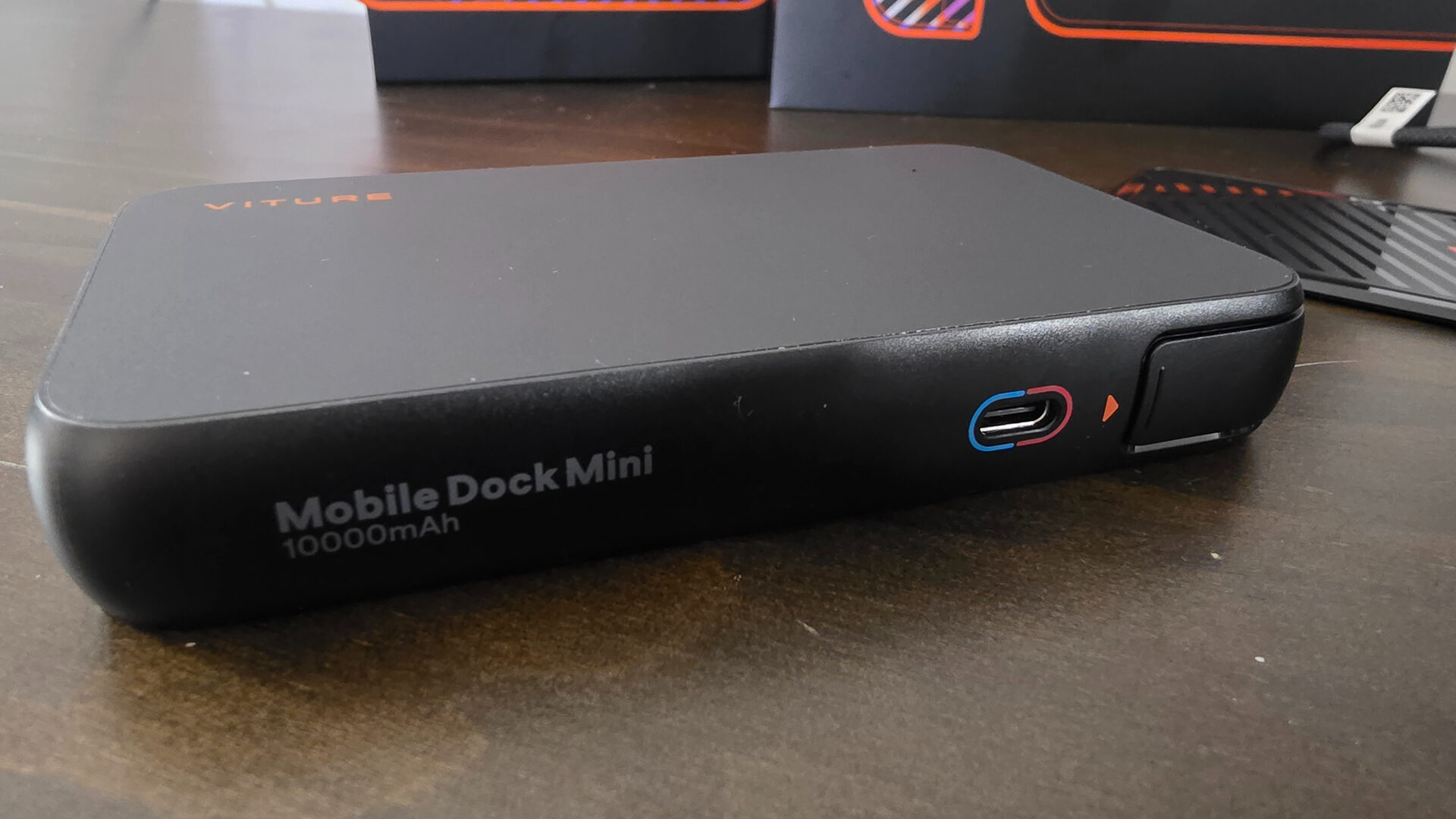
Thankfully, where it matters, its functionality is where the magnetized backplate and Viture Mobile Dock Mini truly shine. Sliding the Nintendo Switch 2 in and out of its own dock with the backplate installed felt no different, making it feel invisible on the console. Of course, attaching the Viture Mobile Dock Mini to it does add some significant weight to the device, but one that is far less intrusive than the original Pro model dock, even allowing the Switch 2 to still be usable in tabletop mode with its own built-in fold-out stand.
Situations like train rides or areas with tables will lend themselves well to those who wish to use their Switch 2 with a pair of XR glasses, taking nearly full advantage of Nintendo’s higher-powered TV output mode, thanks to the Viture Mobile Dock Mini effectively acting as a monitor that puts the hybrid family of consoles into its higher-fidelity docked mode.
I say nearly full advantage, as even with a new refresh of its Pro dock offering, when used with the Nintendo Switch 2, the Viture Mobile Dock Mini still only outputs in a 60hz container. Nintendo has also recently released a VRR patch for use with docked play, something that was exclusive to handheld mode prior to this update, and currently VRR is also not supported by any of Viture’s range of glasses, meaning the Mobile Dock Mini also forgoes this feature.
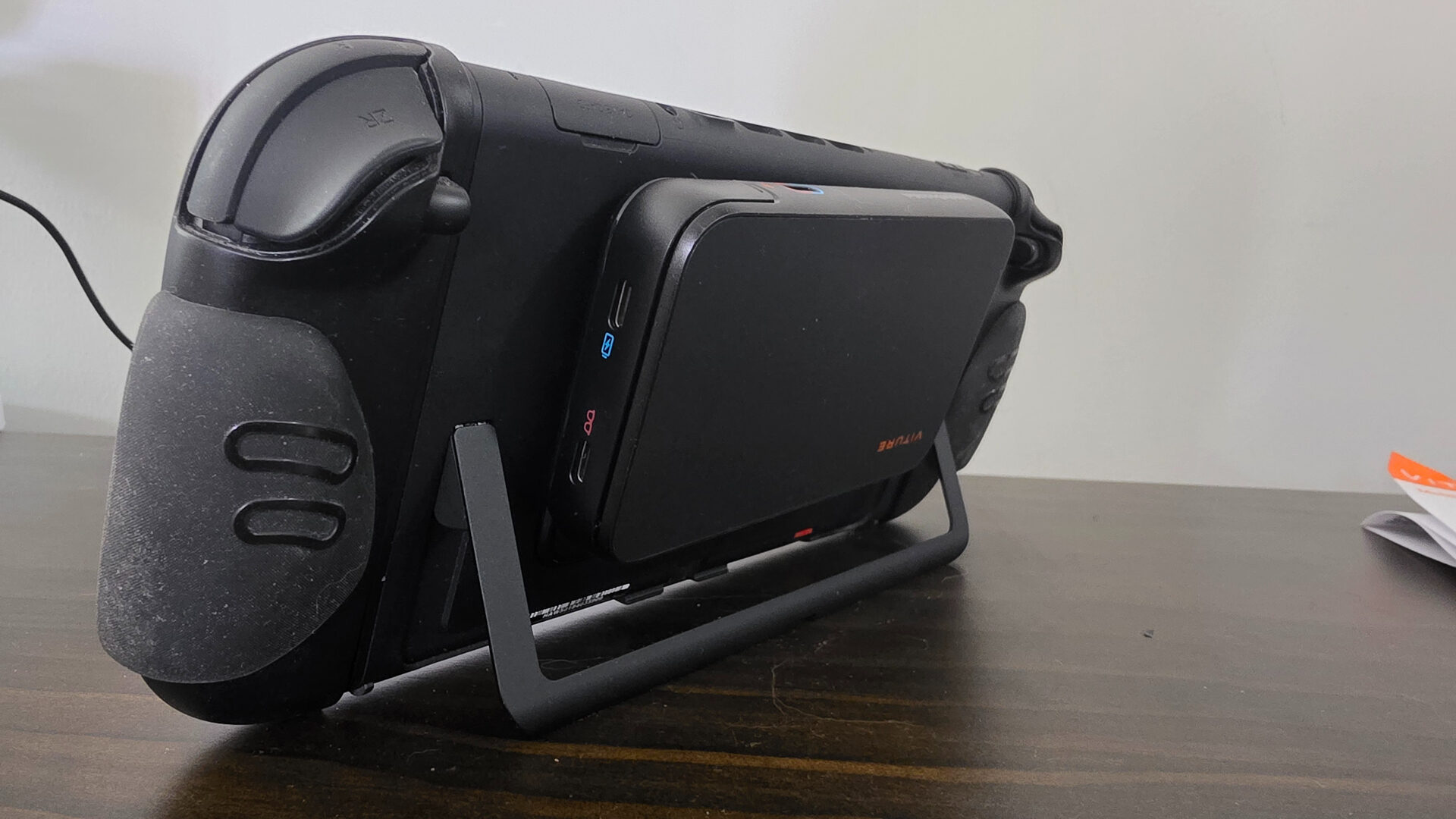
Regardless, even without the option to switch to a 120hz container, only a select few titles on Nintendo Switch 2 even support the higher refresh rate option, meaning you’re not really missing out, while the trade-off for a bigger and brighter screen is more than worth it. Alt-mode compatible devices like the Steam Deck or any modern laptop do work with both a 60hz and 120hz container, making the Viture Mobile Dock Mini a perfect extended-battery solution for those worried about siphoning juice too quickly when directly paired with a set of Viture’s XR glasses.
Ultimately, the Viture Mobile Dock Mini is an ideal solution aimed at Nintendo Switch 2 owners and those who want some extra battery life for their USB-C Alt-mode-compliant devices without needing the extra headroom required for the larger, more robust Pro model dock.