

I’ve tested several of the latest RTX Spark laptops, and while nearly every model I’ve tried has been impressive, the ASUS ProArt P14 stands out as the best all-around option I’ve tested so far. It combines the power of NVIDIA’s superchip with a stunning display and fantastic keyboard, all packed into an incredibly sleek and portable 14-inch laptop. For creators, gamers and AI enthusiasts, the ASUS ProArt P14 feels like a dream machine that delivers on nearly every front. If it weren’t for the price, this would be the Windows laptop I’d recommend to almost anyone looking for a powerful and versatile machine. More importantly, it truly delivers on the promise of RTX Spark as a platform.
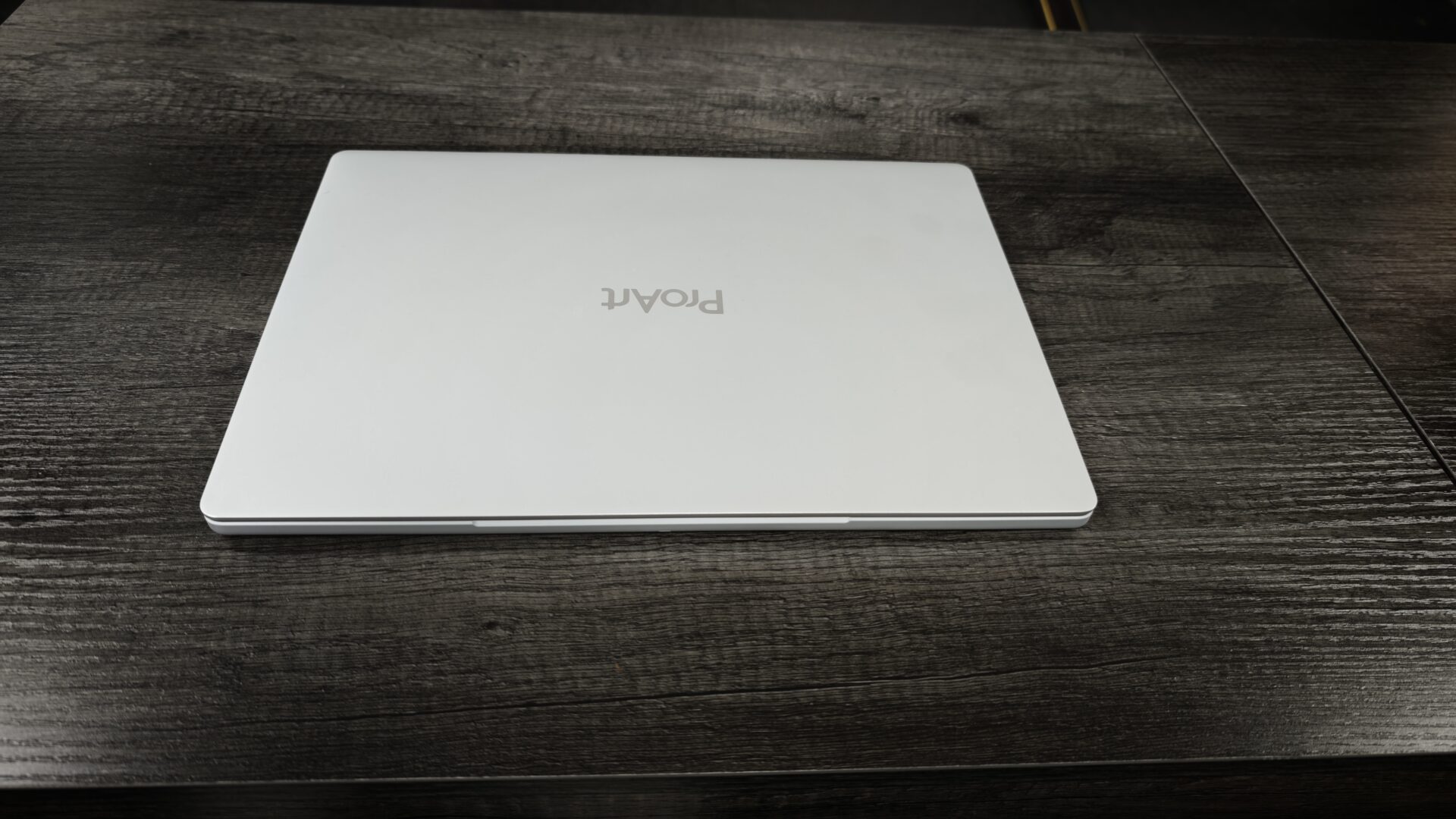
I liked what the Microsoft Surface Laptop Ultra brought to the table and felt it was an excellent Windows alternative to the MacBook Pro, but the ASUS ProArt P14 manages to surpass it in design and overall feel in almost every way. The P14 takes a more restrained approach than many creator-focused laptops, with a clean, understated all-metal chassis and a centred ProArt logo on the lid rather than the aggressive styling found on ASUS’ ROG systems.
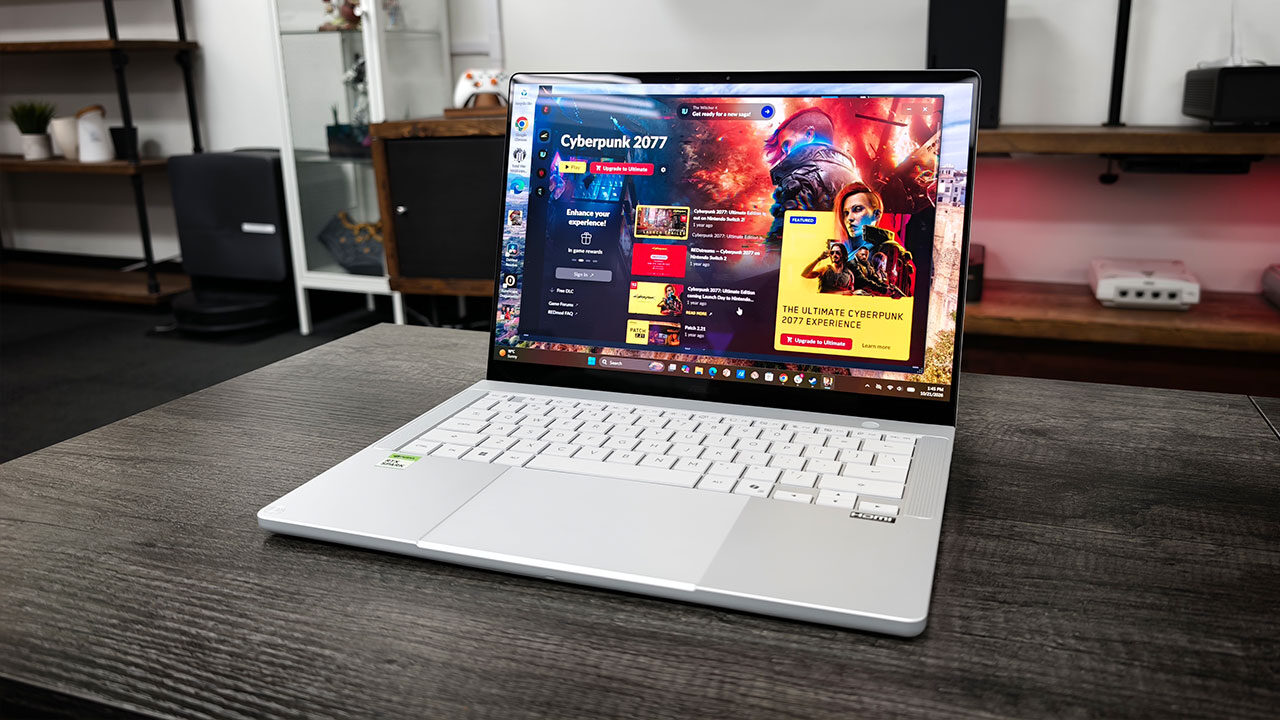
The Nano Black version looks particularly sharp, although the dark finish will likely attract some dust and fingerprints despite ASUS’ anti-fingerprint coating. There’s also a Neo White option for those who prefer a brighter look, which happens to be the model ASUS sent us for review.
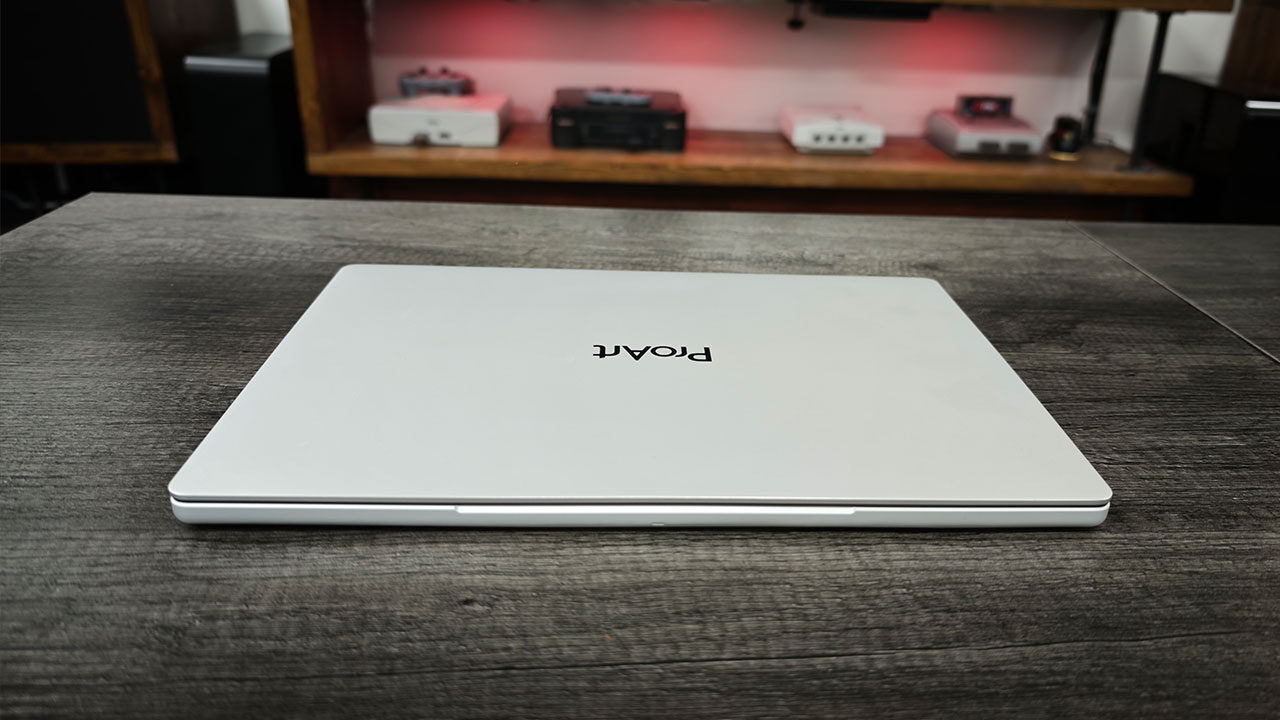
At 1.48 kg and just 13.9 mm at its thinnest point, the ProArt P14 is an easy laptop to carry between a desk, photo shoot or editing suite. It feels designed around portability without sacrificing durability, while its compact 14-inch footprint makes it practical for working in tighter spaces. ASUS also includes a 150-degree hinge, a large haptic touchpad and a backlit keyboard with 1.5 mm of key travel, all of which help the P14 feel like a serious productivity machine rather than a compromised ultraportable.
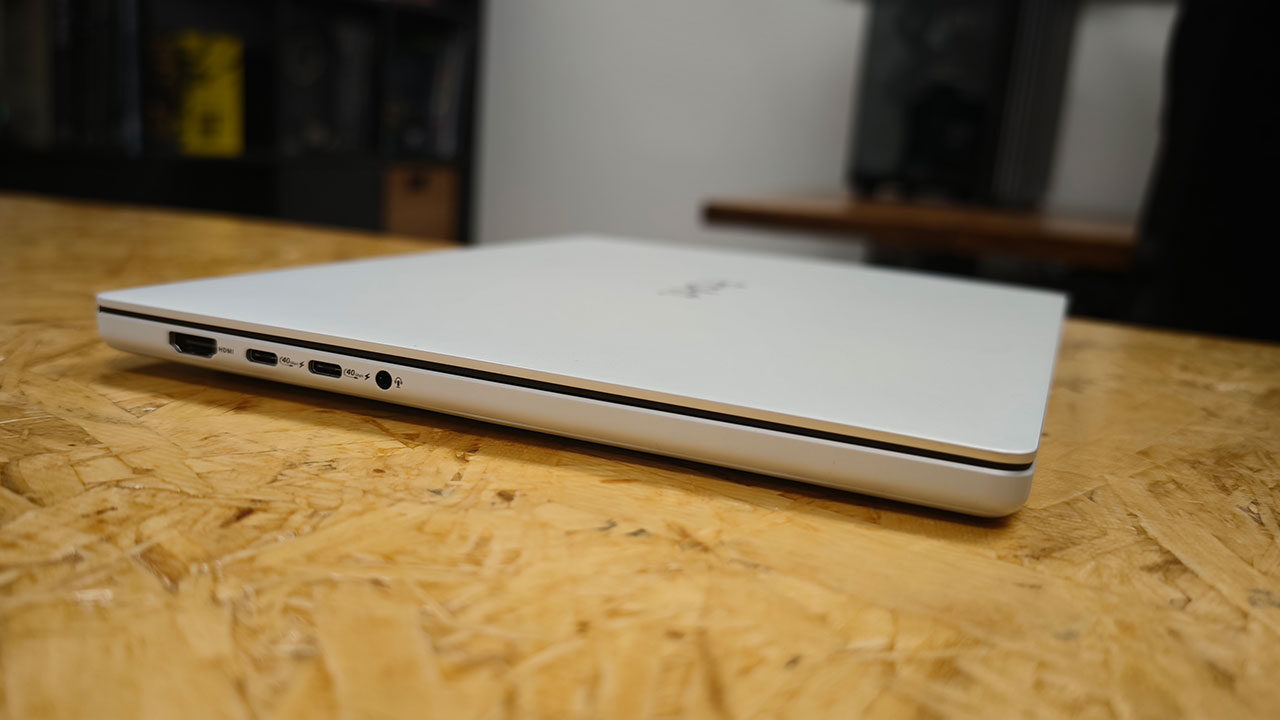
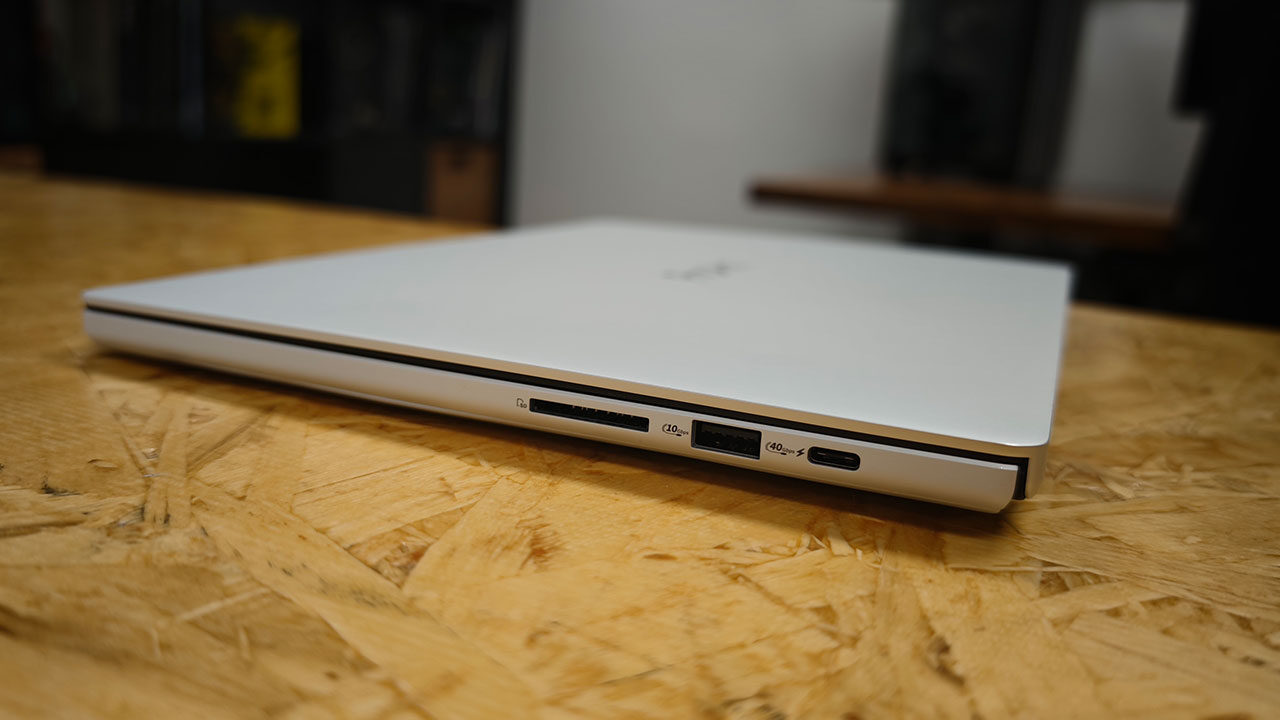
Despite its slim design, I never felt particularly limited by the port selection, which offers enough connectivity to comfortably use the laptop as a daily driver. Three USB4 Type-C ports, a USB-A port, HDMI 2.1, a headphone jack, and a full-size SD card reader help reduce the need for additional adapters, something photographers and videographers regularly transferring files from their cameras will certainly appreciate.
“For creators, gamers and AI enthusiasts, the ASUS ProArt P14 feels like a dream machine that delivers on nearly every front.”
Physically, the P14 is a compact machine, with a footprint roughly matching that of the 14-inch MacBook Pro and a slightly slimmer profile, measuring between 13.9 and 15.9 mm thick. While it isn’t quite in featherweight territory, its 1.48 kg weight feels reasonable considering the remarkably rigid CNC aluminum chassis, with virtually no flex anywhere I could find. The overall build quality is fantastic, giving the laptop a reassuringly premium feel, especially considering how slim it is. My only real complaint is the hinge, which stops at approximately 150 degrees rather than folding completely flat. It’s a relatively minor annoyance, but one that becomes noticeable when working from a couch or trying to find a comfortable viewing angle in a cramped airplane seat.
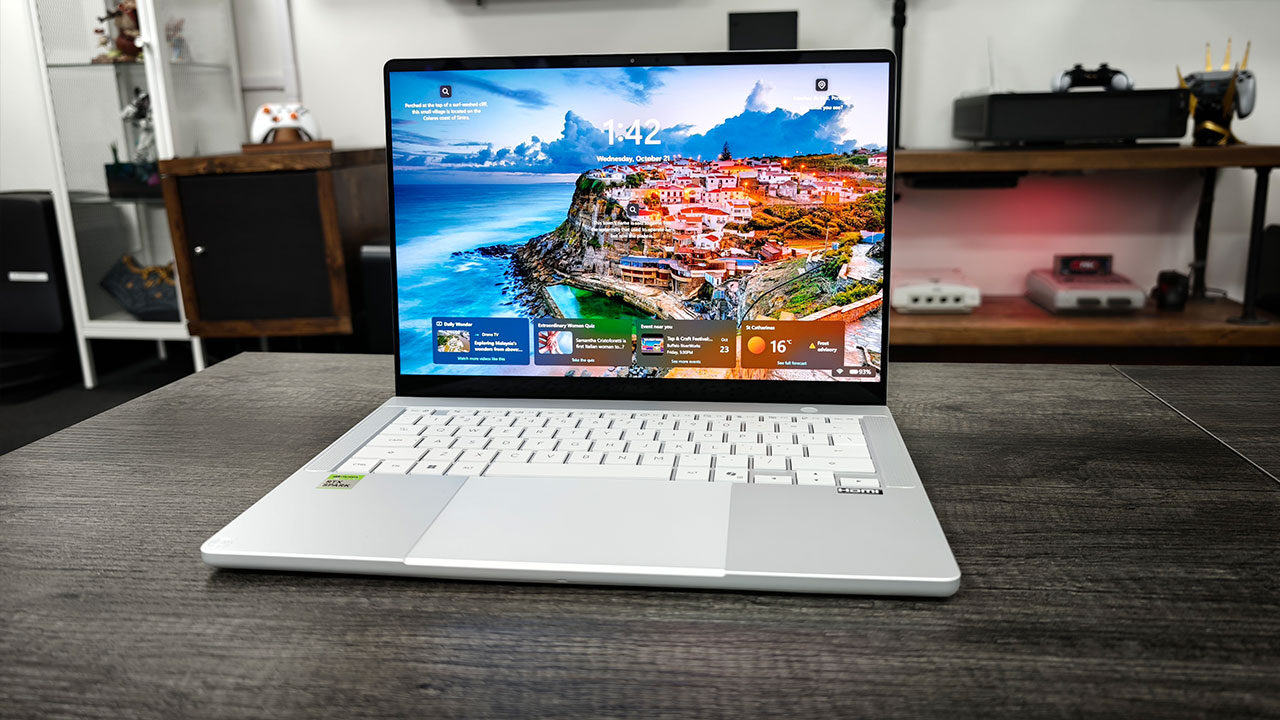
Let’s not forget that the ProArt P14 is built around one of the best displays I’ve used on a laptop this size. It features a 14-inch, 3K Tandem OLED touchscreen, and that Tandem technology makes a real difference. The dual-layer panel delivers a claimed 600 nits of sustained brightness during standard use and up to 1,600 nits of peak brightness with HDR content, well beyond what typical laptop OLED panels can achieve.
Colour coverage extends across the full DCI-P3 gamut, while the refresh rate scales from 30 to 120 Hz. ASUS also rates the display’s colour accuracy at a Delta E below 1, and during my time editing photos, the panel certainly lived up to its impressive specifications. The display features a glossy finish with an anti-reflective coating rather than a traditional matte surface. While reflections can still appear under harsh lighting, the sheer brightness keeps everything remarkably readable.
There was a time when I wasn’t particularly happy with how ASUS keyboards felt. Thankfully, those days are long gone, and the ProArt P14’s keyboard will feel familiar to anyone who has used a recent ASUS laptop, which is certainly no bad thing. The layout carries over from the ROG Zephyrus G14, featuring full-size keys, slightly dished keycaps and 1.5 mm of key travel.
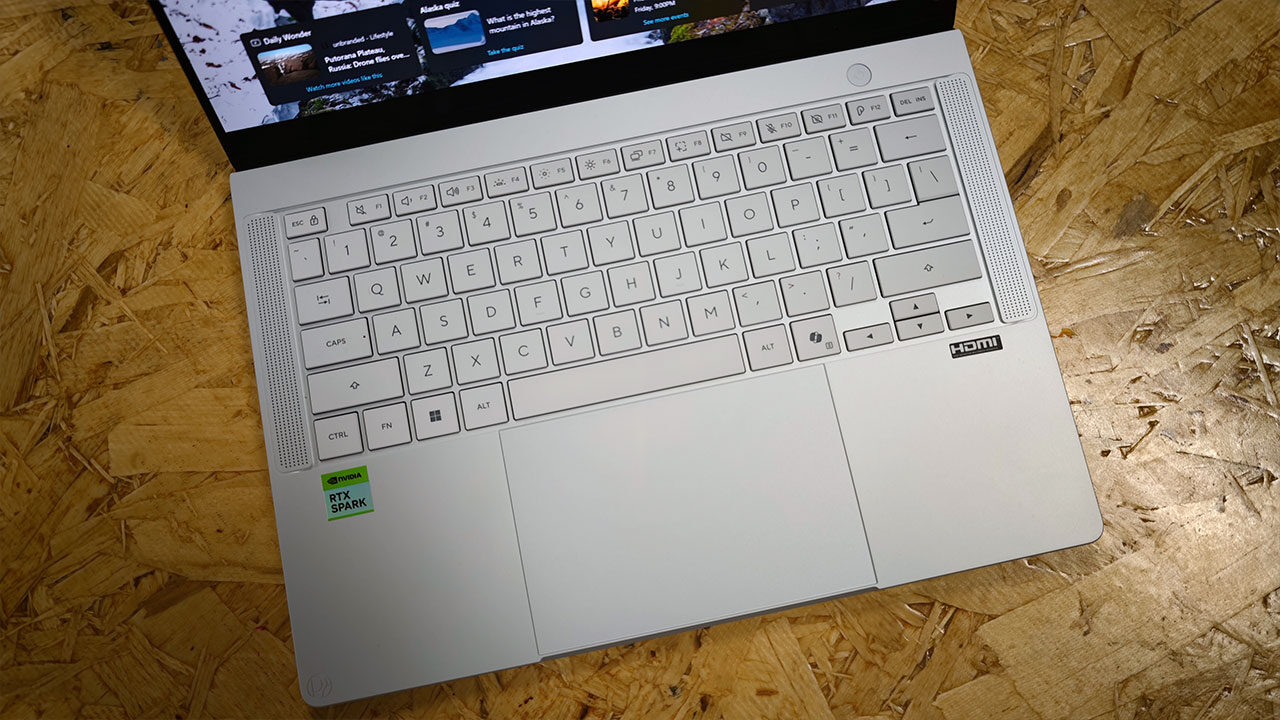
Typing feels subdued yet responsive, offering a little more depth than a MacBook’s keyboard, and I settled into a comfortable rhythm within minutes. White backlighting comes standard with three brightness levels, the lowest of which works particularly well for late-night sessions. However, a fair amount of light does bleed out from underneath the keycaps.
Below the keyboard sits one of the largest touchpads I’ve used on a 14-inch laptop. It’s a haptic glass unit rather than a traditional mechanical clickpad, and taps, swipes and multi-finger gestures all register accurately. Click-and-drag actions take some getting used to, and because ASUS has stretched the surface nearly edge to edge, my sleeves occasionally triggered unintended touches when typing with the laptop on my lap. There’s no fingerprint reader here, with ASUS instead relying on the infrared webcam for Windows Hello sign-ins. Thankfully, the power button also sits separately from the keyboard, reducing the likelihood of accidental presses.
Under the hood, the ProArt P14 is one of the first laptops built around NVIDIA’s RTX Spark platform, bringing something genuinely new to the Windows laptop market. Much like we saw with the Surface Laptop Ultra, the results are impressive. The N1X superchip pairs a 20-core Grace CPU with a Blackwell GPU featuring 6,144 CUDA cores, connected through NVIDIA’s NVLink-C2C interconnect rather than a traditional PCIe connection. This Arm-based design means running Windows on Arm, along with the compatibility considerations that come with it. However, it also brings the full CUDA software stack, RTX acceleration and fifth-generation Tensor cores to a remarkably portable 1.48 kg laptop.
Our review unit came equipped with 128 GB of unified LPDDR5X memory shared between the CPU and GPU, with the ability to allocate up to 96 GB as video memory. This allows the ProArt P14 to run large language models and AI generation tools locally, without relying on cloud subscriptions or paying token fees.
“Under the hood, the ProArt P14 is one of the first laptops built around NVIDIA’s RTX Spark platform, bringing something genuinely new to the Windows laptop market.”
During testing, the laptop even managed to keep pace with a desktop RTX 5080 in certain content-creation workloads, which is particularly impressive for such a compact machine. When it comes to creative applications and gaming, native Arm software delivers performance somewhere between a GeForce RTX 5060 and RTX 5070, although older x86 applications running through emulation lose some of that performance advantage. Even so, I didn’t encounter a game that wasn’t playable at a reasonable frame rate.
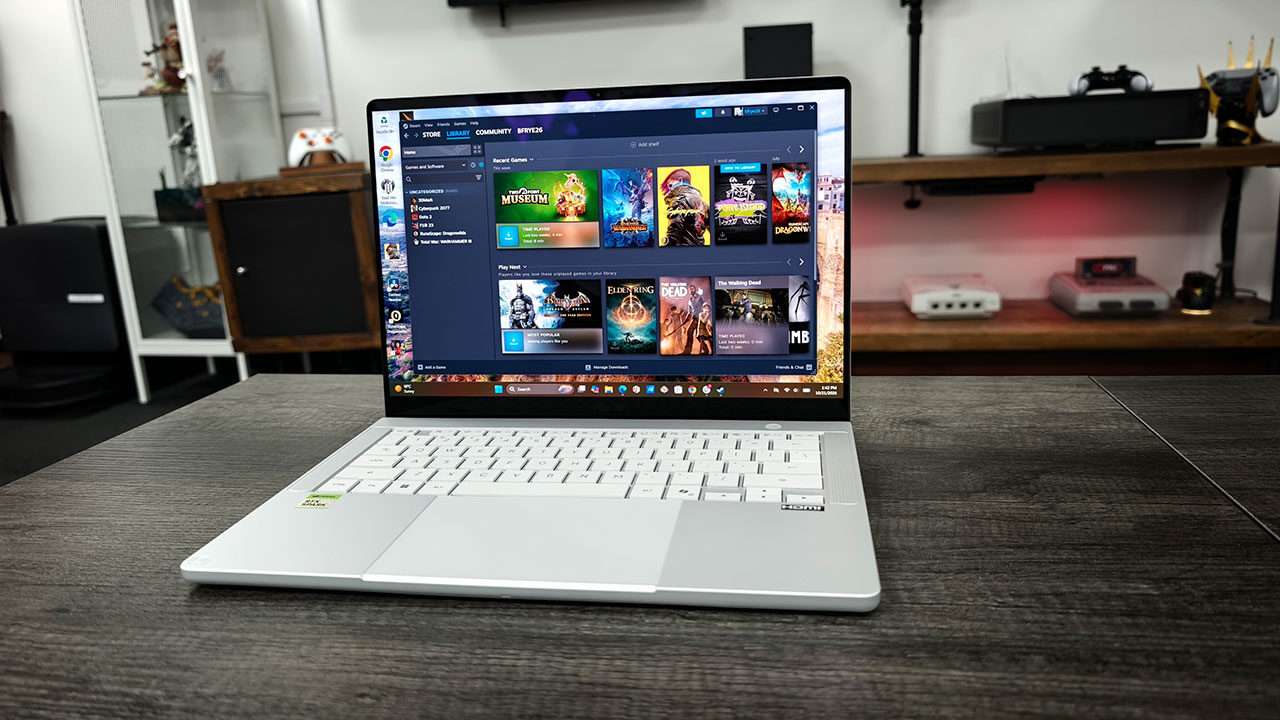
Much like my experience with the Surface Laptop Ultra, I was thoroughly impressed with how well the ASUS ProArt P14 handled modern games. Jumping into Cyberpunk 2077 at Ultra settings with DLSS enabled, the laptop managed an average of 95.5 FPS at 1920 × 1080, dropping to around 81.3 FPS at 1440p. Even so, those are incredibly solid numbers for a laptop this compact. In F1 23, running at Ultra settings with DLSS enabled, the P14 achieved an average of 60 FPS at 1080p and 55 FPS at 1440p. Once again, these are impressive and entirely playable results for a laptop this thin and light.
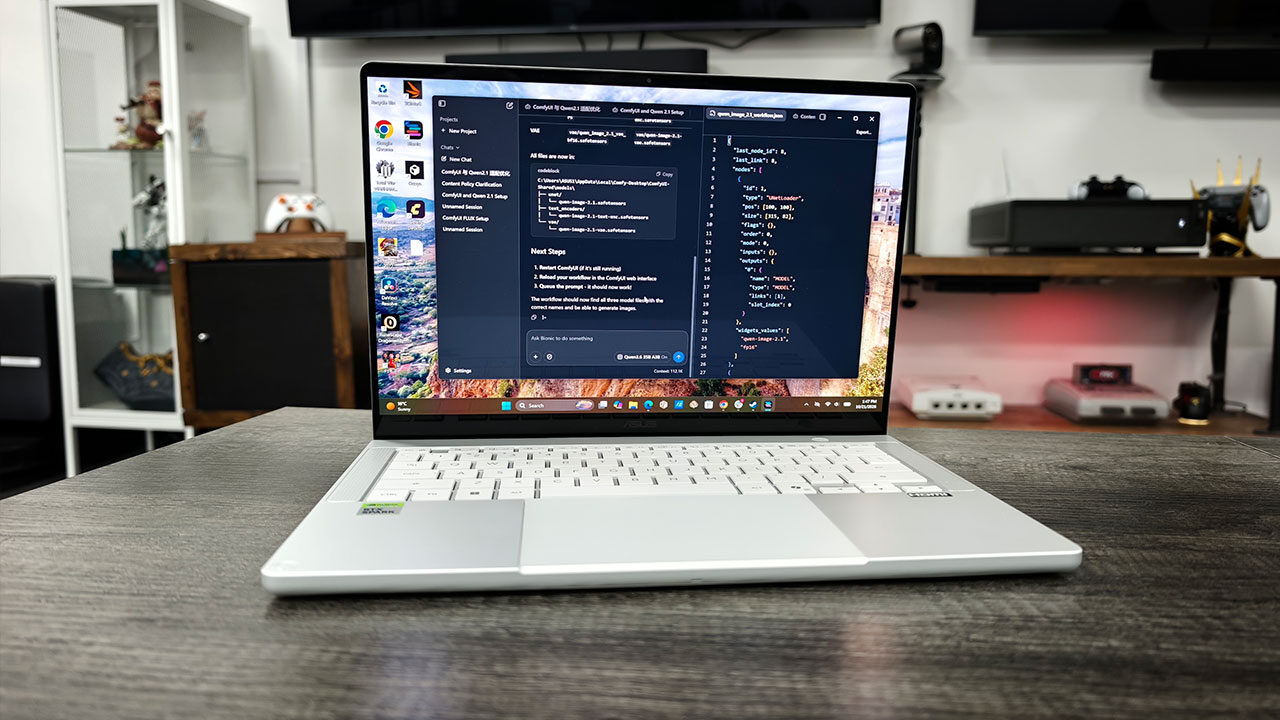
In synthetic benchmarks, the P14 achieved a respectable score of 2,497 in 3DMark Speed Way, while Steel Nomad delivered a score of 2,337. We also conducted a range of AI tests, putting local AI agents through several practical tasks, including installing and configuring ComfyUI, verifying that everything worked correctly and optimizing the laptop for gaming and other workloads. For this review, we used the Qwen3.6-35B-A3B model to power our local agents, and the entire process worked without a hitch. Being able to run these kinds of AI workloads locally on a machine this compact is genuinely impressive.
If you want to learn more about our AI and application testing on RTX Spark, you can check out our dedicated coverage of the platform, where we break down what NVIDIA’s new chip makes possible and why it represents such a significant step forward for the Windows ecosystem. Suffice it to say, NVIDIA has delivered an incredibly capable system-on-chip (SoC), and throughout our testing, I was genuinely impressed by just how much this little machine could accomplish.
Much like the Surface Laptop Ultra, the ASUS ProArt P14 is an absolute monster when it comes to content creation. It performed exceptionally well across applications such as DaVinci Resolve, CapCut, the full Adobe suite and the Affinity suite, alongside several other creative tools I decided to throw at it for good measure. Everything ran incredibly well, with the laptop delivering desktop-like performance across much of my testing.
Granted, if you already have an RTX 5090 in your desktop, you’re going to see better performance in many demanding workloads. However, for applications where memory capacity is the primary bottleneck, the ProArt P14’s massive pool of unified memory can make a significant difference, delivering an incredibly capable and responsive experience, even when running on battery power.
ASUS has equipped the ProArt P14 with a 90 Wh battery, larger than what you’ll find in most 14-inch laptops, and it needs every bit of that capacity. During my testing, lighter workloads told a promising story. Video playback lasted more than 11 hours on a single charge, while a typical day of writing, browsing and streaming music delivered around eight hours of battery life with the laptop running in Whisper mode.
Push the P14 harder, however, and those numbers drop considerably, although they remain respectable given the performance on offer. Heavier web browsing and creative applications reduced battery life to approximately five to six hours, while demanding AI workloads drained the battery noticeably faster, with some 15-minute benchmarks consuming several percentage points of charge. Gaming also took a significant toll, although Cyberpunk 2077 consumed approximately 18% of the battery during an hour of gameplay, which is still a respectable result considering the hardware and performance involved.
Much like the Microsoft Surface Laptop Ultra, I’m incredibly impressed with what the ASUS ProArt P14 and NVIDIA’s RTX Spark platform bring to the table. This is an incredibly powerful machine capable of tackling a wide range of tasks without weighing you down with unnecessary size or bulk. However, much like the Surface Laptop Ultra, the ASUS ProArt P14 comes with a substantial price tag.
The base model starts at $2,599.99 USD, while our top-end review unit, equipped with 128 GB of unified memory, costs a staggering $6,499 USD. That makes it one of the more expensive laptops on the market and puts it well beyond many people’s budgets. Still, there’s no denying that it’s also one of the most capable Windows laptops I’ve tested, delivering an incredible amount of performance in such a compact package.
I thoroughly enjoyed my time with the Surface Laptop Ultra, but the ASUS ProArt P14 ultimately takes the crown as my favourite RTX Spark laptop on the market today. It strikes an exceptional balance between power, performance and portability, while its sleek design and premium build quality make it an absolute winner in my books. If I were buying an RTX Spark laptop from the current lineup, the ProArt P14 would be my top choice, hands down. ASUS and NVIDIA have delivered something genuinely special here. Now, if only they could bring that price down a little.