

A game can look fantastic and still be frustrating to play. Bad controls, confusing menus and unreliable reactions can spoil an otherwise great experience. The interesting part is what developers do to prevent these problems before players ever encounter them.
You’re halfway through a difficult boss fight when you press dodge, but your character doesn’t move until the attack has already landed. That’s frustrating because you know you pressed the button in time. Games depend on dozens of small mechanics working properly, from the way controls respond to the way the engine calculates a hit. Most players never think about any of that while they’re playing, but a missed input or a badly timed animation can turn a good game into an annoying one.
A Button Press Shouldn’t Be a Negotiation

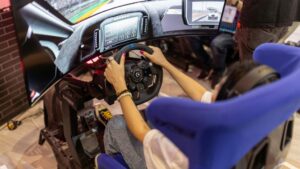
Responsiveness is one of the first things you notice when a game goes wrong. Your character needs to react when you press a button, particularly during combat when half a second can decide whether you survive.
The developers of Marathon have spent considerable effort making its controls easier to use during fights. In an April 2026 PlayStation Blog article, Sony Interactive Entertainment’s Jim Eldin shared Bungie’s recommended DualSense Edge settings, including assigning equipment and consumable wheels to the controller’s rear buttons.
That arrangement lets players select equipment without taking their thumbs off the analogue sticks. Bungie also recommends the medium R2 trigger stop because most weapons register firing before the trigger completes its full travel. Neither adjustment changes the weapon mechanics, but both make those mechanics easier to use when you’re under pressure.
Game designer Steve Swink made a related point during GDC China in 2010: “If you want to make a really good game, you have to take care off the really invisible things that players do not think about and which are thankless.”
He’s talking about the work players never appreciate until something goes wrong. Responsive controls become second nature when they’re working properly. A missed input makes you question every button press afterward.
When the Physics Doesn’t Match the Picture
Picture landing on the edge of a platform in a game, only for your character to fall straight through it. From your perspective, the landing was successful. The game disagrees, and you’re back at the checkpoint.
Part of the problem is that games calculate physics separately from what appears on your screen. According to Godot Engine’s official physics documentation, its default physics calculations run at 60 ticks per second, regardless of the rendered frame rate.
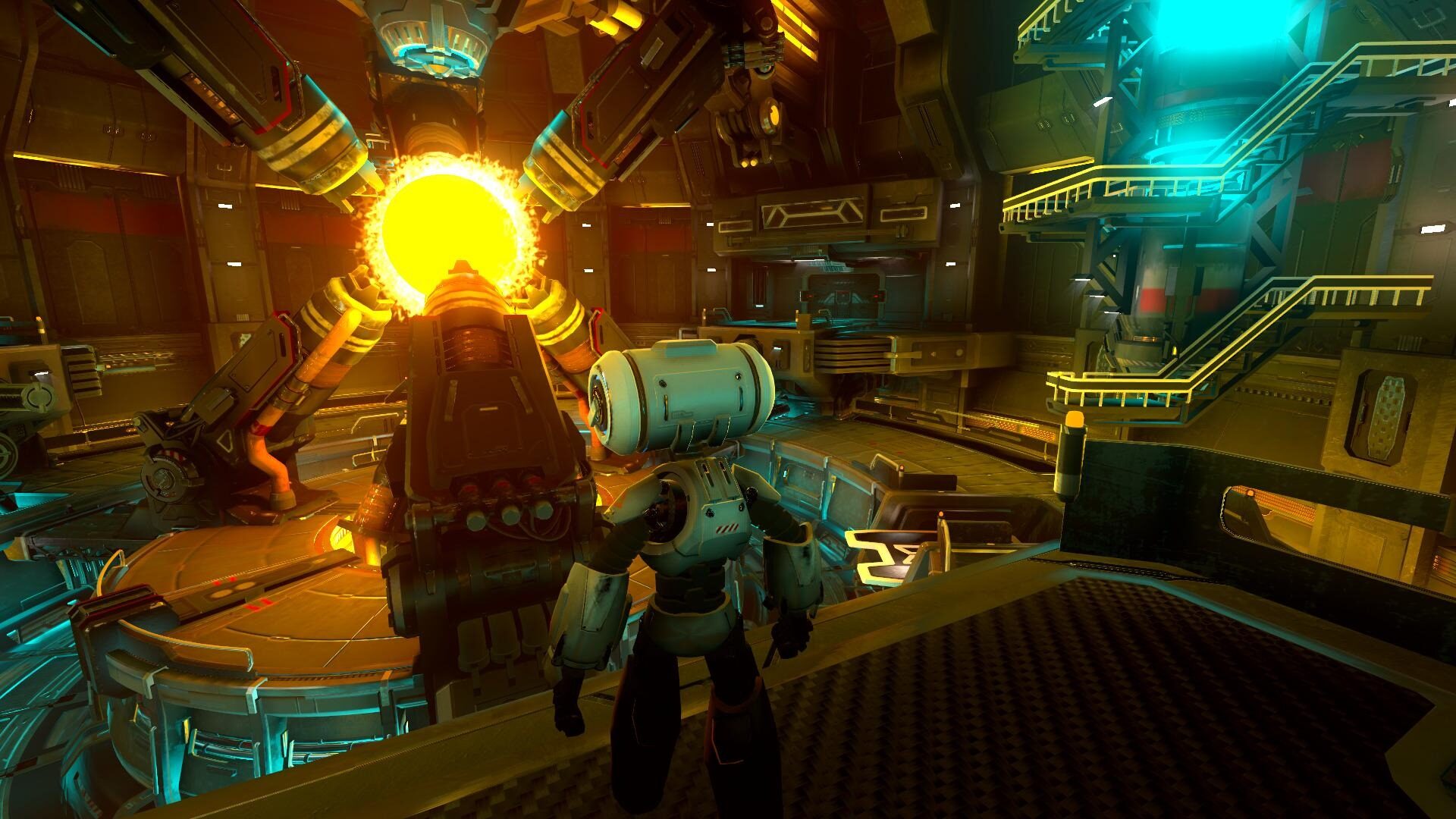
A game rendering at 120 frames per second therefore displays twice as many frames as the physics engine calculates. Developers use interpolation to smooth the movement between physics updates, although Godot acknowledges that this introduces a small delay.
Collision detection presents another challenge. A projectile travelling quickly through a game world needs to register contact with an object, even when it moves a considerable distance between calculations. When detection fails, the projectile passes through something it was supposed to hit. The development of in-game physics from scripted interactions to real-time simulations shows how much work goes into making these interactions convincing.
Different technical problems produce different frustrations:
| Technical Problem | What the Player Experiences |
| Input delay | The character responds after the button press |
| Collision detection failure | A projectile passes through its target |
| Uneven frame pacing | Movement stutters despite a high average frame rate |
The irritating part is that players can see what happened, but they cannot always understand why the game produced that result.
The Game Needs to Tell You What Happened
Landing an attack is satisfying partly because the game confirms it. The enemy reacts, a damage number appears, or the sound changes when your weapon connects. Remove that confirmation, and you’re left wondering whether the attack registered. The same principle applies to games built around repeated actions. A spin needs a clear start and an understandable result, especially when bonus mechanics add stages before the outcome is complete.
That becomes relevant when playing cascading-reel pokies through online casino like SpinBit. Its advertised library includes Sweet Bonanza and Gates of Olympus, where winning symbols disappear and new symbols take their places. Each cascade needs to show what happened before the next sequence begins.
The mechanics are different from those of an action game, but players still need to understand the result of their input. A confusing animation can make a completed action appear unfinished, while unclear symbols leave players checking whether anything happened. Sound also contributes to that understanding. A distinct effect can confirm an interaction before you’ve finished looking at the screen, while an appropriate animation makes the result easier to follow.
Good feedback gives players enough information to continue without stopping to work out what the game just did.
Small Interface Problems Become Big Frustrations
Opening an inventory during a fight is annoying enough without having to work through several menus to find the item you need. The problem gets worse when important controls are difficult to reach or the game insists on using a layout that doesn’t suit your hands.
Interface design determines how easily players access the mechanics already available to them. The game can have excellent combat or an impressive equipment system, but navigating it shouldn’t require more concentration than the encounter itself.
Three problems are particularly irritating:
- Essential actions buried in menus that interrupt active gameplay.
- Buttons positioned awkwardly for the device or controller being used.
- Fixed control layouts that prevent players from changing uncomfortable assignments.
These problems also affect browser games, where screen space is limited and the interface must accommodate different devices.
The SpinBit slots lobby offers thousands of pokies, live dealer tables, and game shows from leading providers, supported by navigation features that help players narrow their choices, since scrolling through the entire catalogue would take much longer. The useful distinction is between having information available and making it easy to find. Players shouldn’t need to fight the menu before they can start playing.
Good Mechanics Let Players Get on With Playing
Return to that boss fight where your character refused to dodge. The problem might have been input delay, an animation that prevented another action, or the timing of the game’s calculations. Whatever caused it, the result was the same: you stopped concentrating on the boss and started thinking about the controls.
Developers face decisions about responsiveness throughout production. A realistic animation may look excellent but take too long to complete, making a character awkward to control. Reducing that delay can produce a better playing experience even when the movement becomes less physically accurate.
The same need for clear interaction extends to other games, where the interface must communicate betting selections and the outcome of a streamed physical wheel. Players need to know what they’ve selected and when an action has been completed.
That’s ultimately the standard good game mechanics have to meet. When the controls respond properly, and the game communicates its results clearly, you can concentrate on what you’re trying to accomplish. Players remember the difficult boss they finally defeated. They shouldn’t have to remember the button that didn’t work.