

As someone who travels around Toronto frequently and works multiple jobs, having a solid laptop that can keep up with me being mobile is a key part of my lifestyle. While I have trusted ASUS with laptops for the past eight years, I have been critical about some of their features and capabilities. Even for a business laptop, the $2,499.99 Canadian price tag ($1,399.99 USD) on the newest ASUS ExpertBook A7 laptop raised my eyebrows—I was skeptical it was truly worth the cost for a small-to-medium business (SMB) employee.
The ASUS ExpertBook A7 stands out for its Intel Core 7 350 CPU, aka the Wildcat Lake processor line, 16GB LPDDR5X memory, 500GB PCIe SSD storage, 3K OLED screen, full CNC unibody metal chassis, full I/O ports, Wi-Fi 6E capabilities, ASUS ExpertGuardian inclusion, TPM 2.0 security, a long 65Wh battery, and its large haptic touchpad. Everything on paper sounded like it was shaping up to be a decent business laptop.
Design
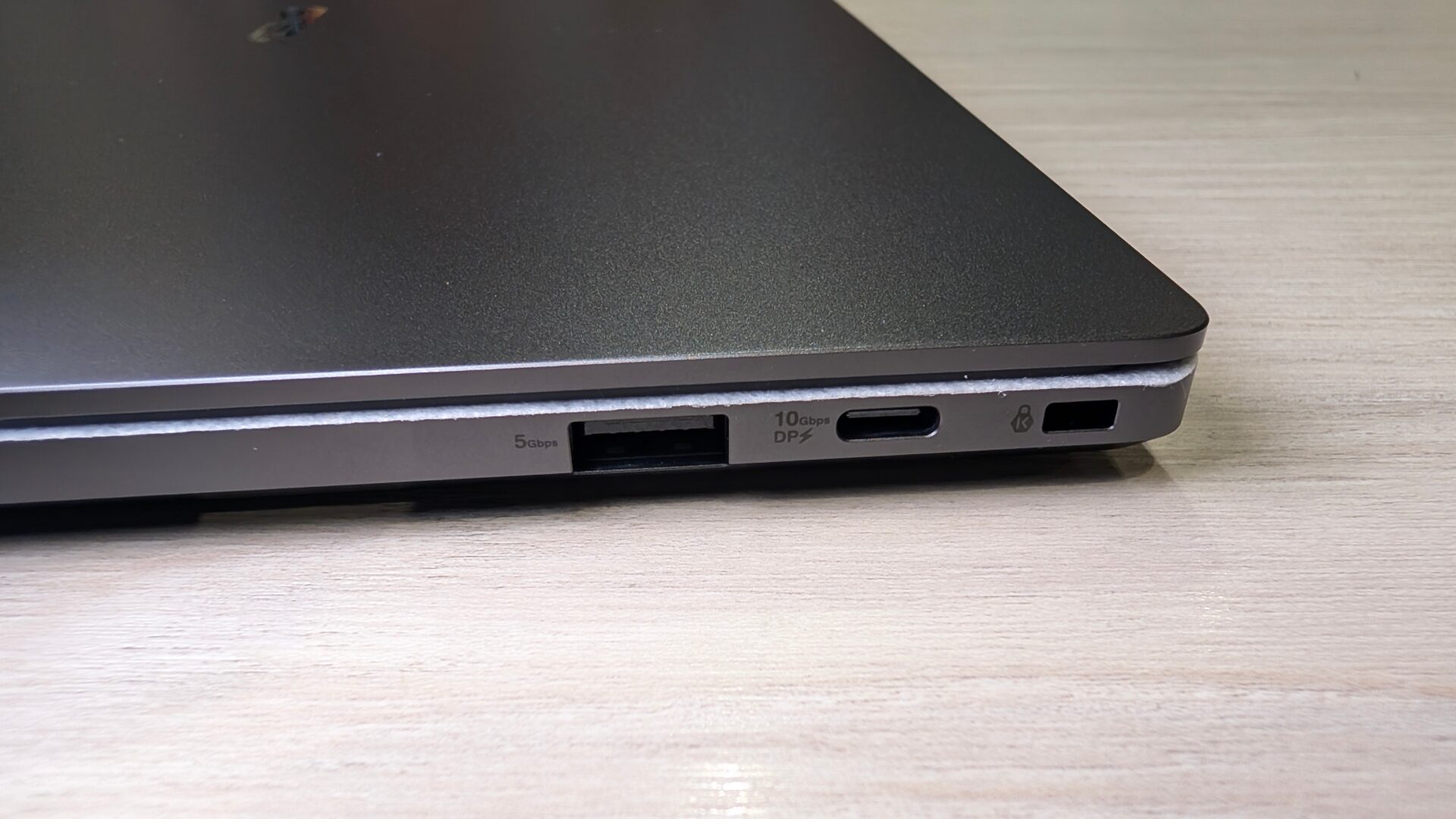
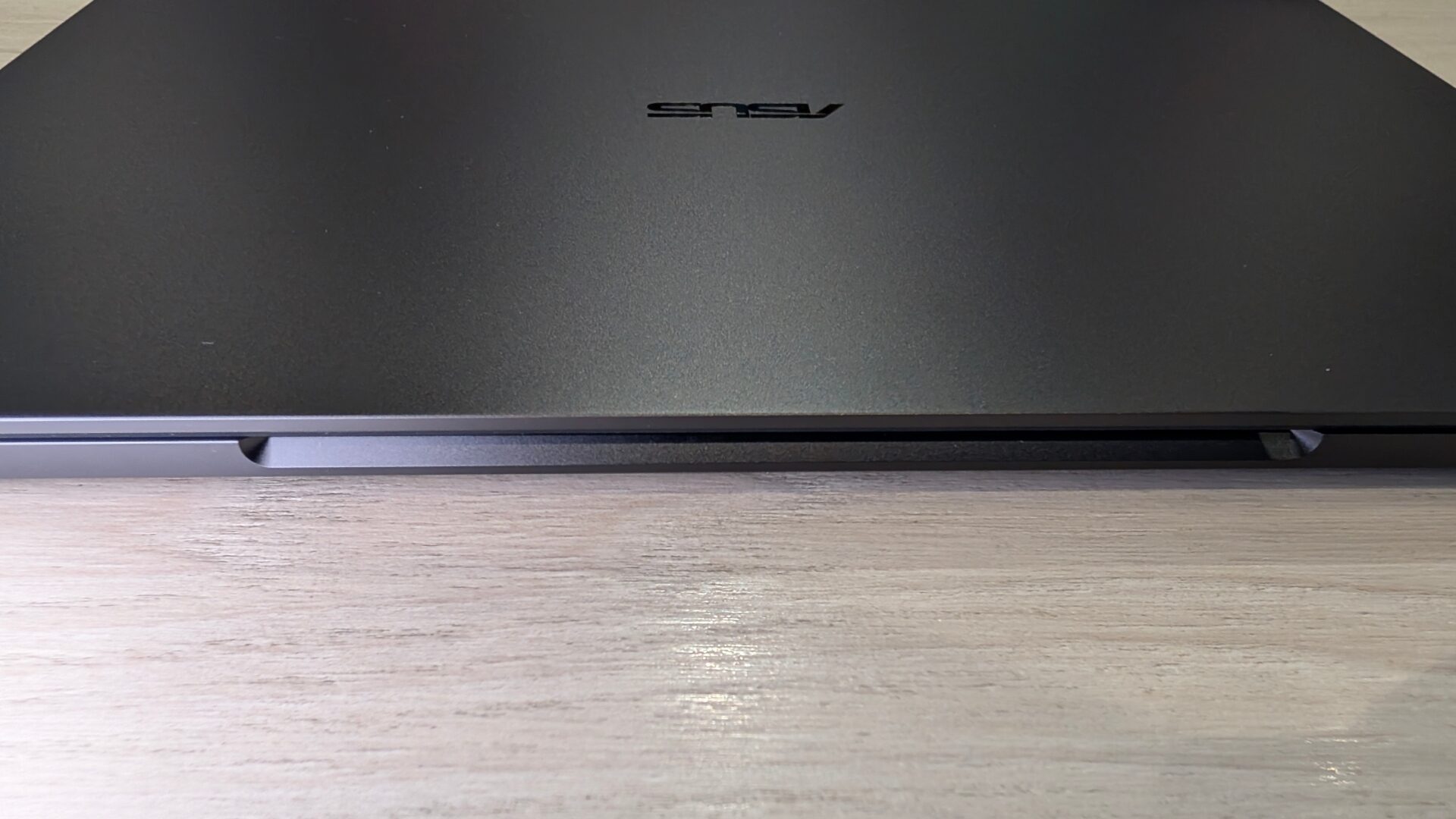
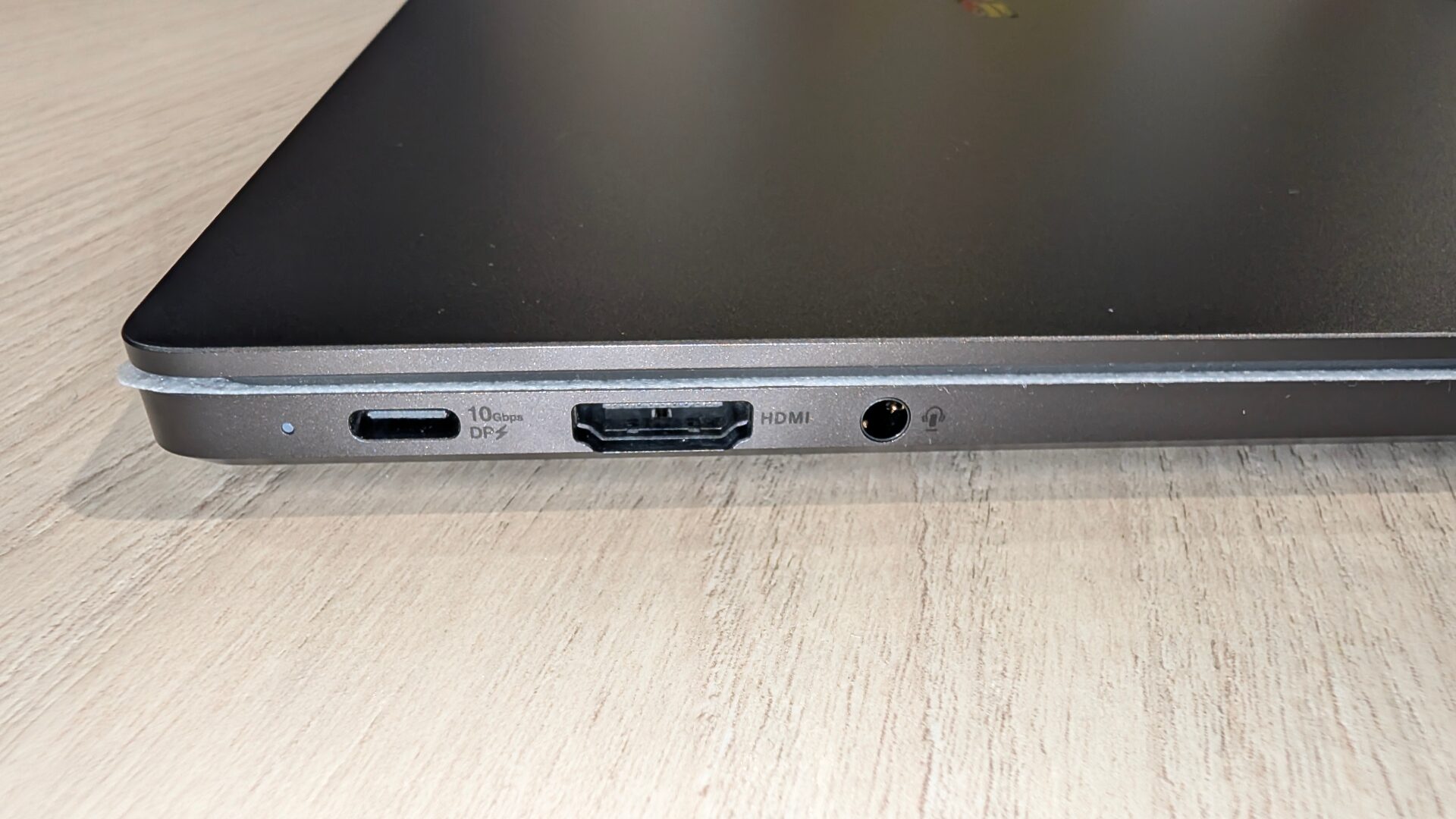
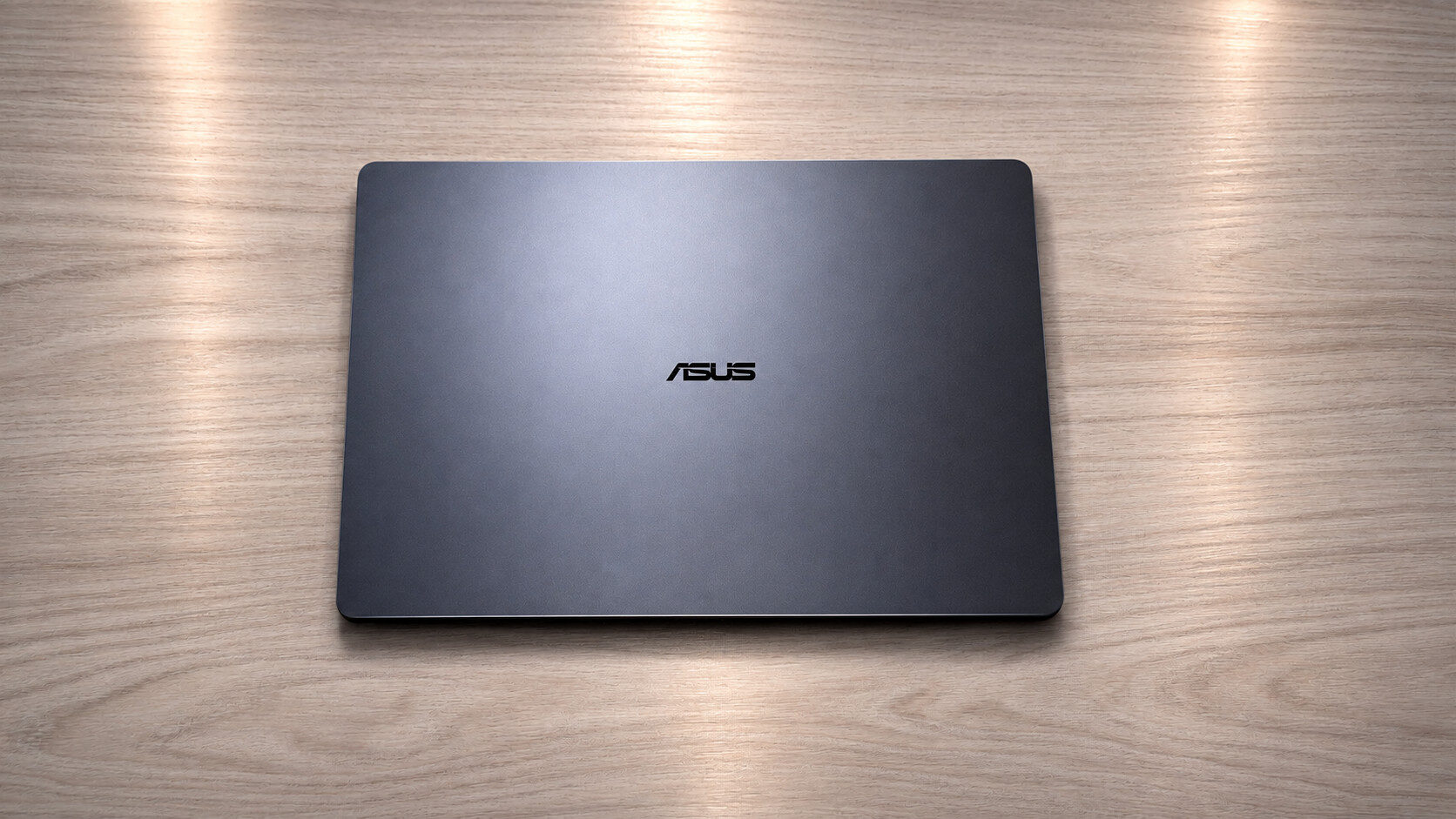
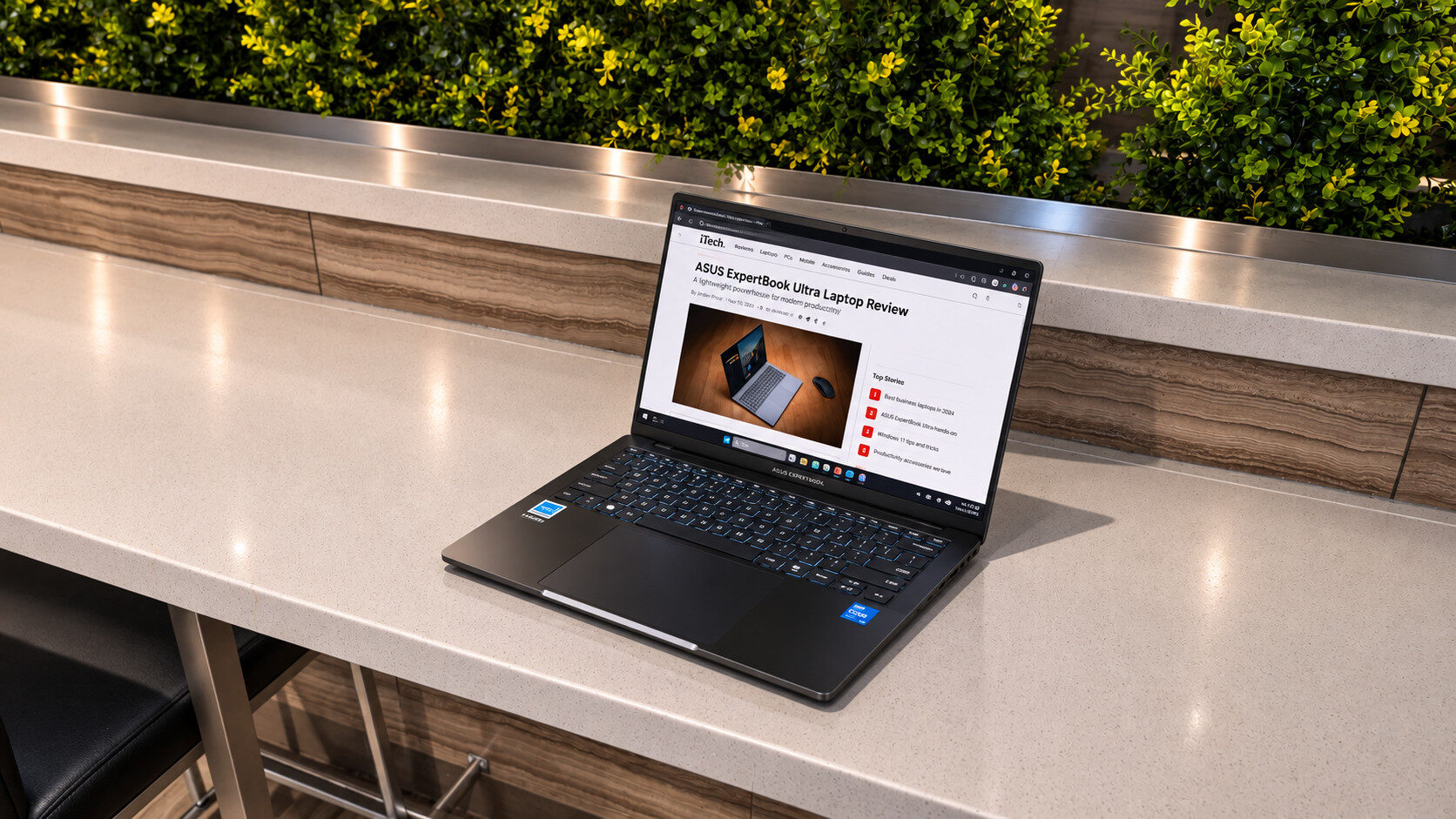
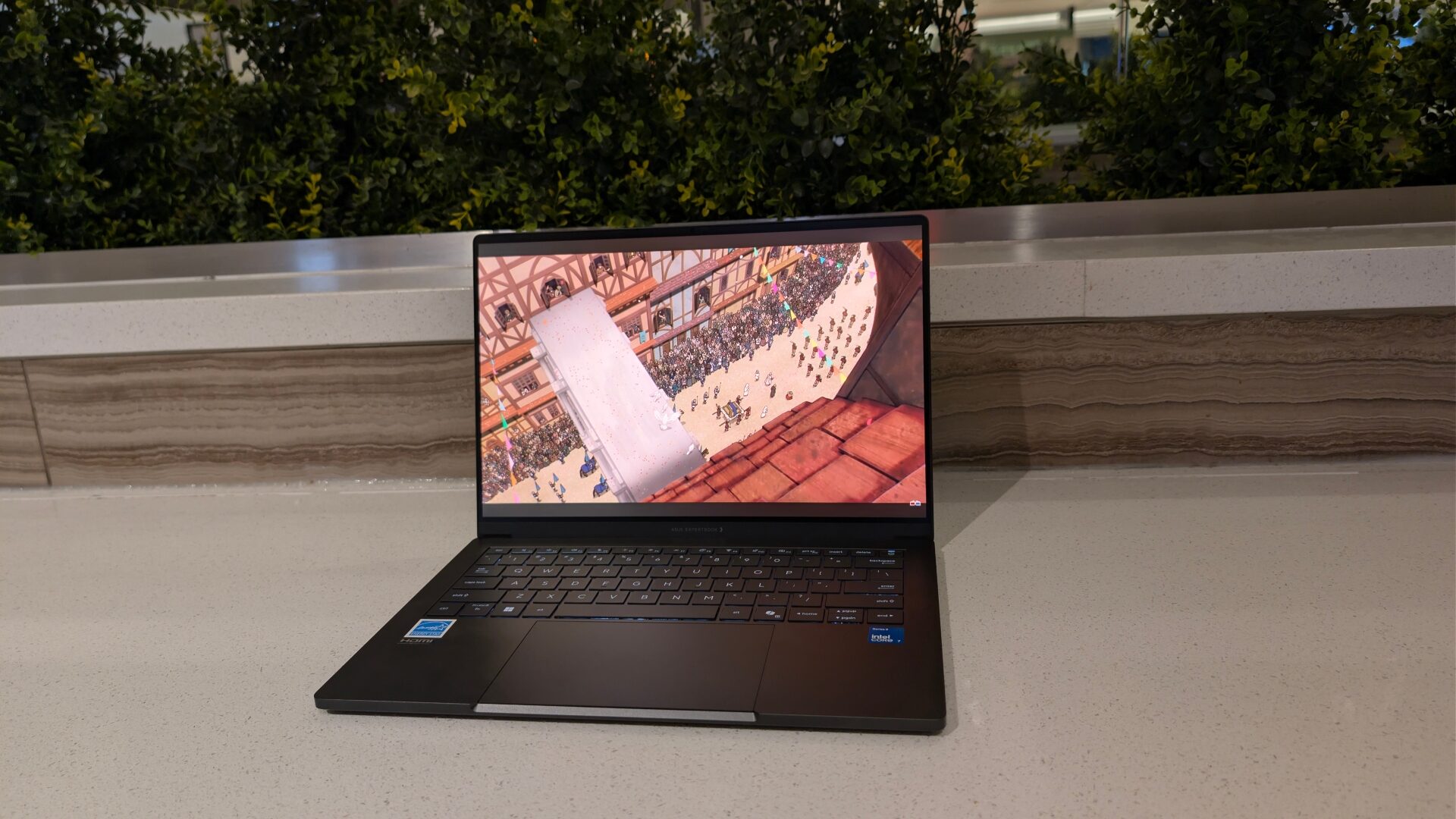
From an overall design standpoint, the ExpertBook A7 felt like a business laptop created for travelling users. The 1.2kg (2.65lbs) weight was light enough to easily carry with one hand, without feeling like I was bending the chassis. As advertised by ASUS, I was able to open and close the laptop with one hand. The hinges were buttery smooth, but a little too loose for my liking.
Power/Battery
Power and battery life are a high priority if I am on a long flight and need to get some work done on my laptop. This laptop excelled at hitting the 12-hour mark on a single charge, especially with battery saver on—and using simple tasks like Word/Docs and web browsing. For entertainment purposes, I found the battery lasted around the 8-10-hour mark. This is a huge plus for those who do not want to constantly be plugging in their charger while travelling.
Setup/Included Features
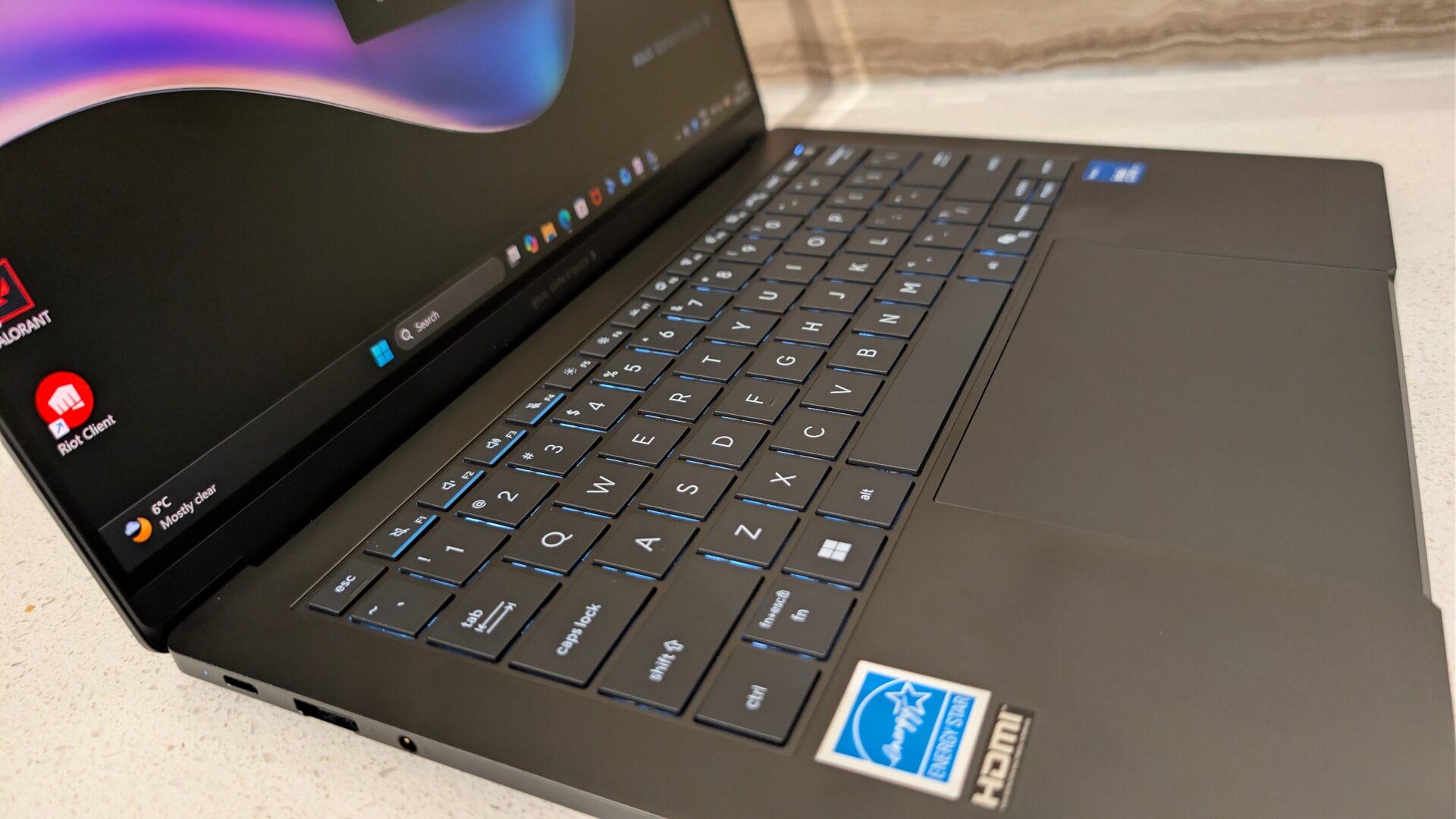
I found the setup and startup fairly quick and easy. Like most modern laptops, you log in and link your WiFi, and you are in. This laptop came with a month free of Microsoft 365, which is a great pairing for Copilot 365—if you use Copilot. While Copilot is free, the advanced features are in Microsoft 365.
The ASUS ExpertBook A7 comes with McAfee AntiVirus pre-installed, an added virus protection software tailored for a single household. This is great for those who work from home or are on the go. Users are assured there is a deterrent installed to prevent cyberattacks against this work laptop, ensuring company data can stay as secure as possible. Even though this is not a fix-all solution, it is great to have a VPN with an easy-to-use interface—and one that is not too bloated on the laptop.
“From an overall design standpoint, the ExpertBook A7 felt like a business laptop created for travelling users.”
One of the special promotions for the first 100 people in Canada to buy the ExpertBook A7 is that they will not only receive the laptop—but ASUS will also provide a portable ZenScreen MB169CK and a wireless SmartO Mouse MD200. This is a fun touch to promote this business laptop, where having an extra screen is pretty much required—and having a mouse is also good. I will be honest, though; the touchpad on this laptop is nice too. I liked that the right and left clicks were instinctively where they needed to be positioned.
The portable ZenScreen MB169CK was an easy plug-and-use addition, which pairs well for those whose work requires them to be reading something on one screen and working on the other. The SmartO Mouse MD200 was quite ergonomic and did not smudge easily. I am guessing that it was the anti-microbial material at work, but I was skeptical. I can snack on some popcorn while gaming once in a while, so it was surprising that this wireless mouse stayed pretty clean throughout this whole test.
Benchmarks
Here are the Geekbench results for the ExpertBook A7 laptop:
Single Core: 1,432
Multi Core: 4,246
GPU (Intel Xe3 Graphics): 12,092
CPU performance was decent. I had tens of tabs and multiple window groups open, on top of doing some video editing in CapCut. The ExpertBook A7 handled it all well. I admit that the video editing still rendered at about the same speed as my PC, sporting an AMD Ryzen 5 5500X CPU—so not bad for keeping on par with my PC against the Intel Core 7 350 CPU in this laptop. I would have liked to see a bit higher scores, but consumers have to remember this is a more entry-level business laptop designed to be mobile. Obviously, if this laptop had an Intel Core Ultra, these scores would be higher. But for something as portable as this, it got the job done for tasks that included, but were not limited to: web browsing, word processing, opening basic spreadsheets, video conferencing, and video editing.
Of course, the AI features have not been integrated into my AM4 motherboard setup, so this laptop beat my PC by default. I found the ASUS MyExpert software great for meetings and transcribing notes from live recordings or recorded ones that could be imported. And because of the NPU memory being so fast, I enjoyed how easy it was to search through files on MyExpert versus the traditional File Explorer on traditional Windows computers/laptops.
Typing/Working Experience
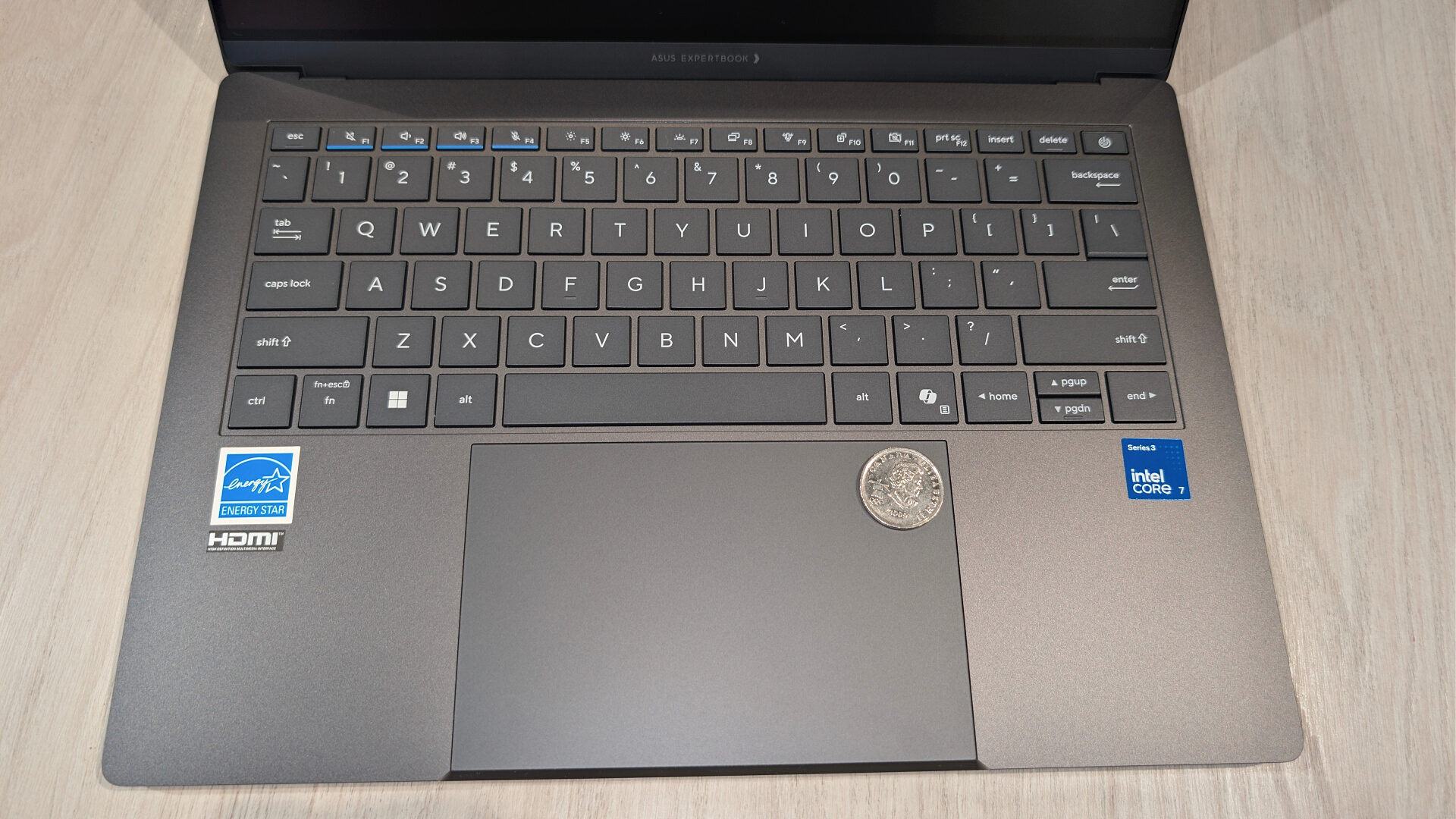
Of course, I typed a lot of articles on this laptop, and the typing experience matters a lot for this backlit chiclet keyboard. It certainly was quiet, with the switches feeling more thunky than clicky or squishy. There was a lot of feedback with each tap; this could be because the keys required to be pressed down a lot harder than I am used to on mechanical keyboards. But to compare it to my ASUS G14 Zephyrus (2021/22), I liked the clicky feel better on the latter laptop. The ExpertBook A7 typing was just slightly too clunky for me, but at least I did not get any hand fatigue from having to smash the keys too far down.
“By the end of my time with the ASUS ExpertBook A7, I felt like the $2,499.99 Canadian price tag ($1,399.99 USD) earned its value.”
Another design quirk around the keyboard was its condensed space for arrow keys. This is something I have seen on 60% or smaller form factor mechanical keyboards. So, if regular-size arrow keys are something you need, then this might be something to consider. I appreciated how tight the keys were, that there were no big gaps between each key or the depth underneath the keys. This meant there was little space for debris to get under the keys—something I have experienced in the past.
As someone who is using a laptop everywhere, keeping the laptop clean is tough while working, eating, among other things. Even after a few weeks of use, the glass-surface touchpad was clean, and even the aluminum body around the hand rest area and outer shell was fairly clean. There were only a few shadowy smudges from natural body oils on my fingers, but I was not scrubbing out the smudges; the smudges easily came off with a few quick wipes.
Gaming
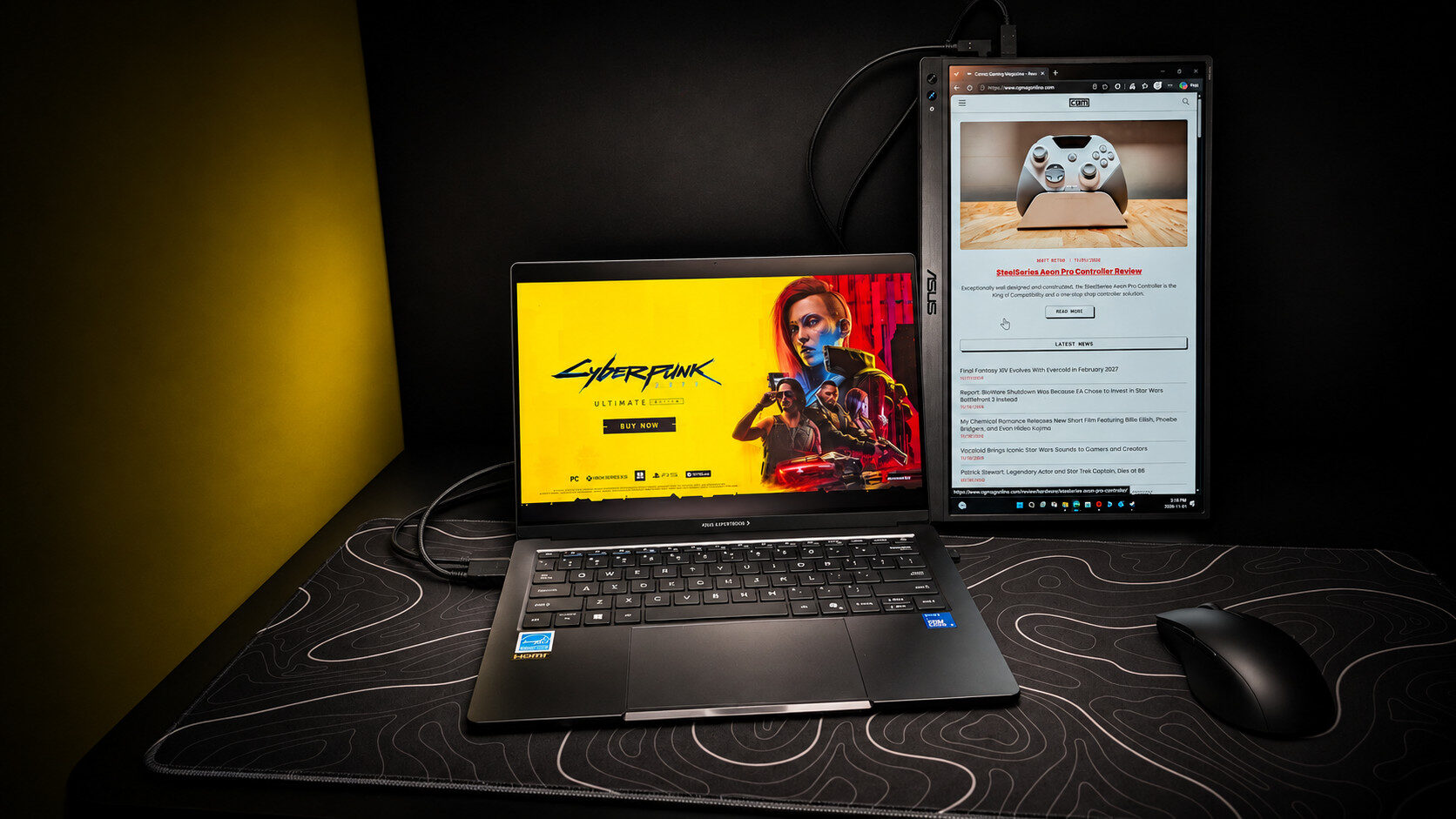
Despite this not being a heavy gaming laptop, I had to give it a try. I went on the extreme end of trying Cyberpunk 2077, and eventually working my way to VALORANT—which is a game more dependent on the CPU. I noticed a more GPU-intensive game like Cyberpunk 2077 expectedly struggled since there is no dedicated GPU in the ExpertBook A7, but the CPU was still powerful enough to get smooth frames in VALORANT. It was somewhere between 60-100 frames consistently.
Not the best, but pretty decent for a laptop missing a dedicated GPU. At the end of the day, this is not a business laptop meant for gaming. The ASUS ExpertBook Ultra might be a better alternative if your work requires some gaming aspect, or for kicking back after a hard day’s work. However, the added gaming capabilities also drive a premium on the price tag.
Display
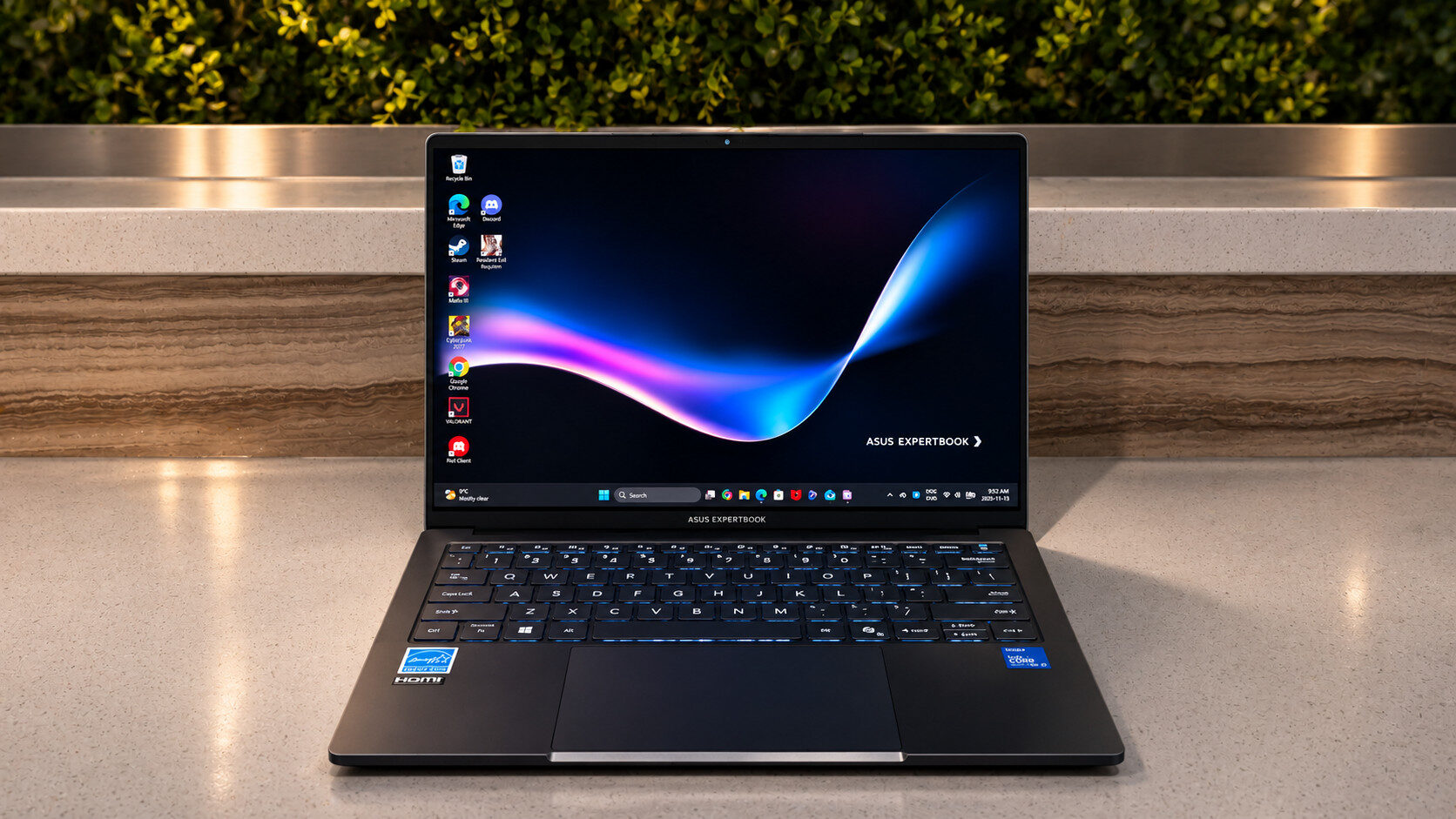
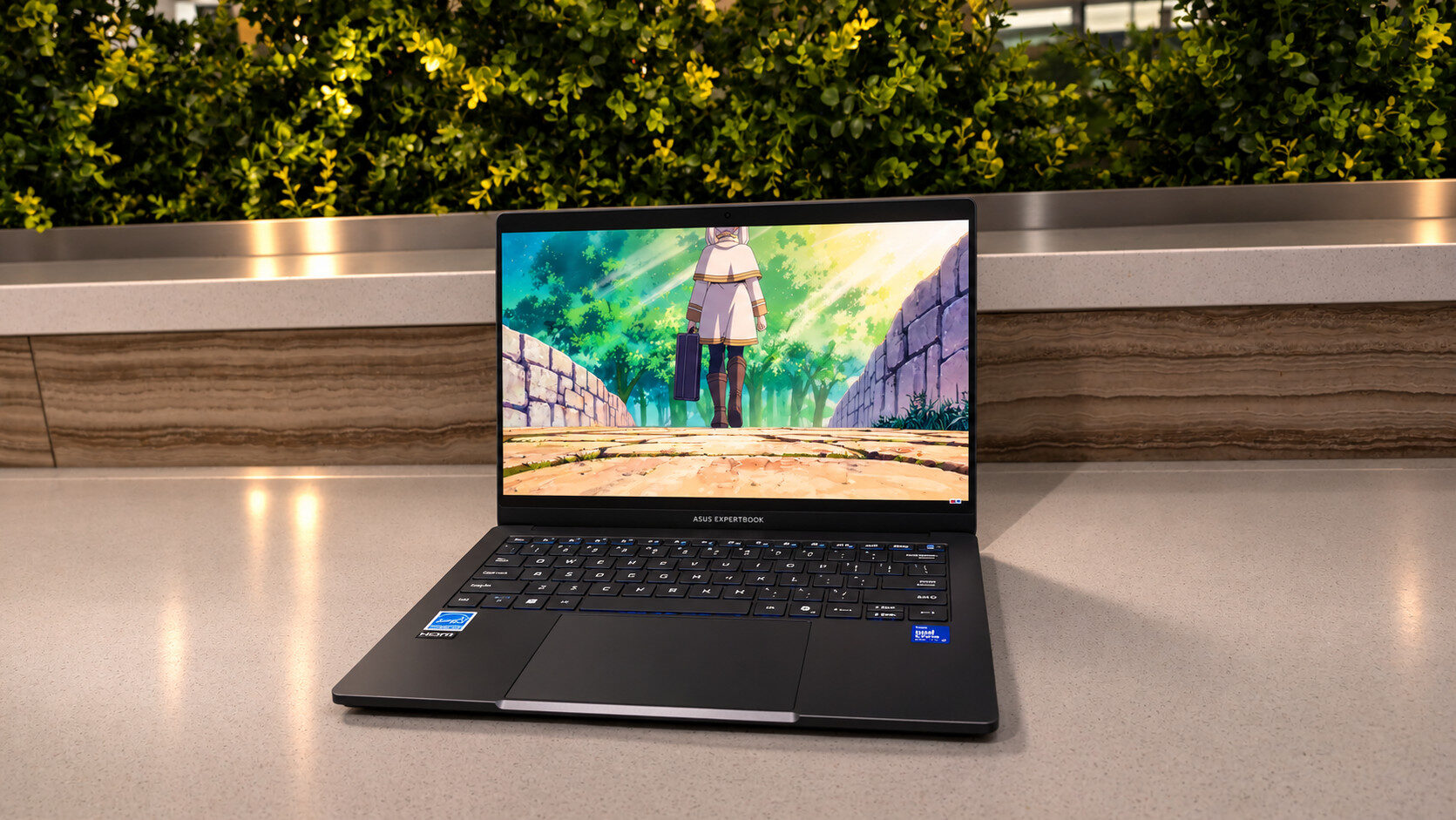
Even though the gaming experience was not the best. I took full advantage of seeing what the 3K OLED screen could do. The colours popping out of the screen were sublime. I threw on some visual test footage from YouTube to see some beautiful nature shots; my anime shows looked amazing; and I did not notice much lag or tearing while watching these videos. This is another great feature to consider from both a business and leisure aspect.
Having a clear screen to show clients or other employees either related work videos or charts ensures the imagery on-screen is easy on the eyes. On the leisure side, this screen is great to unwind and watch videos on a stunning display.
Sound/Audio
In terms of audio and sound, I felt like the Dolby Audio was good enough to hear videos and music on the speakers. I tested the 1080p FHD built-in webcam, and the microphone quality was described to me as if I was in a big space even though I was not. I tested this at different locations, coffee shops and my home—seeing if Wi-Fi and noise conditions influenced the sound profile. Ultimately, it was clear enough to hear my voice, but the built-in microphone sounded like it was very open to the whole room—projecting my voice like I am in a huge corridor or great hall.
Final Verdict
By the end of my time with the ASUS ExpertBook A7, I felt like the $2,499.99 Canadian price tag ($1,399.99 USD) earned its value. With the memory and RAM shortage, I can attribute some of the higher cost to that as well. Business laptops are expensive for the average consumer, but have some of the highest-grade security built into their architecture. ASUS also has the ASUS Employee Purchase Program (EPP), which discounts business laptops for employees.
The security features were overkill for the everyday consumer, but this is what SMB employees require to keep valuable internal information and data safe. Having the extra McAfee AntiVirus subscription helps on the security end as well. If you were among the first 100 people in Canada to order this laptop, the free ZenScreen MB169CK portable screen and the wireless SmartO Mouse MD200, you really got the full value of this whole easy-to-transport work setup. For those looking for a premium feel for a mobile, light workstation laptop, this is a business laptop that is worth considering checking out.