

I have tested my fair share of maker devices over the past little while, from FDM 3D printers and resin printers to 3D scanners and, of course, laser cutters. So when xTool offered up its latest laser cutter, the M2 Colour Craft Laser Cutter, I was excited to see what the device was all about.
Normally, with a laser cutter, you are a bit limited. You get what you get, and it does exactly that. You buy a blade cutter for vinyl. You buy a laser for wood. You buy a printer for stickers. The xTool M2 wants to change all of that. It packs full-colour printing, laser cutting and engraving into one desktop machine, and it mostly pulls it off.
The M2 is xTool’s follow-up to the M1 Ultra, and it launched on May 27, 2026, at a starting price of $599 USD. Where the M1 Ultra paired a laser with a blade, the M2 swaps that blade for a CMYK inkjet print head. Despite how odd that sounds, it actually makes sense. xTool bills it as the first desktop colour craft laser.
The two machines work similarly, and by simply swapping out the heads, you can transition to printing on a range of materials. Swap the laser head back in, and you can cut or engrave the finished piece to get it ready to hang or give as a gift. It is a great concept, and one I would not have thought would work until I actually tried it.
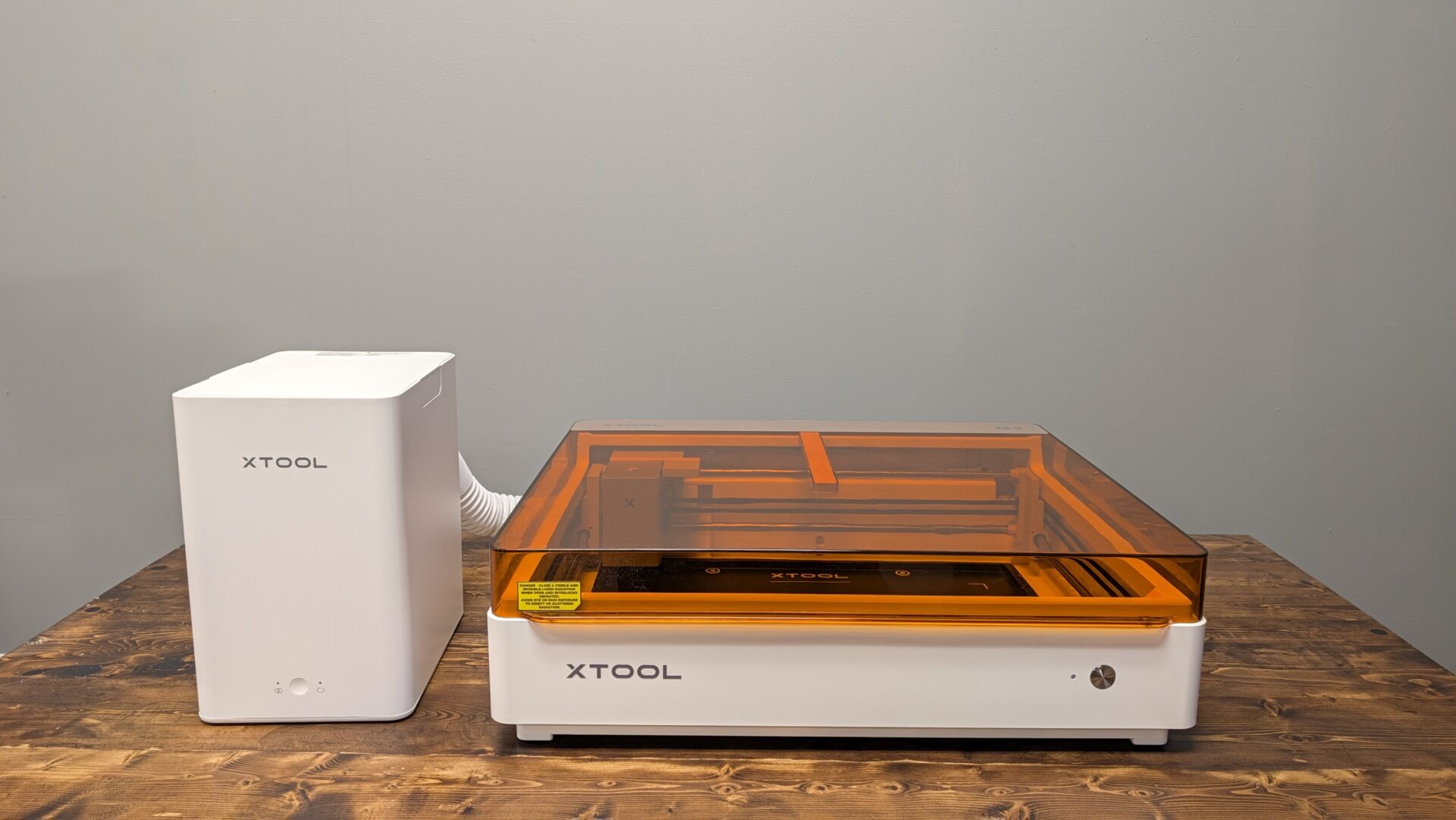
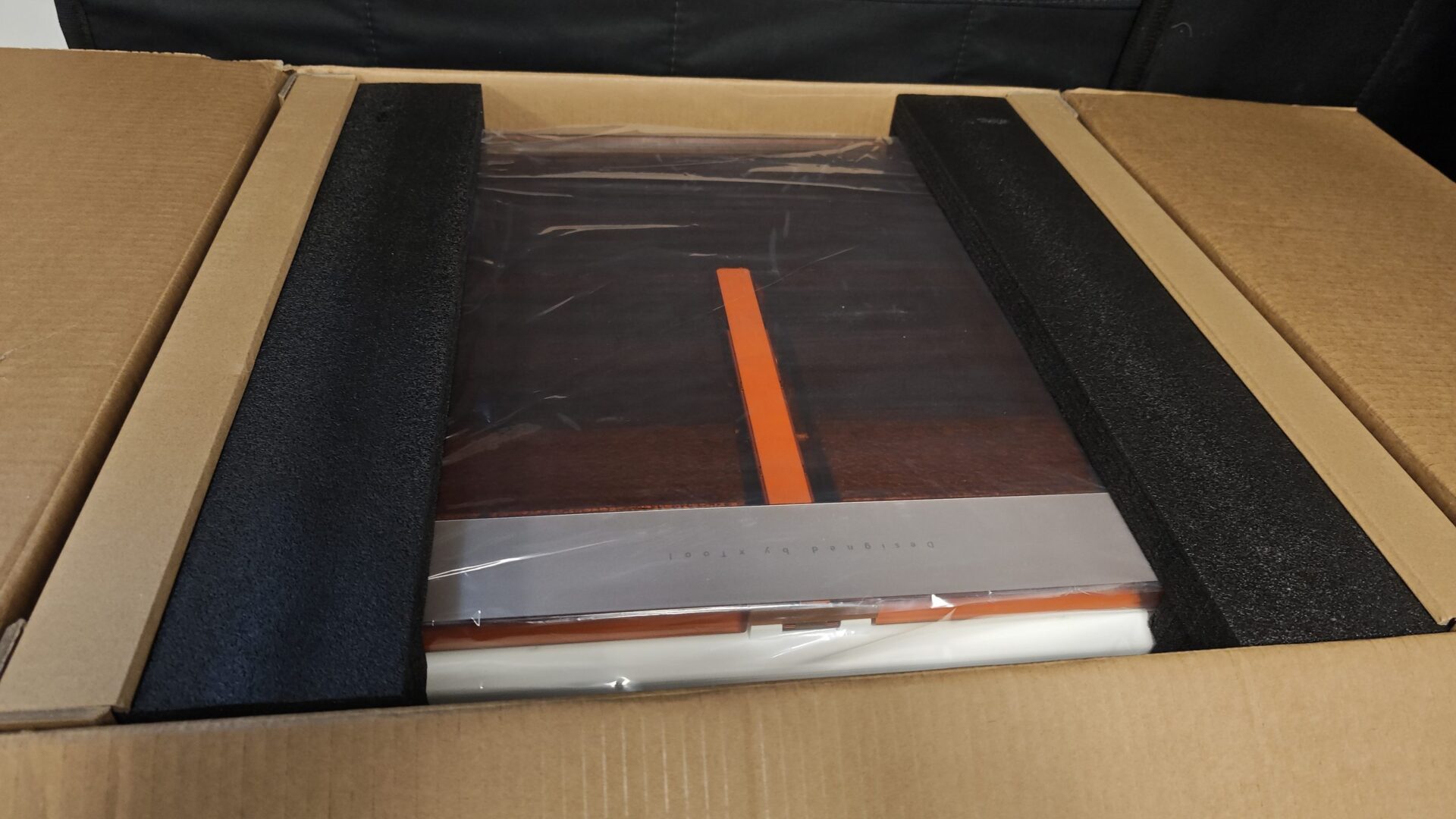
Unboxing the xTool M2, it was clear I had a wealth of things I could try with this machine. I was sent the full set, including the purification attachment, the cylinder and sphere attachment, both the standard laser and CMYK print heads, and a selection of materials to try my hand at cutting, printing and crafting. It was a lot to unpack, but once I eventually got through everything, I was surprised by just how easy the xTool M2 was to set up and start printing or engraving.
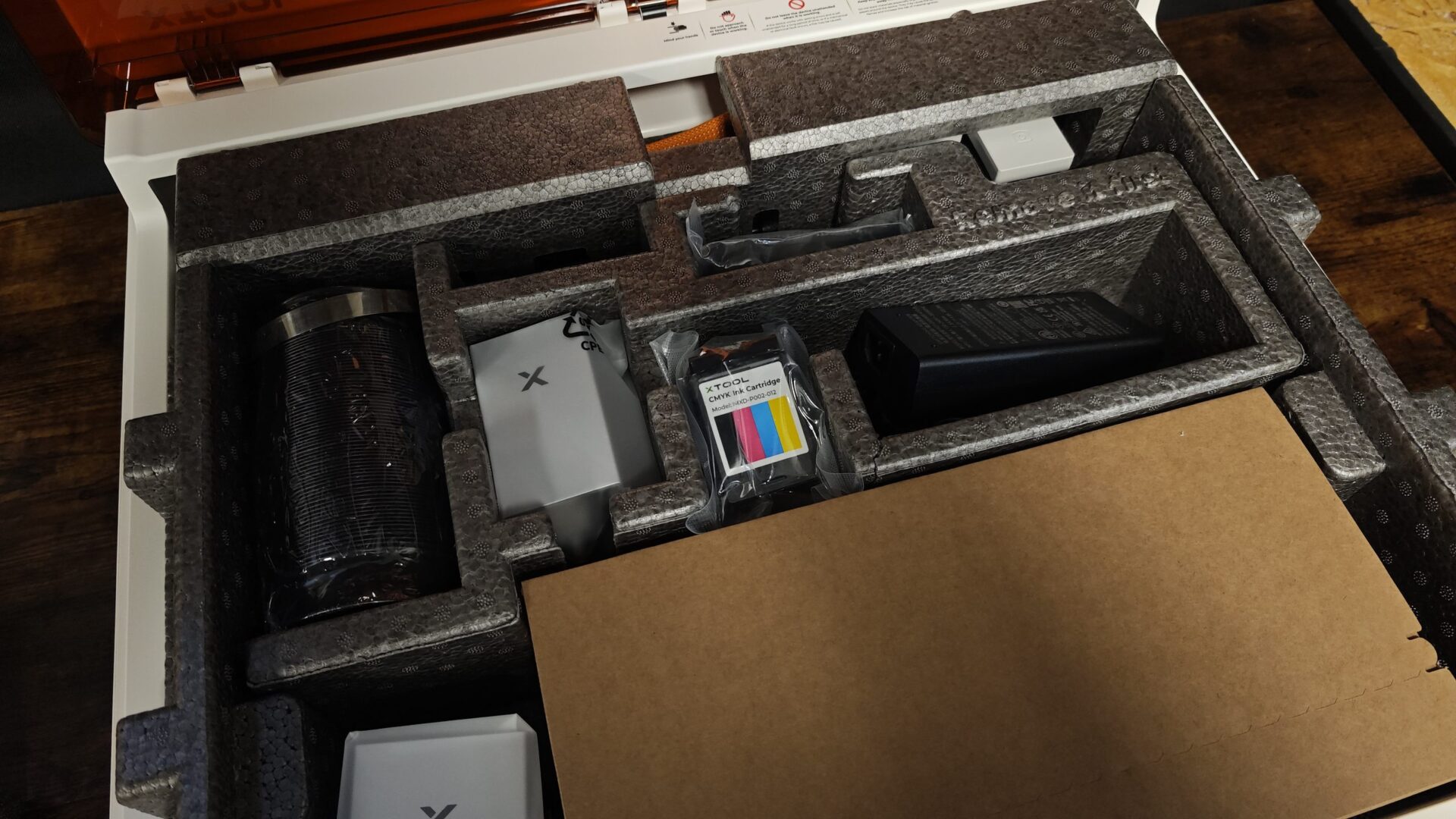
The trick is its magnetic module system, which was part of what impressed me so much when getting everything up and running. You pop one head off and snap the next one on in about five seconds. My test unit came with the 10-watt blue diode laser and the inkjet head. But should you want something a bit more powerful, you can choose a 20-watt diode laser at checkout, while a three-watt infrared module for marking metal is sold separately.
“…once I eventually got through everything, I was surprised by just how easy the xTool M2 was to set up and start printing or engraving.”
The whole thing sits in a sealed Class 1 enclosure with an orange lid, so you can run it without goggles. It measures 610 by 569 by 180 mm and weighs 12.3 kg, giving it about the same footprint as a small microwave. Despite its size, xTool has made the overall setup process incredibly easy. The manual walks you through every step, including how to hook up the machine properly, what needs to be connected and how to get everything ready for the software.
This is one area where I have to commend xTool. Its xTool Studio software is incredibly easy to use, and when you first get everything set up, it walks you through the more complex parts of the process. Once you have the machine connected via USB, with support for both Mac and Windows, the software also offers a series of built-in tutorials to help you understand the basics of how everything works and what the machine can do. It is shocking how easy everything is. Laser cutting can be challenging, with plenty of variables that can cause things to go wrong or simply not work, but xTool has managed to take most of the guesswork out of the process.
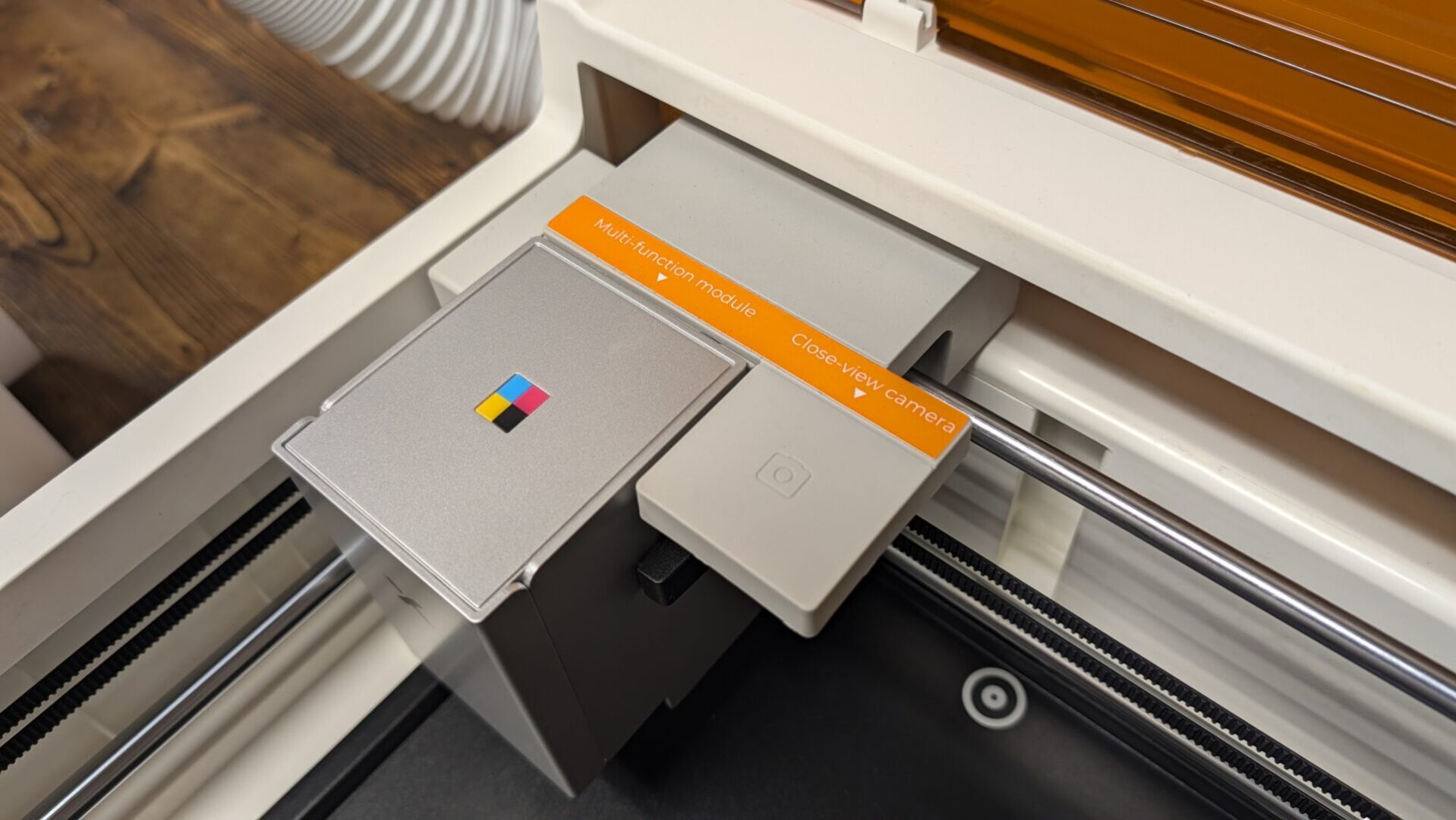
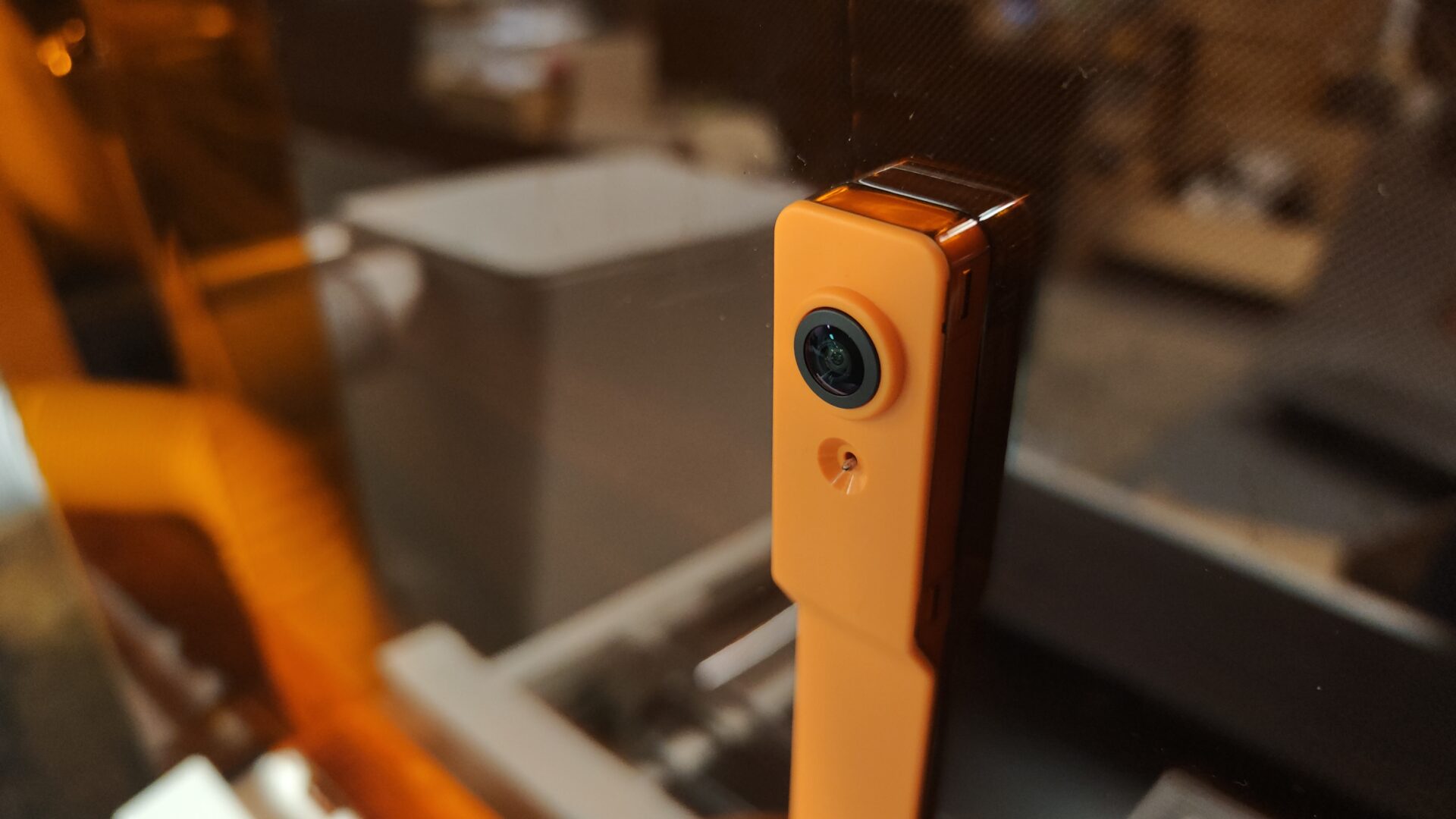
Two cameras handle alignment. A 16-megapixel camera captures the full bed, while a five-megapixel close-up camera moves with the laser head for finer work. A third camera monitors for flames. In my tests, placement was bang on. What I saw on screen was what came out of the machine.
Air assist is built in, focus is automatic, and the top speed is 600 mm per second. If you have the air purification system, you also do not need to worry as much about the smoke that can build up during laser cutting. I would still recommend sitting near the machine while it is running, but it is good to see how many features xTool has put in place to make a tool like this easier and safer to use.
The laser work area is 426 by 320 mm with either the 10-watt or 20-watt head. The inkjet prints in a smaller 300 by 294 mm area, so a 12-by-12 project will not print edge-to-edge. The 10-watt laser can cut through eight mm of basswood in one pass. If you want a stronger laser with more cutting power, the 20-watt model can handle 10 mm of basswood and eight mm of black acrylic. Material height tops out at 26 mm, while the optional RA3 Lite rotary lets you work with tumblers without needing a riser base.
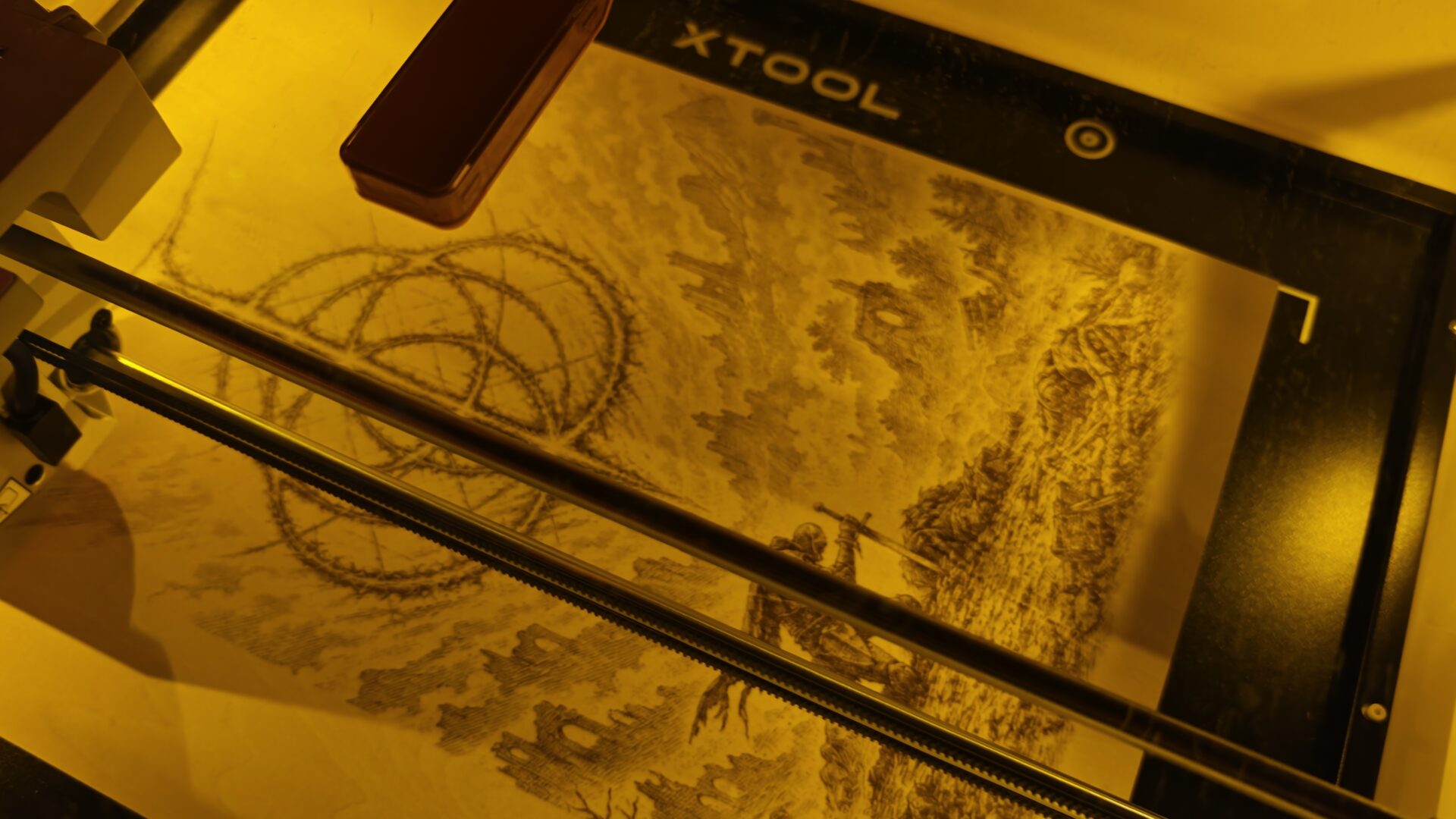
Actually using the xTool M2, I was very impressed with how well the machine handled laser engraving and cutting. I tried a range of examples and ideas, and they all came out very well. The software includes tools that can convert an image into something suitable for engraving, and the process worked well. It made surprisingly quick work of an Elden Ring design that I tried with the machine. Even though the design was created entirely with the laser, the detail was clear and looked surprisingly good when all was said and done.
Slotting wood into the magnetic risers was easy and quick, and I tried a range of tasks. These included a Celtic Tree of Life design, an Assassin’s Creed design made by the community, engraving the CGM logo onto different materials, cutting out keychains and cutting the D3 Gaming logo for the local card and game shop next door. Everything came out pretty smoothly. I had one hiccup when I missed a setting and ended up marking the outline of a cut rather than making the cut itself, but it was easy to fix. Once everything was set correctly, the final result was solid.
The laser side is strong. Basswood cuts came out clean; engraving was crisp, and any material I tested it with cut with impressive detail. Print-then-cut is the star of the show. I ran a sheet of stickers and a layered wood puzzle, and each cut traced the print with no noticeable drift. Even with some of the most complex designs I could find to test on the machine, it worked through them all with ease.
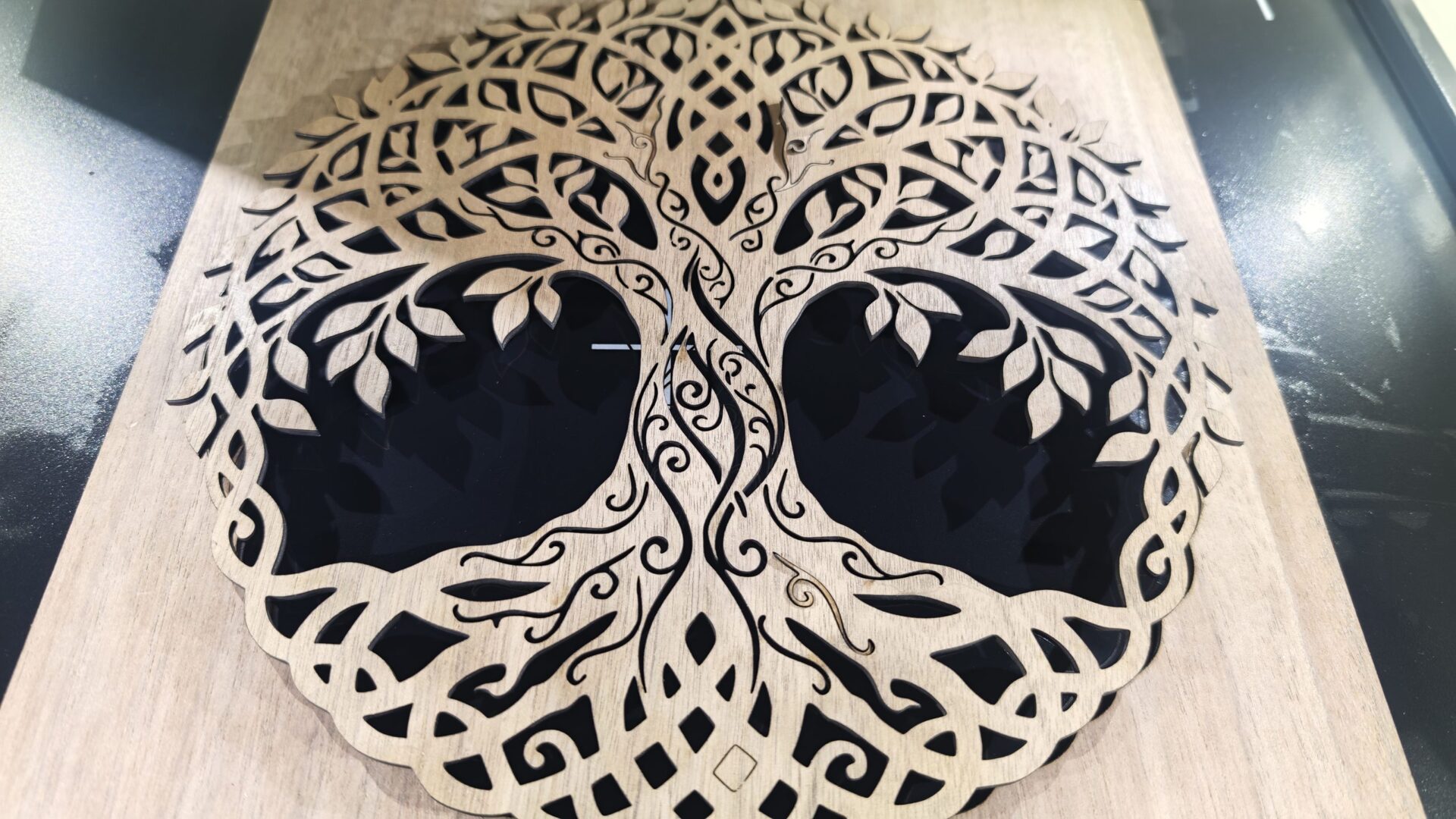
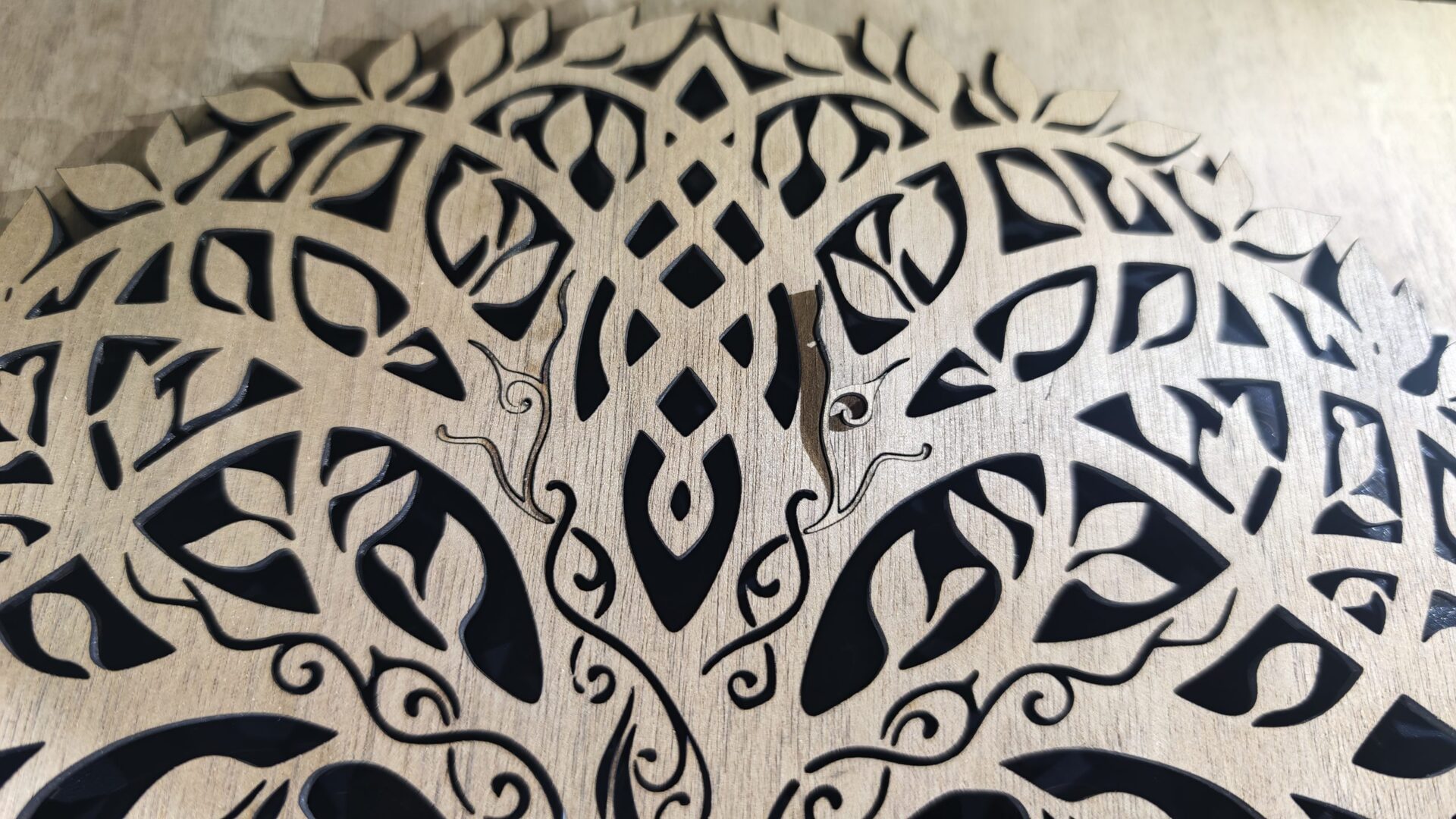
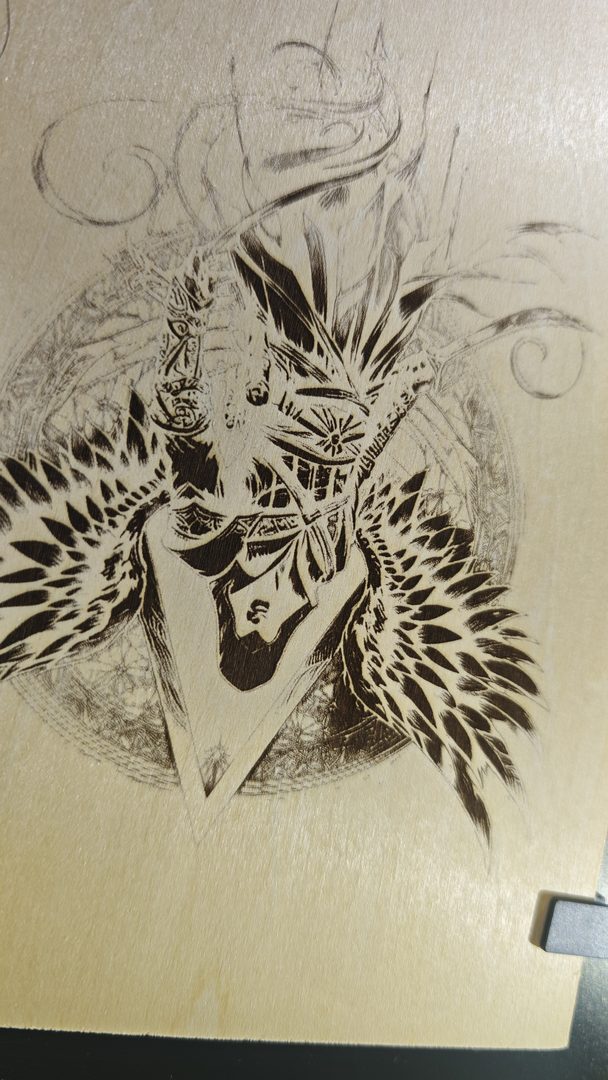
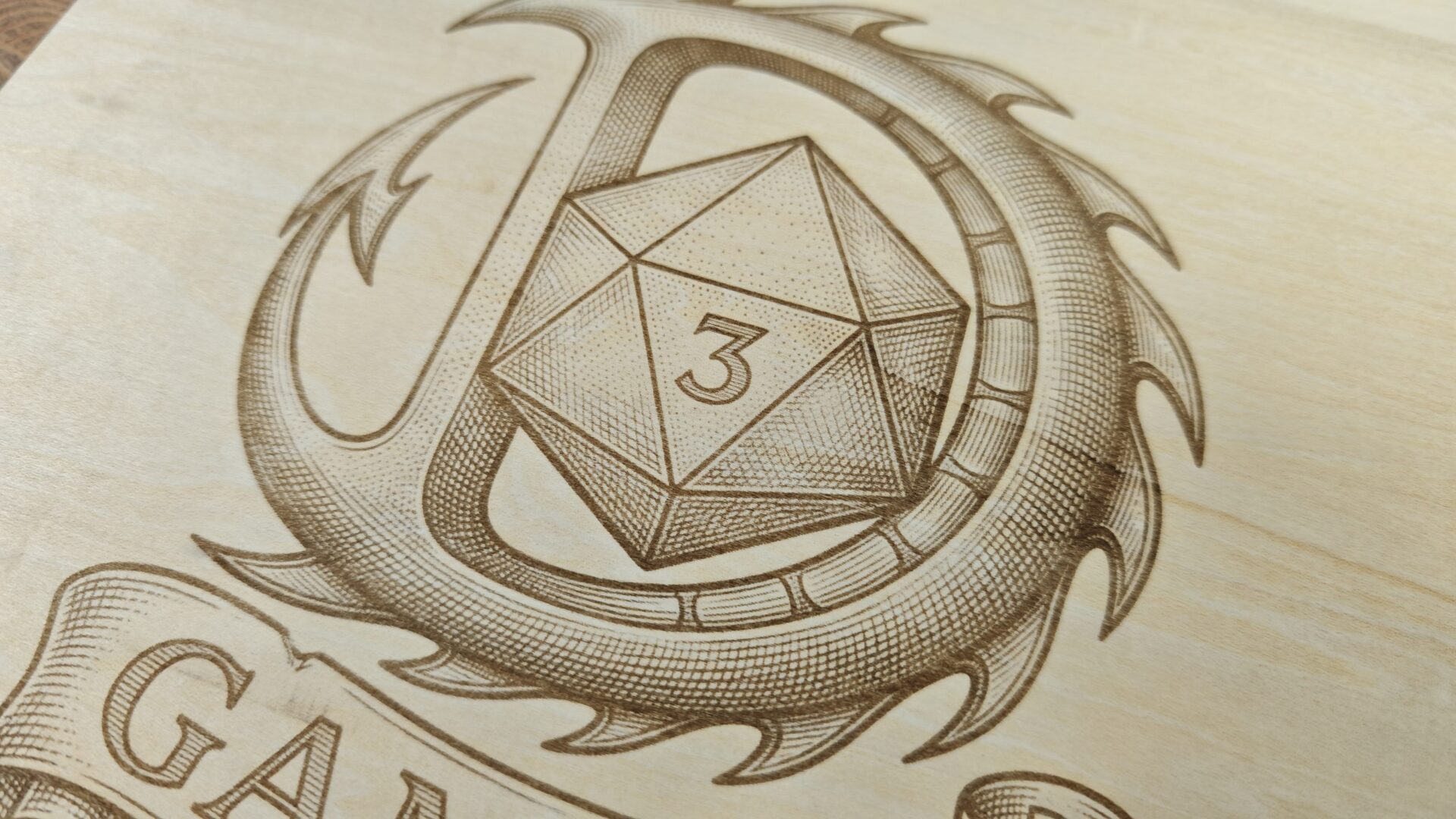
When switching over to the printing side, I was impressed with the speed, although I would describe the quality as good rather than amazing for a home printer. Colours pop on white sticker paper, stickers and other white materials, but that is to be expected.
On raw wood, they come out softer because there is no white ink. The printer relies on the material’s colour to create the white areas in a design, so the wood grain becomes part of the background. I like the rustic look, but your taste may vary, and when you combine the two, you can make some interesting things. I never really thought about how those two can go together, but they work very well.
There is a lot to like about this machine, but like any crafting tool, it has limits and quirks. Cutting paper creates smoke and can leave dark edges, so I would keep a blade cutter around for sticker jobs. The magnetic hold-downs feel a little weak, and cut pieces can shift during later passes. The material presets in xTool Studio can also be hit or miss, so test cuts are a must.
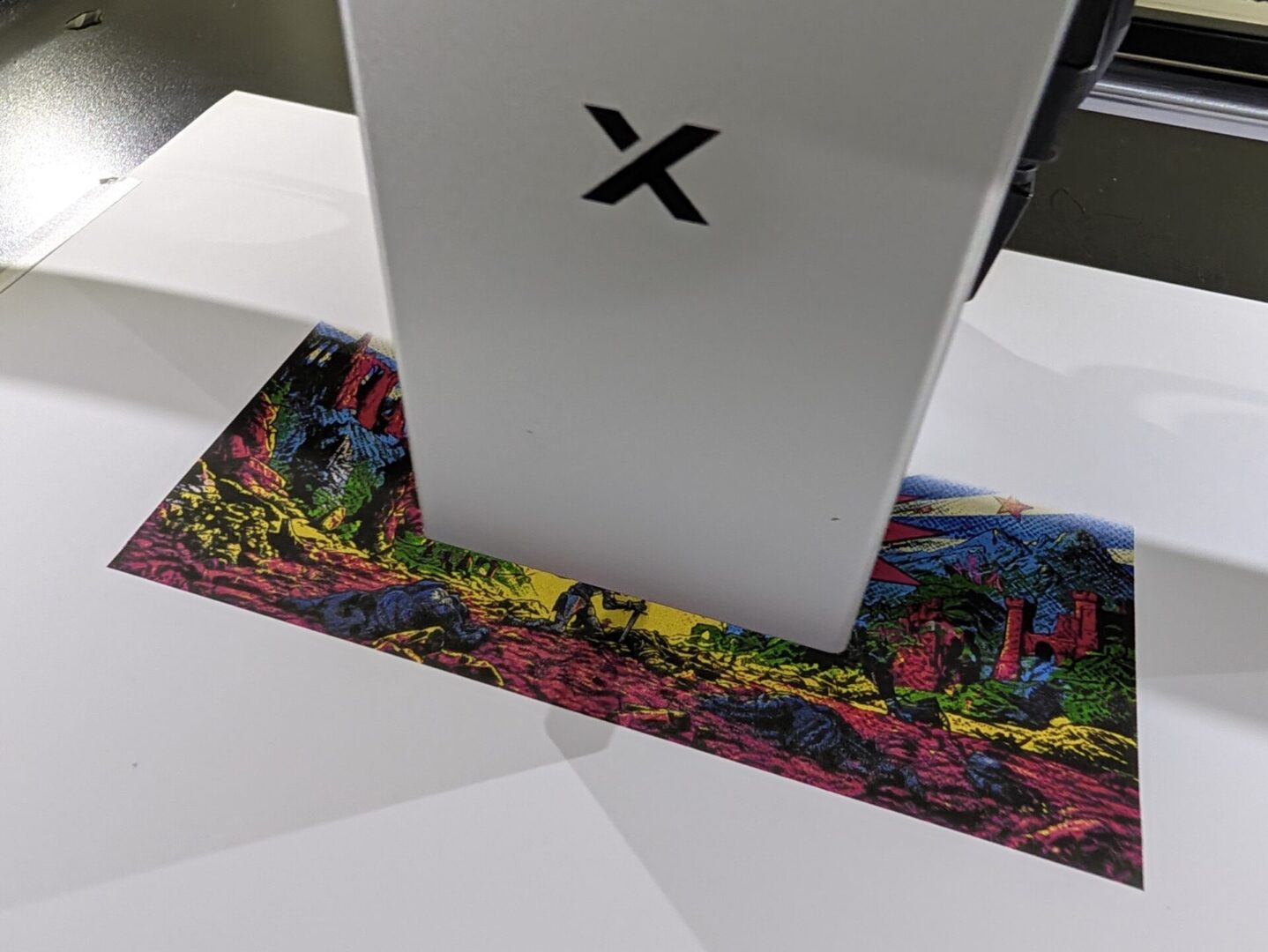
Once you get a feel for how the machine works, it becomes much easier to dial things in. At the start, though, it is important to take things slowly and learn how everything works before diving into more complex projects. Like any diode laser, it will not cut clear or white acrylic. The ink isn’t permanent either, so fabric prints will not survive a wash, and glass or metal needs a coating first. The 26 mm height limit also restricts what can fit inside, but that is the same for all machines like this; if you plan accordingly, you shouldn’t run into anything that quick reading and trial and error can not sort out.
This brings us to the price, and it is worth looking at what that entry price actually includes with the xTool M2. The $599 USD base model is laser only, so you do not get the extras or CMYK printing. The inkjet head adds about $139 USD, the infrared module costs about $699 USD, and a fully loaded bundle can creep toward $1,000 USD. That is still reasonable compared with buying three separate machines, but once you start adding every available option, the total can climb quickly. At least it is cheaper than buying a different machine for each purpose, and you do not have to find space to store them all.
Even with those gripes, the xTool M2 earns its desk space and is one of the easiest laser cutters I have used to date. It is fast, accurate and genuinely fun to use. Beginners will appreciate the cameras and software, while small shop owners should appreciate the workflow. It is not perfect, but it is one of the most approachable laser cutters I have used and an easy pick for crafters ready to move beyond a blade cutter and who want a machine that does almost everything.
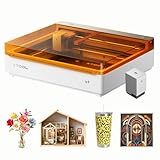
- Ultimate Versatility in One machine: Syncs CMYK Inkjet and laser in one machine, the M2 laser engraver transforms 300+ materials—cardstock, felt, leather, wood, and more—into personalized masterpieces. Enjoy full-color printing, precision cutting, and custom engraving with a seamless print-to-cut workflow in one setup.
- Smart Crafting with Dual-Camera: Built-in dual cameras, this M2 laser engraving machine offers a real-time preview of your workspace. Backed by ACS, it fuses this vision with motion control for a “Place & Go” experience-ensuring high accuracy while eliminating guesswork and wasted material.