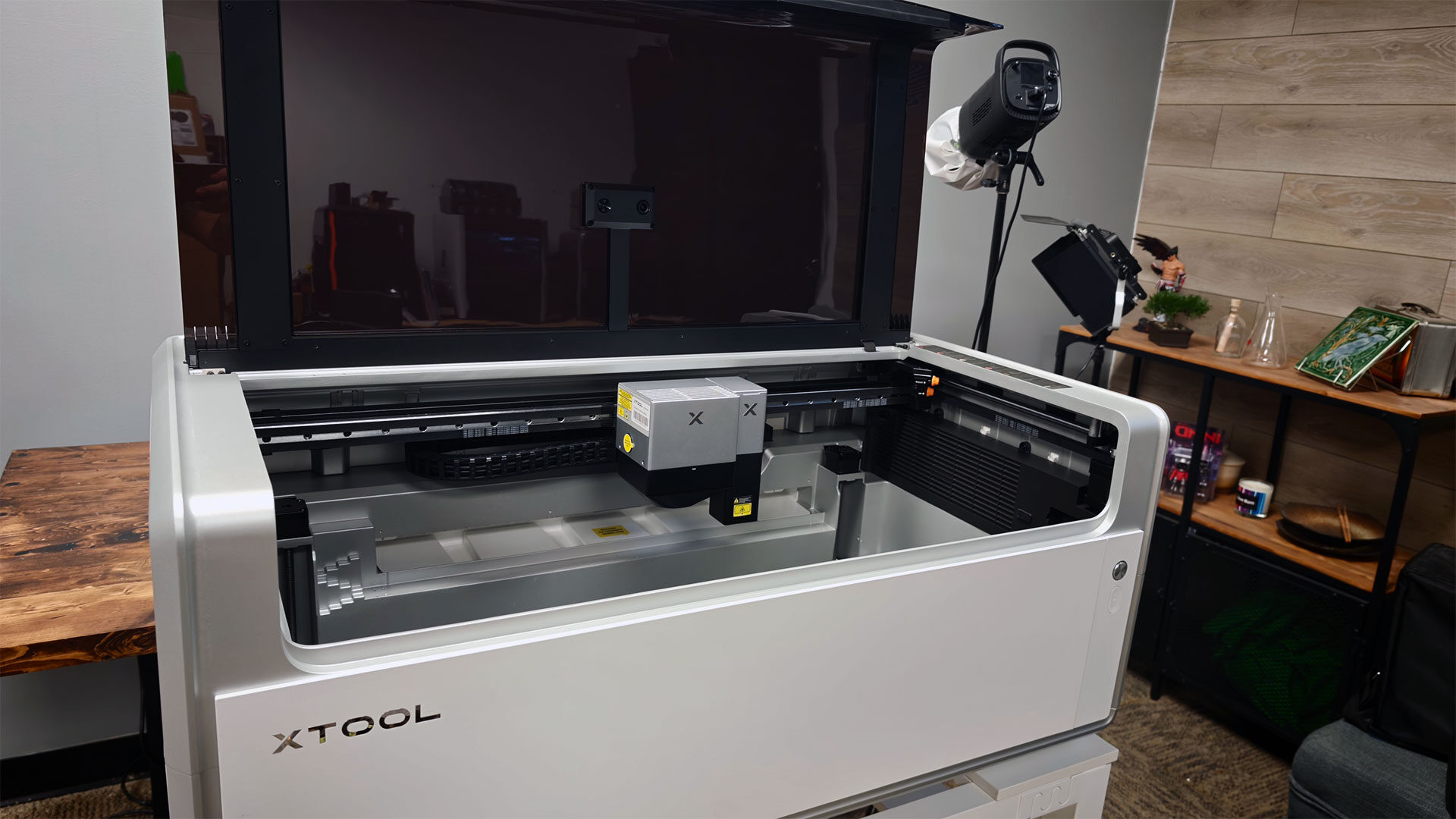


The xTool X1 is, without question, one of the most advanced laser cutters I have ever used. xTool has made a name for itself by delivering advanced machines that hobbyists and small businesses can use to produce professional results, and the X1 feels like a prime example of this approach. This machine has been designed to combine a range of technologies into an all-in-one solution for laser cutting and engraving. While there are plenty of options currently on the market, the X1 feels like one of the most versatile machines available.
While xTool has several machines that fit comfortably on a standard desk, the X1 is not one of them. This is not a casual desktop machine. The main unit measures 1,000 by 580 by 420 mm and weighs 60 kg, making unboxing a two-person job. Yes, I needed help getting everything set up. It also requires more planning than simply clearing space on a desk.
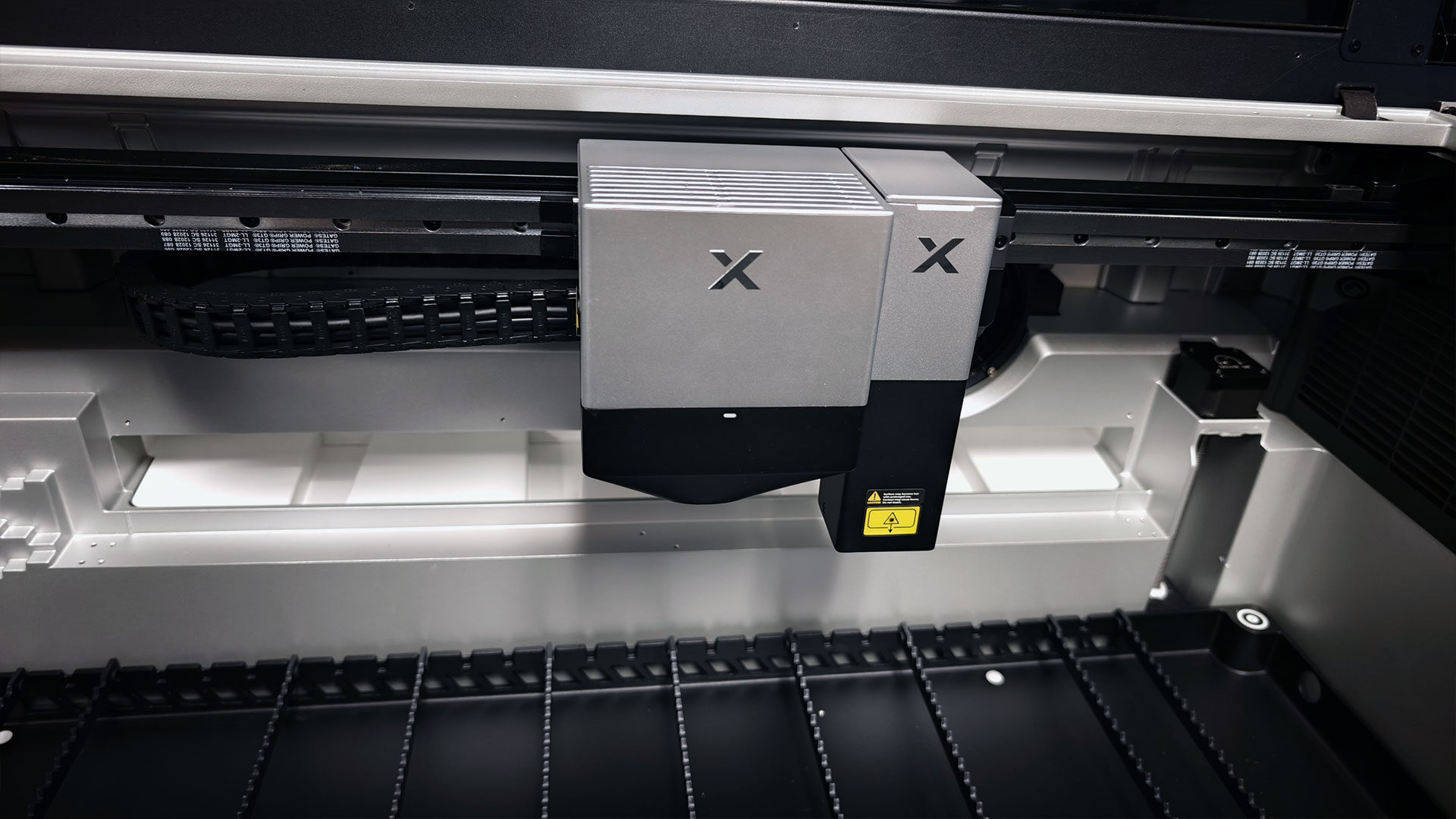
My review configuration pairs the built-in 55-watt CO₂ laser with the 20-watt diode galvo module, while the optional UV, fibre, and MOPA laser sources come as separate rear-mounted modules, which xTool was kind enough to send along for this review. This gives the X1 a modular feel before it is even powered on and offers a glimpse of just how flexible xTool intends this machine to be.
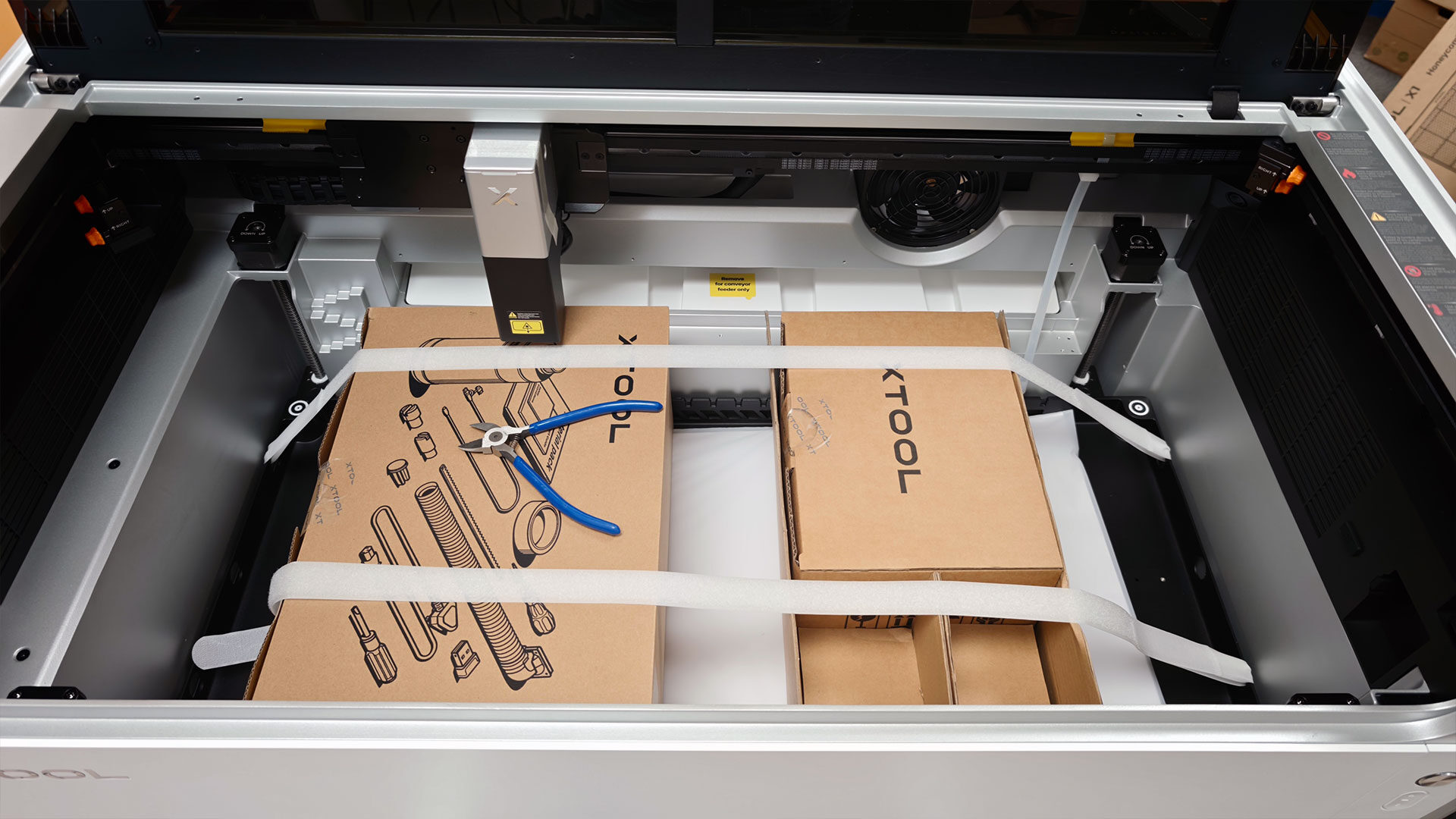
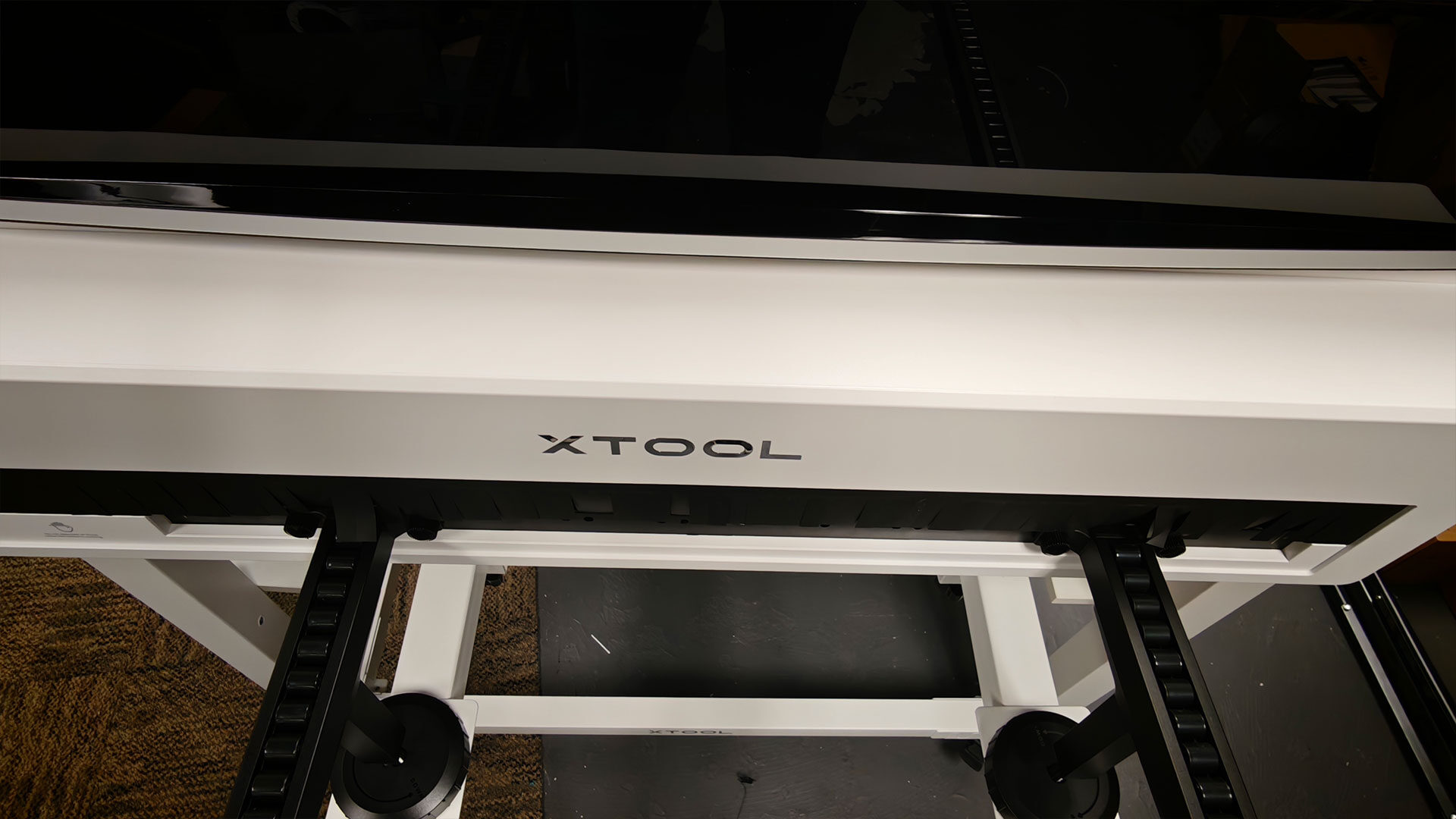
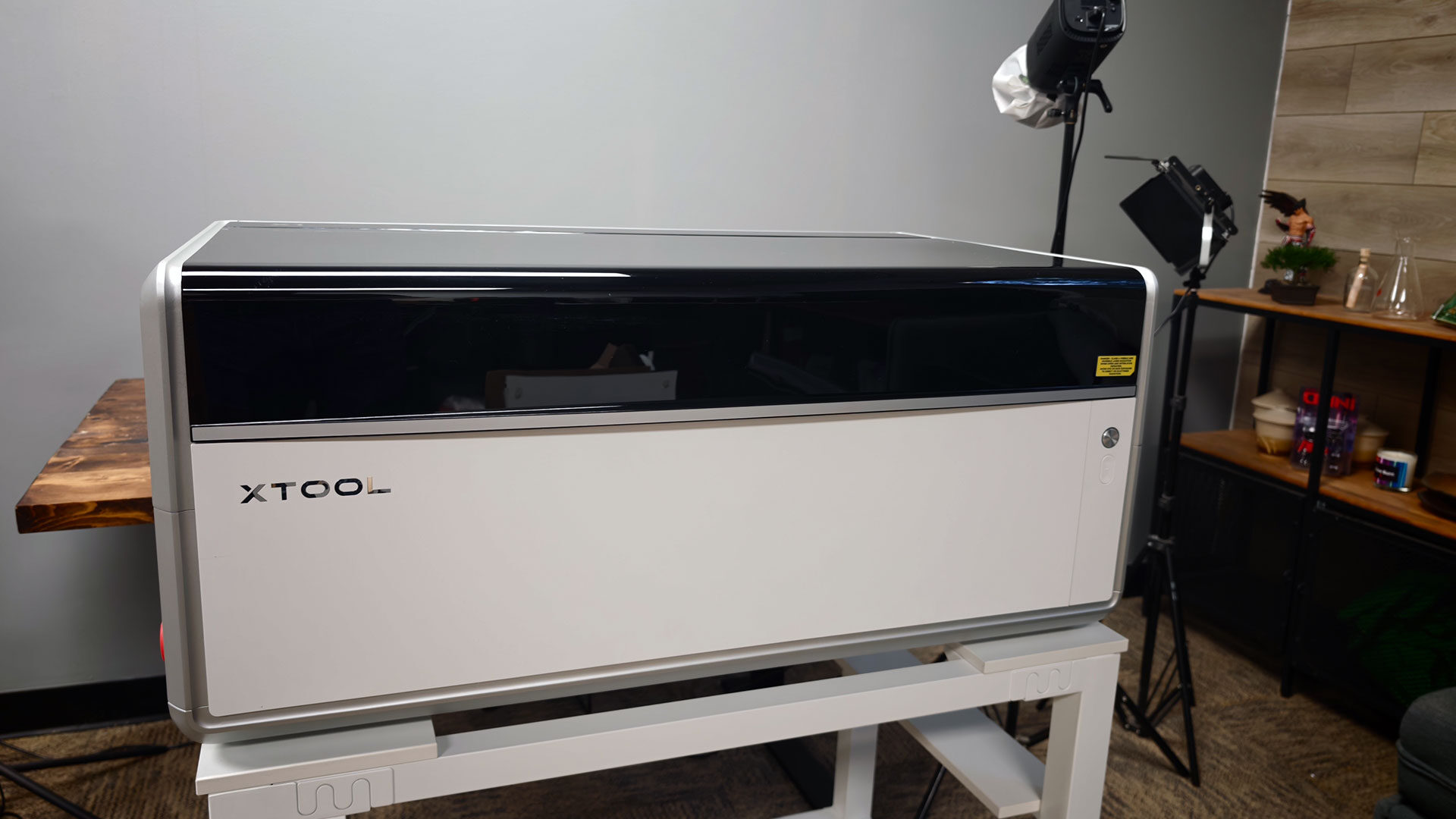
Once everything is unboxed and set up, the X1 looks more like compact workshop equipment than a hobby machine, especially if you opt for the optional stand that allows you to wheel it around your workspace with ease. The enclosed body features clean metal panels and a dark viewing lid, with few decorative touches. The result is a distinctly industrial look and feel, balanced with just the right amount of modern design.
xTool’s UniCast Frame construction replaces nearly 100 assembled parts and more than 268 screws with three die-cast structures, making the X1 one of the most solid non-industrial machines I have reviewed in a long time. The result is a shell that feels dense and unified, without the exposed rails and busy framing of open-engraver designs. However, I rather enjoy the look of industrial machines, so I may be an odd duck here.
Once everything is unboxed, there is some work involved in making sure everything runs as intended, but xTool has made assembly and calibration relatively easy. Both the printed manual and xTool Studio’s guided setup walk users through the entire process.
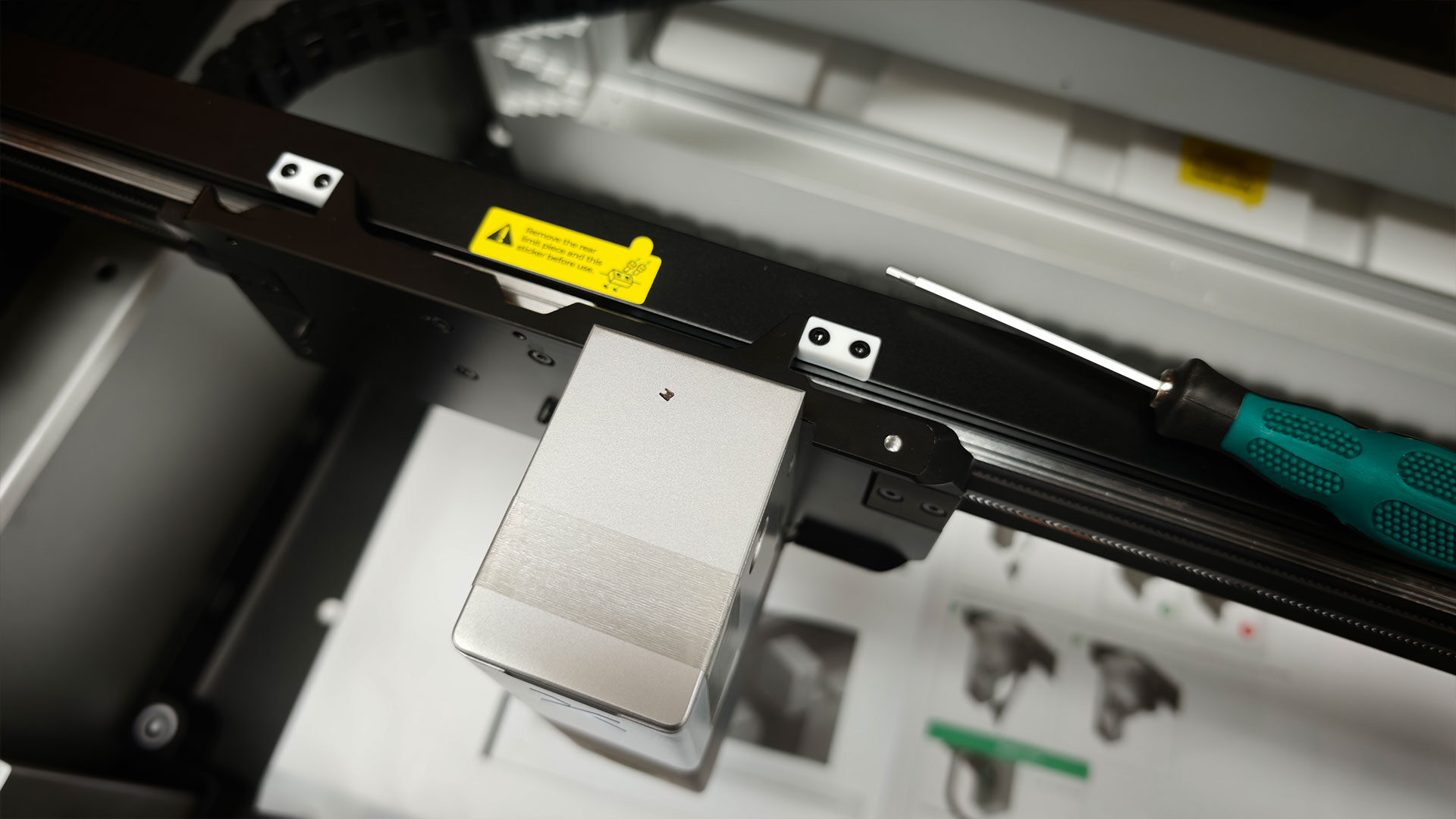
The galvo module and matching field lens need to be installed first, and xTool recommends fitting any laser-source backpack before initial calibration. However, getting everything up and running can be a little time-consuming, so be prepared to set aside around an hour to complete the process. None of it feels particularly difficult, but it reinforces that the X1 is a platform rather than a plug-and-play engraver. I have to say, the results speak for themselves once everything is running (more on that in a bit).
The xTool X1 combines two functions that typically require separate machines: cutting and fast, detailed engraving. This combination, along with the optional backpack modules, is what makes the X1 so special. Every unit comes with a 55-watt CO₂ laser that handles the heavy lifting, cutting through wood, clear acrylic, leather, paper and most other common non-metal materials. As mentioned, my review unit also includes the 20-watt diode galvo module, which handles fine engraving at speeds of up to 6,000 mm/s, and the 5-watt UV laser, which allows for some impressive 3D glass engraving. It’s something I never expected to achieve with a single machine.
This combination of different laser technologies is what makes the X1 stand out and allows it to replace several machines in a workshop. xTool’s Hybrid Motion system combines a traditional gantry with a galvo scanner. The CO₂ head can cut out a large piece while the galvo handles text, logos, and smaller details. For someone looking to expand their small business offerings, this means a coaster or sign can be cut and decorated in a single job instead of being moved between machines. What is most striking is how each technology delivers professional results, something that many all-in-one machines sometimes compromise on.
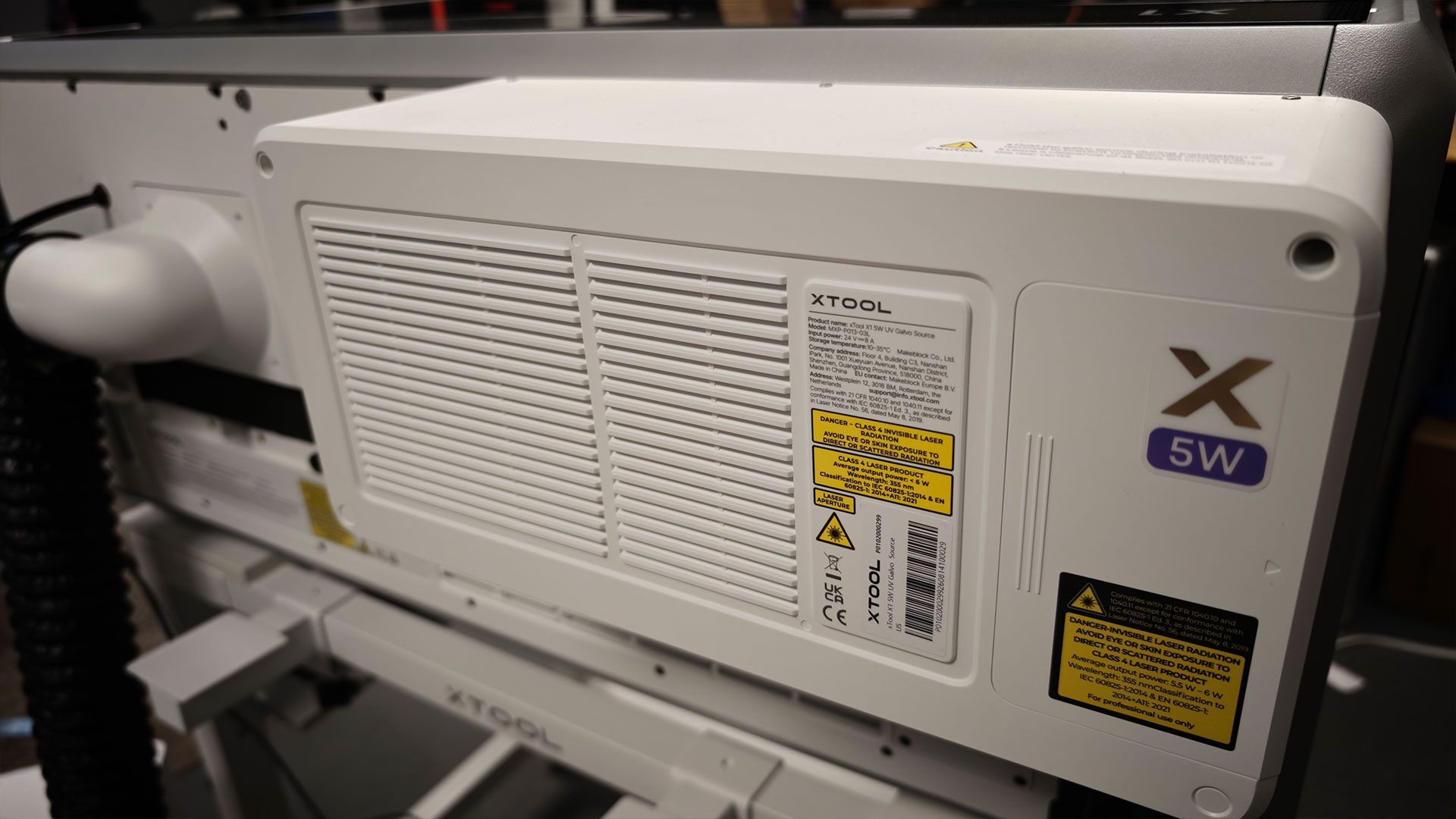
Part of what makes the full system work is the diode module, allowing the X1 to handle multiple laser sources without much setup or fuss during a job. Without it, the X1 is still a capable CO₂ cutter and engraver. With it, the machine can accept three optional laser sources through what xTool calls Laser Swap. As mentioned, the 5-watt UV source opens up possibilities for engraving glass and crystal, including internal engraving for awards and keepsakes. The 30-watt fibre laser is designed for metal marking and deep engraving, while the 60-watt MOPA source adds colour engraving and embossing on metal.
Each source is suited to a specific kind of work, and no single laser can handle everything. That is why the X1 caught my attention when it was first offered for review. It sounded like an all-in-one solution that could elevate the concept of a hobbyist machine into something suitable for professional use, without having to worry about hardware limitations. For small shops selling products made from wood, acrylic, metal and glass, that versatility is the main selling point. Each additional laser source is a separate purchase, though.
It is a lot of promise, with some lofty goals for a single machine, but thankfully, from all my testing, xTool has managed to deliver on that concept. Even after around a month of testing, I am only beginning to explore the machine’s full potential, and each day I come up with new ways to put the X1 through its paces. From acrylic and glass to wood and a range of materials in between, this machine has managed to exceed my expectations.
I have used a fair range of laser engravers and cutters at this point, and they have all felt limited in one way or another. Some were not big enough, others did not offer the power I needed, and some simply lacked the precision or quality I wanted for a given project. However, the X1 feels like it addresses all my previous complaints about competing machines.
If I feel limited by a laser for a given project, the backpack system means I can swap it out to suit my needs. If the machine cannot accommodate the material I am working with, the optional roll feeder lets me cut or engrave materials in sizes that other machines simply cannot handle. As for overall quality, the X1 has delivered some of the most detailed engravings I have seen from a machine that a hobbyist could realistically use at home. Thanks to xTool Studio, even some of the more complex workflows and materials are accessible, even if you are new to the world of laser fabrication.
As I have mentioned, everything on the xTool X1 runs through xTool Studio, the company’s free desktop software. While it has its quirks, it is relatively robust in what it lets you achieve. The workflow will feel familiar to anyone who has used a laser cutter before. You create or import a design on the canvas, place your material in the machine and use the X1’s triple-camera system to see the bed directly in the workspace. From there, you drag the design onto the material, check the framing and run a path preview before committing. Studio shows an estimated processing time and a safety checklist before the Start button becomes active.
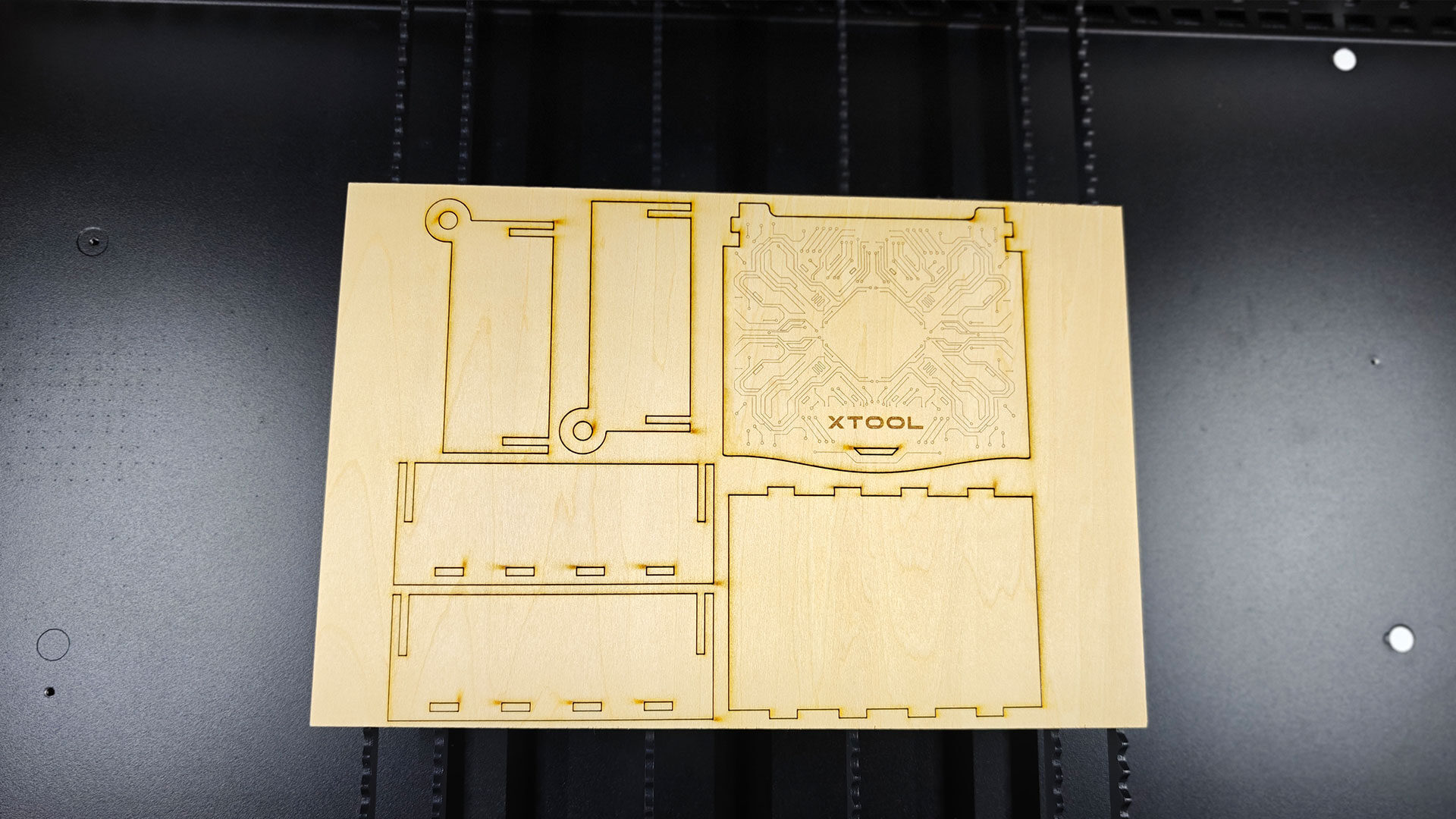
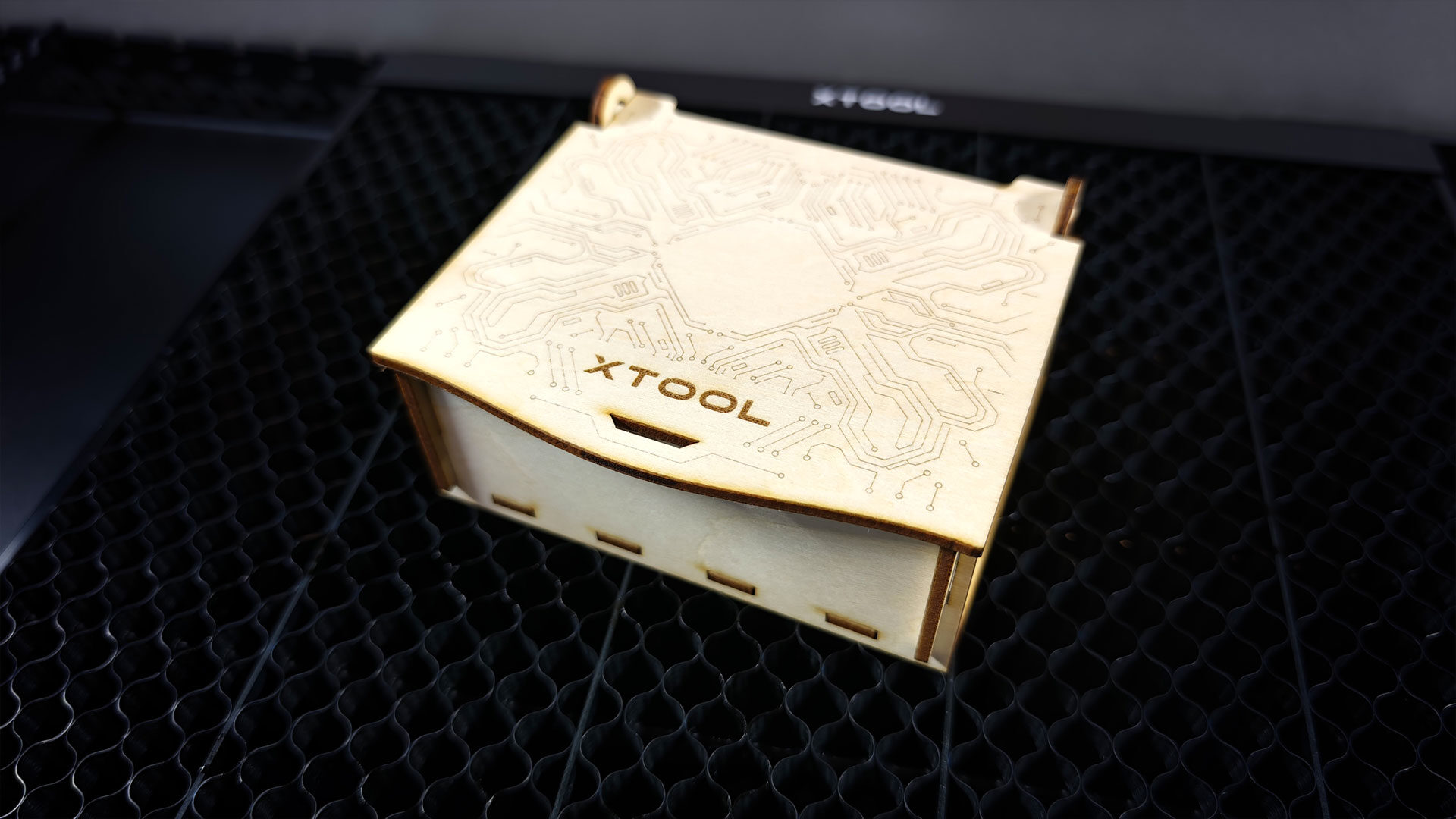
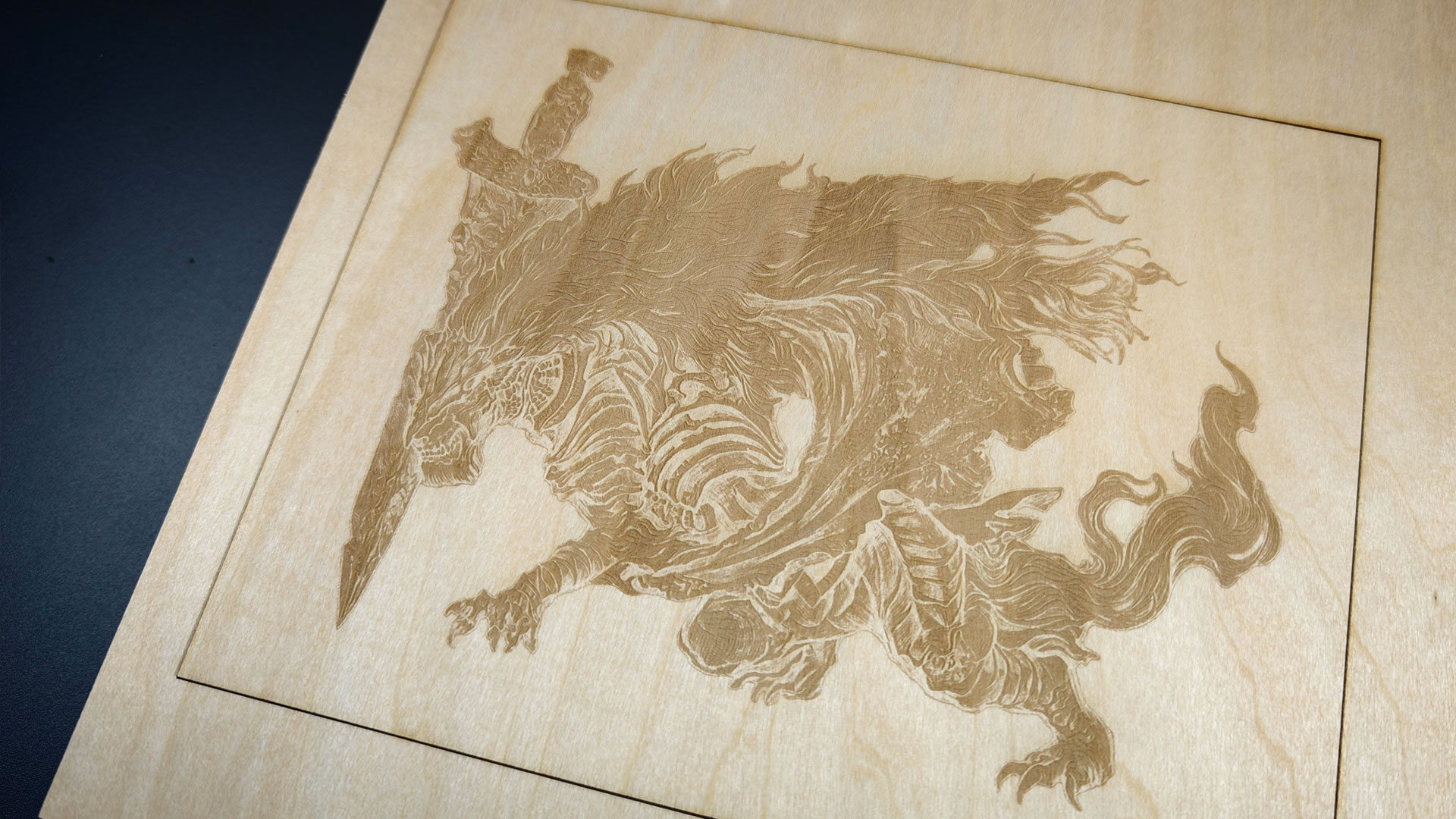
What makes xTool Studio so interesting is how it helps you establish a starting point for a given material, taking some of the guesswork out of the process. Choose a material from the built-in library, and the software applies recommended power and speed settings for the connected machine and processing type.
For materials where results vary, it offers an effect matrix, allowing you to select the sample image closest to what you want rather than guessing at numbers. There is also a material test array generator to help dial in settings for materials not included in the library, along with a community section where other users share their settings. For anyone new to laser cutting, these resources are invaluable. They help beginners achieve solid results early on and refine their settings further, whether they are making products to sell or working on personal projects.
On top of that, the X1 adds a few conveniences to the process of laser cutting and engraving. Its camera system automatically locates material, while the AutoLift Base raises or lowers the bed to match its thickness. This reduces manual setup and makes the system much more beginner-friendly. xTool also offers its Atomm AI suite, which turns text prompts and photos into ready-to-make designs using more than 130 generators. Most of my testing bypassed it entirely in favour of importing finished files, but for sellers who need quick product mockups, it is a genuine time-saver built into the same software. It also works quite well for what it does.
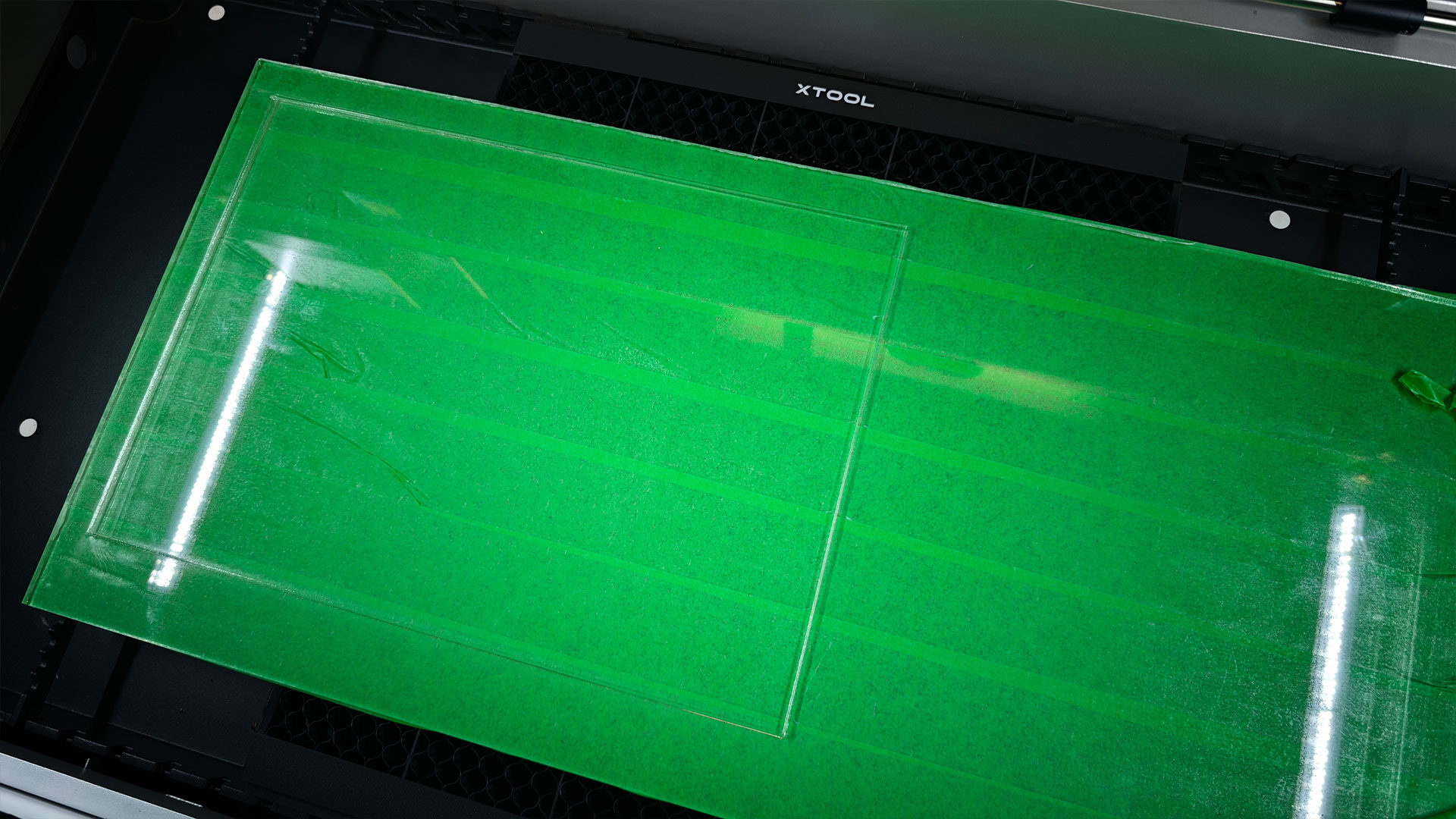
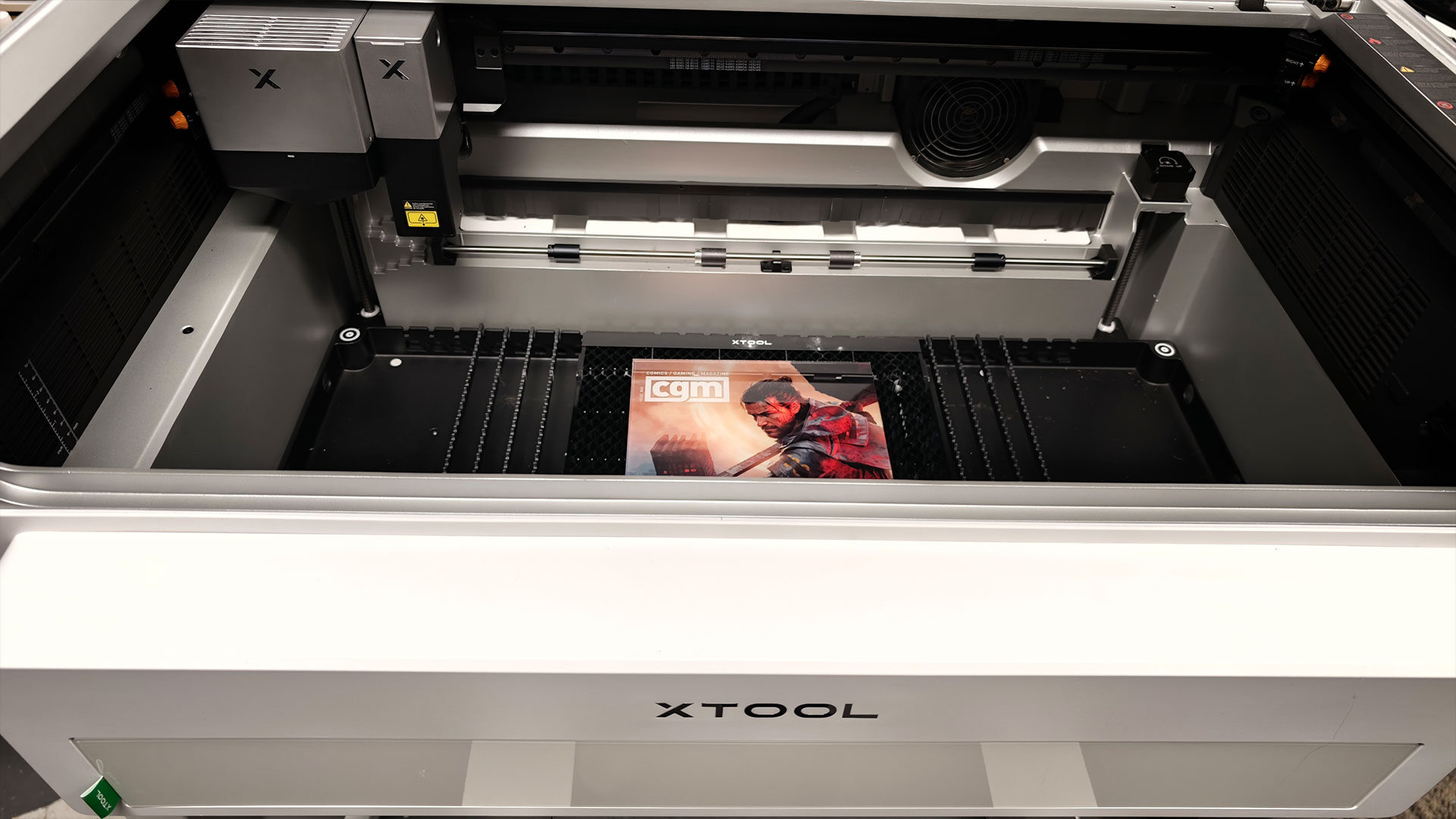
Since I was testing the xTool O1 Omni while reviewing the X1, I decided to find projects that could use both machines to create something uniquely CGM. I completed the usual range of tasks, including making luggage tags, testing detailed engravings on various materials, trying rotary engraving, and engraving unusual shapes. However, the X1 finally allowed me to work on acrylic wall hangings featuring CGM’s various covers from the past year.
This involved cutting down larger pieces of acrylic into several pieces of identical size, making sure the cuts were as clean as possible, and eventually moving them over to the O1 Omni for the final prints. The X1 handled the project incredibly well. The roll feeder allowed me to load various large acrylic pieces, while the precision of the system helped ensure I had a range of cutouts that were all the same size. From there, moving everything over to the O1 Omni was relatively painless, and the results were striking. I have many more projects planned, and I am genuinely eager to push the X1 as far as possible.
While attending the xTool talk at the MIT Museum, I heard all about how a machine like the X1 could be used for complex projects, including creating art, engraving challenging materials, or even making circuit boards. Based on the backpack system and the ability to expand the X1 in ways that suit your needs, the potential is fantastic. It is something makers, creators, and hobbyists can build on as their needs evolve.
While I have made the xTool X1 sound beginner-friendly, and it is for the most part, this is still a complex machine that uses lasers. That means it should never be left unsupervised or taken lightly. When cutting, the X1 burns through materials, which introduces the risk of fires and potentially harmful fumes.
Fire suppression, ventilation, and air filtration systems are important considerations when planning your setup. This is not a machine you want to send a job to and then leave the room. While I did not encounter any issues during my testing of laser cutters and engravers, the risks are always there, and these machines should be treated with respect and care. The X1 is certainly not a toy.
Now comes the biggest caveat of them all: the price. While I have talked about the X1 being one of the most versatile laser cutters and engravers I have tested, it is also one of the most expensive. The base machine costs $3,699, but depending on which backpacks and accessories you choose for your setup, that price can climb significantly. The X1 feels like a laser engraver you buy when you have outgrown smaller options or when you have a clear plan for how it can fit into your existing small business.
It delivers amazing results, and considering how much industrial laser machines can cost, the X1 is relatively affordable. However, that does not mean I would recommend it to someone just starting out with the hobby. There are plenty of options that offer a good starting point, such as the xTool M2 Colour Craft Laser Cutter, giving newcomers a chance to learn the basics and decide whether stepping up to the X1 is the right choice.
Having said all of that, the xTool X1 is a fantastic machine and one of the best laser cutters I have ever used. It feels built to adapt to its owner, with accessories that make it both flexible and powerful. While there are many cheaper machines on the market, plenty promise similar capabilities.
However, few can deliver everything in a single package while maintaining consistent quality and offering easy-to-use software. The wide range of accessories also makes it suitable for everyone, from hobbyists looking to expand what they can do with lasers to professionals who demand reliable results and quality built to last. If you are ready to take the next step in laser cutting, the xTool X1 feels ready to turn your ideas into reality.