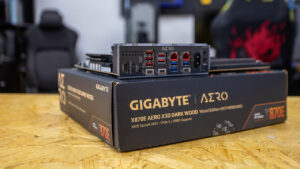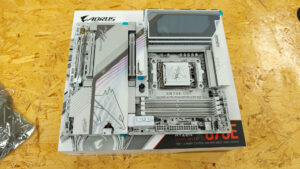


The X870E AERO X3D WOOD is the latest addition to GIGABYTE’s creator-focused lineup of motherboards. Like the AERO boards before it, it delivers ample support for high-speed storage, top-tier GPU compatibility, and excellent thermal performance. Despite its $499 price tag, the build quality is a cut above, rivalling flagship boards that cost considerably more.
Even by AERO standards, the GIGABYTE X870E AERO X3D WOOD is exceptional—though you wouldn’t necessarily know it from the marketing, which is primarily focused on its design. Which, as you may have guessed, features wood. I can’t say I blame GIGABYTE for leaning into aesthetics. Taste is subjective, but this is the coolest-looking motherboard I’ve ever seen—and not just because of the wood trim. It’s one of the first boards to aim for elegance and actually achieve it.
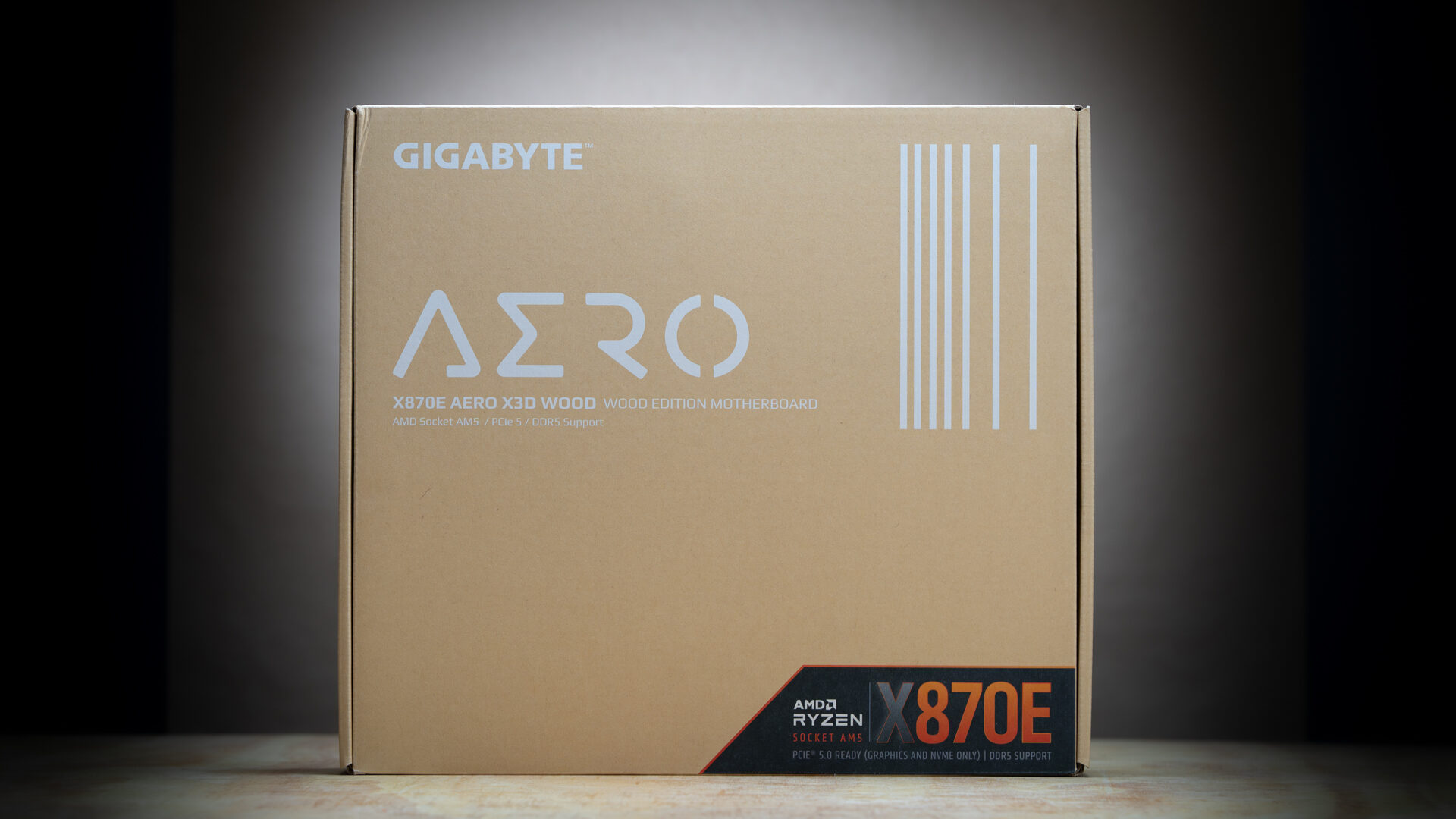
Restraint isn’t something that comes easily to component manufacturers. If you’re not into RGB, there aren’t many stylish, understated motherboard options. You can pay extra for stealth editions or full heatsink coverage, but that’s about it. Until now, Asus ProArt motherboards were the closest thing to elegance—but even then, it was more “less gamery” than refined. More Deus Ex: Human Revolution than Cyberpunk 2077.
“Despite its $499 price tag, the build quality is a cut above, rivalling flagship boards that cost considerably more.”
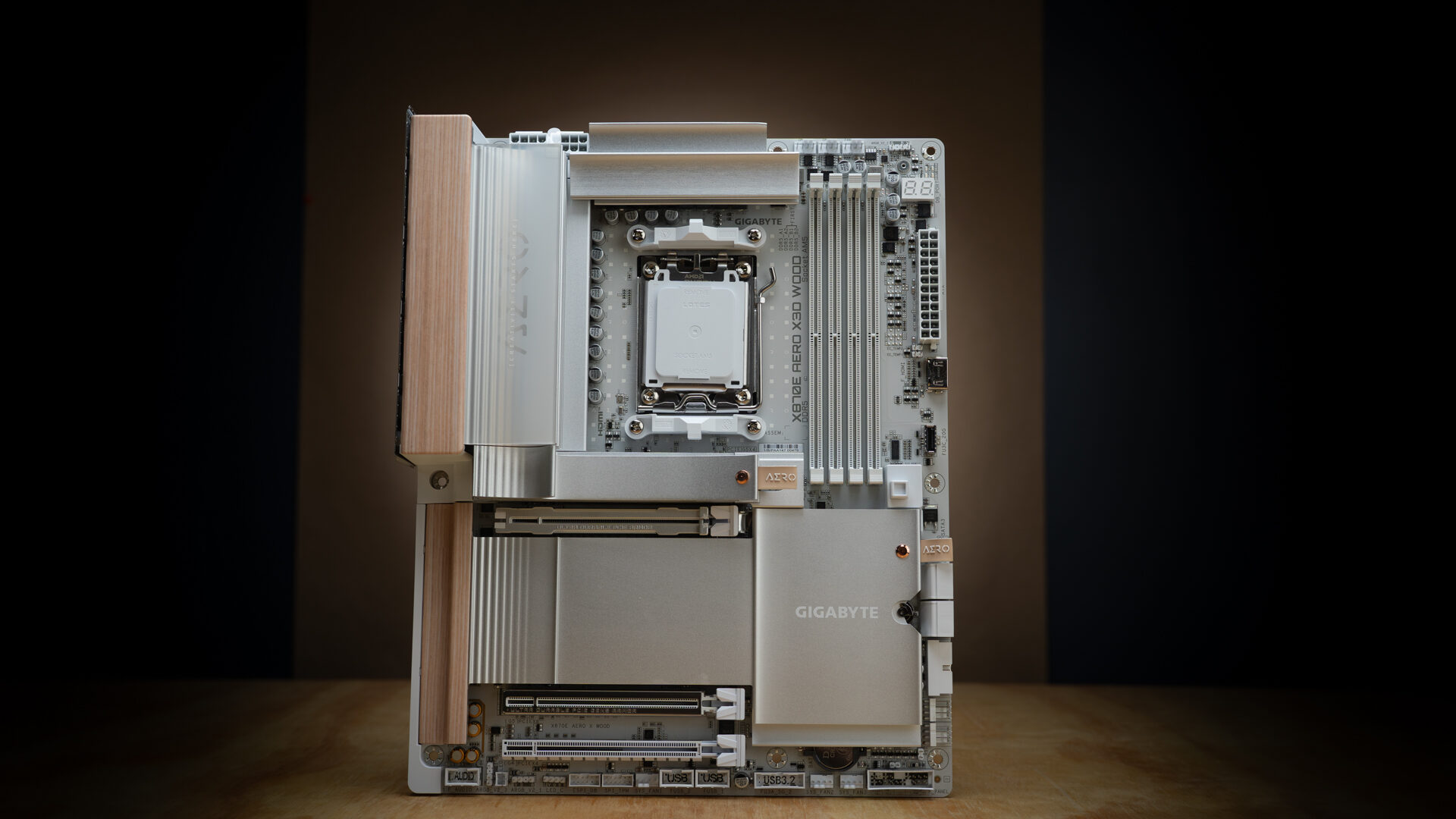
The X870E AERO X3D WOOD is an exercise in restraint. The design has more in common with interior design than anything from the world of gaming or tech. GIGABYTE used the wood sparingly, limiting it to accents along the rear I/O shroud and behind the PCIe slots. The rest of the board is smooth expanses of white and silver.
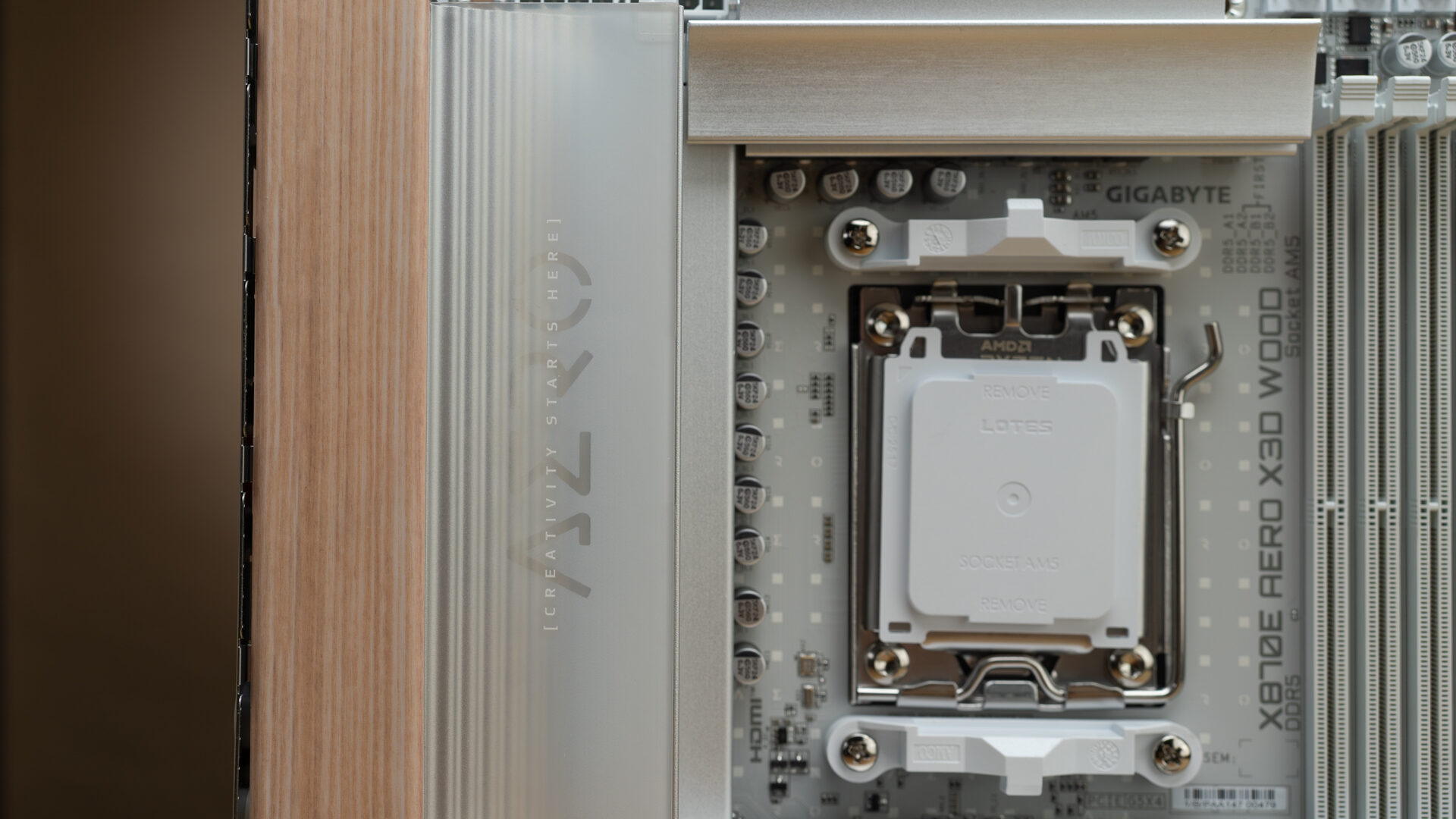
The wood is the focus of the marketing, but it’s the lighting and heatsinks that do the aesthetic heavy lifting. There are two lighting elements, one on the I/O shroud and the other over the chipset. Both are recessed, hiding the source, leaving only the glow. The rear light is further diffused beneath a frosted piece of branded plexiglass. It sits over a slanted, textured heatsink. Through the glass, the texture fades like a gradient from left to right. It’s a striking design, that’s a welcome break from flashing dragons and edgy logos.
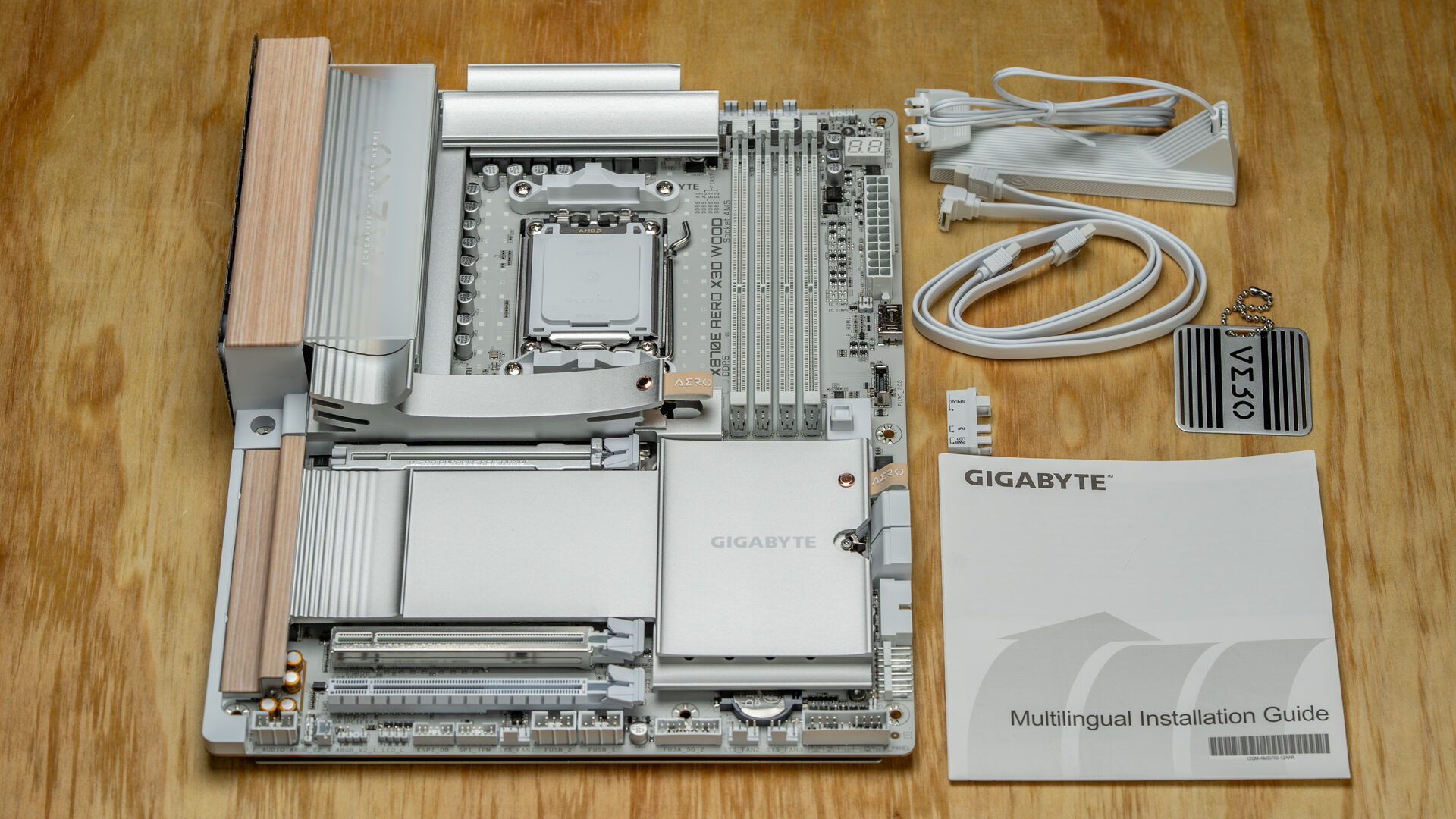
Interestingly, brightness is the only adjustable feature of the lighting—it’s not RGB. GIGABYTE has opted for cohesion over customizability, a decision that reflects confidence in the design’s strength. It’s a bit of a gamble, but it pays off. The leather pull tabs, colour-matched to the wood, and the heatsink rivets that echo the shielding on the capacitors wouldn’t hit the same if the user opted to give the interior a neon green glow.
“The X870E AERO X3D WOOD is an exercise in restraint.”
But beyond the aesthetics is something far more impressive: build quality and performance.
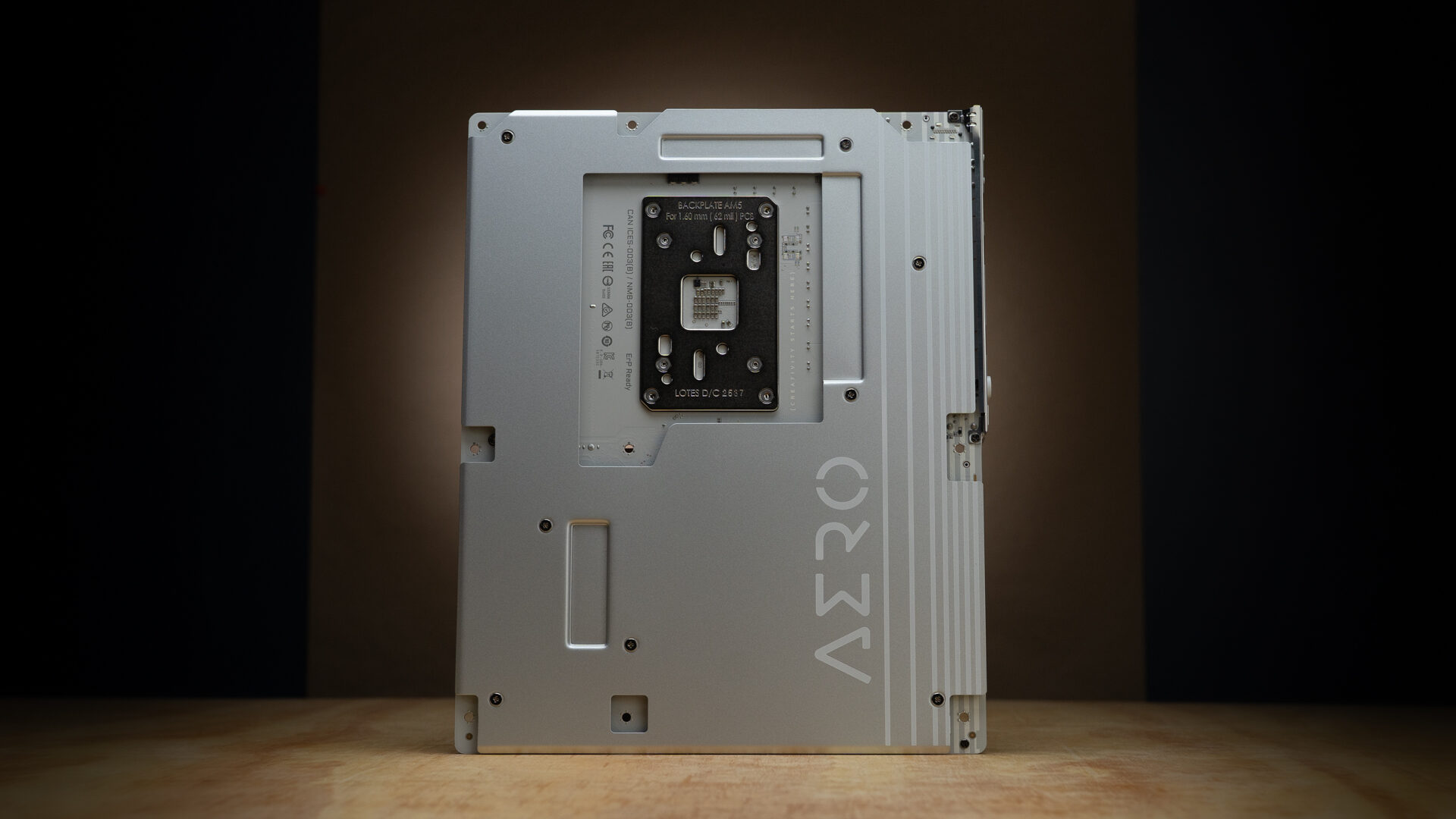
The first thing you’ll notice about the X870E AERO X3D WOOD is that it’s heavy. Really heavy. Before opening the package, I wondered whether GIGABYTE had accidentally included two motherboards. They did not. That added mass came from the near-complete coverage of the rear heat sink. A feature usually reserved for flagship products. The remaining weight comes from the beefy VRM shielding and magnetically secured M.2 heatsinks.
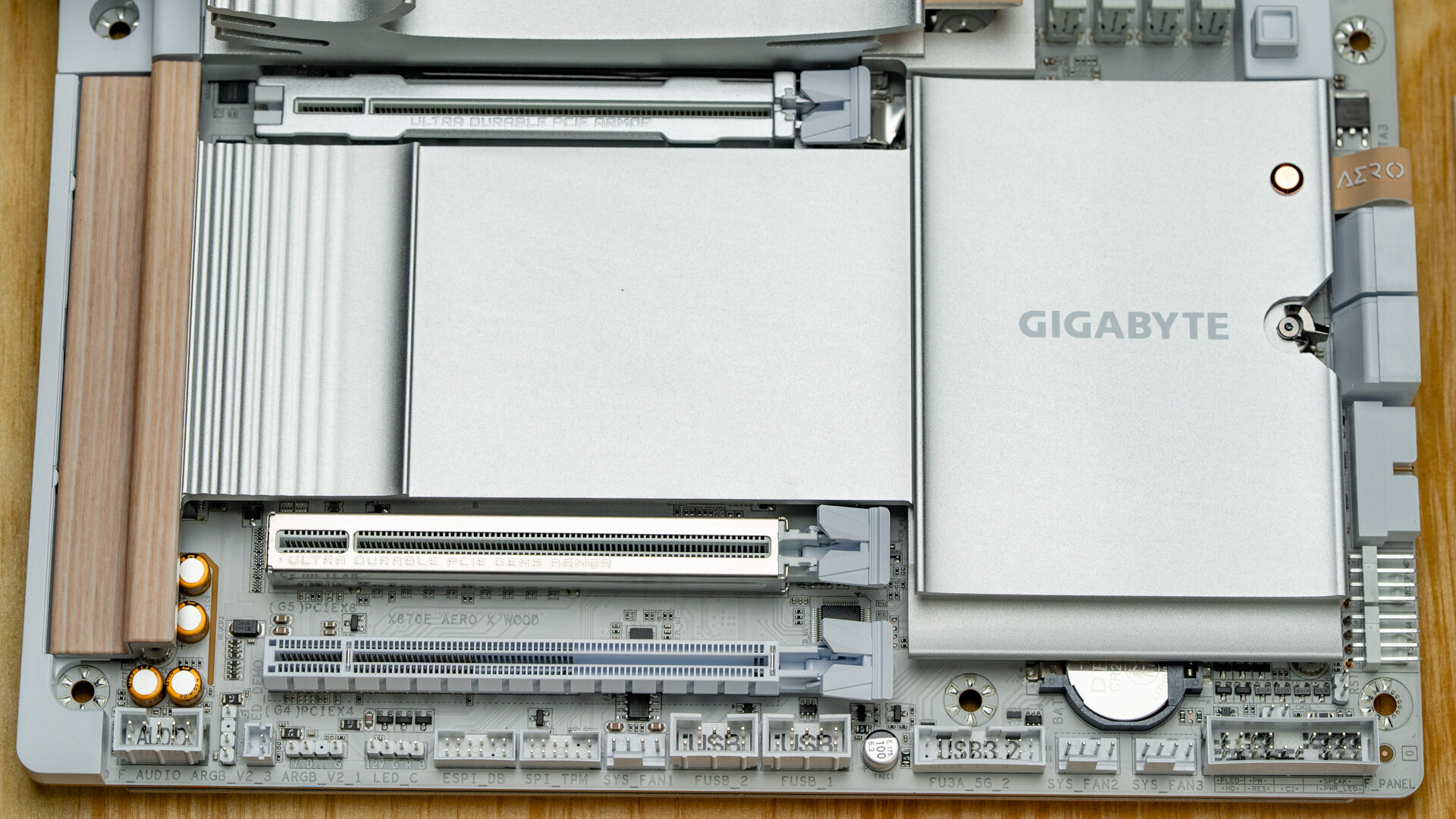
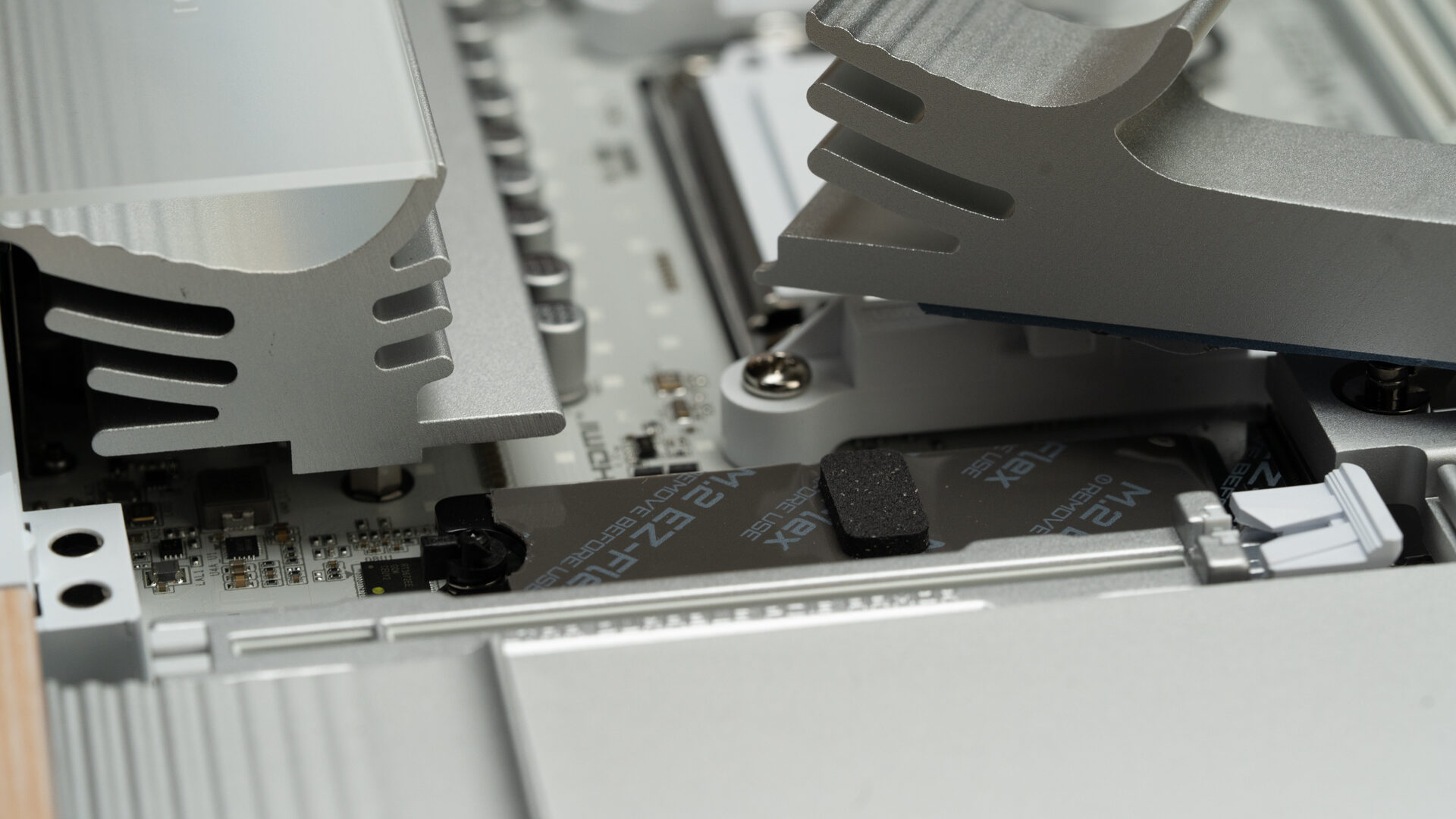
Those M.2 heatsinks, by the way, are a luxury I can no longer do without. Instead of unfastening multiple tiny screws, you pull up on a leather tab. That’s it. To put it back, you slide the magnetic end into a slot and let it go. This setup, paired with the pre-applied thermal pads and quick-release NVMe locks, made for the most pain-free storage installation I’ve ever done.
Pain-free is a good description for building with the X870E AERO X3D WOOD. GIGABYTE has gone out of its way to make this motherboard a builder-friendly experience. From side-mounted case-fan pins and USB-C connectors to a GPU quick-release button, reinforced expansion slots, and a post code display, assembly and startup are about as easy as it gets.
Even the WiFi antenna has been designed to be plug-and-play. The dual headers, which are usually screwed on separately, have been combined into a single plug-in unit. The base of the antenna is also magnetic. Unfortunately, it is woodless, which feels like a missed opportunity.
The UEFI is similarly user-friendly and wood-themed. The advanced menus are well structured and provide quick, easy access to granular performance controls and system stats. Though the simplified menu may be all you need. The one-page “basic” layout supports one-click CPU overclocking via the X3D Turbo Mode option and three levels of EXPO profiles for RAM optimization. Once set up, GIGABYTE’s Control Center software makes updating drivers effortless, with a restartless download page. For lighting, fan, and performance controls, it’s not the most in-depth solution, but it has all the tools to make basic adjustments.
The big question is: what makes the X870E AERO X3D WOOD a standout motherboard for creators? Or even, what makes a motherboard “creator-focused”? The answer to both is workload capacity. The difference between a gaming motherboard and a workstation comes down to connectivity, thermal management, and storage. In short: lane allocation and stability.
A creator motherboard needs to deal with the stress of prolonged CPU-intensive renders and rapid, high-volume data transfers. What it doesn’t have to worry about is extreme overclocking and optimizing airflow around the GPU. Instead, it’s the storage and memory that get prioritized.
Unlike similarly priced gaming motherboards that feature 18+2+2 power phases with 90A+ stages, the X870E AERO X3D WOOD opts for a more modest 16+2+2 design rated at 60A. While it offers less headroom for aggressive overclocking, it delivers more than enough power for sustained, intensive workloads and tends to run cooler as a result.
“Using the same components and case as my test of the Colorful CVN X870 Ark Frozen V14, the X870E AERO X3D WOOD consistently ran cooler.”
More evidence of this focus appears in the thermal design, with the primary M.2 shield extending over the GPU and near-complete coverage of the rear heatsink. Unlike the wood accents, these additions have a measurable impact on performance.
Using the same components and case as my test of the Colorful CVN X870 Ark Frozen V14, the X870E AERO X3D WOOD consistently ran cooler. In CrystalDiskMark, NVMe temperatures peaked at just 39°C during a nine-pass, 64GB benchmark—nearly 10 degrees lower than before. During gaming and video rendering, motherboard hotspot temperatures stayed under 45°C, while RAM remained below 39°C, representing a consistent 6-degree reduction across repeated tests.
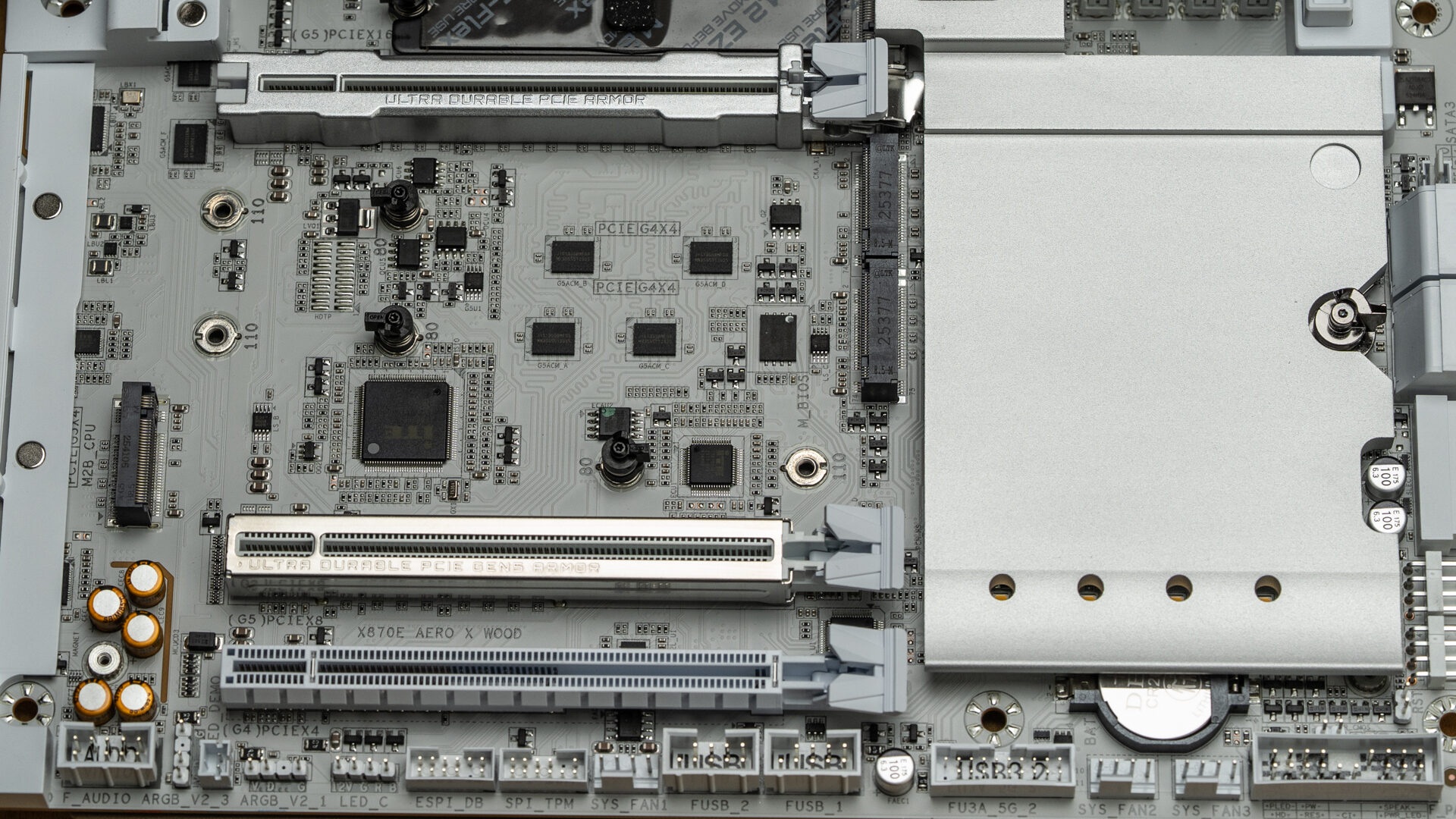
The storage and lane configuration is particularly interesting. Rather than including five NVMe slots like many creator or gaming boards, GIGABYTE opts for four, reallocating bandwidth to provide four 6Gbps SATA ports. This is an important change for high-end workflows that still rely on banks of high-capacity NAS drives, as well as for users with greater archival needs.
“It’s not just a high-performance motherboard with an interesting look; it’s a piece of art for people who like good hardware.”
For external transfers, the I/O selection includes a mix of legacy USB 2.0 and USB 3.2 ports, along with Wi-Fi 7 and Bluetooth 5.4. The rear panel also features two USB Type-C ports rated for up to 40Gbps—with an asterisk.
That asterisk comes down to lane sharing. The USB4 controller shares bandwidth with one of the internal M.2 slots, labeled M2B, the one directly beneath the GPU. If M2B is populated, bandwidth is split, reducing the USB4 ports to 20Gbps. This limitation isn’t mentioned in the simplified instruction manual. If I hadn’t dug into the fine print on GIGABYTE’s specifications page, I likely wouldn’t have caught it.
After a few weeks of testing, that remains my only quibble.
Motherboards are not a glamorous product. For most users, buying one comes down to price and performance. A model that goes the extra mile usually includes more lights, a little screen, and a few stickers in the box. What makes the X870E AERO X3D WOOD unusual is that it remains special despite omitting those things. Although it does come with a keychain.
It’s not every day you find a motherboard that will be looked back on as a classic. But when I look inside my computer, that’s what I see. It’s not just a high-performance motherboard with an interesting look; it’s a piece of art for people who like good hardware. A component that highlights what it is, for people who appreciate what it does.
If you’re in the market for a creator-focused motherboard, I can’t recommend this one enough.