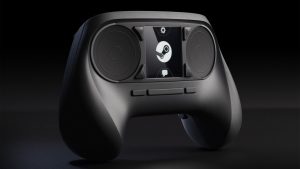


Valve has been on a bit of a winning streak as of late, so it is no wonder the Steam Controller is such a success, building on all the lessons learned from the Steam Deck. Valve has been working on controllers for a while now. Its first iteration launched all the way back in 2015, and while it was not terrible, it did not deliver on expectations.
But since then, Valve launched the Steam Deck, and gaming on PC has never felt easier, so it makes sense to take a new stab at the concept. Thankfully, those lessons helped, and Valve has realized one of the best PC-focused controllers you can buy in the Steam Controller. While it does come at a premium and takes a bit of time to get used to, the end result is a controller that complements PC gaming perfectly.
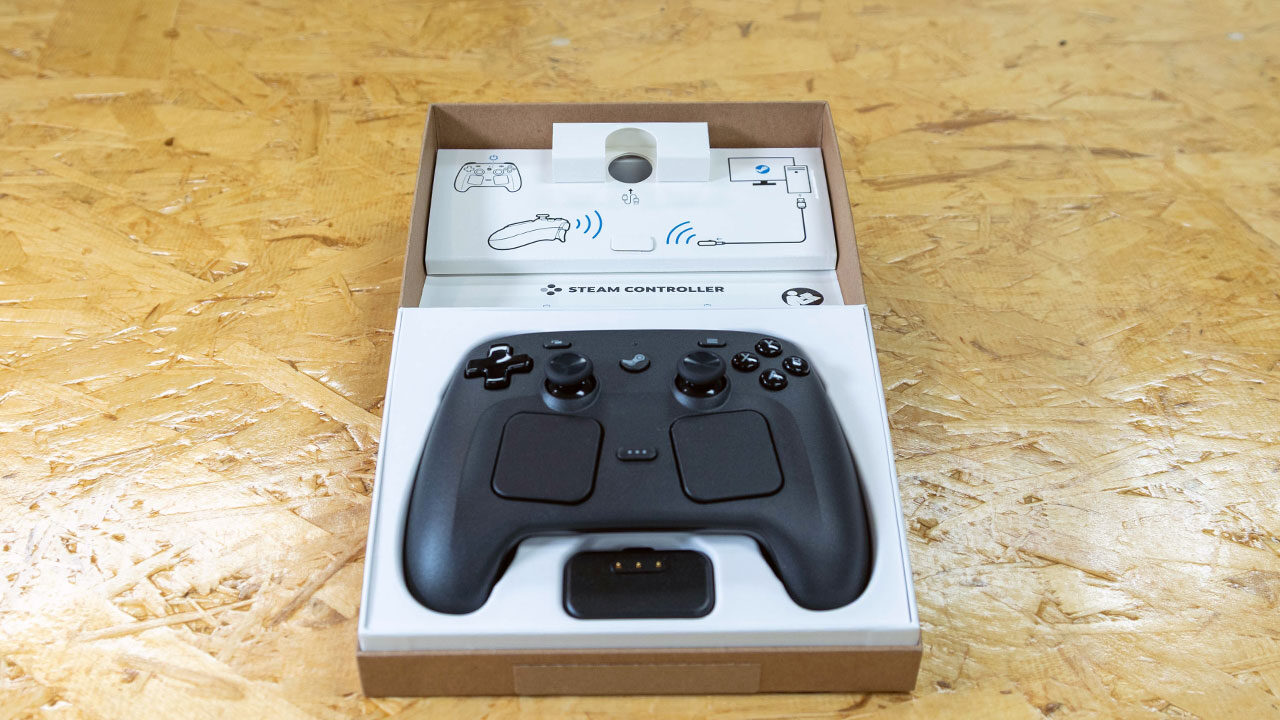
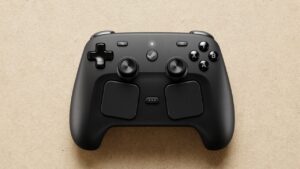
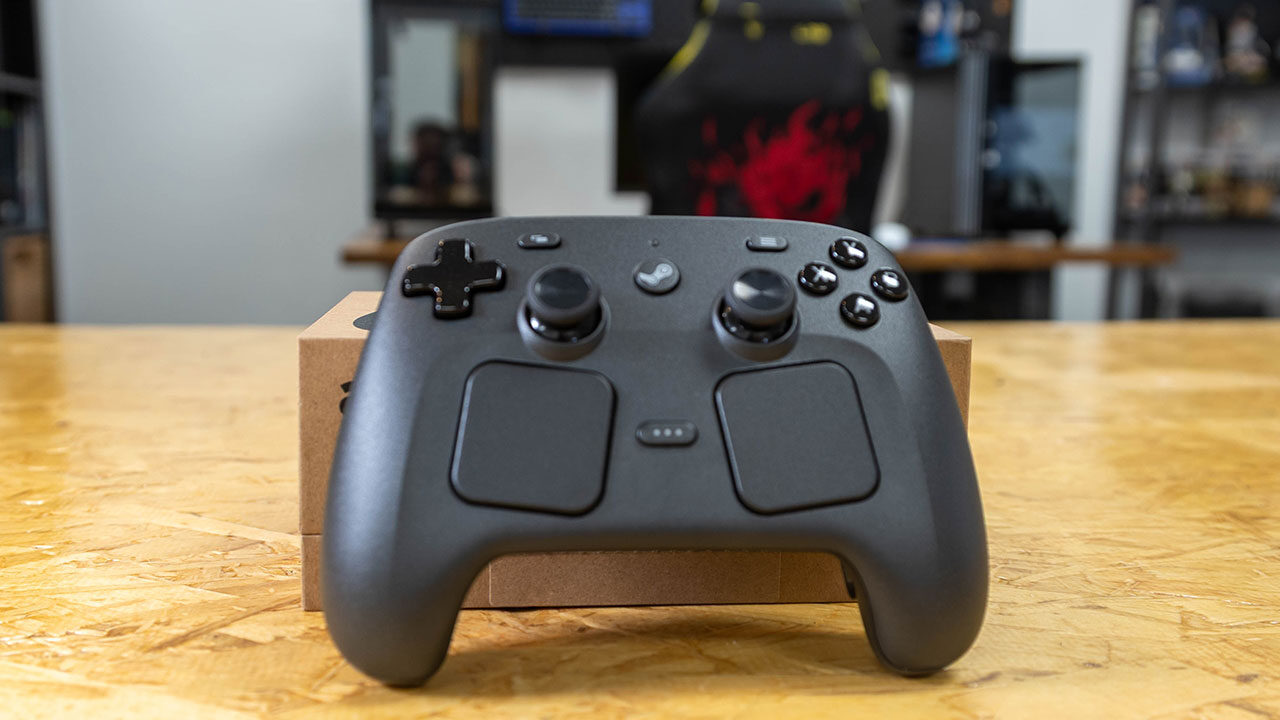
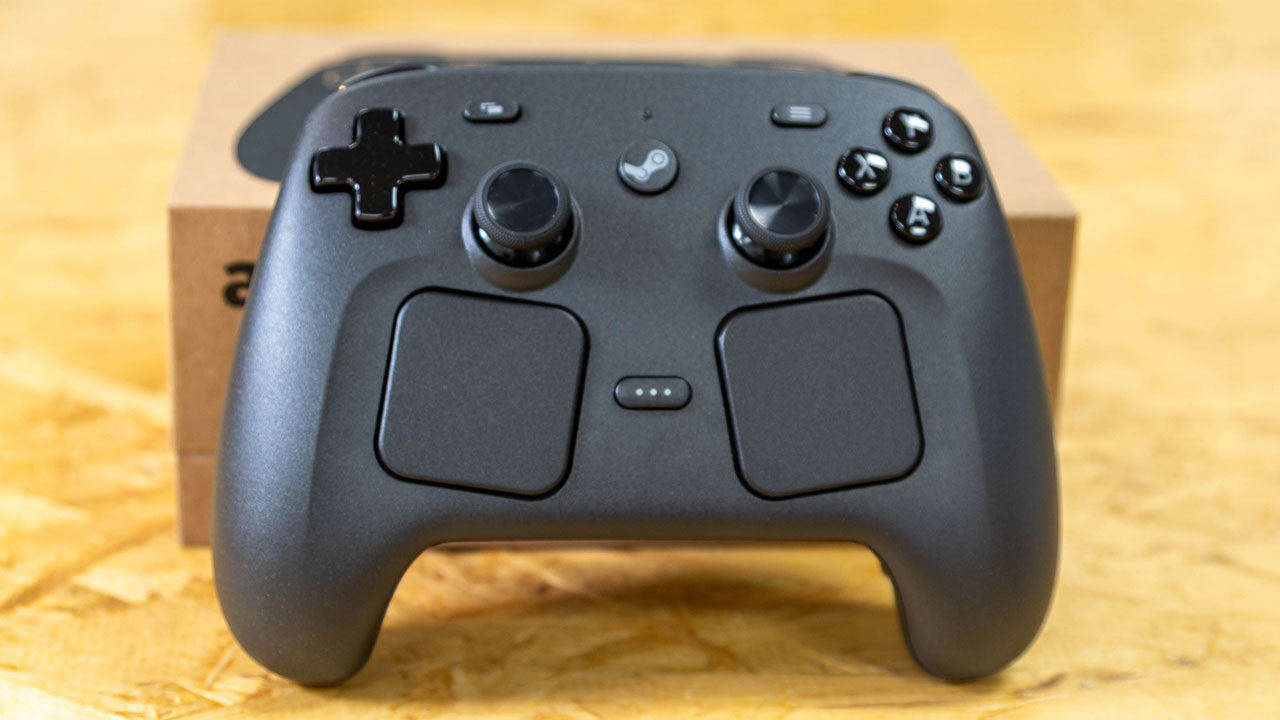
Coming in a very minimal package, Valve’s new Steam Controller looks a bit odd at first glance. Similar to the Steam Deck and the PlayStation 5 controller, this new controller features an asymmetrical thumbstick layout that should be familiar to Deck owners.
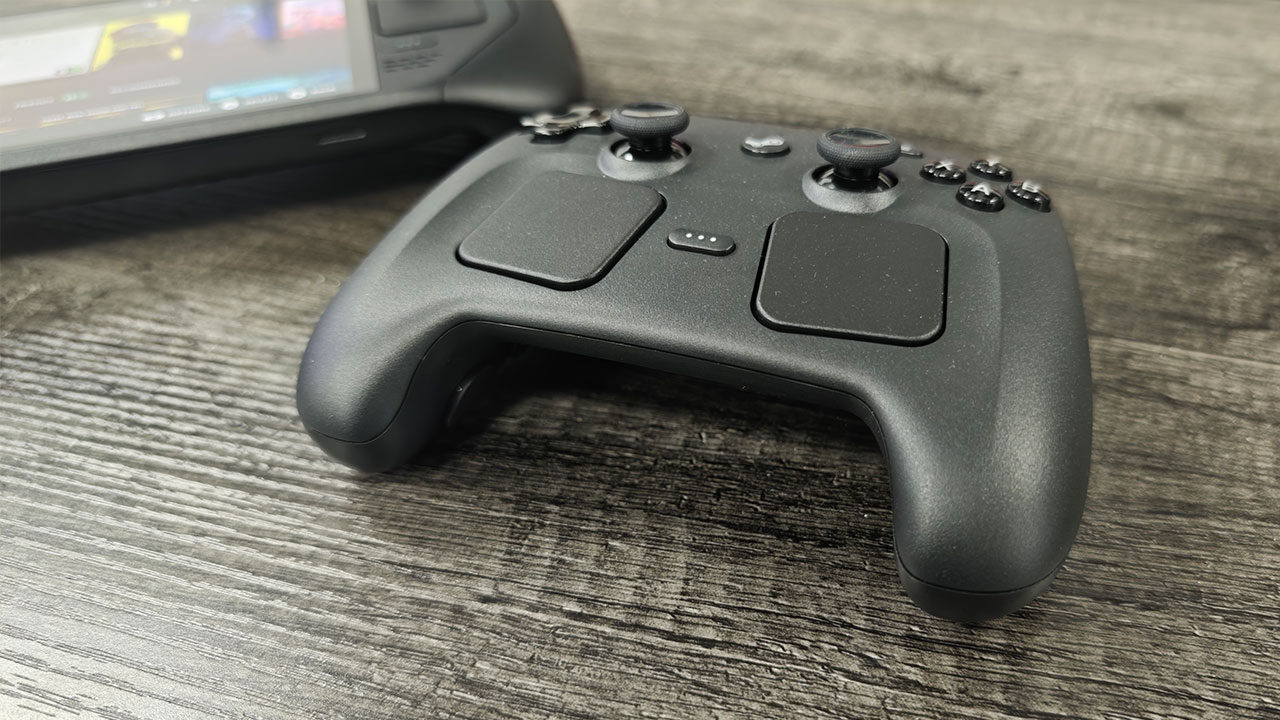
The overall design of the Steam Controller clearly keeps the same look and style as the Steam Deck, offering simple lines, an easy-to-hold body and touchpads; more on those later. The Steam Controller has a great weight and is comfortable in the hands at only 292 grams, making it about the same as an Xbox controller with AA batteries, although a tad heavier than a DualSense controller.
While the Steam Controller does look much bigger and clunkier compared with the Xbox controller and the DualSense, it is surprisingly comfortable to hold, even for people with smaller hands. I also found it to be a notable improvement over holding the Steam Deck, with the buttons feeling incredibly responsive and easy to press, and the placement of the touchpads feeling natural to use while in a game.
For people using this in the living room, it is worth noting that the controller does not feature a headphone jack, so you will have to find another solution for that. But in something unique, the Steam Controller does feature Grip Sense, capacitive sensors in the grips that detect whether you are holding the controller. It is designed primarily to activate or deactivate the gyroscope, and you know what, I was skeptical of how it would all work, but it does.
“Valve has realized one of the best PC-focused controllers you can buy in the Steam Controller.”
On the charging and connectivity side, Valve has made the process incredibly simple, merging the dongle and charging spot into one unobtrusive option that gets you up and running quickly. The little puck doubles as a 2.4 GHz wireless transmitter and a magnetic charging dock.
Valve says the Charging Puck is designed to protect battery longevity and prevent overcharging, meaning the controller should last for years without issue. The controller can also pair via Bluetooth, but in our testing, that added more latency to the experience, although for most gamers, both options should work well enough, depending on your needs.
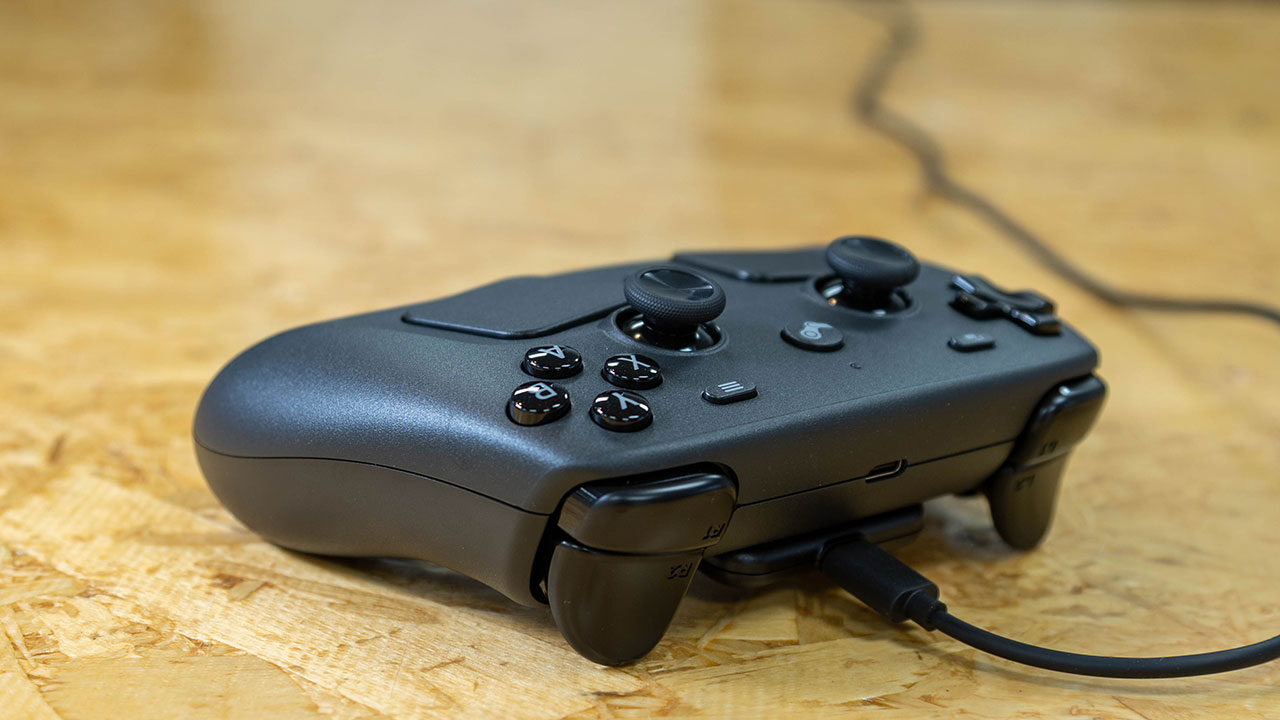
What is perhaps most exciting about the Steam Controller is the battery. While it manages to stay pretty close to the weight of both the Xbox controller and the DualSense, the 35-hour rated battery life blows the competition out of the water. This is, of course, without the haptics and gyro on, but even with everything enabled, I found the controller only goes down around eight per cent an hour, giving more than a day of use, something not many controllers can boast.
Sadly, the way the Charging Puck is designed, it is more of a “set it and leave it” style of charging, so it is not something you can use while playing. You do need to charge things up from time to time, and that is something to keep in mind if you are someone who forgets to drop devices on their chargers when they are done.
The Steam Controller is also rather customizable, giving you a range of options to adjust the settings to fit your needs. The controller features the Steam Deck’s full input set: dual trackpads, 34.5 mm and square, TMR magnetic joysticks, which are drift-resistant and more accurate than standard potentiometers, a gyroscope, four haptic motors, two in the trackpads and two elsewhere, and four programmable back buttons.
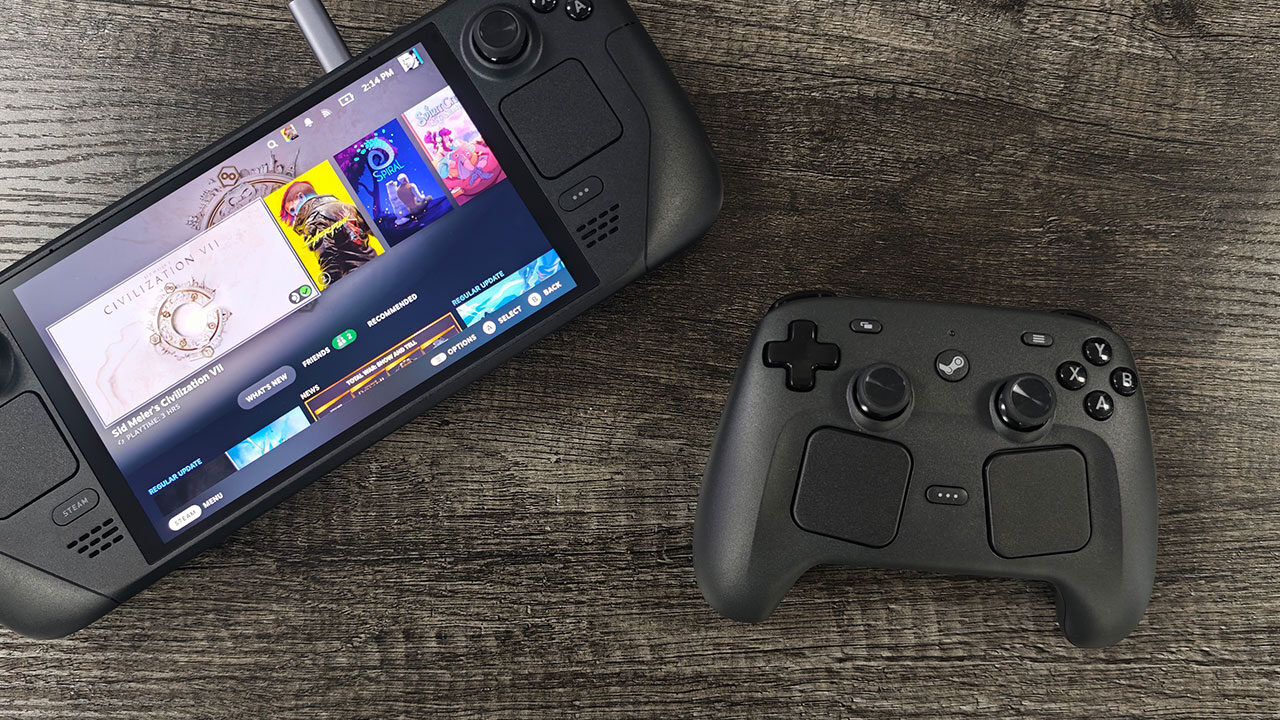
It gives you more than enough buttons for even the most demanding games, and it is clear that Valve has taken notes from past iterations. The controller manages to make everything incredibly comfortable and easy to use. Even the trackpads feel easy to touch and, as I mentioned, a bit better than on the Steam Deck.
Things go beyond that. The TMR, or tunnel magnetoresistance, sticks are a great feature I hope to see more controllers adopt. They are designed to last a very long time and avoid stick drift. For wireless controllers like the Steam Controller, they use less power than analog sticks, even Hall effect sticks.
The controller can also be adjusted on a per-game basis, with Steam Input handling all remapping. Every button, stick and trackpad is fully configurable, and community profiles are even available for popular games. Even Grip Sense can be repurposed beyond the gyro. You just need to go into the Steam Input settings and adjust based on your needs, and it is incredibly easy.
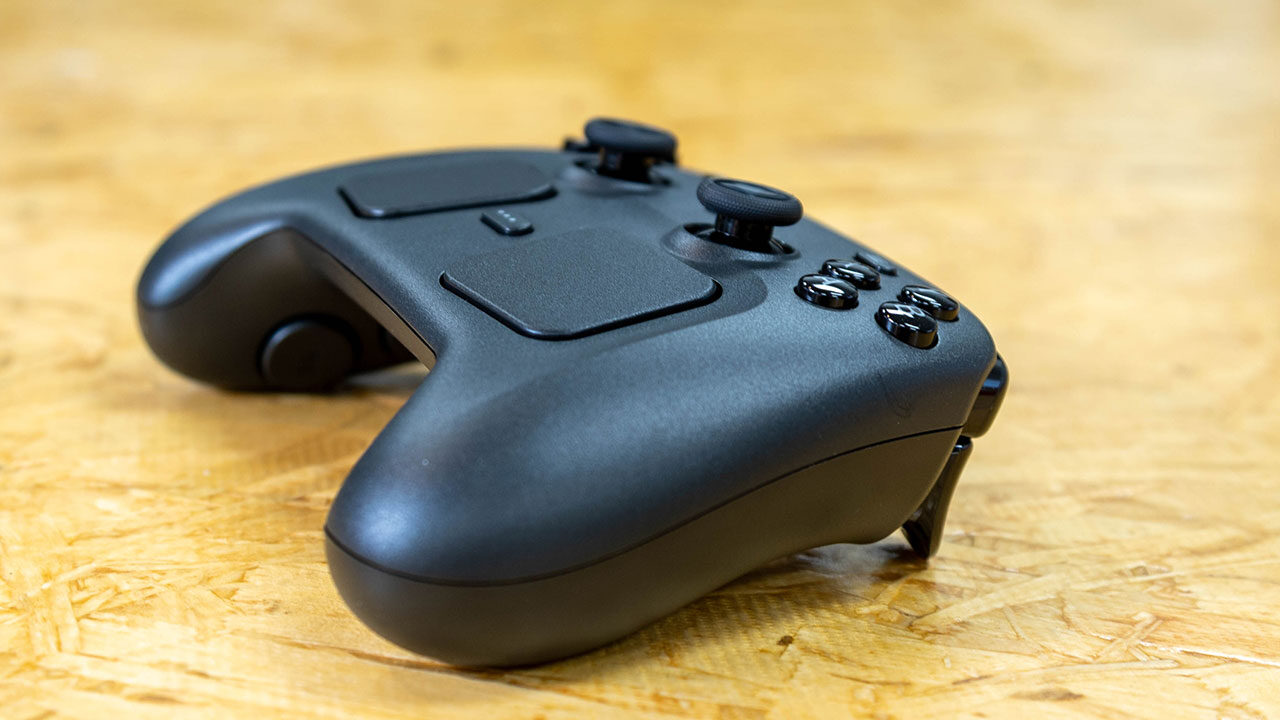
I am surprised how much I enjoy using the Steam Controller. Valve has built something that feels great in the hands, and manages to last a long, long time while gaming, but all of this does come at a price. The Steam Controller retails for $99 USD, making it on the upper end of controller pricing.
In comparison, the DualSense Edge will run you around $199.99, while the Xbox Elite Series 2 costs around $149.99, with only the standard Xbox Wireless Controller or the DualSense managing to be more affordable, costing $59.99 USD and $74.99, respectively. This does make the Steam Controller a more premium choice, but I will be honest, there is a lot of technology jammed into this little controller, and Valve has made it all work incredibly well for PC gamers.
Testing the controller in a range of games, I found it worked better than I actually expected. Standard controller games worked seamlessly, with the profiles loaded and everything working from the moment the game launched. Games like Cyberpunk 2077 and Diablo IV worked right from the point of booting everything up. The controller felt natural for that type of experience, but I will be honest, in a standard title, you will not use the touchpads all that much during gameplay unless you customize them for your needs.
I am not sold on the gyro aiming, as it still does not feel intuitive to me, but it works for slower-paced games. Where the controller shines over standard Xbox Wireless Controllers or a DualSense is in strategy games like Civilization, with the trackpads making the overall experience manageable. It is still not ideal, and a mouse and keyboard are still much better, but I was surprised at how much was possible just from the trackpads on the controller, with most of the game feeling very playable this way.
Games outside of Steam, at times, will not work as intended. You may need to add them through Steam’s “Add a Non-Steam Game” feature, and games like Fortnite need a workaround to play as intended, but it is manageable once you get over the annoyance of a few extra steps. It is also worth noting that, if you do not have Steam installed, the Steam Controller only works as a USB mouse on Windows and macOS. It is not a major issue, since Steam is now on most platforms, but it is an odd quirk that felt worth noting.
Valve has managed to deliver one of the best ways to play your PC games in your living room, and I will be honest, it may be hard to switch back now that I am used to the Steam Controller. It is comfortable, long-lasting and versatile. It feels clear this was released in the run-up to the Steam Machine, and from the looks of things, that is the ideal use case for a controller like this.
While it is expensive, the flexibility of it is staggering. If you have been looking for the ideal choice for living room PC gaming, Valve just delivered with the Steam Controller, and I am eager to see what other brands do to catch up.