

I am starting to be very impressed with what xTool has been delivering over the past few months, and the O1 Omni continues that trend. I loved what eufyMake delivered with the E1 earlier this year, but xTool’s take on UV printing feels more robust and better developed, delivering a machine that feels ready for makers, hobbyists and professionals looking for solid results across a range of projects. UV resin printing may be a relatively new concept for prosumer machines, but the xTool O1 Omni feels like a more refined take on the technology, delivering fantastic results, great usability and an excellent addition to the xTool lineup.
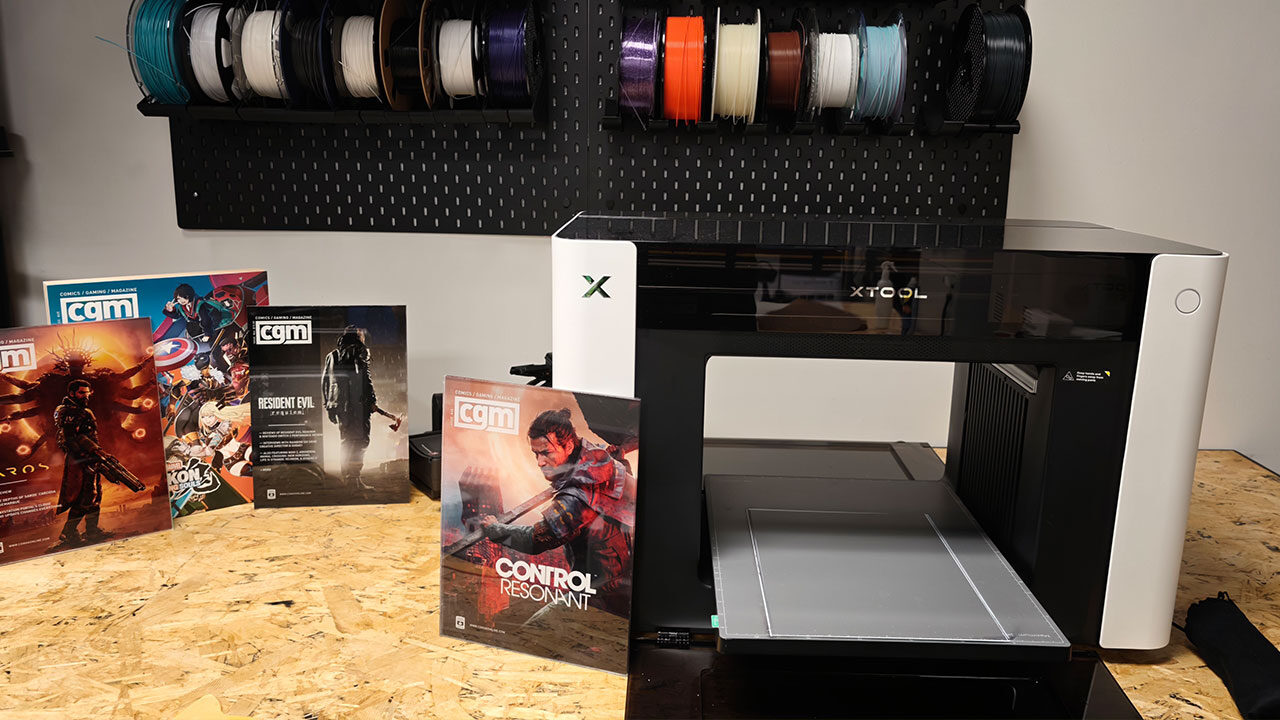
I have been testing a range of xTool machines over the past few months, and I have quickly learned that you should have help on hand when getting many of them set up. The O1 Omni is no different. The box carries a two-person lift warning, and at approximately 41 kg, the machine certainly earns it. Measuring 714 by 374 by 469 mm, this is a substantial piece of hardware, noticeably larger than compact desktop UV printer rivals like the eufyMake E1. Even single-head models share the same full-size chassis to accommodate the dual ink systems.
The printer lifts straight out of its base, and the Y-axis shipping locks use hand-tightened screws, so no tools are required to get the machine free and onto a workbench. Plan your workspace before delivery day because, with a footprint this large, the O1 Omni needs a sturdy, dedicated table rather than a spare corner of a desk. Once it is in place, it is not exactly a machine you will want to move around frequently.
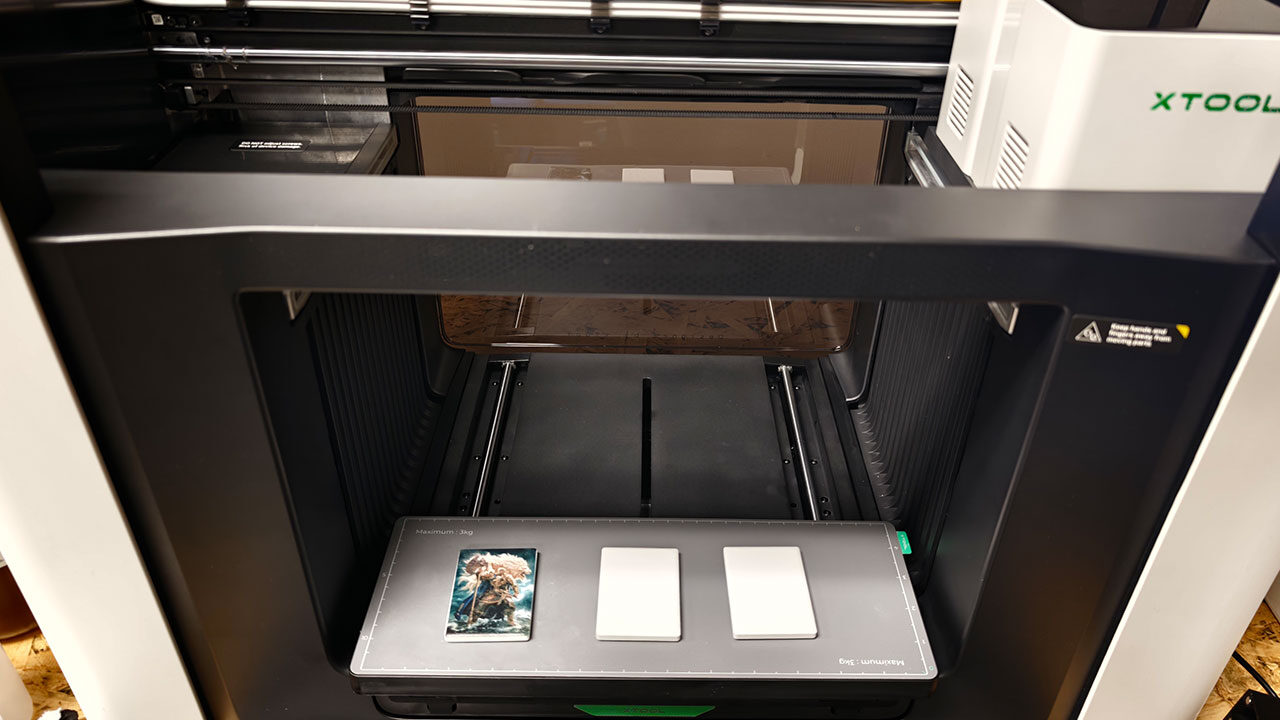
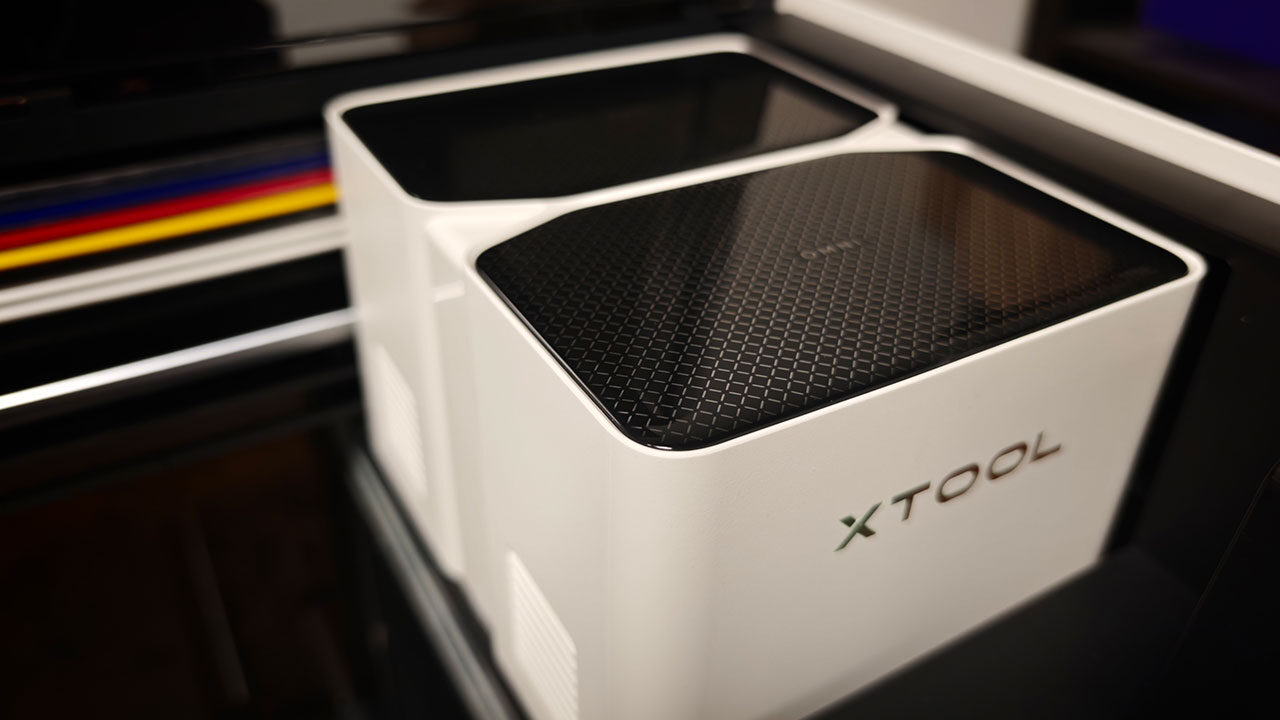
That said, the xTool O1 Omni is an impressive piece of equipment and feels built to handle real workloads. The enclosure feels purpose-built and modern, with a fold-up translucent lid that blocks UV light while still allowing you to watch a job in progress. Much like the eufyMake E1, the front and rear doors fold away or detach entirely using magnetic hinges, depending on which bed or accessory is installed.
A magnetic side panel hides the replaceable air filter, waste container and cleaning-fluid access, with each component separated so you do not need to replace an oversized module when a single part runs dry. Two beds come included: a full 330-by-420-mm flatbed and a smaller magnetic mini bed that allows the doors to remain closed for better sealing during compact jobs.
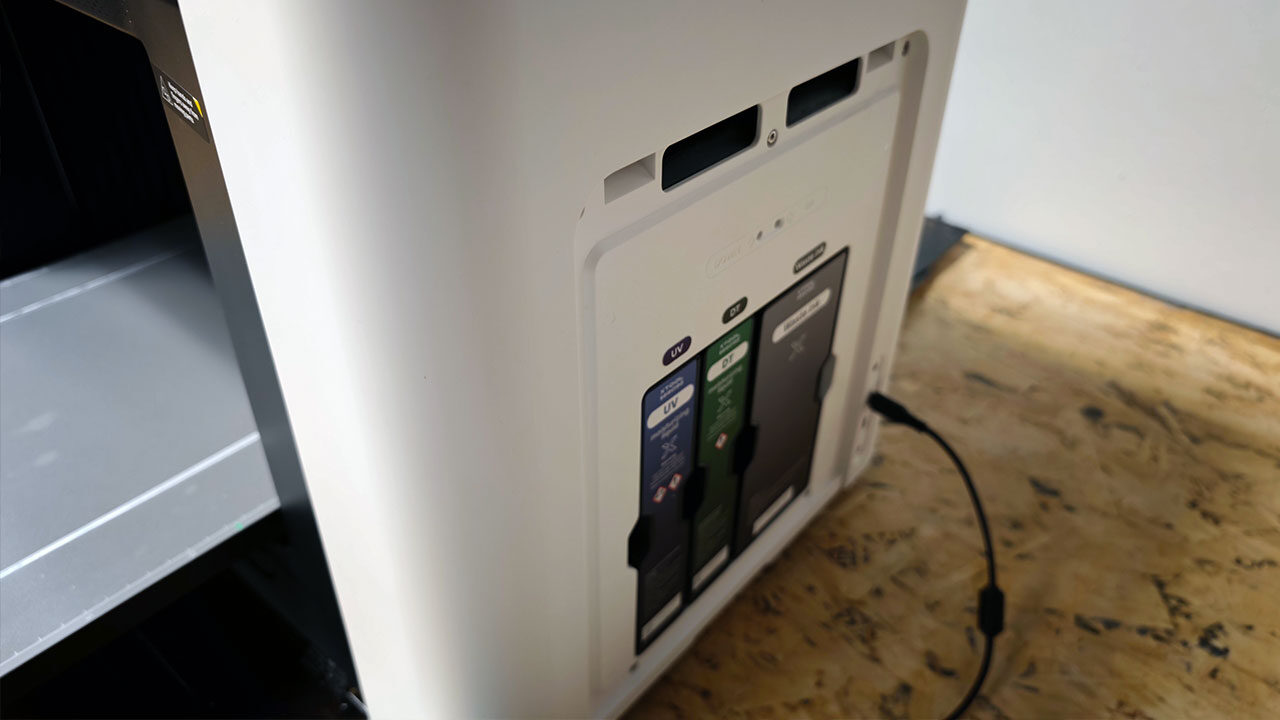
You can expand the machine’s capabilities even further depending on which version you buy, as the O1 Omni comes in several configurations. These range from the standard model offering UV printing to a version that supports DTF and DTG printing, which is the one I am currently reviewing.
There is even a model that offers fluorescent printing, and from everything I have read about it, I can see that being particularly exciting for artists looking to explore new ways to showcase their work. The accessories you invest in will depend on what you ultimately want to accomplish. There is little reason to invest in the DTG version and tray or the film roller if you never intend to use those features. However, I appreciate how xTool allows you to build a setup around your specific needs.
“…the xTool O1 Omni feels like a more refined take on the technology, delivering fantastic results, great usability and an excellent addition to the xTool lineup.”
If you have used any recent xTool machine, you will know that the software is one of its biggest selling points, and the O1 Omni keeps everything within the same suite of tools, meaning you will feel right at home. xTool Studio is free and manages the entire O1 Omni workflow from start to finish, including importing artwork, handling Adobe Illustrator files, arranging ink layers, positioning designs and controlling the machine.
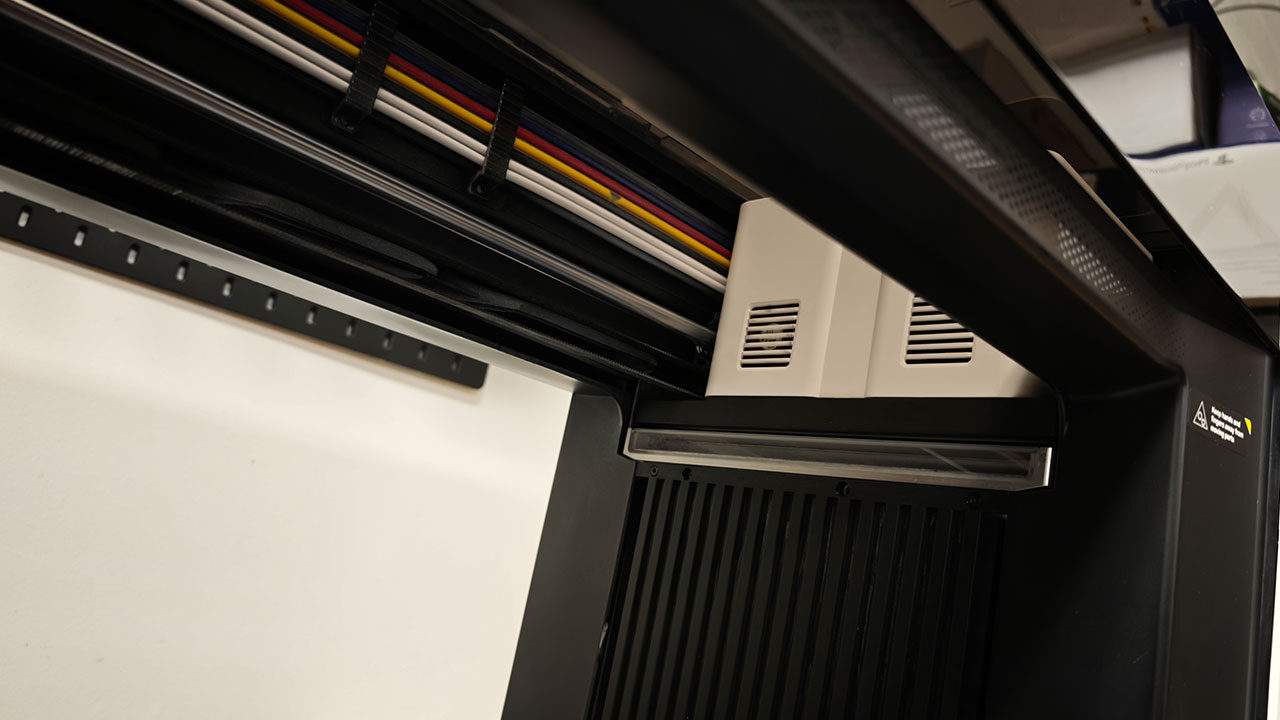
xTool’s automatic workflow handles much of the complicated work for you, processing greyscale artwork through the full ink stack and converting it to hexadecimal data without requiring manual layer setup. For most jobs, I simply dragged a design onto the canvas and let the software arrange everything. Even with more complex designs, xTool Studio made the process relatively painless.
The O1 Omni skips the bird’s-eye camera some competitors use and instead mounts a CIS scanner directly on the print head, providing a flat, distortion-free view of the bed within the software. What you see on the canvas is what prints, with xTool claiming accuracy of plus or minus 0.2 mm and my real-world testing producing results well within 0.5 mm. Studio also handles some of the more advanced features.
Models equipped with two print heads can switch between rigid and flexible white ink entirely through software, a process that requires a complete ink swap on some competing machines. Additional features, including a variable design tool for batch personalization and a per-job ink cost estimator, bring the software close to the point where you might not need a separate design program at all, at least for simpler projects.
I will note that the software is not perfect, and I encountered some minor issues during testing. There is still no way to save a colour, white and gloss ink stack as a reusable preset, some materials sold by xTool are missing from the built-in library, and the AI assistant was more miss than hit during my testing, although it did work occasionally. A few early firmware issues also made some smart features unreliable, although xTool said those problems had been fixed.
Some issues disappeared after a recent update I installed while reviewing the machine. The print-and-cut workflow with xTool lasers also requires certain decisions to be made up front, making the process feel clunkier than it should. However, none of these issues felt particularly frustrating once I became familiar with how the software worked.
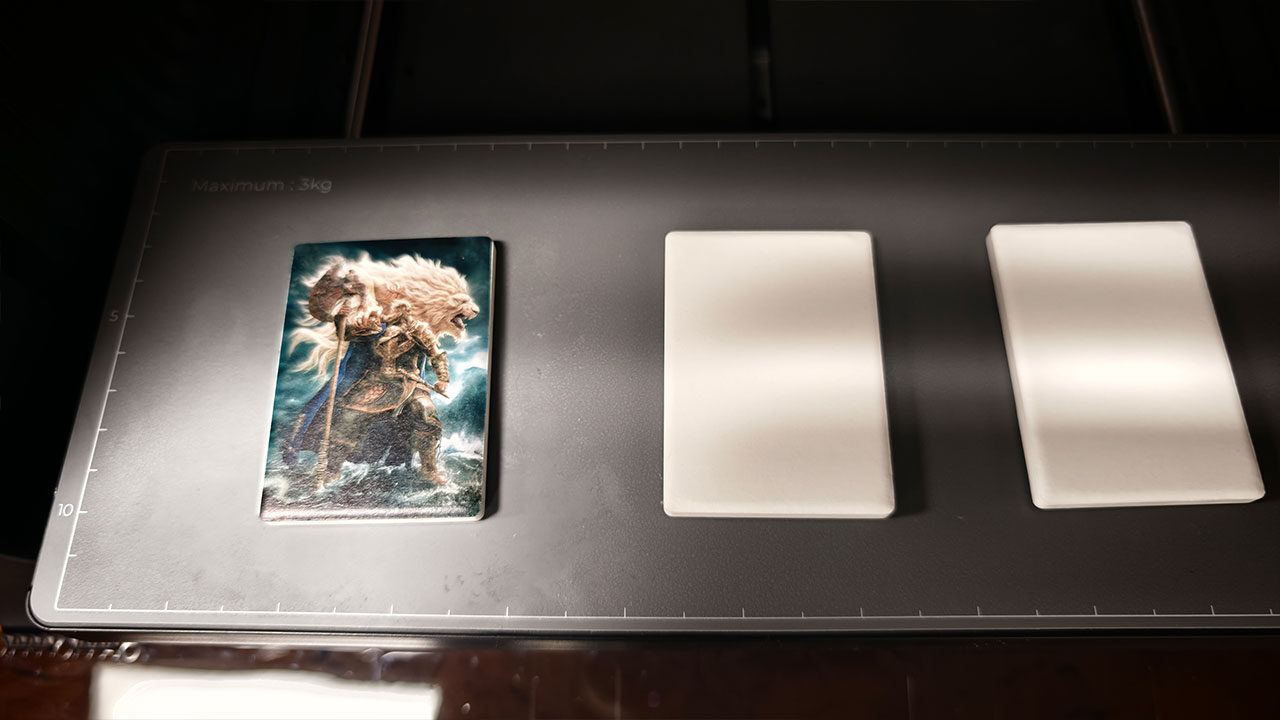
Depending on the edition, direct UV printing works on just about any rigid surface that fits on the bed. Wood, acrylic, metal, glass, ceramic, slate, plastic, leatherette and 3D-printed parts all came out of the machine cleanly during my hands-on testing. xTool’s own materials pack covers everything from brass discs and ceramic magnets to random pieces and glass canisters. Having used the E1, I was already familiar with how versatile a UV printer can be, but xTool has expanded on that concept and delivered a machine capable of printing on almost anything you can throw at it.
That versatility does come with some caveats, and you should keep them in mind when planning projects. Glass, metal and acrylic require an adhesion promoter to be applied first, and skipping that step can result in prints that do not last. Mirrors are off the table entirely, as reflected UV light can cure ink inside the printhead nozzles. Fabric is also not suited to UV printing. Cotton T-shirts and tote bags are handled through the UV + DT Fabric edition’s direct-to-fabric workflow, which requires pretreatment. Its DTF transfers also require a heat press at minimum, with a curing oven being the better option.
The Dual-Head UV model focuses on flexible materials instead, handling leather and TPU. It is also the only version offered with selectable rigid and flexible white inks. This means there is some real planning involved when deciding which O1 Omni configuration to invest in, especially if you intend to use it professionally and have specific requirements that the machine needs to meet.
The 330-by-420-mm bed and approximately 150 mm of headroom can accommodate larger items such as plaques and journals without additional preparation. Cylindrical objects, including tumblers, spice jars and glassware, can be handled using the rotary attachment, which automatically scans and levels each piece. Add the optional laminator and roll feeder, and the machine’s capabilities extend to canvas, adhesive vinyl and UV DTF film transfers for hard goods that might otherwise be difficult to print on, such as tumblers with handles.
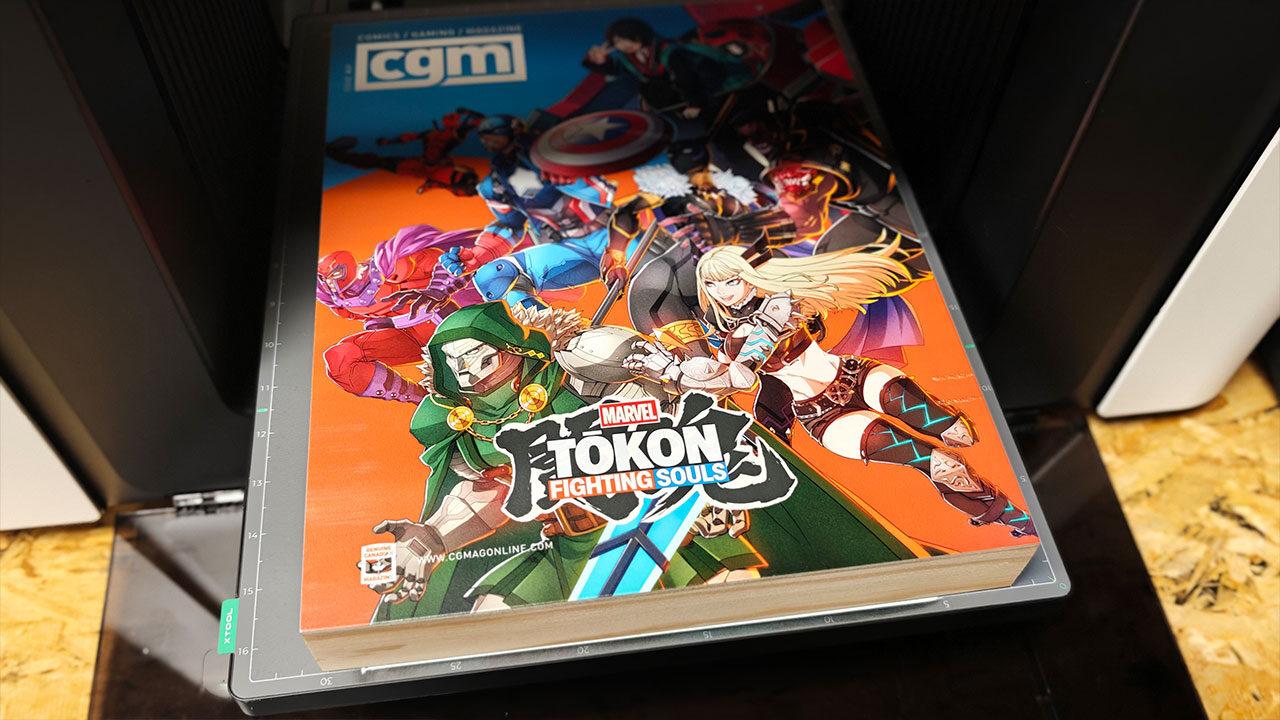
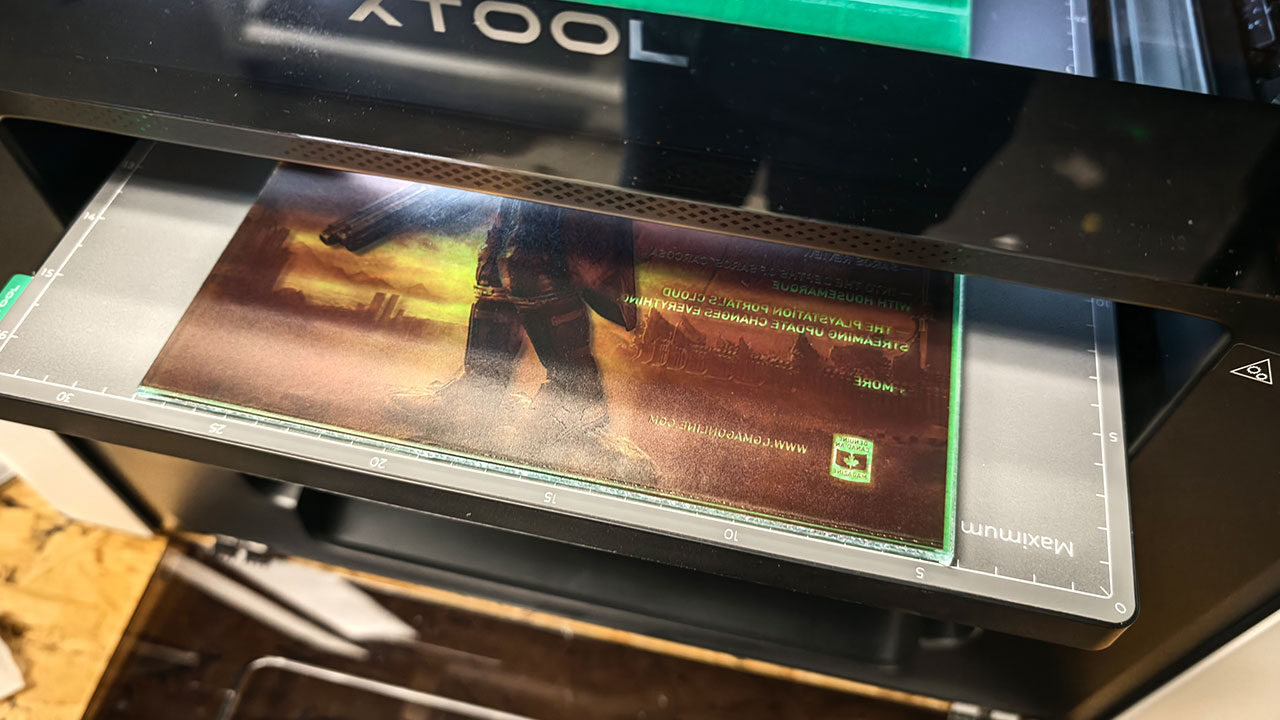
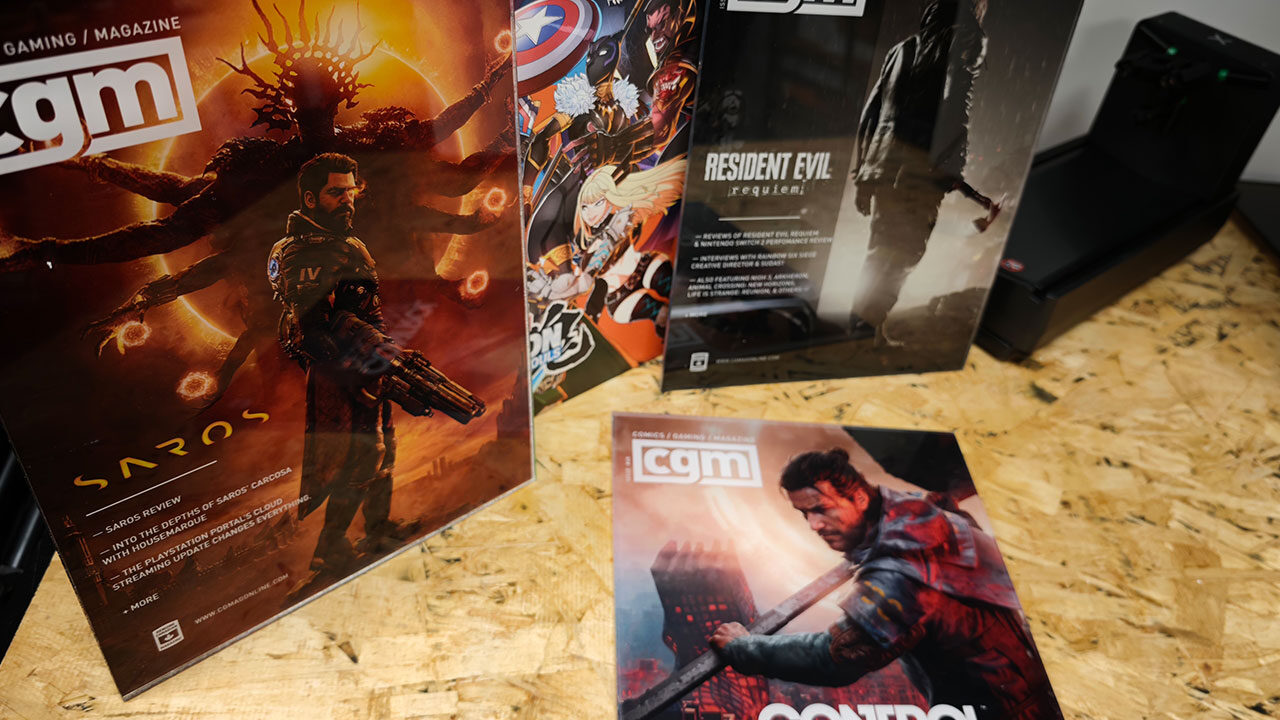
Having said that, once you understand the limitations of what the O1 Omni can do and actually start printing, the machine delivers some striking results. If you have read my review of the xTool X1, you will remember the project I was working on involving acrylic artwork based on recent CGMagazine covers. The O1 Omni was the other half of that project. Once I had the acrylic pieces cut to size and ready to print, I placed them into the machine and got to work.
Since I was printing on a see-through surface, I used the Color+White setting, made sure the image was inverted and started printing. The results were striking. The colours and detail produced by the machine were fantastic, and the finished acrylic artwork turned out exactly as I had hoped. I opted for a single layer of colour and two layers of white, although you can adjust this depending on your needs and the results you want to achieve. Even some of the more complex covers featuring additional text and smaller details came out well, looking fantastic once everything was assembled and set up as intended.
Printing on other materials also worked well. I tried printing similar covers on a wooden art canvas, and the vibrant colours of our MARVEL Tōkon cover came out looking sharp and clear, with colours that really popped. The xTool Studio software made printing on different materials easy, with options to scan the surface, position the artwork and even apply automatic masking to ensure the machine prints only in the intended areas. This helped avoid much of the unwanted printing outside the design area that I have encountered with comparable machines.
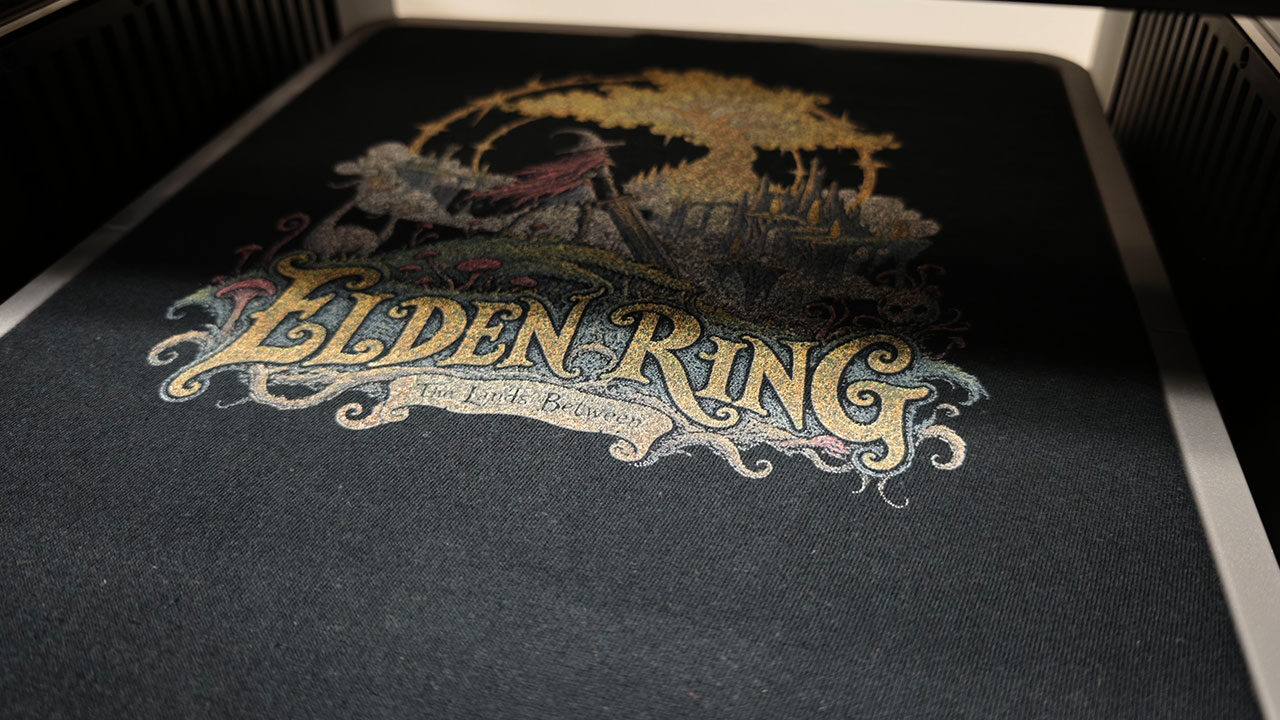
Of course, since I received the version of the O1 Omni designed for DTF (direct-to-film) and DTG (direct-to-garment) printing, I had to test what the machine could do and whether it could replace dedicated DTF printers. In terms of quality, I was impressed by what the O1 Omni delivered. The DTF prints compared very well with those from the K13 Lite I recently tested, achieving similar levels of detail and overall quality. You still need a heat press and curing oven to prepare the transfers for T-shirts, but it was impressive to see the same machine I used for wall art handle designs created using free artwork I found online for testing.
The DTG capabilities were different, opening up another approach to making T-shirts depending on your needs. You still need to prepare your files in a similar way to DTF, ensuring they have sufficient resolution, properly configured halftones and the black or white areas knocked out of the design. However, you can skip the film entirely and load your garment directly into the machine using the dedicated tray.
You still need to apply the pretreatment spray I mentioned earlier, but the overall process is much simpler than DTF, especially for smaller quantities. Depending on your design, printing can take some time, but from there, you only need to use a heat press before your shirt is ready to wear. There is no need for an oven or to peel film away from the T-shirt.
The finished appearance is also quite different from DTF printing. While DTF delivers more vibrant colours and cleaner lines, I found that DTG T-shirts had a look and feel closer to vintage band shirts or traditional screen printing. The results still looked good, but the overall finish was noticeably different from what you get with DTF. Likewise, DTF is fantastic for producing crisp details and bright colours, and the O1 Omni managed some striking prints that felt just as good as those I have seen from mid-range DTF printers. That versatility is what makes the O1 Omni such a compelling option, giving you the flexibility to experiment with different printing methods and decide what works best for your needs.
The xTool O1 Omni feels like a great next step if you have reached the limits of other UV printers on the market. xTool has clearly taken notes on the competition and delivered a machine that feels purpose-built for makers, creators and hobbyists ready to tackle a diverse range of projects. It produced fantastic results across different materials, supported by software that made the process relatively painless.
However, as with most all-in-one machines, purpose-built alternatives may be better suited to certain workloads. I think being able to print T-shirts and wall art on the same machine is fantastic, but if you are producing hundreds of T-shirts a month, a dedicated machine might make more sense. If garment printing is just one aspect of your business and you want a machine that can handle a bit of everything, the O1 Omni manages to do that with relatively few compromises.
xTool continues to listen to its audience, delivering machines that offer real purpose and value, and the O1 Omni Printer is no different. The machine elevates the potential of UV printing and expands its capabilities to flexible materials, T-shirts and DTF, all without sacrificing the technology’s ability to print on a vast range of materials.
It is not perfect, and there are still some quirks in the software, but the machine delivers on its promise and does so with some truly striking results. If you have been sitting on the fence about whether to dive into UV printing, now might be the time to take that step. The O1 Omni feels like a machine ready to tackle almost any project you can dream up, even if it involves fabric, something I never expected to say about a UV printer, but here we are.